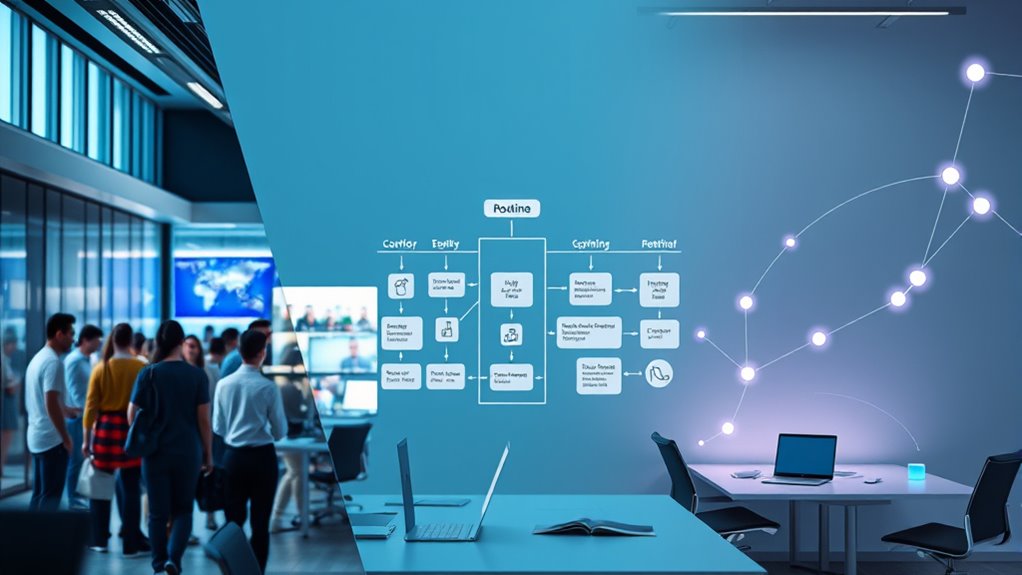

Scenes, routines, and automations help you manage your smart home, but they serve different purposes. Scenes let you quickly switch multiple devices for a specific mood or setting with a single command. Routines automate daily habits based on time or triggers, like morning coffee. Automations create complex responses based on conditions, sensors, or schedules for a personalized experience. Understanding these differences helps optimize your system—continue exploring to get the most out of your smart home setup.
Key Takeaways
- Scenes quickly adjust multiple devices simultaneously for specific settings, like “Movie Night,” often triggered manually.
- Routines automate a series of actions based on schedules or triggers, enhancing daily habits like morning coffee.
- Automations use complex conditions and sensors to create dynamic responses, offering personalized and adaptive experiences.
- Scenes are simple and manual; routines and automations operate automatically, with automations being the most flexible but complex.
- All three rely on device communication, and poor integration can cause failures, impacting overall user experience.
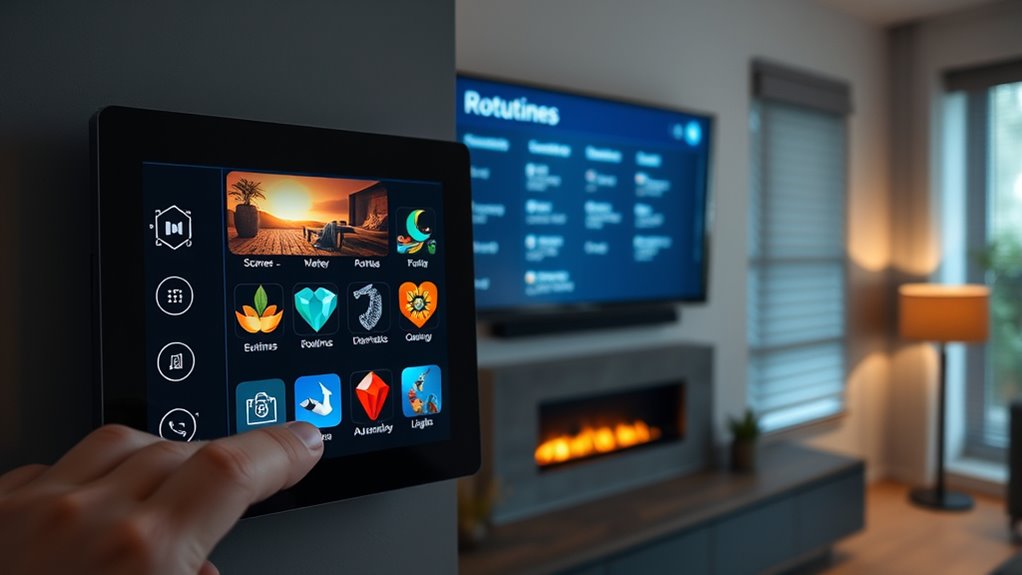
When managing your smart home, understanding the differences between scenes, routines, and automations can make a big difference in how smoothly everything operates. These features are designed to streamline your daily interactions with your devices, but knowing how they differ helps you optimize your setup and avoid common pitfalls like poor user experience or integration challenges.
Scenes are typically used to create a specific ambiance at a particular moment. Imagine setting a “Movie Night” scene that dims the lights, closes the blinds, and powers on your surround sound system. Scenes are generally manual or triggered by a single action, giving you quick control over multiple devices at once. They’re straightforward, making it easy to customize your environment for specific occasions. However, their simplicity can sometimes limit their flexibility, especially if your devices don’t all communicate seamlessly, leading to integration challenges. Poorly integrated devices may not respond as expected, causing frustration and a less satisfying user experience.
Scenes set the mood with quick, one-action device control but can face integration issues.
Routines are more about automating a series of actions based on a schedule or external triggers. For example, you might set a morning routine that turns on the coffee maker, opens the blinds, and plays your favorite news station at a specific time. Routines work well for daily habits because they operate automatically without manual input. They’re designed to enhance convenience, but they can also introduce complexity if your smart home system isn’t well integrated. When devices aren’t compatible or don’t communicate properly, routines can fail or behave unpredictably, impacting your user experience negatively. It’s essential to choose a platform that supports your devices and provides reliable integration to keep routines running smoothly.
Automations take things a step further by combining conditions, triggers, and actions to create dynamic responses. For instance, you can program your smart lights to turn on only if motion is detected in the evening and it’s after sunset, adjusting based on the time of day or other sensors. Automations are powerful because they adapt to changing circumstances, offering a personalized experience. But this complexity can sometimes lead to integration challenges, especially if your devices don’t support certain triggers or if your system lacks robust logic capabilities. When automations aren’t set up properly, they can cause unintended actions or failures, diminishing your overall user experience. Additionally, understanding projector compatibility and how it interacts with smart home automation can significantly improve the overall functionality.
Frequently Asked Questions
How Do I Decide Which Feature to Use for My Smart Home?
To decide which feature to use for your smart home, consider your device compatibility and how much user customization you want. If you prefer simple, one-touch control, scenes are great. Routines work well if you want multiple actions triggered automatically at specific times. Automations suit advanced users who want detailed, customizable triggers. Assess your devices and lifestyle to choose the feature that best fits your needs and offers the right balance of control and flexibility.
Can Scenes and Routines Work Together Seamlessly?
You’ll find scenes and routines can work together beautifully, creating a harmonious smart home experience. As long as your devices are compatible and you enjoy user customization, you can set up scenes to trigger routines effortlessly. This synergy allows you to craft tailored moments, like a cozy evening or energizing morning, seamlessly blending your preferences. Just make certain your devices play nice, and you’ll enjoy a smooth, integrated system that responds exactly as you want.
Are Automations More Complex to Set up Than Scenes or Routines?
Automations tend to be more complex to set up than scenes or routines because they often require detailed conditions and triggers, which increases setup difficulty. Scenes and routines are usually simpler, focusing on quick actions or groupings of devices. If you’re just starting out, automations might feel overwhelming, but they offer more customization and automation power once you get the hang of the complexity comparison.
Do These Features Work With All Smart Home Devices?
These features generally work with many smart home devices, but device compatibility varies. Some scenes, routines, and automations might not support older or less common devices due to feature limitations. Always check the specific platform’s device compatibility list to guarantee your devices can be integrated smoothly. Keep in mind that certain features may not work perfectly across all devices, so review the compatibility details before setting up complex automations.
What Security Concerns Come With Automations and Scenes?
You should be aware that automations and scenes can pose security concerns like privacy risks and unauthorized access. If not properly secured, hackers could potentially control your devices or access sensitive data. Always use strong, unique passwords, enable two-factor authentication, and keep your firmware updated to minimize these risks. Regularly review access permissions and monitor activity logs to stay vigilant against potential security breaches.
Conclusion
Think of scenes, routines, and automations as gentle breezes guiding your day. Each has its own subtle dance, shaping your environment without overwhelming it. By understanding their delicate differences, you can craft a harmonious flow that feels natural and effortless. Embrace these tools as quiet companions, softly orchestrating your moments so life unfolds smoothly, like a calm river meandering through peaceful landscapes, always ready to carry you effortlessly into every new chapter.