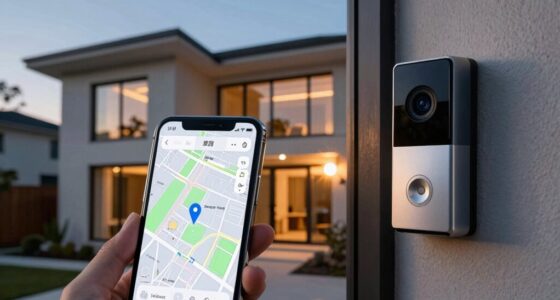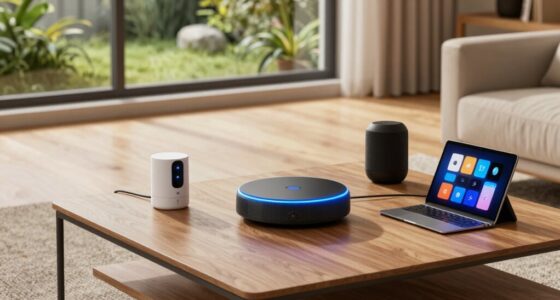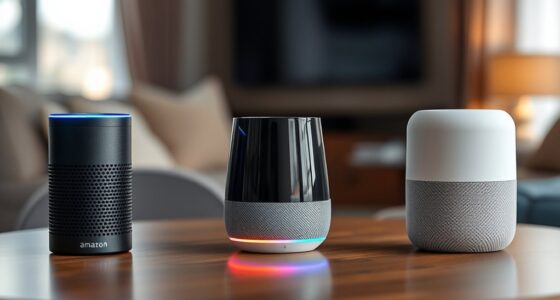

To set up your first three smart home devices, start by choosing a compatible voice assistant like Alexa, Google, or Siri, then connect each device to your Wi-Fi following the provided instructions. Next, link your smart devices—such as lights, thermostats, or speakers—to your voice assistant, then customize and group them for easy control. This simple setup boosts comfort and energy savings, and exploring further will give you more tips to expand and enhance your smart home.
Key Takeaways
- Select compatible smart devices like lights, thermostats, or speakers for easy voice control integration.
- Download and set up the corresponding app for each device, following manufacturer instructions.
- Connect devices to Wi-Fi and link them to your voice assistant (Alexa, Google, Siri).
- Group devices into rooms or zones within the app for simplified control and management.
- Test each device with voice commands to ensure proper setup and functionality.
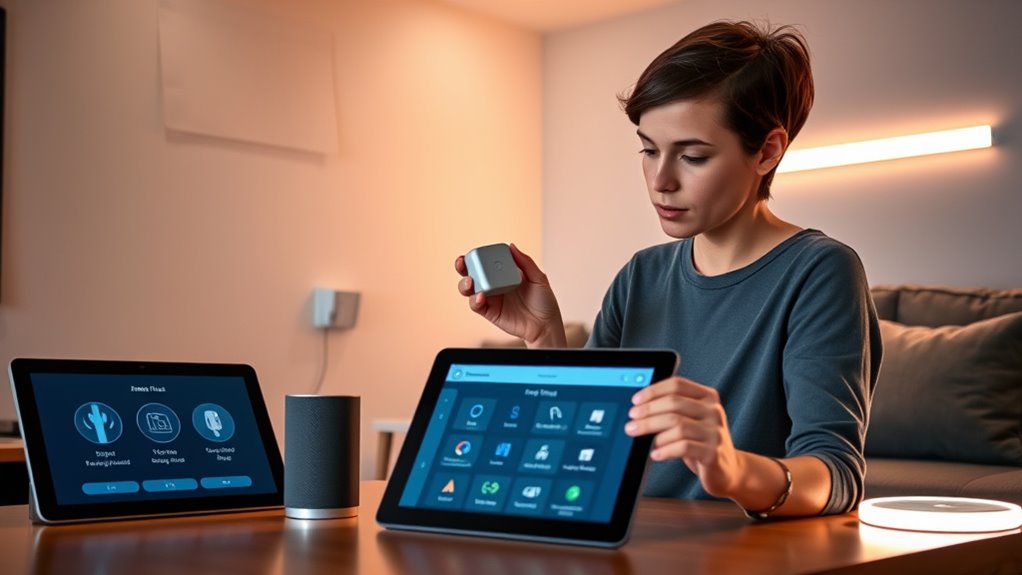
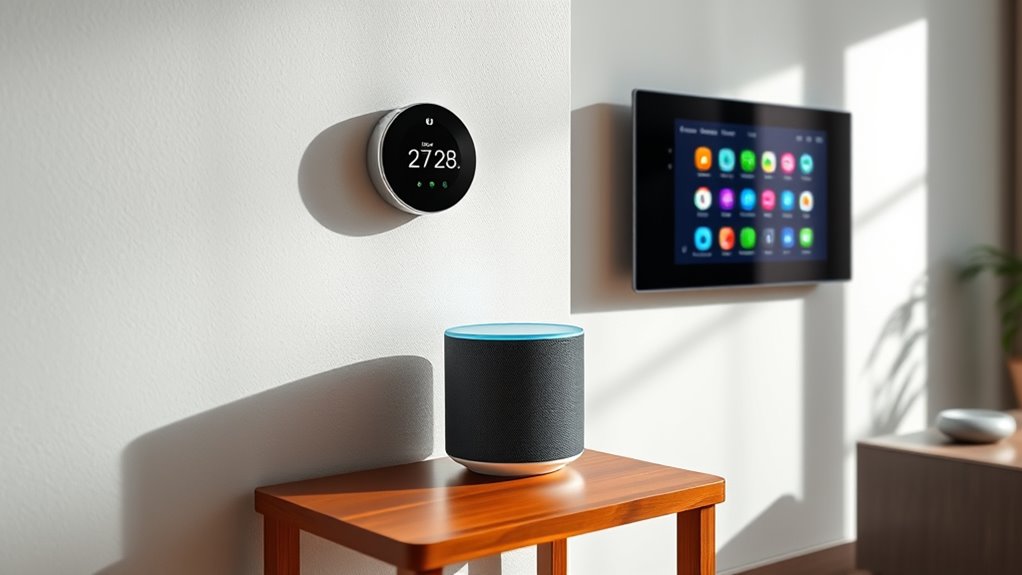
Are you curious about how to make your home smarter and more efficient? Getting started might seem overwhelming at first, but the key is to take it step-by-step. One of the simplest ways to begin is by integrating devices that support voice control. Voice assistants like Amazon Alexa, Google Assistant, or Apple’s Siri can transform your home into a more intuitive space. With voice control, you can command your smart devices hands-free, making everyday tasks easier and more convenient. Imagine asking your voice assistant to turn off the lights, adjust the thermostat, or play your favorite music without lifting a finger. This not only adds comfort but also enhances your home’s efficiency.
Make your home smarter with voice control—easy, convenient, and energy-efficient.
When you set up devices that support voice commands, you’ll notice immediate benefits in energy savings. For example, you can instruct your smart lights to turn off when you leave a room or dim automatically at bedtime, reducing unnecessary electricity use. Similarly, smart thermostats respond to your voice commands to adjust the temperature, ensuring your home stays comfortable while avoiding wasteful heating or cooling. These small adjustments can add up to significant energy savings over time, helping you cut costs on your utility bills and reduce your carbon footprint.
To get started, choose a compatible voice control hub or assistant that fits your ecosystem. Most smart devices are designed to work seamlessly with popular platforms, so pick one that suits your needs and existing devices. Once you’ve selected your voice assistant, connect it to your Wi-Fi network and follow the setup instructions to link compatible smart devices. Many smart bulbs, plugs, and thermostats come with straightforward setup guides, making it easy to integrate them into your home network. As you add each device, customize its settings through the app or voice commands to optimize energy savings and convenience.
Keep in mind that organization is key. Grouping devices into rooms or zones allows you to control entire areas with a single command, further simplifying management and reducing energy waste. Regularly updating your device firmware and reviewing your energy consumption patterns helps ensure you’re maximizing savings. Over time, you’ll find that voice control not only makes your home smarter but also more energy-efficient and cost-effective. Starting with these basics sets a solid foundation for expanding your smart home and enjoying all the benefits that come with it. Additionally, understanding the concept of Free Floating can help you plan flexible and adaptable setups that suit your evolving needs.

Smart Home Starter Kit | Includes Echo Hub, Amazon Smart Plug and 4 Amazon Basics Smart Bulbs, Designed for Alexa+
Getting started with smart home has never been easier – An all-in-one kit with a quick guided setup…
As an affiliate, we earn on qualifying purchases.
As an affiliate, we earn on qualifying purchases.
Frequently Asked Questions
How Secure Are Smart Home Devices Against Hacking?
Smart home devices can be quite secure if you take proper precautions, but they do have hacking vulnerabilities. You should regularly update device firmware, use strong, unique passwords, and enable two-factor authentication when available. Be aware of privacy concerns and limit data sharing. While no system is completely hack-proof, these steps markedly reduce risks, helping you enjoy your smart home securely and confidently.
Can I Use Different Brands’ Devices Together Seamlessly?
Imagine a symphony of devices, each from different brands, working in harmony. Yes, you can use different brands’ devices together seamlessly, but it depends on device compatibility and brand interoperability. Some brands prioritize open standards, making integration smoother, while others may require hubs or specific apps. To guarantee everything works well, check compatibility before purchasing, and consider devices that support common protocols like Zigbee or Z-Wave for effortless integration.
What’s the Average Cost of Setting up a Smart Home?
The average cost of setting up a smart home varies based on your choices, but you should plan for a cost estimation of $200 to $1,000 or more. To stick to your budget, prioritize essential devices like smart bulbs and thermostats. Budget planning helps you balance features and expenses, ensuring you get the most out of your smart home without overspending. Start small and expand gradually as needed.
Do I Need Professional Help to Install Smart Devices?
Like Da Vinci’s mastery of art, you can often handle DIY installation of smart devices with confidence, especially for straightforward setups. Many devices are designed for easy installation, so professional assistance isn’t always necessary. However, if you’re dealing with complex wiring or integration, seeking professional help guarantees safety and ideal functioning. Ultimately, assess your comfort level and the device complexity before deciding whether DIY or professional assistance is best.
How Energy-Efficient Are Smart Home Systems?
Smart home systems are quite energy-efficient, helping you reduce energy consumption and lower utility bills. They optimize device usage and turn off appliances when not needed, which lessens your environmental impact. With smart thermostats and lighting, you gain better control and can program settings for maximum efficiency. Overall, smart systems are designed to save energy, making your home more eco-friendly while maintaining comfort and convenience.

SYLVANIA Wifi LED Smart Light Bulb, 60W Equivalent Full Color and Tunable White A19, Dimmable, Compatible with Alexa and Google Home Only – 4 Pack (75674)
Voice control works with Alexa, Google Assistant, and Siri Shortcuts
As an affiliate, we earn on qualifying purchases.
As an affiliate, we earn on qualifying purchases.
Conclusion
Now that you’ve set up your first three smart devices, you’re well on your way to a more convenient home. Did you know that smart homes can reduce energy costs by up to 30%? As you explore more devices, you’ll enjoy increased comfort and efficiency. Remember, starting small makes the process easy and fun. Keep experimenting and customizing your setup—your smart home journey has just begun!

Amazon Smart Thermostat – Save money and energy – Works with Alexa and Ring – C-wire required
Smart upgrade – Amazon Smart Thermostat is an easy way to switch from a traditional thermostat and help…
As an affiliate, we earn on qualifying purchases.
As an affiliate, we earn on qualifying purchases.
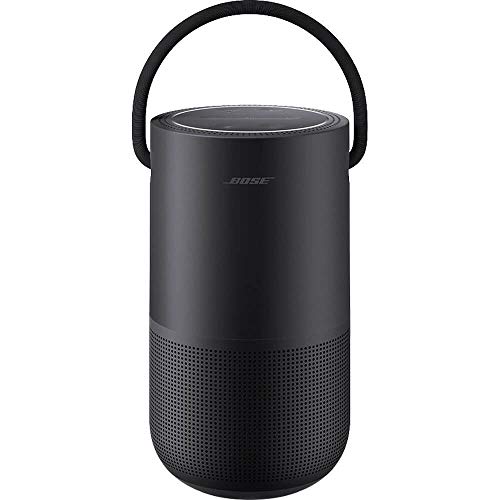
Bose Portable Smart Speaker — Wireless Bluetooth Speaker with Alexa Voice Control Built-in, Black
No Keywords Found
As an affiliate, we earn on qualifying purchases.
As an affiliate, we earn on qualifying purchases.