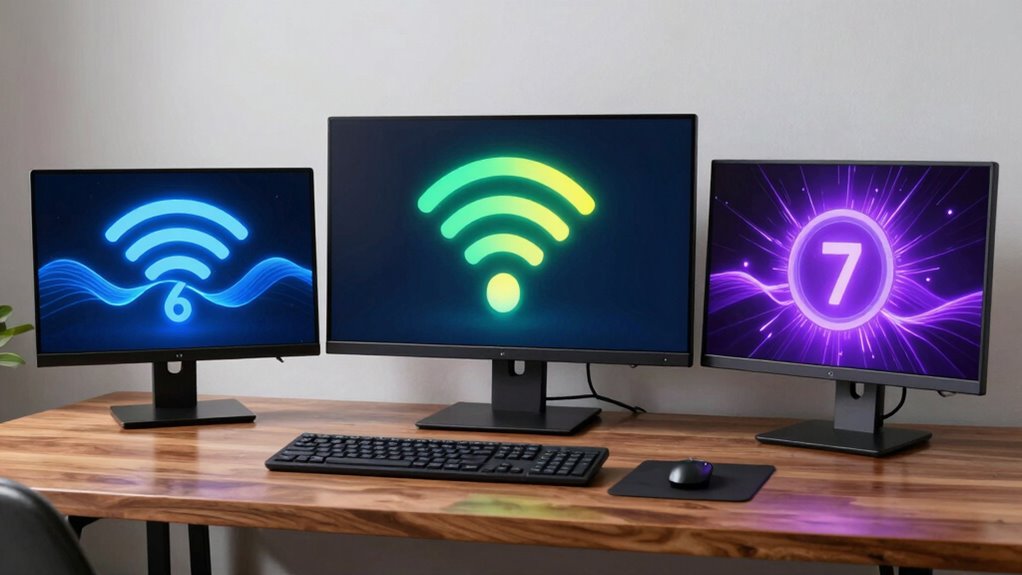

Wi-Fi 6 offers faster speeds, better performance in crowded areas, and stronger security with WPA3. Wi-Fi 6E builds on this by adding the 6 GHz band, reducing interference and supporting high-bandwidth activities like streaming and gaming. Wi-Fi 7 takes it further with multi-gigabit speeds and ultra-low latency, handling many devices simultaneously. If you want to discover how each standard shapes your network, keep exploring the details.

Get the latest gadgets delivered free — and shop member deals
- Fast, free delivery on millions of items
- Access to Prime Big Deal Days deals on October 6–7
- Prime Video, Amazon Music and more included
Key Takeaways
- Wi-Fi 6 uses OFDMA for efficient multi-device communication; Wi-Fi 6E adds support for the 6 GHz band for less interference.
- Wi-Fi 7 aims for multi-gigabit speeds and ultra-low latency, handling more devices simultaneously than previous standards.
- Wi-Fi 6 and 6E prioritize security with WPA3 encryption, while Wi-Fi 7 enhances security features further.
- Wi-Fi 6E expands available channels into the 6 GHz band, ideal for high-bandwidth activities like gaming and VR.
- Wi-Fi 7 is designed for ultra-fast speeds and massive device connectivity, future-proofing networks for advanced applications.
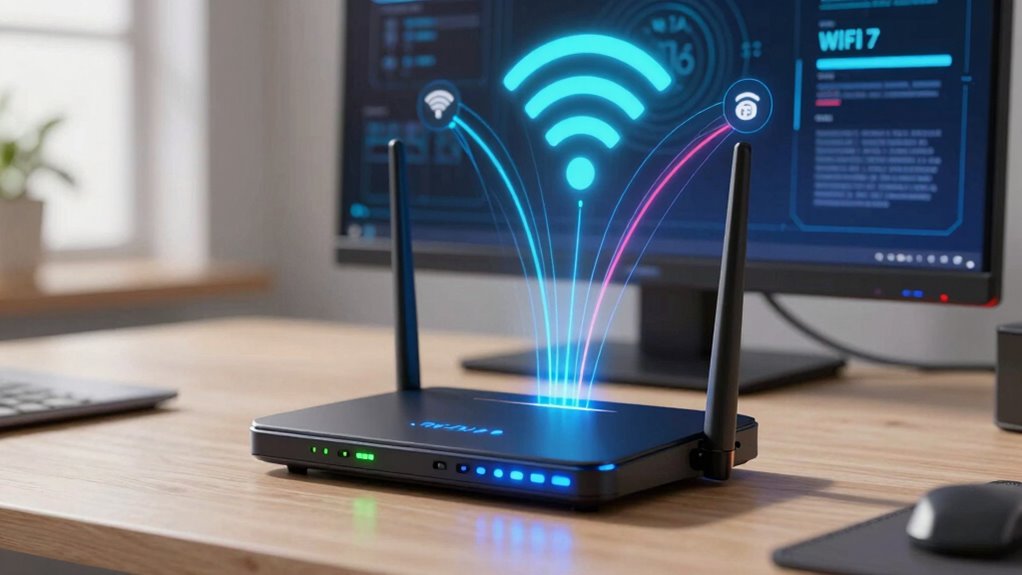
Have you ever wondered how your Wi-Fi keeps up with your growing digital demands? As your devices multiply and data streaming becomes more intensive, understanding the differences between Wi-Fi 6, 6E, and Wi-Fi 7 can help you optimize your network. These standards aren’t just about faster speeds; they also bring significant improvements in security enhancements and device compatibility. Wi-Fi 6 introduced a new era of connectivity, allowing multiple devices to communicate more efficiently through Orthogonal Frequency Division Multiple Access (OFDMA). This means less lag, smoother streaming, and better overall performance, especially in crowded environments like homes or offices. But alongside speed, security enhancements play a critical role. Wi-Fi 6 incorporates WPA3 encryption, which provides stronger security by making it harder for hackers to crack your network passwords. This upgrade is essential as more devices connect to your network, each potentially vulnerable to cyber threats. Device compatibility is another key aspect. Wi-Fi 6 is designed to work with a broad range of modern devices, ensuring that your laptops, smartphones, and smart home gadgets can all benefit from the latest technology. However, older devices might not fully support Wi-Fi 6, so you may experience some limitations unless they’re upgraded. Moving to Wi-Fi 6E, the ‘E’ stands for Extended, which introduces support for the 6 GHz band in addition to the 2.4 GHz and 5 GHz bands used previously. This expansion offers more channels, reducing interference and congestion, especially in densely populated areas. With Wi-Fi 6E, you get even lower latency and higher speeds, making it ideal for high-bandwidth activities like 4K streaming, online gaming, or virtual reality. Security enhancements are further bolstered with Wi-Fi 6E, maintaining robust WPA3 encryption to keep your network safe. Device compatibility sees a leap here as well; your Wi-Fi 6E routers can support new, high-performance devices that operate solely on the 6 GHz band, future-proofing your setup. Now, Wi-Fi 7 is on the horizon, promising even more impressive speeds and capabilities. It aims to deliver multi-gigabit throughput, ultra-low latency, and improved efficiency. advanced technology incorporated into Wi-Fi 6 and subsequent standards ensures that networks are not only faster but also more resilient and secure against evolving cyber threats. But what truly sets Wi-Fi 7 apart is its ability to handle a massive number of devices simultaneously without sacrificing performance. As you upgrade or choose a Wi-Fi standard, understanding these differences helps you pick the right technology for your needs. Whether it’s stronger security, better device compatibility, or faster speeds, each standard builds on the previous one, ensuring your network remains reliable and secure now and into the future.
Wi-Fi 6 router with WPA3 security
As an affiliate, we earn on qualifying purchases.
As an affiliate, we earn on qualifying purchases.
Frequently Asked Questions
How Do Wi-Fi 6, 6E, and 7 Impact Smart Home Device Performance?
Wi-Fi 6, 6E, and 7 considerably boost your smart home connectivity by providing faster speeds and more reliable connections. They help reduce interference, ensuring your devices work seamlessly even with multiple gadgets running simultaneously. Wi-Fi 6E and 7 extend support to the 6 GHz band, further improving performance and reducing lag. This means your smart home devices respond quicker, stay connected longer, and deliver a more consistent, interference-free experience.
Are Older Devices Compatible With Wi-Fi 7?
Think of Wi-Fi 7 as a new language your old devices haven’t learned yet. Most older devices aren’t compatible with Wi-Fi 7 out of the box, but you can sometimes make them work through firmware updates if manufacturers provide support. However, compatibility depends on the device’s hardware and software. So, check your device specs and firmware updates to see if they can handle Wi-Fi 7, or consider upgrading.
What Security Features Are Unique to Each Wi-Fi Standard?
You’ll find that each Wi-Fi standard enhances security with unique features. Wi-Fi 6 introduces stronger encryption protocols like WPA3, making your network more secure. Wi-Fi 6E adds better protection through improved network segmentation, isolating devices more effectively. Wi-Fi 7 takes security further with advanced encryption and smarter network segmentation, reducing vulnerabilities. Staying updated guarantees your devices benefit from these evolving security features, keeping your network safer against threats.
How Do These Wi-Fi Standards Affect Battery Life of Connected Devices?
Wi-Fi 6, 6E, and Wi-Fi 7 improve battery efficiency by reducing power consumption during idle and low-data transfer states. These standards introduce Target Wake Time (TWT), allowing devices to plan when to wake up for data exchange, conserving battery life. As a result, connected devices, like smartphones and tablets, last longer between charges, making your experience more efficient and less power-hungry during daily usage.
Will Wi-Fi 7 Replace Ethernet Connections Entirely?
Wi-Fi 7 isn’t likely to replace Ethernet entirely, but it’ll give wired connections a run for their money. Think of Wi-Fi 7 as a speedy river cutting through the landscape—better spectrum efficiency and less wireless interference make it a strong contender. However, for high-stability tasks like gaming or large file transfers, Ethernet remains the anchor. So, expect Wi-Fi 7 to complement, not replace, wired connections.
Wi-Fi 6E compatible mesh network system
As an affiliate, we earn on qualifying purchases.
As an affiliate, we earn on qualifying purchases.
Conclusion
In wrapping up, Wi-Fi 6, 6E, and Wi-Fi 7 each enhance your internet experience uniquely. While Wi-Fi 6 speeds up your streaming, Wi-Fi 6E extends your connection to new frequencies, and Wi-Fi 7 promises unprecedented speed and stability. So, whether you’re seeking seamless streaming, solid signals, or future-proofing, understanding these standards helps you harness the best technology. Make your move, maximize your device’s potential, and master the marvelous world of wireless!
As an affiliate, we earn on qualifying purchases.
high-performance gaming Wi-Fi 6E adapter
As an affiliate, we earn on qualifying purchases.
As an affiliate, we earn on qualifying purchases.
Halloween Picks
halloween
As an affiliate, we earn on qualifying purchases.