

To stop apps from spying on you, regularly review and revoke unnecessary permissions for camera, microphone, and location. Keep your devices and apps updated to patch security flaws. Use strong, unique passwords and enable two-factor authentication for added protection. Limit location access and disable tracking features when not needed. Clear cookies, cache, and app data often, and avoid public Wi-Fi; instead, use a VPN for secure browsing. If you continue exploring, you’ll find even more tips to protect your privacy.
Key Takeaways
- Regularly audit and revoke unnecessary app permissions, especially for camera, microphone, and location access.
- Enable automatic OS and app updates to patch security vulnerabilities and improve privacy features.
- Use strong, unique passwords and activate two-factor authentication for all accounts.
- Disable location sharing and restrict app access to environmental sensors when not needed.
- Always connect to secure, trusted networks and use a VPN to encrypt data and prevent eavesdropping.
Review and Manage App Permissions
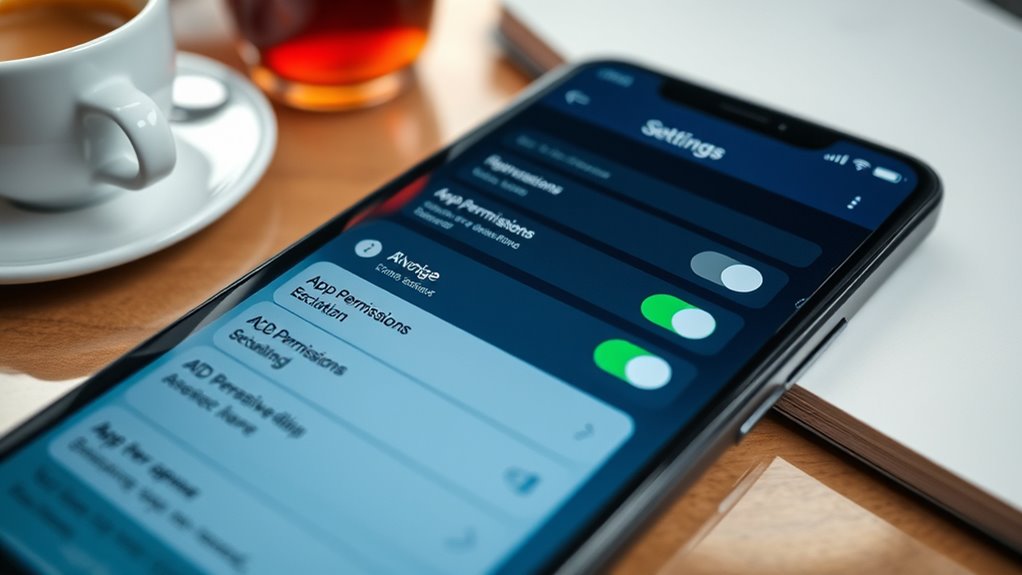
Have you ever wondered what apps can access on your device? Regular app permission audits are a crucial step to protect your privacy. By reviewing permissions, you can see which apps have access to your camera, microphone, location, and more. Don’t forget to revoke permissions that aren’t necessary; it’s a simple way to limit potential spying. Setting up permission renewal reminders helps guarantee permissions stay current and appropriate over time. These reminders prompt you to revisit app permissions periodically, preventing apps from maintaining unnecessary access. Managing permissions actively keeps your data safe and reduces the risk of unauthorized surveillance. Taking control of app permissions is an easy, effective way to safeguard your privacy and prevent apps from overstepping their bounds. Additionally, understanding app permissions can help you identify which apps may be collecting more data than they need, especially with privacy policies that outline data collection practices. Regularly reviewing website performance metrics related to app usage can also reveal suspicious activity that warrants further investigation. Being aware of third-party data sharing practices helps you make more informed decisions about app installation and permissions, emphasizing the importance of data privacy awareness in maintaining your security.
Keep Your Devices and Apps Updated

Keeping your devices and apps up to date is essential for maintaining your privacy and security. Updates often include patches for vulnerabilities, helping prevent unauthorized access and data leaks. Regular updates also ensure your app permissions and privacy settings stay current, reducing the risk of apps spying on you. To stay protected, enable automatic updates whenever possible. Here’s a quick overview:
| Update Type | Benefits | Action Needed |
|---|---|---|
| OS updates | Fix security flaws | Check settings regularly |
| App updates | Improve privacy controls | Enable auto-updates |
| Privacy patches | Strengthen privacy settings | Review app permissions |
Additionally, monitoring app permissions regularly can help you identify and revoke unnecessary access that might compromise your privacy. Staying informed about privacy settings and configuring them appropriately is also a key step in safeguarding your data. For optimal protection, consider using European cloud servers, which prioritize security and privacy compliance. Being aware of security updates and their role in protecting your data is also crucial for comprehensive privacy management. Regularly reviewing security patches can help address newly discovered vulnerabilities promptly.
Use Strong, Unique Passwords and Enable Two-Factor Authentication

Using strong, unique passwords for each of your accounts is one of the most effective ways to protect your online privacy. Good password security prevents hackers from accessing multiple accounts if one gets compromised. Avoid common passwords or simple patterns; instead, create complex combinations with a mix of letters, numbers, and symbols. Remember, never reuse passwords across different services. Enabling two-factor authentication adds an extra layer of protection by requiring a second verification step, like a code sent to your phone. This makes it much harder for unauthorized users to access your accounts even if they have your password. Prioritize strong passwords and two-factor authentication to keep your private information safe from prying eyes and online threats. Using strong passwords and multi-factor authentication both play a crucial role in maintaining your online privacy. Incorporating local automation features can also help manage your security settings more efficiently across your connected devices. Additionally, regularly updating your security settings can help address emerging online threats and vulnerabilities.
Limit Location Access and Disable Unnecessary Tracking
While strong passwords and two-factor authentication protect your accounts from unauthorized access, controlling your device’s location settings adds another layer of privacy. To enhance tracking prevention, you should:
- Review app permissions and set geolocation controls to “while using” or “never” when possible.
- Turn off location services entirely for apps that don’t need them.
- Disable location sharing features like “Find My” or “Share My Location” when not in use.
- Regularly check and update device settings to guarantee no apps have unchecked tracking permissions.
- Be aware that air quality can influence device performance and your overall health, so managing app permissions related to environmental sensors can further protect your privacy. Additionally, understanding how security zones are used to protect sensitive information can help you better control your data sharing practices. Limiting location access also reduces the risk of data leaks that could compromise your privacy. Moreover, keeping track of power usage related to location services can help conserve your device’s battery life. Being mindful of background activity related to location tracking can also prevent unnecessary privacy breaches. These steps minimize unnecessary location access, making it harder for apps to spy on you. Limiting location access is a critical part of effective tracking prevention, helping you maintain greater privacy and control over your personal data.
Install Privacy-Focused Apps and Tools
Have you considered that the apps and tools you install can substantially impact your privacy? Choosing privacy-focused apps helps protect your data from unauthorized access. Look for apps that use app sandboxing, which isolates app data from other programs, reducing the risk of leaks. Additionally, prioritize tools that employ data encryption to secure your information both in transit and at rest. These features make it harder for third parties to access your sensitive data, even if your device is compromised. Opting for open-source or well-reviewed apps often ensures better privacy practices. Implementing necessary cookies can enhance your browsing experience without compromising your privacy. Incorporating privacy-conscious features, such as limiting data collection and providing transparent privacy policies, further strengthens your defenses. By installing the right privacy-focused tools, you create a stronger barrier against spying and data breaches, giving you more control over your digital footprint.
Regularly Clear Cookies, Cache, and App Data
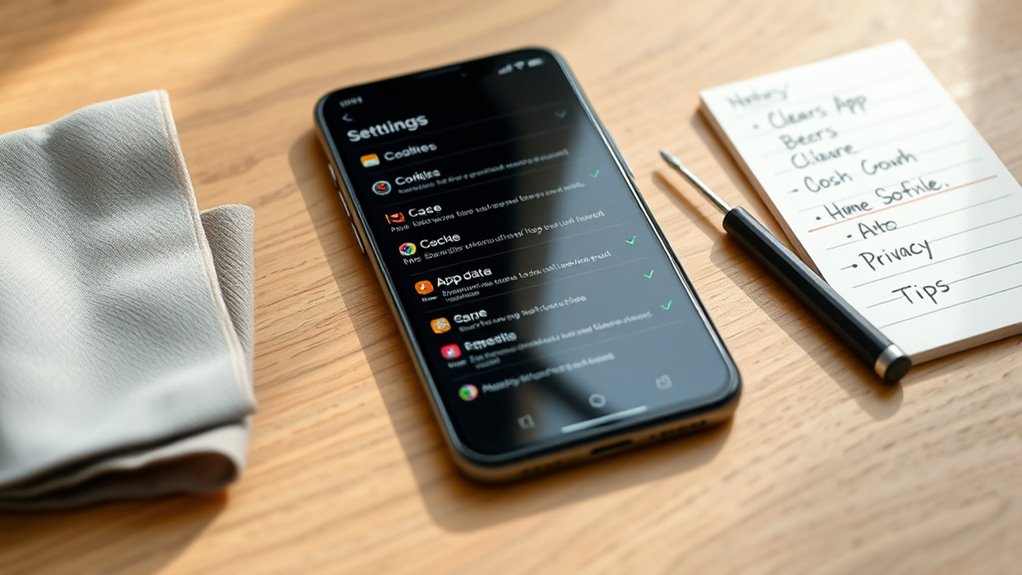
Regularly clearing cookies, cache, and app data is essential for maintaining your privacy online. This cookie cleanup helps prevent trackers from monitoring your browsing habits. To do this effectively, follow these steps:
Regularly clearing cookies, cache, and app data safeguards your online privacy and prevents tracking.
- Clear cookies in your browser settings to remove stored login info and tracking data.
- Perform cache clearing to delete temporary files that can reveal your activity.
- Review app data on your devices and delete unnecessary files to reduce data leaks. Incorporating privacy-focused practices can further strengthen your protection.
- Set regular reminders to repeat these steps, ensuring your privacy stays protected.
- Understanding the importance of deep product research can help you choose trusted apps and avoid shady data practices. Regular maintenance of your digital footprint is a fundamental part of digital privacy management, especially as outdated AI tools can pose a misinformation risk.
Be Cautious With Public Wi-Fi and Use VPNS

Public Wi-Fi networks can expose your data to hackers and eavesdroppers. Using a VPN encrypts your connection, keeping your information safe. Always guarantee your connection is secure before sharing sensitive details online. Additionally, trusted resources can help you identify secure networks and reputable services.
Risks of Public Networks
Using public Wi-Fi networks can expose your personal data to eavesdroppers and hackers, especially if you’re not taking proper precautions. Public network vulnerabilities make it easy for attackers to intercept your information, risking your privacy and security. Be aware of these common public Wi-Fi risks:
- Data Interception – Hackers can access unencrypted data transmitted over the network.
- Man-in-the-Middle Attacks – Attackers insert themselves between you and the website you’re visiting.
- Fake Hotspots – Cybercriminals create rogue networks to steal your info.
- Device Exploits – Vulnerabilities in public networks can infect your device with malware.
Staying cautious and understanding these risks helps protect your data from falling into the wrong hands. Always be mindful of public network vulnerabilities.
Benefits of VPN Usage
Employing a Virtual Private Network (VPN) when connecting to unfamiliar Wi-Fi networks considerably enhances your online security. Virtual private networks create encrypted connections, shielding your data from prying eyes and potential hackers. This security layer is vital on public Wi-Fi, where vulnerabilities are common. With a VPN, your internet activity remains private, preventing third parties from tracking your browsing habits. Additionally, VPNs allow you to bypass geo-restrictions, giving you access to content worldwide. Here’s a quick comparison:
| Feature | Without VPN | With VPN | Benefit |
|---|---|---|---|
| Data Security | Vulnerable to hacking | Encrypted connections | Protects sensitive information |
| Privacy | Trackable by networks | Anonymized browsing | Maintains your anonymity |
| Access Restrictions | Limited content | Unrestricted access | Unlocks geo-blocked sites |
Using virtual private networks is a smart way to stay safe and private online. Thermal behavior of internet connections can influence the effectiveness of your VPN, ensuring your online environment remains secure. Being aware of encryption protocols can further enhance your understanding of how your data is protected during VPN use.
Tips for Secure Connections
To stay secure while connecting to unfamiliar Wi-Fi networks, always exercise caution and prioritize your privacy. Public Wi-Fi can expose your data to eavesdropping, but you can protect yourself by taking simple steps.
- Always use a VPN with strong end-to-end encryption to secure your connection and prevent outsiders from intercepting your data.
- Enable features for data anonymization to hide your identity and location from trackers.
- Avoid accessing sensitive accounts or performing financial transactions on unsecured networks.
- Verify that websites use HTTPS, ensuring your data remains encrypted during transmission.
Frequently Asked Questions
How Can I Detect if an App Is Secretly Spying on Me?
You can detect if an app is secretly spying on you by checking app permissions and monitoring background activity. Review permissions in your device settings—look for apps requesting access to unnecessary data like your microphone or location. Use security apps or built-in tools to track background activity, which can reveal suspicious processes. If you notice unusual activity or permissions, consider uninstalling or restricting the app to protect your privacy.
Are There Specific Signs My Device Is Compromised?
If your device is compromised, you might notice unusual activity like sudden battery drain, sluggish performance, or unexpected pop-ups. Look out for unfamiliar apps or strange data usage, which could indicate device malware. Keep an eye on your device’s behavior, and if you see these signs, run a trusted security scan. Staying vigilant helps protect your privacy and keeps your device safe from spying apps.
Can I Completely Prevent Apps From Accessing My Data?
You can’t completely prevent apps from accessing your data, but you can substantially tighten your control. Start by scrutinizing app permissions—deny unnecessary access to location, camera, and mic. Use data encryption to protect sensitive info and keep your data safe. Regularly update your software, disable background activity, and limit app permissions to minimize spying opportunities. While total prevention’s tough, these tactics maximize your privacy and keep your data under your control.
What Are the Best Privacy Settings on Social Media Apps?
You should tailor your privacy controls on social media apps to protect your information. Set your profile visibility to “Friends only” or a similar option, so only trusted people see your details. Review privacy settings regularly, disable location sharing, and limit who can comment or message you. Using strong, unique passwords and two-factor authentication adds extra security, ensuring your personal data stays private and reducing unwanted access.
How Do I Know if My VPN Is Truly Protecting My Privacy?
You can test your VPN’s reliability by checking if your IP address changes and your location is masked. Use online tools to verify your IP and DNS leaks, ensuring your data is protected. Also, review app permission controls to limit access to your data. If your VPN passes these tests, it’s likely safeguarding your privacy effectively. Regularly update your VPN app for ideal protection.
Conclusion
By taking control of your app permissions and securing your devices, you protect your privacy like a fortress. Yet, ignoring these steps is like leaving your door wide open in a busy street—anyone can peek in. So, stay vigilant, update regularly, and use privacy tools. In a world full of digital eyes, your conscious choices are the shield that keeps your personal life truly yours.