

If your phone’s out of space, start by backing up photos, videos, and documents to cloud services like Google Drive or iCloud, then delete local copies to free space. Clear app caches, especially for social media and streaming apps, and remove unnecessary files from downloads and old messages with media. Moving files to an SD card can help if your device supports it. To discover more tips, explore ways to optimize your storage without deleting essential apps.
Key Takeaways
- Use cloud services like Google Drive or iCloud to back up photos, videos, and documents, then delete local copies.
- Regularly review and delete unnecessary files, duplicates, or old media in your downloads and gallery.
- Clear app caches and temporary data, especially for social media and streaming apps, to free up storage.
- Move apps or files to SD cards if your device supports expandable storage.
- Uninstall rarely used apps and reinstall only when needed to clear temporary and residual data.
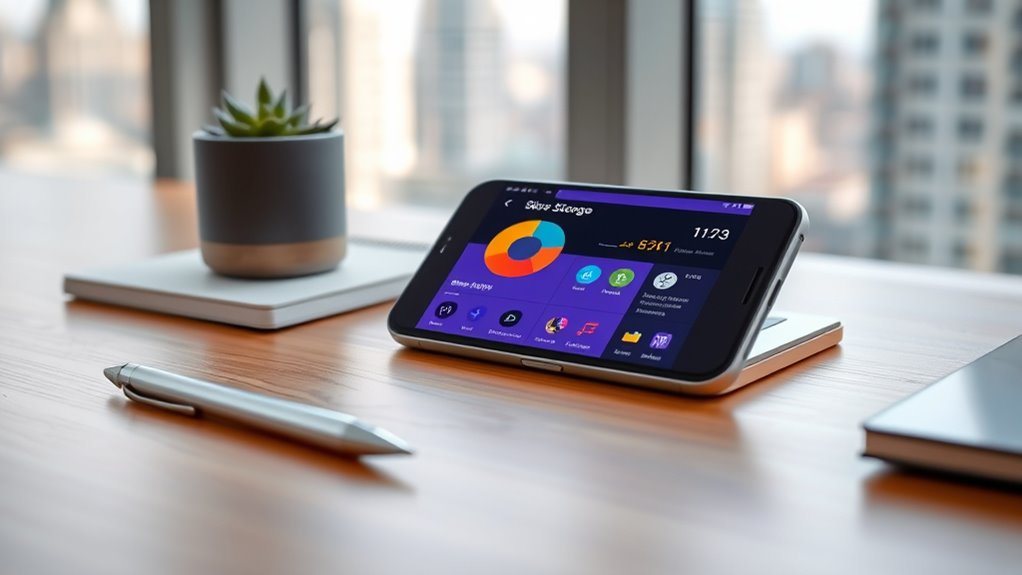
Running out of phone storage can be frustrating, but you don’t have to accept constant alerts or sluggish performance. Luckily, there are ways to free up space without deleting your favorite apps. One effective method is to leverage cloud backups, which allow you to store photos, videos, and documents online instead of cluttering your device. By backing up your files to cloud services like Google Drive, iCloud, or OneDrive, you can safely remove local copies while keeping your data accessible whenever you need it. This not only frees up valuable space but also adds an extra layer of security, guaranteeing your important files aren’t lost if something happens to your device.
In addition to using cloud backups, proper file management plays an essential role in maintaining ample storage. Start by reviewing your photo and video galleries — these tend to occupy the most space. Transfer the ones you want to keep to the cloud or a computer, then delete the duplicates and blurry shots. Many smartphones also have built-in tools that identify large files or duplicates, making it easier to pinpoint what’s taking up unnecessary space. Clearing out old messages, especially those with media attachments, can free up significant room as well. Messaging apps often store media locally, so deleting conversations or media files you no longer need can provide quick relief.
Another effective tip involves managing app storage. Instead of deleting entire apps, check each app’s storage settings to see if they cache data or store files locally. Clearing app caches can free up gigabytes in some cases, especially for social media, streaming, or news apps. Many phones also allow you to move apps or their data to an SD card if your device supports expandable storage. If not, consider uninstalling and reinstalling apps that you use infrequently, as this often clears temporary files and cached data that have accumulated over time. Additionally, understanding the importance of projector contrast ratio can help you optimize your device’s visual settings for better clarity when viewing photos or videos stored on your phone.
Finally, keep an eye on your downloads folder and remove any files or documents you no longer need. Regularly decluttering your device guarantees that only necessary files stay on your device, reducing clutter and improving performance. Combining these strategies—regular file management, utilizing cloud backups, and managing app data—can dramatically improve your phone’s storage situation without the need to delete apps you rely on daily. With a little effort, you’ll enjoy smoother performance and more space to store new memories, all without sacrificing the apps and files that matter most to you.

BUFFALO LinkStation 210 4TB 1-Bay NAS Network Attached Storage with HDD Hard Drives Included NAS Storage That Works as Home Cloud or Network Storage Device for Home
Value NAS with RAID for centralized storage and backup for all your devices. Check out the LS 700…
As an affiliate, we earn on qualifying purchases.
As an affiliate, we earn on qualifying purchases.
Frequently Asked Questions
Can I Increase My Phone’s Storage Without Deleting Anything?
Yes, you can increase your phone’s storage without deleting anything by exploring cloud storage options like Google Drive or iCloud. These services let you offload photos, videos, and documents, freeing up space on your device. Additionally, consider a phone storage upgrade if your device supports expandable storage, such as microSD cards. This way, you expand your storage capacity without losing any apps or important data.
What Are the Best Apps to Optimize Storage?
You don’t need extra apps to optimize storage; cloud storage services like Google Drive or Dropbox help you free space by backing up photos and files. Use apps that manage storage efficiently—just check app permissions first to prevent unnecessary data from clogging your device. These tools streamline your storage, making room without deleting apps, and guarantee your data stays safe, accessible, and well-organized.
How Do I Identify Large Files Taking up Space?
You can identify large files taking up space through file management and storage analysis tools on your phone. Use built-in features like iOS’s Storage Management or Android’s Storage settings to scan your device. These tools highlight big files, videos, or downloads. Delete or move unnecessary items to free up space. Regularly monitoring storage analysis helps prevent clutter and keeps your device running smoothly without deleting essential apps.
Will Clearing Cache Data Improve Storage Significantly?
Clearing cache data can substantially improve your storage by removing temporary files that apps and your browser save. Performing a cache cleanup frees up space, making your phone run more smoothly. It’s quick and easy—just go into your settings, select storage, and clear cache data for your apps. Regular cache cleanup prevents unnecessary buildup of temporary files, helping you get the most out of your device’s available storage.
Are There Safety Risks in Freeing up Storage?
Freeing up storage can feel like walking a tightrope, but it’s generally safe if you’re cautious. There are minimal security risks involved, but be mindful of storage security and privacy concerns when deleting files or clearing cache. Always back up important data beforehand. Stick to trusted apps and avoid third-party tools that promise quick fixes, and you’ll keep your device safe while freeing space.

Amazon Basics microSDXC Memory Card with Full Size Adapter, A2, U3, Read Speed up to 100 MB/s, 128GB, Black
Universal Compatibility — NOT for Nintendo Switch 2, but Compatible with Nintendo Switch. Works seamlessly with GoPro/action cams,…
As an affiliate, we earn on qualifying purchases.
As an affiliate, we earn on qualifying purchases.
Conclusion
Think of your phone as a garden that needs tending. By clearing out old files and unused apps, you’re planting seeds of space and freedom. As you prune the clutter, new opportunities bloom—photos, messages, memories—more vibrant than ever. When you free up storage, you’re nurturing a lush, thriving landscape where everything can flourish. Keep tending your digital garden, and your device will stay healthy, vibrant, and ready for whatever comes next.

App Cache Cleaner
clear cache cache clean
As an affiliate, we earn on qualifying purchases.
As an affiliate, we earn on qualifying purchases.

Samsung Type-C USB Flash Drive, 256GB, Transfers 4GB Files in 11 Secs w/Up to 400MB/s USB 3.2 Gen 1 Read Speeds, Compatible w/USB 3.0/2.0, Waterproof, 2022, Blue, MUF-256DA/AM
USB-C STORAGE ON THE GO: This sleek drive is supported by Samsung NAND flash and is incredibly compact…
As an affiliate, we earn on qualifying purchases.
As an affiliate, we earn on qualifying purchases.