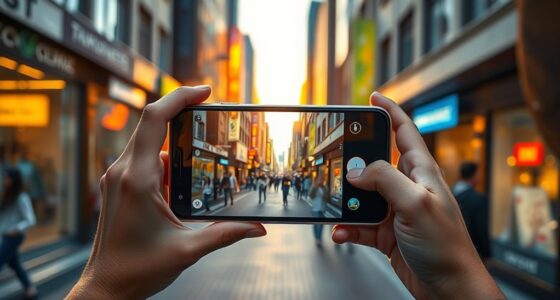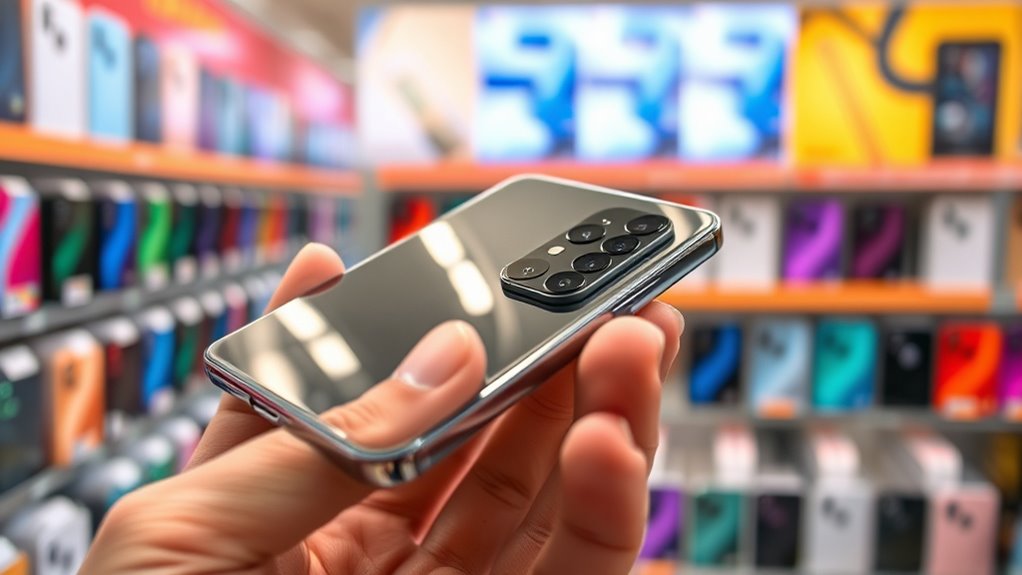

When shopping for a new phone camera, focus on key specs like sensor size, which impacts light capture and image quality, especially in low-light settings. Look for optical image stabilization (OIS) to keep your shots steady, reducing blur. Consider sensor technology that enhances color accuracy and detail across various environments. Megapixels are less important than these features, so prioritize hardware that consistently produces sharp, vibrant photos. If you keep exploring, you’ll discover even more about what makes a great camera.

Get the latest gadgets delivered free with Prime
- Fast, free delivery on millions of items
- Prime Video, Amazon Music and more included
- Member-only deals all year
Key Takeaways
- Prioritize larger sensor sizes for better low-light performance and sharper images.
- Look for optical image stabilization (OIS) to reduce blur and ensure steady shots.
- Consider advanced sensor technology that enhances color accuracy and detail across different lighting conditions.
- Focus on hardware quality like sensor size and stabilization rather than megapixel count alone.
- Ensure the camera performs well in various environments for consistent, high-quality photos.
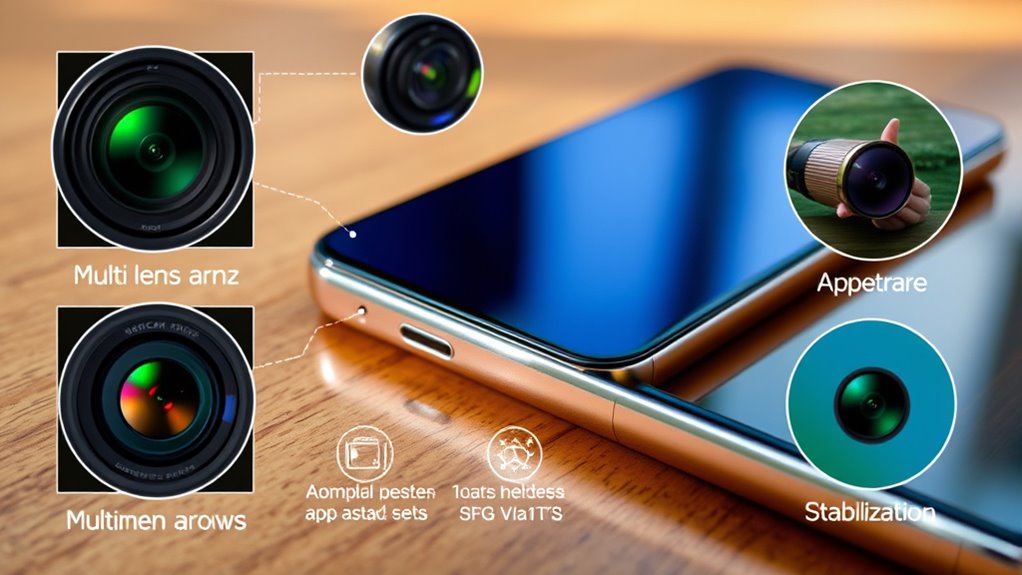
Are you overwhelmed by the number of phone cameras on the market? With so many options, it’s easy to get lost in a sea of specifications that seem to blur together. But if you want to guarantee you’re choosing a device that truly elevates your photography, there are a few key specs to focus on. First and foremost, pay attention to the camera sensor. This tiny component plays a huge role in determining the quality of your photos. A larger sensor captures more light, which means better performance in low-light conditions and more detailed images overall. When comparing phones, look for models that boast bigger sensors or advanced sensor technology—these often produce sharper, more vibrant photos with richer colors and less noise.
Beyond the sensor, image stabilization is another critical feature that can make a significant difference. Handheld shots are prone to blur, especially in dim environments or when capturing fast-moving subjects. Optical image stabilization (OIS) works to counteract this by adjusting the lens or sensor in real-time to keep your images steady. Phones equipped with effective image stabilization help you snap clear, sharp photos without needing a tripod or a steady hand. This feature is especially valuable if you enjoy capturing videos or taking photos on the go, where stability is often compromised. Additionally, sensor technology influences how well your camera performs across various lighting situations, ensuring your photos remain vibrant and detailed regardless of the environment.
Effective image stabilization ensures sharp photos and steady videos, even in low light or on the move.
While megapixels used to be the main selling point, they’re no longer the sole indicator of quality. Instead, focus on the sensor size and the camera’s ability to handle different lighting conditions. The combination of a good sensor and image stabilization ensures your photos are crisp, color-accurate, and free from motion blur. Also, consider how the phone’s software complements these hardware features. Many devices come with intelligent stabilization algorithms and noise reduction tech that further enhance image quality.
Ultimately, choosing a phone with a solid camera sensor and reliable image stabilization means you’re investing in consistent, high-quality photos across various scenarios. It’s about quality over quantity—bigger sensors and effective stabilization give you more control and better results, whether you’re capturing a sunset, a bustling city street, or a quiet moment with friends. So, when shopping for your next phone, prioritize these specs—they’re the foundation of great photography and will serve you well, no matter your skill level or the environment.
As an affiliate, we earn on qualifying purchases.
Frequently Asked Questions
How Does Sensor Size Impact Photo Quality?
A larger sensor size improves photo quality by capturing more light, which enhances image clarity, especially in low-light conditions. It also allows for better depth-of-field control with lens aperture, creating professional-looking photos. Plus, bigger sensors work well with stabilization features, reducing blur. Keep in mind, software enhancements can further optimize your shots. So, prioritize sensor size when choosing your phone to get sharper, clearer photos in various lighting situations.
What Is the Importance of Aperture in Mobile Cameras?
Aperture affects how much light your phone camera captures, which influences photo brightness and clarity, especially in low-light conditions. A wider aperture lets in more light, improving image quality and enabling better lens quality. It also helps with autofocus speed, making your shots sharper and more focused quickly. If you want clear, vibrant photos in any situation, prioritize a phone with a good aperture, lens quality, and fast autofocus.
Do Megapixels Significantly Affect Image Clarity?
They say “don’t judge a book by its cover,” and the same applies to megapixels. Megapixel myths often lead you to believe higher camera resolution equals better photos, but it’s not that simple. Megapixels do matter, but they don’t markedly affect image clarity if other specs like sensor quality and lens are lacking. Focus on overall camera quality, not just resolution, for photos that truly impress.
How Does Image Stabilization Improve Photos?
Image stabilization improves your photos by reducing camera shake, which often causes blurry images. When you use stabilization techniques—like optical or electronic stabilization—your camera compensates for hand movements, resulting in sharper pictures. This is especially helpful in low-light situations or when using zoom, where even slight movements can distort your shot. With effective stabilization, you can take clearer, more professional-looking photos without needing a tripod.
What Role Does Software Play in Camera Performance?
Software plays a vital role in your camera’s performance by enabling software optimization and AI enhancements. These features improve image processing, allowing your photos to look sharper, more vibrant, and better in low light. AI also helps with scene recognition and autofocus, making your shots more accurate and effortless. Fundamentally, good software transforms hardware capabilities into stunning, professional-looking photos, ensuring you get the best results from your phone camera.
optical image stabilization phone
As an affiliate, we earn on qualifying purchases.
As an affiliate, we earn on qualifying purchases.
Conclusion
So, next time you’re dazzled by megapixels and fancy lenses, remember: those specs might make your phone look impressive, but they won’t turn you into a professional photographer overnight. Ironically, all the fancy tech in the world can’t fix poor lighting or shaky hands—so don’t just chase numbers. Sometimes, the best shot is the one you *actually* take, not the one that’s packed with the most bells and whistles. Happy snapping!
As an affiliate, we earn on qualifying purchases.
advanced sensor technology smartphone
As an affiliate, we earn on qualifying purchases.
As an affiliate, we earn on qualifying purchases.
Halloween Picks
halloween
As an affiliate, we earn on qualifying purchases.