
Your smartphone battery drains quickly mainly due to poor optimization, unnecessary background activity, and apps with excessive permissions. When you don’t enable power-saving modes or restrict background processes, your device works harder, using more power. Apps that constantly refresh or send notifications also contribute to faster drain. Keeping software updated and managing app permissions can help conserve energy. Want to know how to tackle these issues effectively? Keep exploring for more tips.
Key Takeaways
- Poor battery optimization and neglecting power-saving settings lead to unnecessary background activity draining your battery.
- Excessive app permissions, especially for location and camera, cause apps to run constantly in the background.
- Frequent notifications and background refreshes from social media and messaging apps increase power consumption.
- Ignoring software updates prevents performance improvements that could enhance battery life.
- Not adjusting screen brightness or disabling unused features accelerates battery drain.
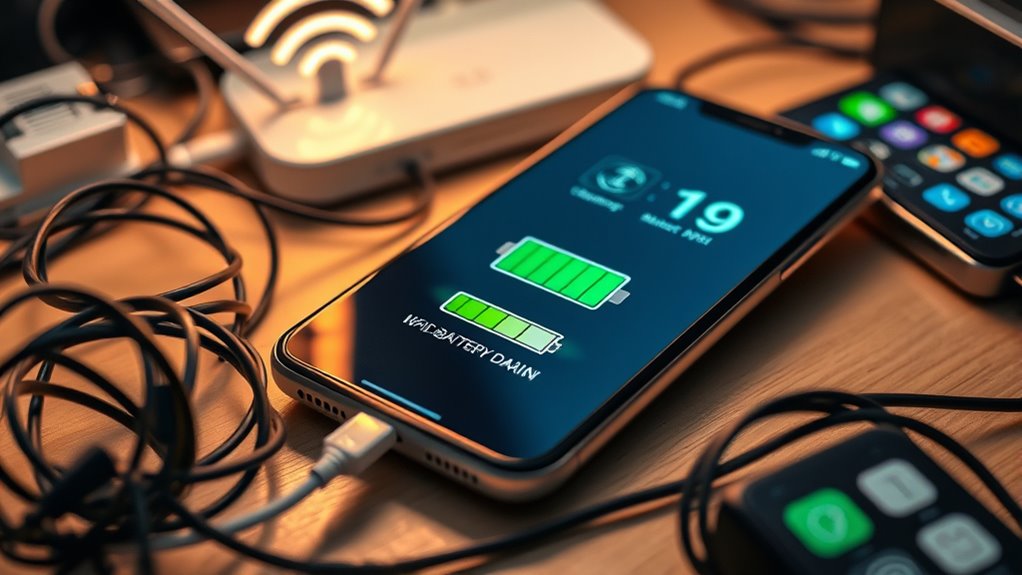
Smartphone batteries drain faster than you might expect, especially when certain apps and settings are left unchecked. One of the main reasons for quick battery depletion is poor battery optimization. When your device isn’t set up to manage power efficiently, background processes and unnecessary app activity can drain your battery without you realizing it. Many smartphones have built-in features designed to optimize battery life, but they often need your active input to function properly. For example, enabling power-saving modes, restricting background activity for apps, or adjusting screen brightness can make a significant difference. If you neglect these options, your device works harder than necessary, consuming more power and shortening your battery life.
Poor battery optimization causes rapid drain; enable power-saving modes and restrict background activity to extend your device’s battery life.
Another common culprit is app permissions. Many apps ask for permissions that aren’t essential for their core functions. When you grant unnecessary permissions—like location access, camera, or microphone—they often continue to use these features even when you’re not actively engaging with them. This constant background activity can cause your battery to drain rapidly. It’s essential to review app permissions regularly and restrict access to anything that doesn’t directly impact your experience. For instance, if a weather app asks for your location but you only check it occasionally, you can disable its location access or set it to access your location only when the app is in use. Doing so reduces unnecessary background activity, conserving precious battery life.
Additionally, some apps are notorious for poorly managing their background processes, especially social media and messaging apps. These apps often refresh content or send notifications frequently, keeping your device awake longer than needed. To combat this, you should adjust notification settings and restrict background refresh for non-essential apps. This not only conserves battery but also improves overall device performance. Understanding how background processes work on your device can help you identify and close apps that are unnecessarily active.
Keeping your software updated is another essential step. Developers often release updates that improve battery optimization and fix bugs that cause excessive power drain. Ignoring these updates means missing out on improvements that could extend your battery life. Also, monitor which apps consume the most power through your device’s battery usage settings. If certain apps are disproportionately draining your battery, consider uninstalling or limiting their use.
Top picks for "smartphone battery drain"
Open Amazon search results for this keyword.
As an affiliate, we earn on qualifying purchases.
Frequently Asked Questions
Can Using a VPN Affect My Battery Life?
Yes, using a VPN can impact your battery life. The VPN impact often causes increased battery drain because it encrypts your data and maintains a constant connection, which requires extra processing power. When you activate a VPN, your device works harder to keep the secure connection, leading to faster battery depletion. To minimize this, turn off the VPN when not needed or choose a VPN with optimized battery use.
Does Background App Refresh Impact Battery Drain?
Background app refresh is like a busy bee constantly flitting from flower to flower, draining your battery. It keeps app activity alive even when you’re not using them, which can lead to faster battery drain. App permissions can sometimes allow apps to access location or data in the background, amplifying this effect. Turning off background app refresh and reviewing app permissions helps conserve energy, giving your phone longer life like a well-tuned engine.
How Does Screen Resolution Influence Battery Consumption?
Your screen resolution directly impacts battery consumption because higher display settings require more power to render sharp images. When you increase resolution, your device’s graphics processor works harder, draining the battery faster. To boost power efficiency, you should lower your display settings or choose a resolution that balances clarity with energy savings. Adjusting these settings helps you extend your battery life without sacrificing too much display quality.
Do Phone Cases Affect Battery Performance?
Yes, phone cases can affect battery performance, especially if they hinder heat dissipation or add bulk that impacts signal strength. Choosing cases made from materials like silicone or plastic can aid in battery enhancement by preventing overheating. Avoid thick or poorly ventilated cases, as they trap heat and cause your battery to drain faster. Proper case selection helps maintain ideal temperature and signal quality, extending your phone’s battery life.
Is It Better to Disable Bluetooth and Wi-Fi When Not in Use?
Think of your phone’s Bluetooth and Wi-Fi as hungry animals that need to be fed only when necessary. Disabling Bluetooth optimization and Wi-Fi management when you’re not using them saves your battery from unnecessary drain. When not in use, turning off these features prevents your device from constantly searching for connections, prolonging battery life. So, yes, it’s better to disable Bluetooth and Wi-Fi when you don’t need them.
Conclusion
Now that you know the top five reasons your smartphone battery vanishes faster than a magician’s trick, don’t be surprised if it disappears even quicker tomorrow! With all these sneaky culprits at play—like relentless apps and constant notifications—you’re practically battling a mini battery apocalypse every day. Take charge now, cut the culprits loose, and turn your phone into a battery fortress. Otherwise, prepare for your device to drain faster than you can say “low battery warning!”