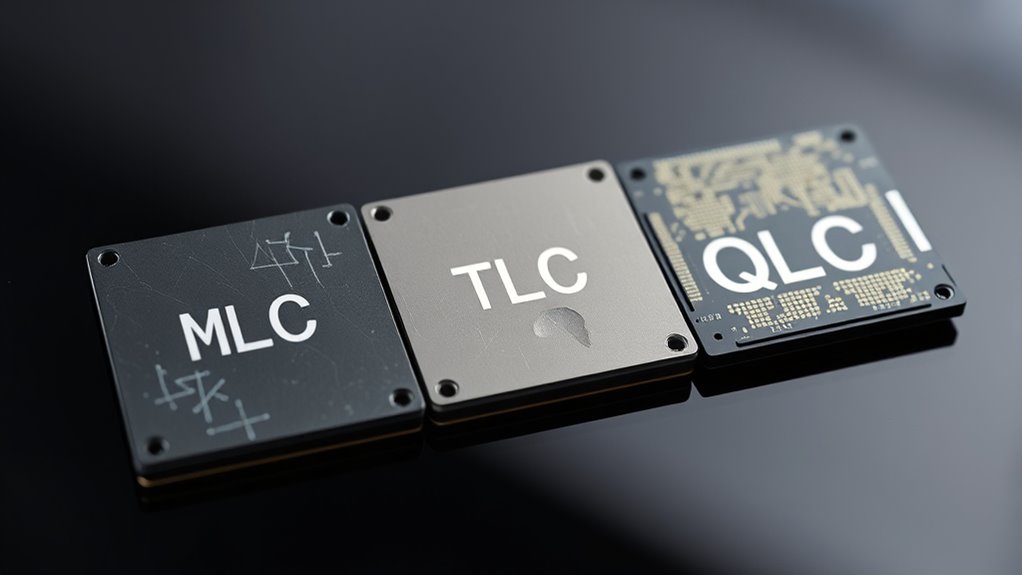

When choosing between MLC, TLC, and QLC SSDs, remember that MLC offers the longest lifespan and better durability, making it ideal for heavy use. TLC strikes a good balance for most users with decent longevity, while QLC prioritizes higher capacity and lower cost but has a shorter lifespan. Understanding these differences helps you pick the best drive for your needs; keep exploring to learn more about maximizing your SSD’s longevity.
Key Takeaways
- MLC SSDs typically last longer due to better cell durability and lower error rates.
- TLC drives offer a good balance of lifespan and cost, suitable for most everyday uses.
- QLC SSDs have shorter lifespans because of higher bit density and reduced cell endurance.
- Proper wear leveling extends SSD lifespan regardless of NAND type, preventing premature cell failure.
- Higher manufacturing quality and error correction improve longevity across all NAND flash types.
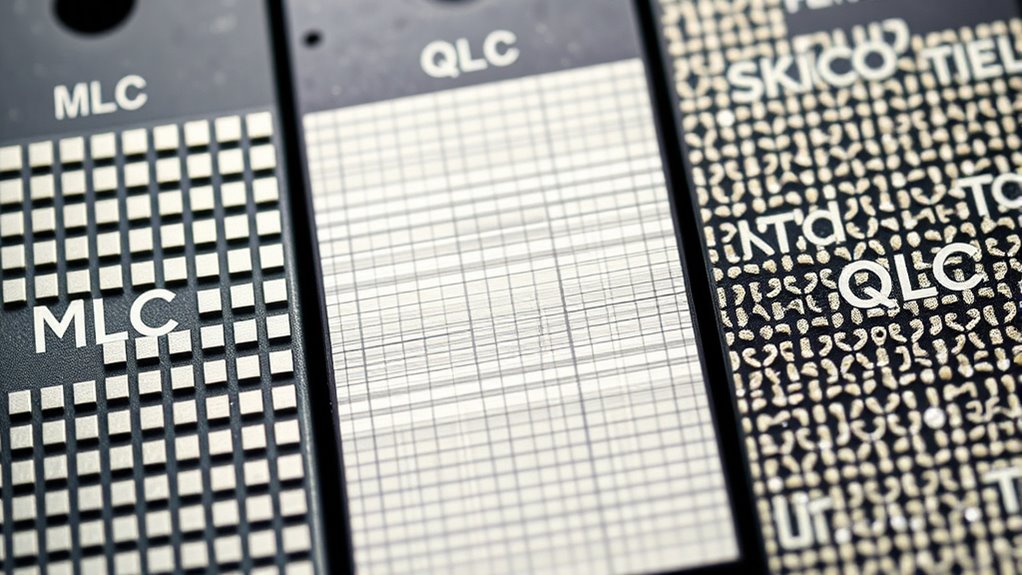
When choosing an SSD, understanding the differences in lifespan between MLC, TLC, and QLC drives is essential, as it directly impacts your device’s longevity and reliability. Each type of NAND flash memory has distinct characteristics that influence how long your drive will last and how well it maintains data over time. One of the key factors affecting lifespan is wear leveling, a process that distributes write and erase cycles evenly across the memory cells. Proper wear leveling guarantees that no particular cell wears out prematurely, which is especially important for drives with higher cell densities, like TLC and QLC. Without effective wear leveling, your SSD could develop bad blocks sooner, reducing its overall lifespan. Additionally, the manufacturing quality of the NAND flash memory can significantly influence durability and lifespan, as higher-quality chips tend to have better cell structures and error correction capabilities. Data retention is another critical aspect that determines how long your data remains safe without power. MLC drives typically excel in data retention, often maintaining data integrity for several years, thanks to their more robust cell structure. TLC drives, which store three bits per cell, tend to have slightly lower data retention periods but are usually sufficient for everyday use. QLC drives, holding four bits per cell, generally have the shortest data retention span, often limited to a few years, especially if the drive is heavily used. This shorter retention period means that, over time, your data might become less reliable if the drive isn’t used or maintained properly. The trade-offs between these types of SSDs are clear. MLC drives tend to be more durable and reliable, making them suitable for professional applications or heavy workloads. TLC drives strike a balance between cost and lifespan, fitting well for most consumers who use their drives for everyday tasks. QLC drives, while offering the highest storage capacities at the lowest cost, sacrifice some longevity and data integrity, which becomes more noticeable under intensive write conditions. To maximize lifespan, you should look for SSDs that implement advanced wear leveling algorithms, especially if you’re opting for TLC or QLC models. Ultimately, your choice depends on your specific needs. If you prioritize longevity and data integrity, MLC is the best option. For general use, TLC provides a good balance. If capacity and cost are your main concerns, QLC can work, but be aware of its limitations in lifespan and data retention. Proper maintenance, such as avoiding unnecessary writes and ensuring your drive has updated firmware, can also extend its life. Understanding these differences helps you make informed decisions, ensuring your SSD remains reliable and efficient for years to come.
Frequently Asked Questions
How Does Workload Type Affect SSD Lifespan?
Your workload type substantially impacts your SSD lifespan. Heavy, write-intensive tasks cause more wear, which wear leveling and cache management try to evenly distribute to extend durability. If you’re constantly writing large files, expect faster wear. Light use, like browsing or streaming, puts less strain on the drive. Properly managing your workload and understanding these factors helps maximize your SSD’s lifespan and performance over time.
Can SSD Controllers Extend Lifespan Regardless of NAND Type?
Absolutely, SSD controllers can extend lifespan regardless of NAND type. Think of them as skilled conductors, orchestrating wear leveling and error correction to optimize performance and durability. They distribute data evenly across memory cells, preventing premature wear, and fix errors before they escalate. While they can’t defy physical limits, smart controllers effectively maximize your SSD’s life, making your storage last longer and perform better over time.
What’s the Impact of Temperature on SSD Durability?
Temperature directly influences your SSD’s durability by causing thermal stress and accelerating wear. High temperatures increase the risk of thermal stress, which can damage internal components, while temperature cycling—repeated heating and cooling—can cause material fatigue over time. To protect your SSD, keep it within recommended temperature ranges, ensure proper airflow, and avoid exposing it to extreme temperature fluctuations, extending its lifespan.
Do SSDS With Mixed NAND Types Last Longer?
Yes, SSDs with mixed NAND types can have a longer lifespan. By combining different NAND types, manufacturers optimize for both performance and durability, resulting in greater longevity. Mixed NAND SSDs balance the strengths of each type, reducing wear and extending overall lifespan. If you seek a more durable drive, choosing one with mixed NAND can be a smart move, especially for intensive or long-term use.
How Do Firmware Updates Influence SSD Longevity?
Think of firmware updates as a ship’s navigational charts guiding your SSD safely through data recycling storms. Firmware optimization enhances controller efficiency, reducing wear and tear, which prolongs lifespan. It also fixes bugs that could accelerate aging. By keeping your SSD’s firmware current, you guarantee smoother data flow, minimize unnecessary writes, and help your device resist the wear caused by constant use, ultimately extending its longevity.
Conclusion
Think of your SSD like a race car—MLC is the sleek, durable sports car built for the long haul, while TLC is a nimble daily driver, balancing speed and endurance. QLC, though a bit more delicate, still gets you to your destination if you handle it with care. No matter the type, with proper care, your drive can cruise smoothly down the digital highway for years to come. Choose wisely, and enjoy the ride!