Break through tablet touch lag by adjusting key settings—discover how simple changes can dramatically improve your device’s responsiveness.
Browsing Category
Tablets & eReaders
14 posts
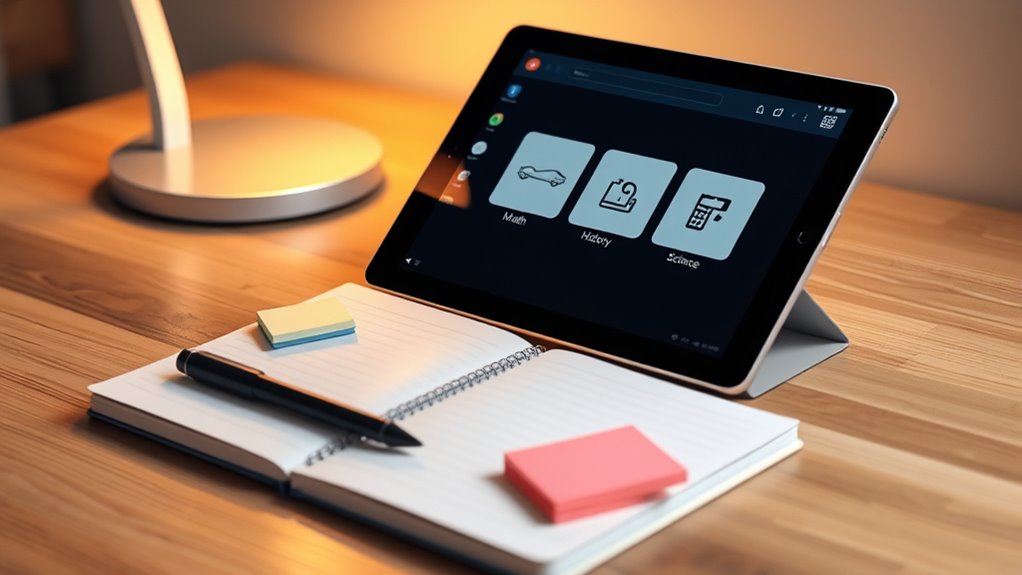
Organize Schoolwork on a Tablet: A Simple System
Brilliantly organizing your schoolwork on a tablet can boost productivity, but learning how to streamline your system is essential—keep reading to find out how.
Blue Light Filters: Sleep Better Without Ruining Color
Millions use blue light filters to improve sleep without sacrificing display quality—discover how to balance vibrant visuals and restful nights.
Travel Mode for Tablets: Download Maps, Shows, and Books
Want to maximize your tablet’s travel potential? Discover how travel mode lets you download maps, shows, and books for seamless adventures.
S‑Pen and Apple Pencil Tips You’ll Actually Use
S‑Pen and Apple Pencil tips you’ll actually use reveal essential tricks to enhance your creative workflow—discover how to unlock their full potential.
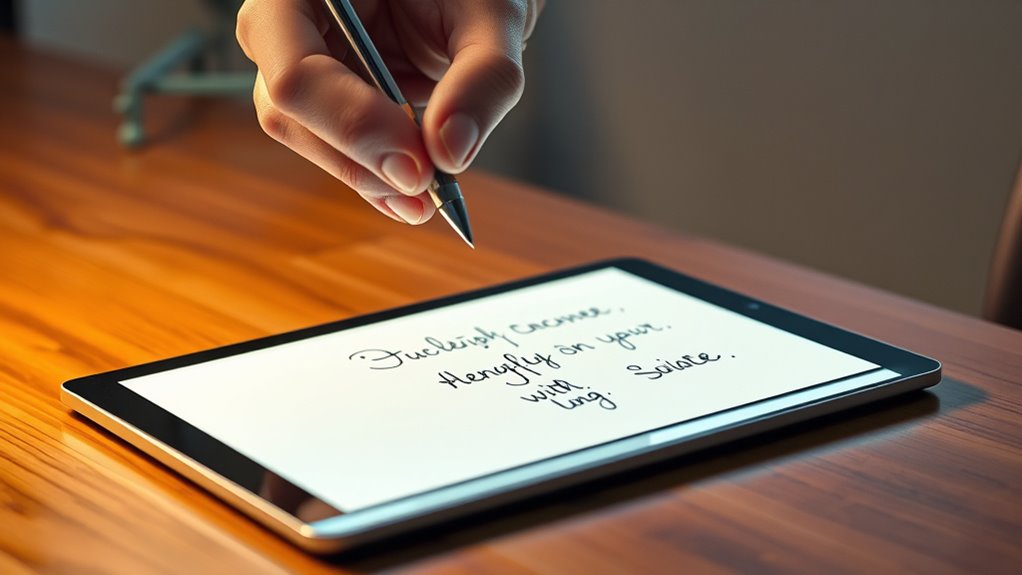
Turn Handwriting Into Text on Tablets—Without Lag
How to turn handwriting into text on tablets without lag and unlock seamless note-taking—discover the key to faster, more reliable conversions.
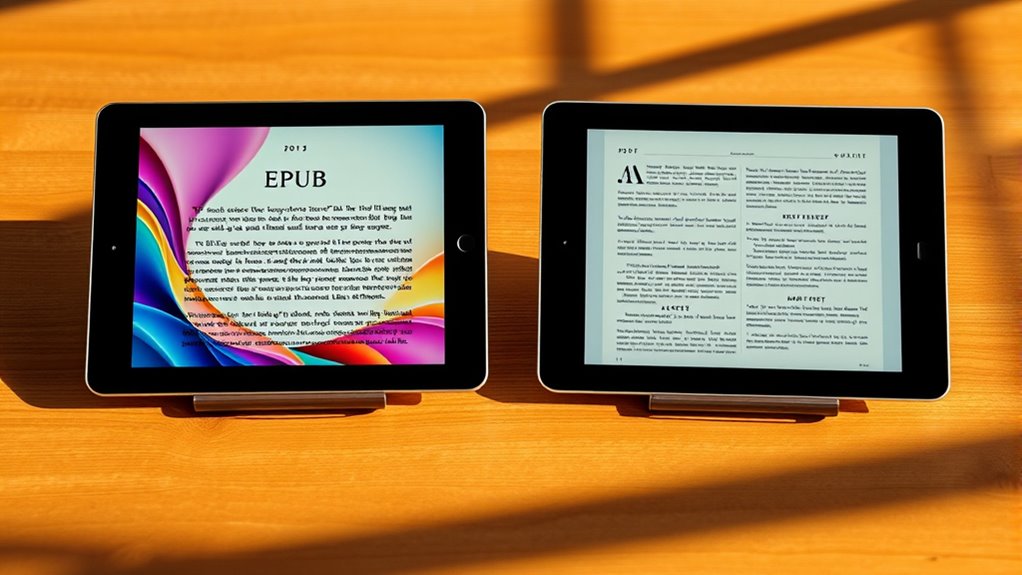
Epub Vs PDF: the Best Format for Reading
What makes EPUB or PDF the best format for your reading needs? Discover the key differences to find out.
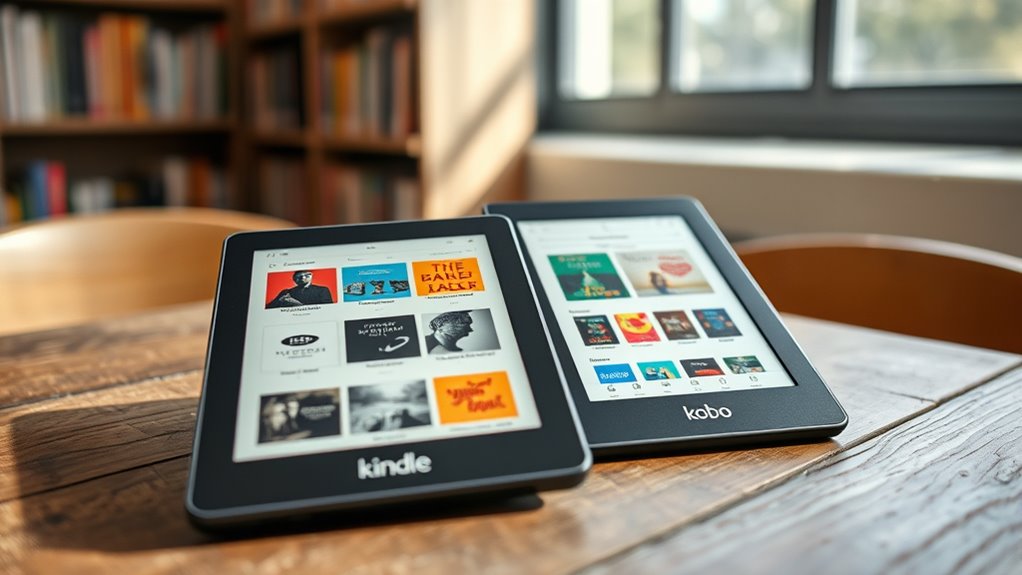
Borrow Ebooks Free: Library Loans on Kindle & Kobo
Borrow ebooks for free through your library’s digital services on Kindle and Kobo—discover how to access endless titles effortlessly and never miss out.
Use Stage Manager/DeX: Desktop‑Style Tablet Power
Learn how Stage Manager and DeX transform your tablet into a powerful, multitasking desktop experience that can unlock new productivity possibilities.
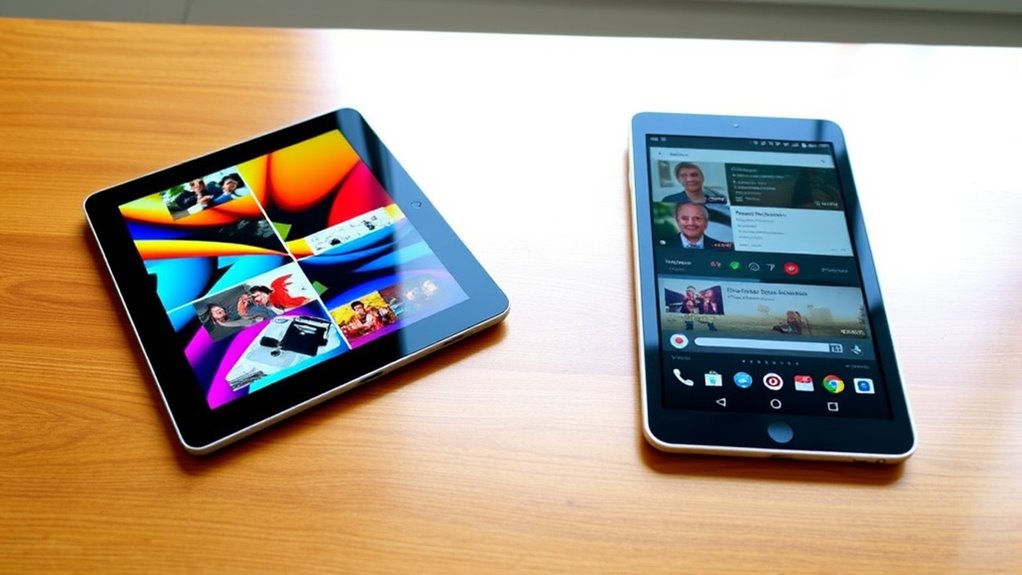
Split‑Screen on Ipad and Android Tablets: Do More at Once
Want to maximize your tablet’s multitasking? Discover how split-screen on iPad and Android tablets can help you do more at once.