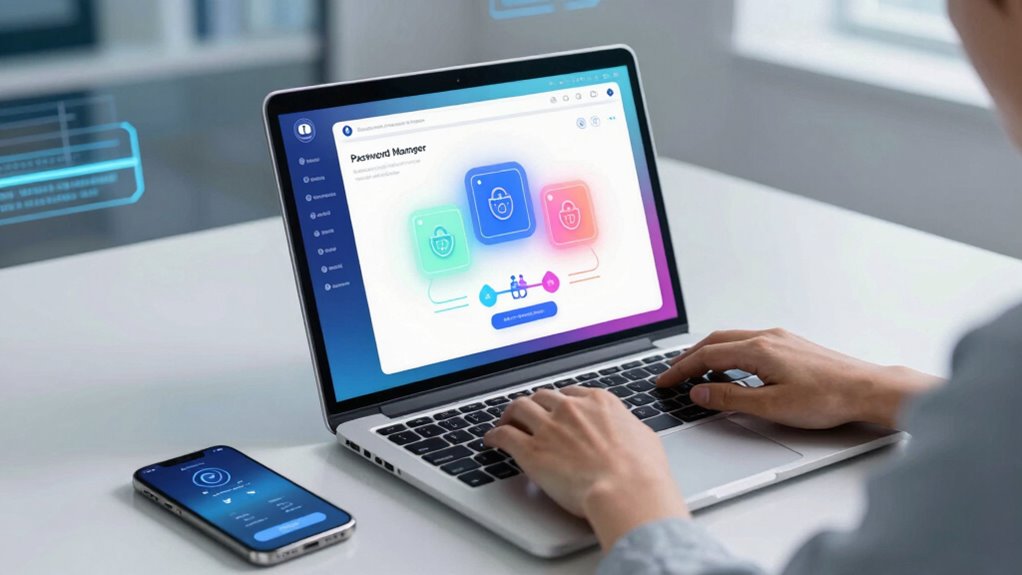

In 2025, cyber threats are more advanced and widespread, making strong passwords essential. Many people still reuse simple passwords, which hackers can easily crack through social engineering and sophisticated attacks. A password manager helps you generate, store, and manage complex, unique passwords across all your accounts effortlessly. It also adds layers of security like biometric login and multi-factor verification. Stay ahead of cyber dangers—discover how a trusted manager can protect your digital life.

Get the latest gadgets delivered free — and shop member deals
- Fast, free delivery on millions of items
- Access to Prime Big Deal Days deals on October 6–7
- Prime Video, Amazon Music and more included
Key Takeaways
- Password managers generate and store strong, unique passwords, reducing risks from reuse and weak credentials.
- They simplify managing multiple accounts securely across devices with encrypted storage and synchronization.
- Advanced features like biometric authentication and multi-factor verification enhance overall account security.
- They help prevent social engineering attacks by encouraging strong, complex passphrases and password habits.
- Incorporating password managers aligns with evolving security standards, safeguarding data against sophisticated cyber threats in 2025.
The Rising Threat of Cyberattacks in 2025

As cyberattacks become more sophisticated in 2025, the threat landscape continues to grow more dangerous. Remote work has expanded the attack surface, making it easier for hackers to exploit vulnerabilities. Social engineering remains a common tactic, tricking you into revealing sensitive information or granting access. Cybercriminals target remote employees through phishing emails, fake login pages, and manipulated messages, all designed to appear trustworthy. These tactics bypass traditional security measures, making it essential for you to stay vigilant. As attackers adapt, they increasingly focus on exploiting human error rather than technical flaws. Staying aware of these threats helps you recognize suspicious activity and protect your data, emphasizing the importance of strong passwords and security tools like password managers to defend against these evolving dangers.
Why Weak Passwords Are Still a Major Risk
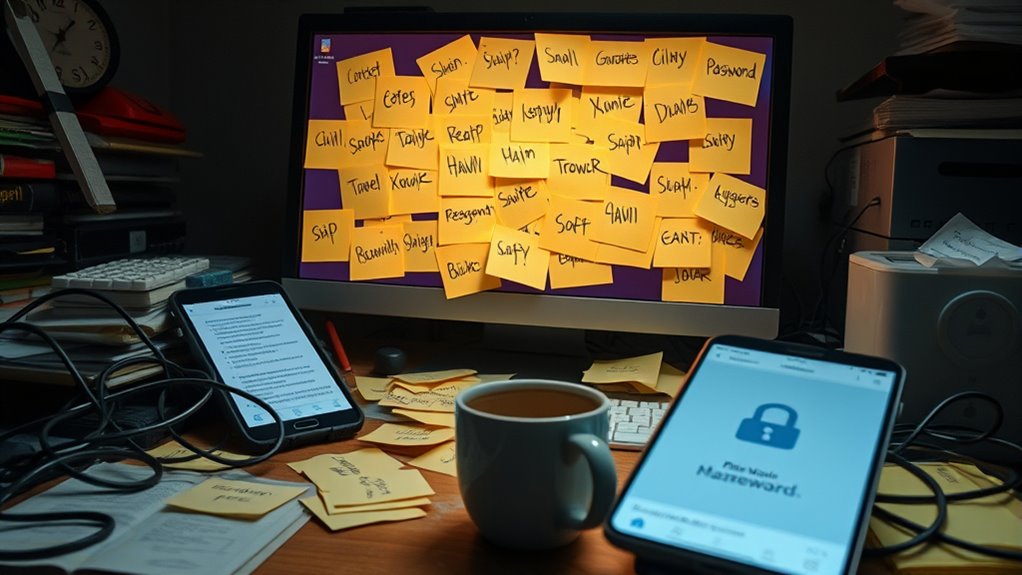
While modern security tools like password managers help protect your online accounts, weak passwords still pose a significant risk. Hackers often exploit poor password strength, especially when users underestimate the importance of creating complex, unique passwords. User education plays a crucial role in reducing these vulnerabilities by teaching you how to recognize risky habits and improve your password choices. To illustrate, consider this table:
| Weak Passwords | Common Mistakes | Better Alternatives |
|---|---|---|
| “password123” | Using easy words | Mix uppercase, numbers, symbols |
| “qwerty” | Reusing passwords | Use a password generator |
| “admin” | No variation | Create a unique, complex password |
Strengthening your password habits minimizes risks, even with advanced security tools in place. Additionally, understanding the importance of Floating on Water can remind us of the value of maintaining secure and buoyant defenses against cyber threats. Recognizing the contrast ratio in your security practices can help you better evaluate the effectiveness of your password strategies and overall online safety.
The Benefits of Using a Password Manager
Using a password manager boosts your security by generating strong, unique passwords for each account. It also makes managing your passwords more convenient, so you don’t have to remember them all. Overall, it simplifies protecting your digital life while keeping your information safer. Additionally, many password managers support Free Floating techniques, which help you create passwords that are difficult for hackers to crack. For example, understanding the net worth of public figures highlights the importance of secure online profiles and the need for strong passwords to protect personal information. Properly managing cookies and User Consent preferences further enhances your privacy and security online. Being aware of affiliate disclosures ensures transparency about potential financial relationships that could influence your password management choices. Incorporating wave and wind security measures adds an extra layer of protection against cyber threats.
Enhanced Security Measures
Implementing a password manager profoundly boosts your online security by generating and storing complex, unique passwords for each account. This reduces the risk of password reuse and makes hacking attempts harder. Many managers now incorporate biometric authentication, like fingerprint or facial recognition, adding an extra layer of protection when accessing your vault. Multi-factor verification further strengthens security by requiring a second form of identification, such as a code sent to your device. These features ensure that even if someone gains access to your master password, they can’t easily breach your accounts. By combining strong, unique passwords with biometric and multi-factor security, you create a robust defense against cyber threats. European cloud innovation is driving the development of more secure and reliable solutions for consumers and businesses alike. This exhaustive approach helps keep your personal information safe and your online presence secure.
Convenient Password Management
A password manager makes your online life considerably more convenient by securely storing all your login credentials in one place. With biometric authentication, you can quickly access your passwords without typing long, complex ones every time. This seamless access saves time and reduces frustration, especially when managing multiple accounts. Plus, sharing passwords becomes safer and easier, allowing you to securely share access with trusted contacts without exposing your actual passwords. Instead of writing passwords down or saving them insecurely, a password manager encrypts your data, keeping it protected. This convenience encourages better password habits, ensuring you use strong, unique passwords for each account without the hassle. Overall, a password manager simplifies your digital life while maintaining exceptional security.
How Password Managers Enhance Your Digital Security
Password managers substantially boost your digital security by generating, storing, and autofilling strong, unique passwords for each of your accounts. They use password vaults to keep your credentials safe and encrypted. Many also support biometric authentication, allowing you to unlock your vaults quickly and securely with fingerprint or facial recognition. This minimizes the risk of weak or reused passwords, reducing the chance of hacking. Additionally, password managers alert you to compromised accounts and help you update passwords promptly. This proactive approach strengthens your defenses across all online platforms. Modern security techniques further enhance password management by integrating advanced features like multi-factor authentication and biometric unlocking options. Transparency in how your data is handled and the importance of user privacy are crucial considerations when choosing a password manager. Being aware of data encryption methods helps ensure your information remains protected from unauthorized access. Understanding the maintenance costs associated with various security tools can also influence your choice, ensuring ongoing protection without unexpected expenses. Incorporating automated tools can streamline your security practices and reduce manual effort.
Choosing the Right Password Manager for Your Needs
Choosing the right password manager depends on your specific needs and how you prioritize features like security, usability, and compatibility. Pay attention to the user interface—look for an app that feels intuitive and easy to navigate, so managing passwords doesn’t become a chore. Consider the pricing models offered; some managers charge a flat fee, while others use subscriptions, so pick one that fits your budget and preferences. Think about whether you need multi-device sync, biometric access, or integration with other tools. Don’t overlook compatibility with your operating systems and browsers. The best choice aligns with your tech habits and security concerns, making password management seamless without sacrificing safety or convenience. To maximize your overall security, choose a password manager that emphasizes strong encryption and regular updates, and look for options that include security audits to ensure ongoing protection. Additionally, considering how well a password manager integrates with other tools like cloud storage can enhance your overall digital security strategy. Being aware of encryption standards can help you select a solution that truly safeguards your sensitive information.
Features to Look for in a Modern Password Manager

When choosing a modern password manager, you want to guarantee it uses strong encryption standards to keep your data secure. Compatibility across multiple devices makes managing your passwords seamless, no matter what platform you use. These features are essential for maintaining both security and convenience in 2025. Additionally, a comprehensive understanding of cybersecurity principles can help you evaluate a password manager’s ability to protect your information effectively. Incorporating encryption protocols that meet current standards ensures your passwords remain protected from potential breaches. Staying informed about cybersecurity best practices can further enhance your overall digital security strategy. Recognizing the importance of security audits can also ensure your chosen manager maintains high security standards over time. Moreover, understanding threat mitigation strategies can help you select a password manager that adapts to evolving security challenges.
Strong Encryption Standards
Strong encryption standards are essential for guaranteeing your sensitive data remains secure in a modern password manager. Look for features like quantum encryption, which safeguards your information against future threats from quantum computers. Biometric authentication adds an extra layer of security, making it harder for unauthorized users to access your vault. A reliable password manager should also use end-to-end encryption, so only you can decrypt your data. Additionally, check if it employs zero-knowledge architecture, meaning the provider cannot access your passwords. These standards ensure your data stays protected even if the service is targeted by hackers. Implementing industry-leading encryption methods further enhances your data security. With advanced encryption like quantum methods and biometric options, you can trust your password manager to defend your most sensitive information effectively. Incorporating connected technology features can further enhance your overall security and usability.
Cross-Device Compatibility
As you rely on a password manager across multiple devices, seamless synchronization becomes essential to maintaining security and convenience. Look for one that offers robust multi-platform synchronization, ensuring your passwords stay updated whether you’re on a smartphone, tablet, or desktop. Device compatibility challenges can arise if the password manager doesn’t support your operating systems or browsers, leading to frustration and potential security gaps. Choose a solution that provides consistent performance across Windows, macOS, Android, and iOS, with easy integration into your preferred apps and browsers. This cross-device compatibility enhances user experience by streamlining your login process, reducing the risk of errors, and keeps your passwords accessible wherever you need them. Prioritizing these features guarantees your security remains intact, no matter what device you’re using. Additionally, navigation and mapping explainers can help you better understand how your password manager organizes and retrieves your data efficiently.
Tips for Creating Strong and Unique Passwords

Creating strong and unique passwords is essential for protecting your online accounts from unauthorized access. To achieve this, focus on enhancing password complexity by including a mix of uppercase and lowercase letters, numbers, and special characters. Remember, password uniqueness is key—avoid reusing passwords across sites. Here are some tips:
- Use a passphrase made of unrelated words combined with symbols and numbers.
- Incorporate random characters to increase complexity.
- Avoid common patterns or easily guessed information like birthdays.
- Consider using a password manager to securely store and generate complex passwords.
Integrating Password Managers With Your Devices
To guarantee seamless access and security across all your devices, integrating your password manager is essential. Many modern managers support biometric authentication, allowing you to access passwords quickly with fingerprint or facial recognition. This enhances both security and convenience, eliminating the need to remember master passwords. Cloud synchronization ensures your passwords stay updated and accessible whether you’re on your phone, tablet, or computer. By syncing securely through encrypted channels, you avoid discrepancies and reduce the risk of data loss. Most password managers offer cross-platform compatibility, so you can effortlessly switch between devices without sacrificing security. Proper integration streamlines your login process, making password management effortless while keeping your sensitive information protected across all your digital devices.
Common Myths About Password Managers Debunked

Many people believe that password managers are unsafe or unnecessary, but these myths often stem from misunderstandings. First, some think storing passwords in a manager is risky, yet reputable solutions use strong encryption and biometric authentication to protect your data. Second, concerns about open source solutions lack basis; transparency allows experts to review security measures, ensuring reliability. Finally, some believe password managers are complicated to use, but user-friendly interfaces make managing passwords simple and efficient. Remember, a password manager reduces the risk of weak or reused passwords, and biometric authentication adds an extra layer of security. Don’t let myths hold you back—modern solutions are secure, transparent, and designed for your convenience.
Future Trends in Password Security and Management
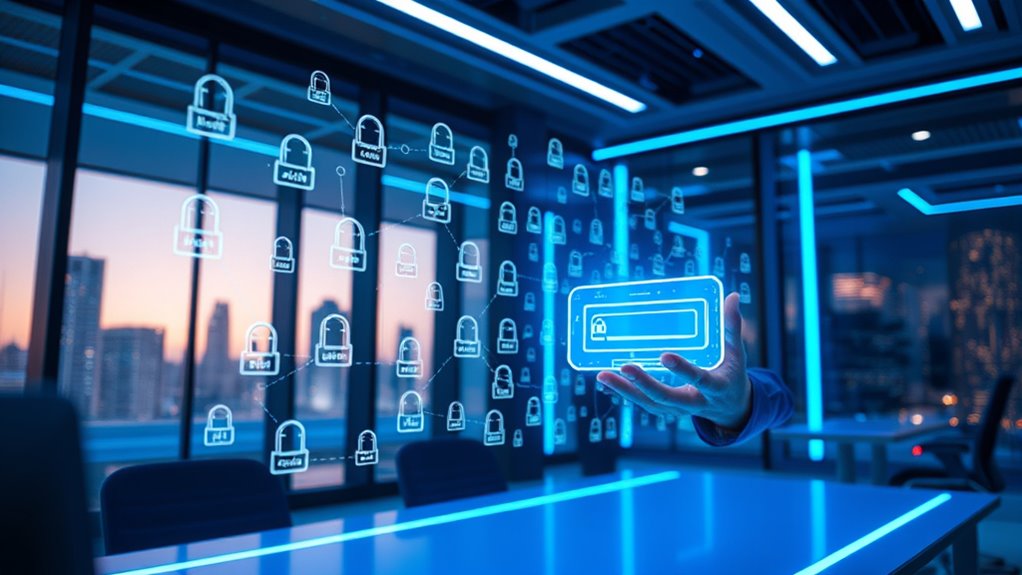
As technology advances, password security and management are poised to undergo significant transformation. Quantum encryption will likely become standard, offering near-unbreakable protection for your data by leveraging the power of quantum mechanics. This means your passwords and sensitive information will be far more secure against future threats. Additionally, biometric authentication will become more prevalent, replacing traditional passwords with fingerprint scans, facial recognition, or retinal scans. These methods provide a seamless, secure way to verify your identity, reducing reliance on memorized passwords. As these trends develop, you’ll experience faster, more secure access to your accounts without sacrificing convenience. Staying ahead in password management means embracing these innovations, ensuring your digital security evolves alongside emerging technologies.
Frequently Asked Questions
Can a Password Manager Protect Against All Types of Cyber Threats?
A password manager can’t protect you against all cyber threats, but it considerably reduces risks by encrypting your stored passwords, making it harder for hackers to access your data. However, vulnerabilities in encryption could still be exploited, so stay cautious. Also, guarantee user accessibility by choosing a user-friendly manager, so you don’t bypass security for convenience. Staying vigilant and combining tools gives you the best protection.
How Secure Are Password Managers Against Hacking Attempts?
Password managers are quite secure against hacking attempts because they use strong encryption standards like AES-256 to safeguard your data. They also implement robust user authentication methods, such as two-factor authentication, to prevent unauthorized access. While no system is completely invulnerable, a reputable password manager considerably reduces your risk by encrypting your passwords and verifying your identity at login, making it a reliable security tool.
Are Free Password Managers as Effective as Paid Versions?
Did you know that 58% of people share passwords, risking security? Free password managers can be effective, but they often lack advanced encryption standards found in paid versions. While free options protect your data, paid managers typically offer better features for secure password sharing and stronger encryption. If you’re serious about security, investing in a paid password manager ensures you get thorough protection and peace of mind.
What Happens if I Forget My Master Password?
If you forget your master password, recovery options depend on your password manager’s policies. Usually, strong master password complexity makes recovery difficult, so it’s essential to remember it or use a secure backup. Some managers offer master password recovery, but many don’t for security reasons. To avoid issues, create a memorable yet complex master password, and consider using a backup method like a recovery key or biometric login.
Do Password Managers Work Across All Operating Systems and Devices?
Surprisingly, yes, password managers do work across all operating systems and devices, making you wonder how you ever managed without them. Thanks to cross-platform compatibility and seamless device synchronization, you can access your passwords anywhere—be it Windows, macOS, Android, or iOS. It’s almost like having a magic wand that keeps your digital life organized, no matter what gadget you pick up. Who knew security could be so effortless?
Conclusion
As the digital landscape continues to evolve, embracing a password manager gently guides you toward safer habits. By trusting this quiet guardian of your online life, you reduce the risk of falling into common pitfalls. Remember, a small step toward better password practices can quietly transform your security, making your digital journey smoother and more protected. In this subtle shift, you find peace of mind, knowing you’re gently steering clear of the stormy seas of cyber threats.
Halloween Picks
halloween
As an affiliate, we earn on qualifying purchases.