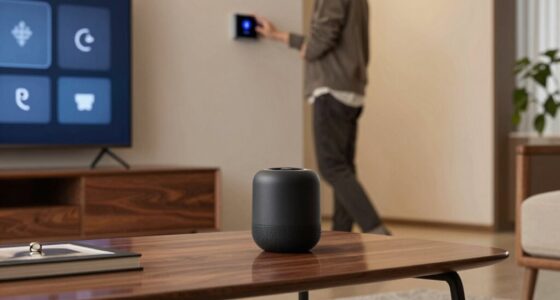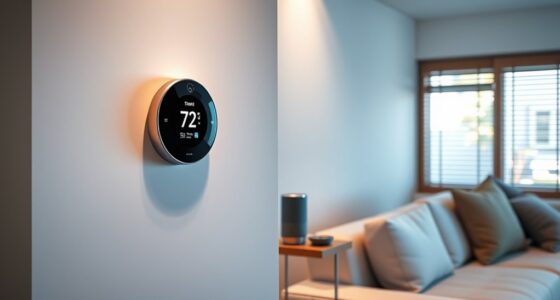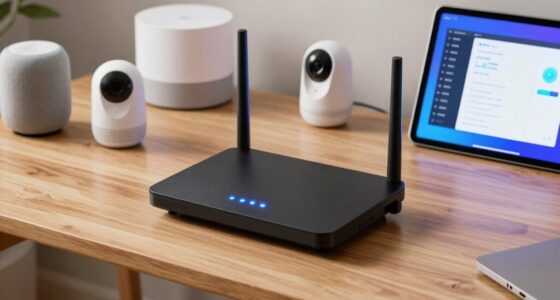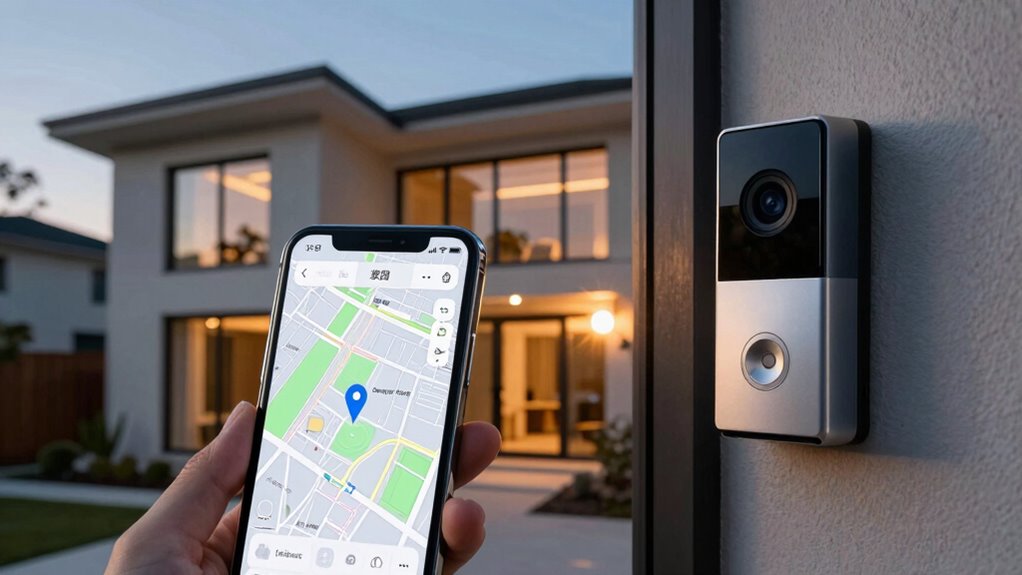

Geofencing in smart homes uses your device’s GPS, Wi-Fi, or Bluetooth signals to create virtual boundaries around your property. When you enter or leave these zones, your system detects your presence and triggers automated actions like granting access or adjusting the thermostat. To get this working smoothly, your smartphone needs location services enabled, and your home system must be set up correctly. Keep exploring to discover how to optimize privacy and troubleshoot common issues.
Listen free for 30 days with Audible
Thousands of audiobooks and originals — cancel anytime.
As an affiliate, we earn on qualifying purchases.
Key Takeaways
- Geofencing uses GPS, Wi-Fi, or cellular signals to create a virtual boundary around your home.
- Your smartphone’s location data detects when you enter or exit this boundary.
- When you cross the geofence, the system triggers automated home responses like unlocking doors or adjusting the thermostat.
- Accurate detection relies on proper setup, device compatibility, and sensor technology to prevent false triggers.
- Privacy and security measures are essential to protect your movement data while enabling seamless home automation.
As an affiliate, we earn on qualifying purchases.
What Is Geofencing and How Does It Work?
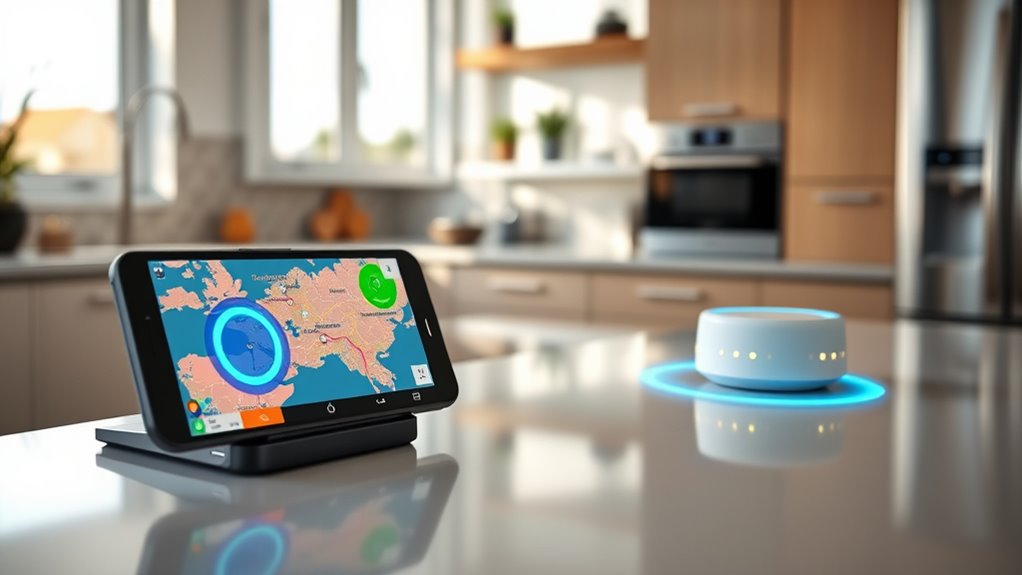
Geofencing is a location-based technology that creates a virtual boundary around a specific geographic area. When you enter or exit this designated zone, your device triggers a response, like adjusting your smart home settings. The effectiveness of geofencing relies on geofence accuracy, which depends on the quality of location data from GPS, Wi-Fi, or cellular signals. While this technology offers convenience, it raises concerns about location privacy. You might worry about how your movements are tracked and stored. To address these concerns, many apps allow you to control permissions and limit data sharing. Understanding how geofencing works helps you make informed decisions about using it safely and effectively in your smart home setup. Additionally, leveraging European cloud infrastructure can enhance data security and privacy compliance.
Moreover, the accuracy of location data plays a crucial role in ensuring geofencing functions reliably, minimizing false triggers or missed detections.
As an affiliate, we earn on qualifying purchases.
Components Needed for Geofencing in Smart Homes

Implementing geofencing in your smart home requires specific components to guarantee it functions smoothly. First, you’ll need a compatible smartphone or device capable of sharing location data, as this is the core of geofencing. A reliable GPS or location service is essential for accurate detection of your presence. Next, a smart home hub or central control system is needed to process location information and trigger actions. To enhance your smart home security and receive timely geofencing notifications, ensure your system supports integration with security cameras, locks, or lighting. An internet connection is critical for real-time updates, and a dedicated app or platform helps you manage settings and monitor alerts. Geofencing technology together, these components create an effective, seamless geofencing setup.
As an affiliate, we earn on qualifying purchases.
Setting Up Geofencing on Your Smartphone

To set up geofencing on your smartphone, you first need to enable location services so your device can accurately detect your position. Next, configure the geofence radius to define the area where you want notifications or actions to trigger. Once these steps are complete, you’ll be ready to enjoy the benefits of automated smart home controls. Incorporating location accuracy can help inform healthier choices within your smart environment, especially considering the importance of precise data for reliable geofence triggers. Additionally, adjusting privacy settings ensures your location data remains secure while maximizing the effectiveness of your geofencing. Using essential oil aromatherapy can also enhance your environment, creating a calming atmosphere after configuring your smart home system.
Enabling Location Services
Before you can set up geofencing on your smartphone, you need to enable location services. This step guarantees your device can provide accurate location data, which is vital for reliable geofencing. Adjust your privacy settings to control what data you share, balancing convenience with security. Here’s what you should do:
- Turn on location services in your device settings to improve location accuracy.
- Choose high accuracy mode for precise geofence detection.
- Review privacy settings to manage app permissions, so only trusted apps access your location.
- Confirm that your GPS and Wi-Fi are enabled for the most reliable signals.
Taking these steps ensures your smart home knows when you’re arriving, without compromising your privacy.
Configuring Geofence Radius
Once you’ve enabled location services, the next step is to configure the geofence radius, which determines how close you need to be to trigger your smart home actions. This setting defines your location boundary, effectively setting the distance from your home that activates the geofence. A smaller geofence radius creates a tight boundary, ensuring actions only trigger when you’re very close. Conversely, a larger radius broadens the boundary, allowing for earlier detection as you approach. Adjusting this radius depends on your preferences and the level of responsiveness you want. Make sure to strike a balance—too small might miss triggers, while too large could cause false activations. Properly setting your geofence radius guarantees your smart home responds at just the right moment.
smart home hub compatible with geofencing
As an affiliate, we earn on qualifying purchases.
As an affiliate, we earn on qualifying purchases.
How Smart Devices Detect Your Arrival

Ever wondered how your smart devices know when you arrive home? They use a combination of technology to detect your presence and activate your smart home security system seamlessly. Here’s how they do it:
- GPS Tracking: Your smartphone’s GPS signals alert your devices as you approach, triggering actions.
- Wi-Fi Connection: When your phone connects to your home Wi-Fi network, devices recognize your arrival.
- Bluetooth Beacons: Short-range Bluetooth detects your device nearby, confirming your presence.
- Virtual Boundary Setup: By defining boundaries around your property, your system detects crossing points, ensuring your home responds accurately.
- Simple, reliable systems can be set up quickly and maintained easily, helping you create a calmer, more organized home. These systems are designed to work seamlessly with trusted technologies to enhance your home’s security and convenience. Additionally, easy-to-implement detection methods help ensure your home automation works reliably without complicated setup processes. Incorporating reliable detection methods ensures your system responds accurately and reduces false alerts, giving you peace of mind.
Furthermore, understanding how smart home technology integrates with various detection techniques can improve system performance and reliability. These methods work together to create a smooth, secure experience, making your smart home feel intuitive and safe the moment you arrive.
Creating Virtual Boundaries Around Your Home
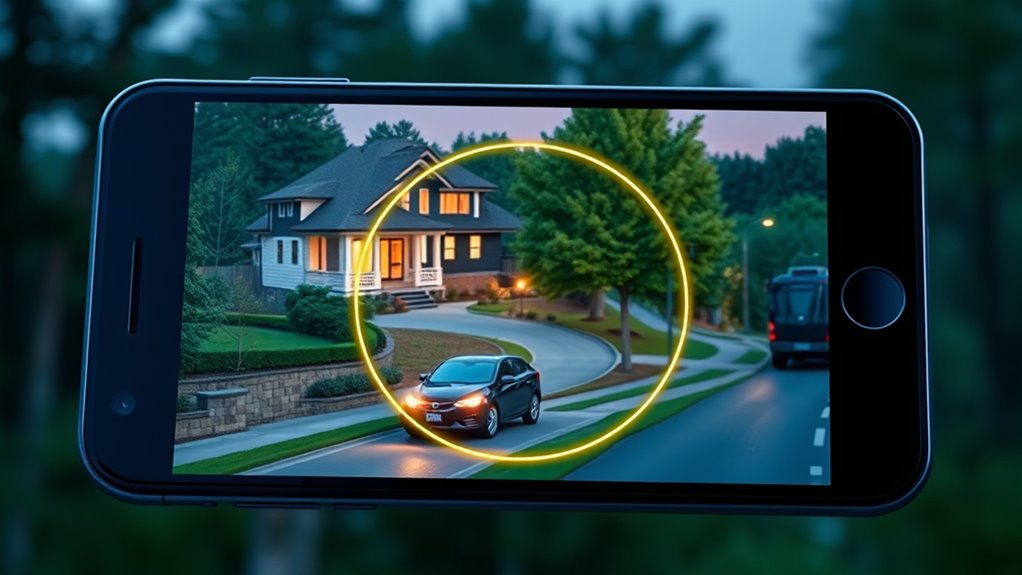
Creating virtual boundaries around your home builds on the detection methods your devices use to recognize your arrival. Virtual boundary creation lets you define specific areas where your devices can detect your presence. You can customize these boundaries to suit your preferences, ensuring your smart home reacts precisely when you arrive or leave. Boundary customization allows you to set how close or far the virtual perimeter extends, giving you control over automation triggers. To visualize, consider this table:
| Boundary Type | Description |
|---|---|
| Fixed Boundary | A set radius around your home |
| Dynamic Boundary | Moves with your device’s location |
| Custom Shape | Irregular boundaries tailored to your property |
| Restricted Zone | Areas where automation is disabled |
This setup guarantees your home responds accurately, enhancing your smart home experience. Additionally, understanding how geofencing leverages location data ensures you can optimize these virtual boundaries for better automation. Using sensor technology effectively can improve the precision of your boundary settings, reducing false triggers and ensuring your home responds exactly as intended.
Automating Home Devices With Geofencing

With geofencing, you can automatically activate smart devices as you approach or leave your home, making daily routines smoother. You can also set personalized environment preferences, like adjusting the thermostat or lighting to your liking. This way, your home becomes more responsive and tailored to your schedule without any manual effort.
Smart Device Activation
Smart device activation through geofencing allows you to automate home functions based on your location, making everyday routines more convenient. With smart device activation, your home responds instantly when you arrive or leave, thanks to automation triggers. Imagine walking in the door and lights turn on, your favorite music starts playing, or the thermostat adjusts to a comfortable temperature—all seamlessly. These automation triggers ensure your home feels personalized and welcoming the moment you arrive. Feel the relief of not having to manually control each device. Experience the joy of a home that anticipates your needs. Additionally, understanding reliable backup power options can help ensure your smart home remains operational during outages. Incorporating smart home security features can further enhance your peace of mind. Here are four ways smart device activation enhances your life:
- Eliminates manual adjustments
- Creates a welcoming environment
- Saves time and energy
- Provides peace of mind
Personalized Environment Settings
Personalized environment settings harness geofencing to automatically adjust your home devices based on your location. When you approach or leave, your smart home can change the lighting, temperature, or even play your favorite music, creating a seamless experience. This automation enhances comfort and convenience but raises privacy concerns, as your movements are constantly tracked. Additionally, frequent use of geofencing can lead to battery drainage on your smartphone, potentially affecting device performance. To balance convenience with privacy, consider adjusting your settings or limiting geofence triggers. Being aware of these factors helps you enjoy personalized environment settings without compromising your device’s battery life or your privacy. Proper management ensures your smart home works for you, smoothly and securely.
Privacy and Security Considerations
Privacy and security are critical concerns when implementing geofencing technology, as it involves collecting and processing location data that can reveal sensitive information about individuals. You should be aware of how your data privacy is protected and how your location tracking details are used. Here are key points to take into account:
- Your location data could be exposed if security measures aren’t strong enough.
- Unauthorized access might lead to privacy breaches that affect your personal safety.
- Sharing location information with third parties can compromise your data privacy.
- Always verify that your smart home’s geofencing system encrypts data and follows privacy laws.
- Understanding the Youngster Choice aspects of data sharing can help you make informed decisions about your privacy.
- Implementing security best practices can further safeguard your location information from potential threats. Additionally, choosing systems with proven security protocols ensures your data remains protected against emerging threats.
- Being aware of potential vulnerabilities in your system’s security can help you better defend your privacy. Regularly updating your software can also help mitigate security risks associated with outdated systems.
Common Challenges and Troubleshooting Tips
You might encounter issues like GPS signal fluctuations or incorrect geofence settings that cause false alerts or missed triggers. Device compatibility problems can also prevent your geofencing system from working smoothly. Addressing these common challenges promptly guarantees your geofencing setup remains reliable and effective. Ensuring your device’s compatibility with geofencing systems can help prevent many of these issues. Additionally, verifying that your Vetted – Witbeck Vacuums are updated and functioning properly can enhance overall system performance. Regularly checking your waterproof and weather-resistant devices ensures they operate correctly in various outdoor conditions. Moreover, understanding wireless signal strength is crucial for maintaining a stable connection between your devices and the geofencing system.
GPS Signal Fluctuations
GPS signal fluctuations are a common challenge that can disrupt accurate geofencing. When gps inaccuracies occur or signal interference happens, your smart home might not detect your arrival correctly. This can be frustrating, especially during important moments. To troubleshoot, consider these tips:
- Ensure Clear View of the Sky – Tall buildings or dense trees can block signals.
- Check Device Settings – Confirm location permissions and GPS accuracy modes.
- Update Your App and Firmware – Outdated software can worsen gps inaccuracies.
- Minimize Signal Interference – Avoid areas with heavy electronic interference or thick walls.
Incorrect Geofence Settings
Have you checked whether your geofence boundaries are set correctly? Incorrect radius settings can cause your smart home to misidentify your location, triggering or ignoring triggers unnecessarily. A faulty sensor might also give inaccurate location data, compounding the problem. Verify your geofence covers the right area—too small, and it won’t detect your arrival; too large, and it may activate prematurely. Double-check the radius in your app and adjust it to match your typical travel distance. Also, verify that your device’s location permissions are correctly configured. Misconfigured settings or an overly broad radius can lead to false triggers or missed arrivals. Correcting these issues helps your smart home respond accurately, making your automation seamless and reliable.
Device Compatibility Issues
Device compatibility issues are a common hurdle that can prevent your geofencing setup from working smoothly. If your devices don’t support the necessary software integration, your system might fail to detect your arrival or departure accurately. To troubleshoot, check the following:
- Ensure your smartphone’s operating system and app versions are up-to-date.
- Confirm your smart home devices support the required geofencing features.
- Verify that all devices are compatible with your chosen automation platform.
- Restart devices and reinstall apps if needed to resolve software conflicts.
Enhancing Your Smart Home Experience With Geofencing

By leveraging geofencing technology, you can automate your smart home to respond seamlessly as you arrive or leave your property. This enhances your overall smart home experience by making daily routines more convenient and efficient. For example, you can set your smart locks to *unlatch* automatically, lights to turn on, and thermostats to adjust when your phone enters the geofence. It also improves smart home security by ensuring your home is prepared for your arrival and secure when you’re away. However, it’s important to *contemplate* geofencing privacy, as continuous location tracking raises concerns about data security. By managing these settings thoughtfully, you maximize the benefits of geofencing while protecting your privacy, creating a smarter, safer, and more personalized home environment.
Future Trends in Geofencing Technology
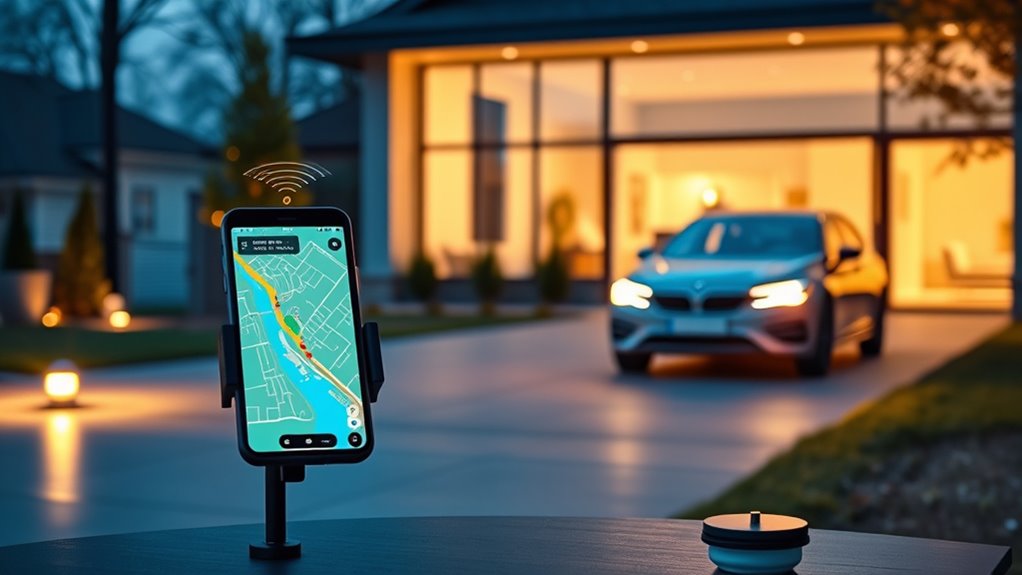
As geofencing technology continues to evolve, innovative trends are shaping its future capabilities. You’ll see wearable technology integrating seamlessly, allowing your devices to detect your presence more accurately and effortlessly. Location-based marketing will become more personalized, delivering tailored offers right when you’re nearby, making every interaction feel relevant. Expect smarter automation, where your smart home adapts instantly based on your movement patterns. Additionally, privacy enhancements will give you better control over your data, easing concerns about tracking.
Here are four exciting developments to look forward to:
- Wearable devices enhancing precise geofencing detection
- Hyper-targeted location-based marketing campaigns
- Smarter, more adaptive home automation
- Improved privacy safeguards for user trust
Frequently Asked Questions
Can Geofencing Work Without an Active Internet Connection?
No, geofencing doesn’t work without an active internet connection. Offline functionality is limited because your device relies on GPS, Wi-Fi, or cellular signals to detect your location. When offline, the system can’t send or receive updates, reducing accuracy and responsiveness. Keep in mind, continuous GPS use impacts your battery life more, so you might notice quicker drain when geofencing features try to operate without internet.
How Accurate Is Geofencing in Detecting My Location?
Geofencing’s accuracy depends on GPS precision and your device’s sensors. You’ll usually see location precision within a few meters, but it can vary due to signal quality, weather, or urban obstacles. For the best results, make sure your device’s GPS is active and calibrated. While generally reliable, occasional inaccuracies might occur, especially in dense areas or indoors. Trust it for most routine triggers but stay aware of potential slight errors.
What Are the Energy Implications of Constant Geofencing?
Constant geofencing can increase your energy consumption and cause battery drain on your devices. It keeps your smartphone or smart home devices actively monitoring your location, which uses more power than usual. While this ensures timely responses, you should be aware that it can diminish your device’s battery life over time. To minimize this, consider adjusting the geofencing settings or using low-power modes when possible.
Can Multiple Users’ Devices Trigger the Same Geofence?
Yes, multiple users’ devices can activate the same geofence. This setup helps coordinate device privacy and guarantees your smart home responds appropriately. However, keep in mind that having several devices trigger a geofence can increase battery consumption for each device, draining their batteries faster. To optimize, you might want to limit triggers or adjust settings, balancing convenience with device privacy and battery life.
How Do I Update or Change My Geofence Boundaries?
Think of your geofence boundaries as your home’s invisible welcome mat; you can easily update or change them. To do so, open your smart home app, navigate to the geofence settings, and select the option to update or edit geofences. Adjust the boundaries to your preferred size or shape, then save your changes. Updating geofences helps make certain your smart home responds accurately to your arrival and departure.
Conclusion
By mastering geofencing, you open the magic of a truly responsive home—where your presence is felt even before you step inside. As technology weaves seamlessly into your daily life, it becomes clear that boundaries are not just lines on a map but gateways to convenience and security. Embrace this innovation, and watch your smart home evolve from a mere space into a personalized sanctuary—where every arrival writes a new chapter in effortless living.
Fall yard work Picks
leaf blowers
As an affiliate, we earn on qualifying purchases.