
You’ll notice that premium laptops keep getting thinner and more powerful thanks to advanced hardware design, new materials, and innovative cooling techniques. Higher-performance components, like faster processors and graphics cards, are now packed into sleeker builds without overheating. Lightweight alloys and composites make devices durable yet easy to carry. Improvements in display technology and power management also boost visual quality and battery life. Stay with us to discover how these innovations continue to shape the future of laptops.
Key Takeaways
- Advances in hardware design and manufacturing enable higher performance in increasingly compact and lightweight laptops.
- Use of advanced materials like composites and alloys maintains durability while reducing weight.
- Innovative cooling systems, such as airless cooling, prevent overheating without adding bulk.
- Energy-efficient components and smarter power management extend battery life in slim devices.
- Enhanced display technology and minimal bezels improve aesthetics and user experience without increasing size.
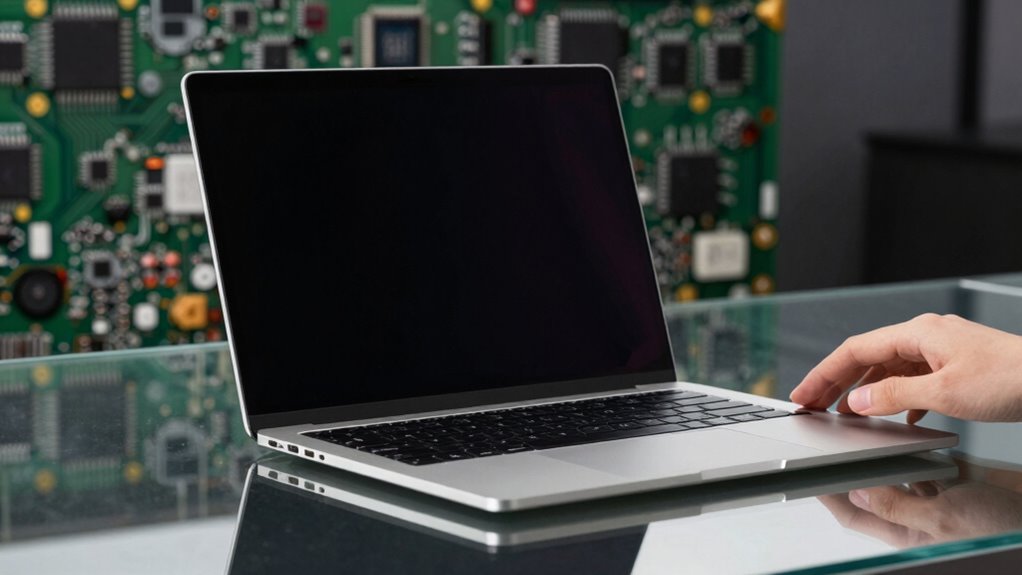
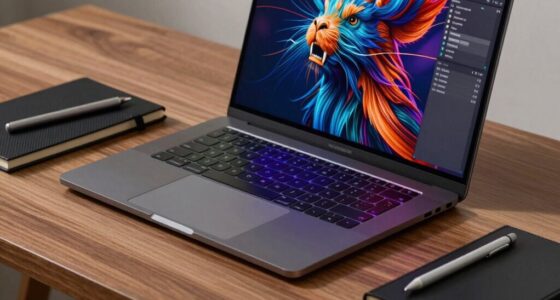
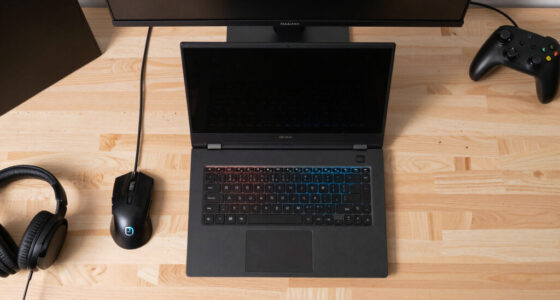
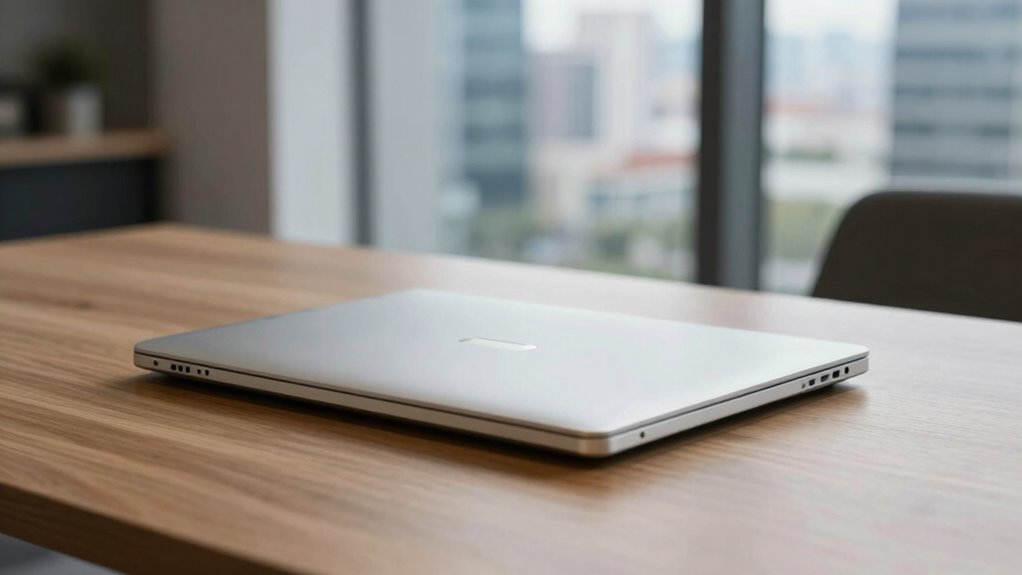
In recent years, laptops have become noticeably slimmer and more powerful, transforming the way you work, play, and communicate. This evolution is driven by advancements in hardware design and manufacturing, allowing manufacturers to cram more performance into less space. For example, the incorporation of high-end graphics cards and fast processors has become more feasible in compact designs, thanks to innovations like airless cooling systems. For you, this means sleek devices that don’t compromise on power or portability. When it comes to gaming performance, these premium laptops now pack high-end graphics cards and fast processors that deliver smooth gameplay, even with demanding titles. The thin profiles don’t hinder performance—in fact, they often include specialized cooling systems to keep components cool during intense gaming sessions. You don’t have to lug around bulky machines to enjoy high-quality visuals or responsive controls; instead, you get a slim device that’s equally capable of handling your favorite games. Additionally, the use of advanced materials helps maintain durability without adding weight, ensuring your device stays sturdy during daily use. This lightweight construction is crucial for users who are constantly on the go. Battery longevity is another key factor that’s improved alongside the push for thinner designs. Manufacturers have developed energy-efficient components and smarter power management techniques, extending your laptop’s battery life without sacrificing performance. As a result, you can stream videos, work on projects, or game for hours on a single charge. This balance between power and endurance means you’re less likely to be tethered to an outlet during long flights or coffee shop work sessions. The drive to make laptops thinner also pushes innovation in materials—think lightweight alloys and advanced composites—that maintain structural integrity while reducing bulk. This innovative use of materials means you get a sturdy device that feels premium without adding unnecessary weight. Additionally, improvements in display technology, like high-resolution screens and minimal bezels, contribute to the overall sleekness without sacrificing visual quality. You’ll notice that the latest premium laptops are not only more powerful but also more visually appealing and easier to carry around. All these advancements are not just about aesthetics; they’re about enhancing your experience. Whether you’re gaming, working, or browsing, the combination of improved gaming performance and better battery longevity ensures that your device keeps up with your lifestyle. The ongoing trend of making laptops thinner and more powerful reflects a commitment to delivering devices that are both portable and capable, so you can stay productive and entertained wherever you go. This balance of form and function truly defines the modern premium laptop.

Dell Alienware X17 R1 Laptop | 17.3" 1920×1080 FHD 360Hz | Core i7-11800H – 1TB SSD + 512GB SSD Hard Drive – 16GB RAM – Nvidia GeForce RTX 3070 | 8 cores @ 4.6 GHz – 8GB GDDR6 Win 11 Home (Renewed)
Dell Alienware X17 R1 Laptop 17.3" Non-Touch Screen Lunar Light
As an affiliate, we earn on qualifying purchases.
As an affiliate, we earn on qualifying purchases.
Frequently Asked Questions
How Do Thinner Laptops Impact Battery Life?
Thinner laptops can impact your battery life by challenging battery efficiency since there’s less space for larger batteries. However, they often include advanced power management features that optimize energy use, helping to extend battery life. While the slim design may reduce overall battery capacity, clever power management guarantees you still get decent usage time. Keeping software updated and adjusting settings can further improve your laptop’s battery performance.
Are There Durability Concerns With Ultra-Thin Designs?
With ultra-thin designs, durability can be a concern because material durability and structural integrity are often compromised for portability. You might notice that these laptops are more susceptible to dents, cracks, or damage from drops. Manufacturers try to strengthen materials or add reinforcements, but the trade-off remains: thinner laptops tend to be less robust. Handle them carefully and consider protective cases to maintain their longevity.
What Are the Trade-Offs of Increased Power in Small Laptops?
You might notice that as laptops gain more power, their size shrinks—by up to 20% in some models—making portability easier. However, this increased power often leads to design compromises like reduced battery life and limited upgrade options. Additionally, the cost implications are significant; more powerful components and sleek designs drive prices higher. So, while you get portability and performance, you should consider potential durability concerns and higher expenses.
How Do Cooling Systems Work in Slim Laptops?
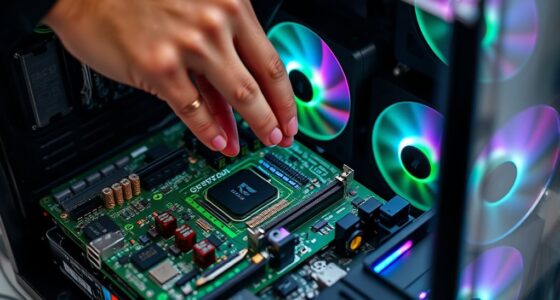
Cooling systems in slim laptops rely on advanced thermal management and heat dissipation techniques. You’ll find vapor chambers, heat pipes, and high-efficiency fans working together to transfer heat away from critical components. These systems optimize airflow and use materials that spread heat quickly, preventing overheating. As a result, your laptop stays cool and maintains performance, even with its compact design.
Will Future Laptops Become Even Thinner and More Powerful?
Yes, future laptops will likely become even thinner and more powerful. Design innovation pushes the boundaries, creating sleek devices that deliver exceptional performance without sacrificing portability. You’ll notice that as manufacturers focus on improving user experience, they develop advanced materials and cooling technologies to maintain power in a slimmer form. This ongoing evolution promises devices that are not only lighter but also more capable, keeping you connected and productive on the go.

llano V10 Gaming Laptop Cooling Pad, RGB Laptop Cooler Stand Laptop Fan
Ultimate Cooling with Turbo Power – Drop up to 38°C in Minutes: Engineered for serious gamers and power…
As an affiliate, we earn on qualifying purchases.
As an affiliate, we earn on qualifying purchases.
Conclusion
As you hold these sleek, powerful laptops, it’s like cradling a marvel of modern engineering—a blade cutting through the air with precision and grace. They’re shrinking in size but expanding in capability, transforming your digital world into a seamless, swift dance. With each innovation, you’re not just carrying a device; you’re wielding a piece of the future, where strength and elegance intertwine like stars in a limitless sky. Welcome to the age of endless possibility.

Philips 24 Inch Computer Monitor FHD 100Hz VA VESA Flicker-Free, 241V8LB
CRISP CLARITY: This 23.8″ Philips V line monitor delivers crisp Full HD 1920×1080 visuals. Enjoy movies, shows and…
As an affiliate, we earn on qualifying purchases.
As an affiliate, we earn on qualifying purchases.

HP 15.6" FHD Laptop 2026 Edition with Copilot AI, 8GB RAM, 256GB SSD, Intel Processor, Long Battery Life, Lightweight, Windows 11 for Students & Office(Renewed)
Powerful Everyday Performance: Intel N100 processor with 8GB RAM handles multiple browser tabs, Microsoft Office for web, video…
As an affiliate, we earn on qualifying purchases.
As an affiliate, we earn on qualifying purchases.