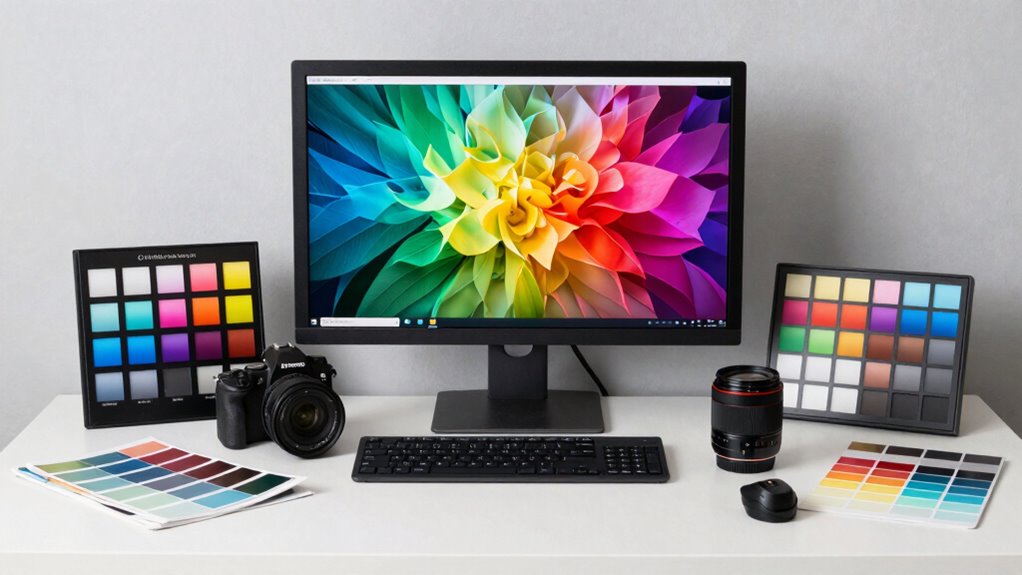

A great color-accurate setup starts with proper monitor calibration using specialized tools like colorimeters to guarantee your display shows true colors. Control ambient lighting by minimizing glare, avoiding strong light sources, and maintaining consistent, neutral light levels to prevent color shifts. Create a dedicated workspace with adjustable lighting to reduce external influences. When you combine precise calibration with a well-managed environment, your setup delivers reliable, consistent color accuracy—if you want to find out more, there’s plenty of detail ahead.
Key Takeaways
- Regularly calibrate monitors using professional hardware tools to ensure true color reproduction.
- Maintain controlled ambient lighting with neutral, dim, or indirect light to prevent color distortion.
- Create a dedicated workspace free from glare, reflections, and external light influences.
- Use consistent lighting conditions and environment setup across different devices for uniformity.
- Integrate both technological calibration and environmental management for optimal color accuracy.
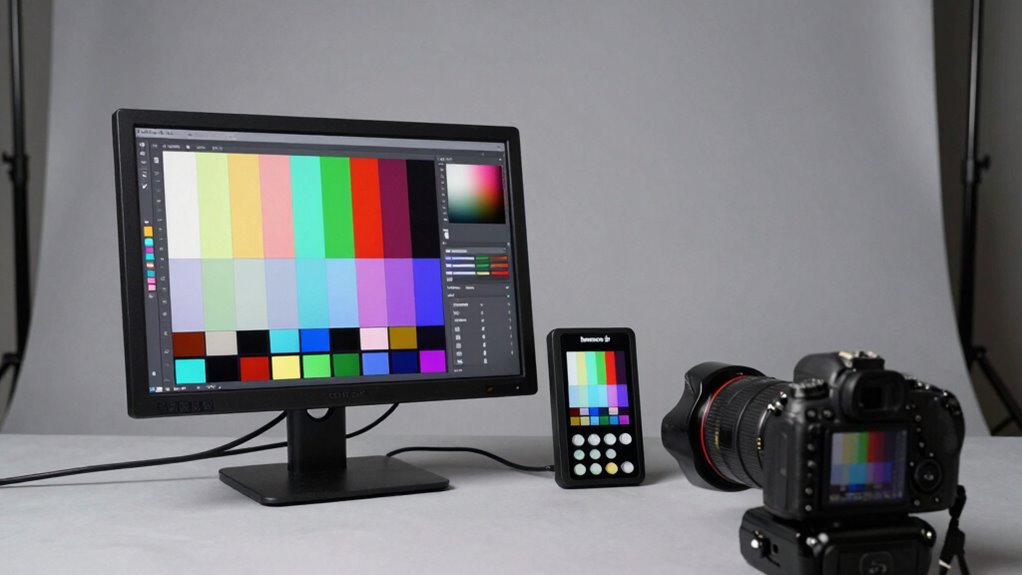
Achieving a color-accurate setup is vital if you want your display to reflect true colors and guarantee your work or entertainment looks just as intended. The foundation of this accuracy begins with proper monitor calibration. When you calibrate your monitor, you’re adjusting its color settings, brightness, contrast, and gamma to align with industry standards or your specific needs. This process ensures that what you see on screen matches the true colors, whether you’re editing photos, designing graphics, or simply enjoying media. Regular calibration, using hardware tools like colorimeters or spectrophotometers, keeps your display consistent over time, preventing drift that can distort colors.
Proper monitor calibration ensures true-to-life colors for accurate editing, design, and media enjoyment.
However, calibration alone isn’t enough. Ambient lighting plays an essential role in maintaining color accuracy. The lighting conditions in your environment directly influence how you perceive colors on your screen. Bright or colored lighting can wash out or skew the hues, making it harder to judge if your display is truly accurate. Ideally, you want controlled, neutral lighting—preferably dim or indirect—so that your perception remains consistent and true to the calibrated settings. Avoid placing your monitor near windows or strong light sources that cause glare or reflections, as these can affect how you see the colors.
Creating a suitable environment involves more than just adjusting the lighting; it’s about establishing a viewing space that minimizes external influences. Use blackout curtains or shades if natural light is a problem, and position your monitor away from direct light sources. Keep the ambient light at a consistent level, and consider using a desk lamp with adjustable brightness and color temperature to maintain uniform lighting. This consistency is key because even small variations in ambient light can impact your ability to judge color accuracy accurately, especially during detailed work or critical color assessments. Understanding the importance of monitor calibration and ambient lighting helps you optimize your entire setup for precise color reproduction. In addition, utilizing ambient light control solutions can further enhance color consistency and reduce visual fatigue. Properly managing light environment is equally important for achieving consistent results over time. Creating a dedicated color management system within your workspace can also help maintain accuracy across different devices and lighting conditions. Remember, a great color-accurate setup isn’t just about technology; it’s about creating a balanced environment where your display’s calibration can be fully realized. By paying attention to both monitor calibration and ambient lighting, you set yourself up for precise, consistent color representation, whether for professional tasks or immersive entertainment.
monitor calibration colorimeter
As an affiliate, we earn on qualifying purchases.
As an affiliate, we earn on qualifying purchases.
Frequently Asked Questions
How Often Should I Calibrate My Monitor?
You should calibrate your monitor at least once a month to maintain display consistency. Regular calibration guarantees colors stay accurate and consistent over time, especially if you work on color-sensitive projects. Factors like environmental changes, aging hardware, or software updates can affect display accuracy. By sticking to a consistent calibration schedule, you keep your monitor performing at its best, ensuring your color work remains precise and reliable.
What Lighting Conditions Are Ideal for Color Accuracy?
You should work in a well-controlled environment with ambient light that’s consistent and not too harsh, ideally diffuse and neutral. Keep the ambient light’s color temperature around 5000K to 6500K for accurate color perception. Avoid direct sunlight or bright, colored lights, as they can skew your view of colors. By controlling ambient light and maintaining a steady color temperature, you’ll guarantee your monitor displays colors accurately.
Are Hardware Calibration Tools Necessary for Beginners?
You don’t always need fancy hardware calibration tools as a beginner; think of it like learning to cook—you can start with simple recipes before investing in gourmet gadgets. Many calibration myths suggest pricey gear is essential, but budget calibration options like software calibration and built-in monitor controls often suffice initially. As you grow more serious, then, upgrading your tools can refine your color accuracy.
How Do Different Monitors Affect Color Accuracy?
Different monitors impact color accuracy based on their color gamut and display uniformity. A wider color gamut allows you to see more vibrant, true-to-life colors, while poor display uniformity can cause inconsistent colors across the screen. When selecting a monitor, prioritize those with high color gamut coverage and excellent display uniformity to guarantee your colors stay accurate across the entire screen, making your work more precise and reliable.
Can Software Calibration Improve Color Accuracy on Any Display?
Can software calibration truly improve color accuracy? Yes, it can, especially when you seek better color consistency and calibration stability. While it’s not a perfect fix, software calibration fine-tunes your display’s colors, reducing inaccuracies caused by factory settings or aging. Regular calibration helps maintain consistency over time, ensuring your colors stay true, whether you’re editing photos or working on critical projects. Just remember, hardware calibration tools often deliver even more precise results.

Quntis Computer Monitor Lamp, Screen Monitor Light Bar for Eye Caring, USB Reading LED Task Lamp with Auto-Dimming, Dimmable Light Bar, Touch Control, No Glare Space Saving Home Office Desk Lamps
No Blue Light Hazard & Flicker-Free Lighting: Certified to meet the IEC/TR 62778 and IEC/EN 62471 standards, Quntis…
As an affiliate, we earn on qualifying purchases.
As an affiliate, we earn on qualifying purchases.
Conclusion
To create a truly color-accurate setup, think of your workspace as a finely tuned orchestra, where each component plays in harmony. By investing in quality calibration tools and choosing the right hardware, you guarantee every hue hits its mark like a perfectly pitched note. Remember, a well-balanced setup isn’t just about technical precision—it’s about transforming your visual environment into a vibrant canvas where colors come alive with clarity and confidence.
professional monitor calibration tools
As an affiliate, we earn on qualifying purchases.
As an affiliate, we earn on qualifying purchases.
neutral desk lighting for color accuracy
As an affiliate, we earn on qualifying purchases.
As an affiliate, we earn on qualifying purchases.