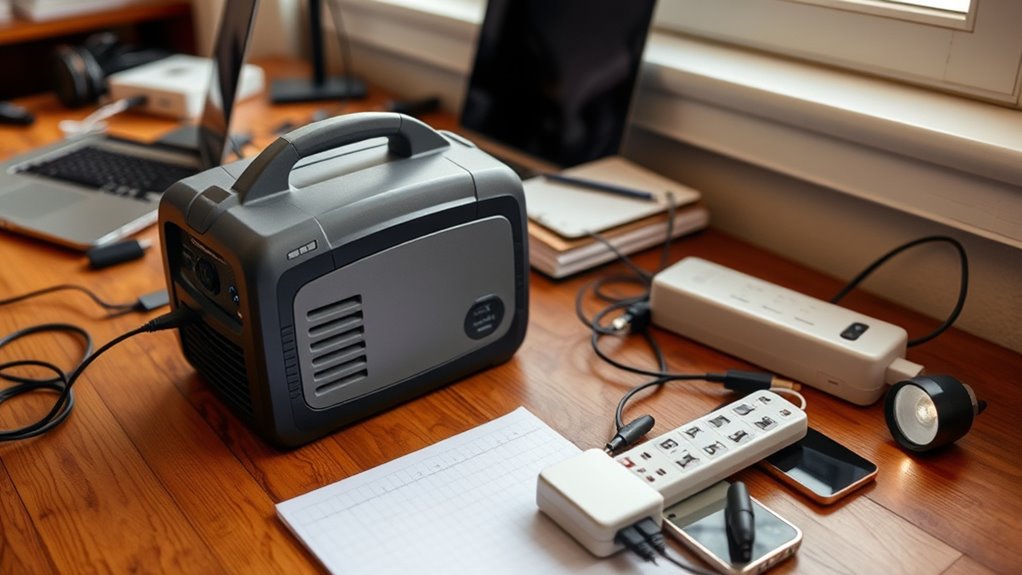

To construct a simple backup power plan for your home office, start with a reliable generator and keep it well-maintained by checking fuel and running test cycles regularly. Pair it with surge protectors to safeguard your electronics, and position the generator for easy access and ventilation. Plug essential devices into surge-protected outlets and ensure the generator can handle your key loads without overloading. For effective setup and ongoing safety tips, continue exploring how to enhance your backup system.
Key Takeaways
- Choose a generator with appropriate capacity by using load planning tools to match your essential home office devices.
- Regularly maintain the generator by checking fuel levels, conducting test runs, and scheduling professional inspections.
- Install surge protectors on all critical electronics to prevent damage from power surges and voltage spikes.
- Position the generator outdoors in a well-ventilated area for safety and easy access during outages.
- Develop a backup power routine, including fueling, maintenance, and equipment testing, to ensure readiness during outages.
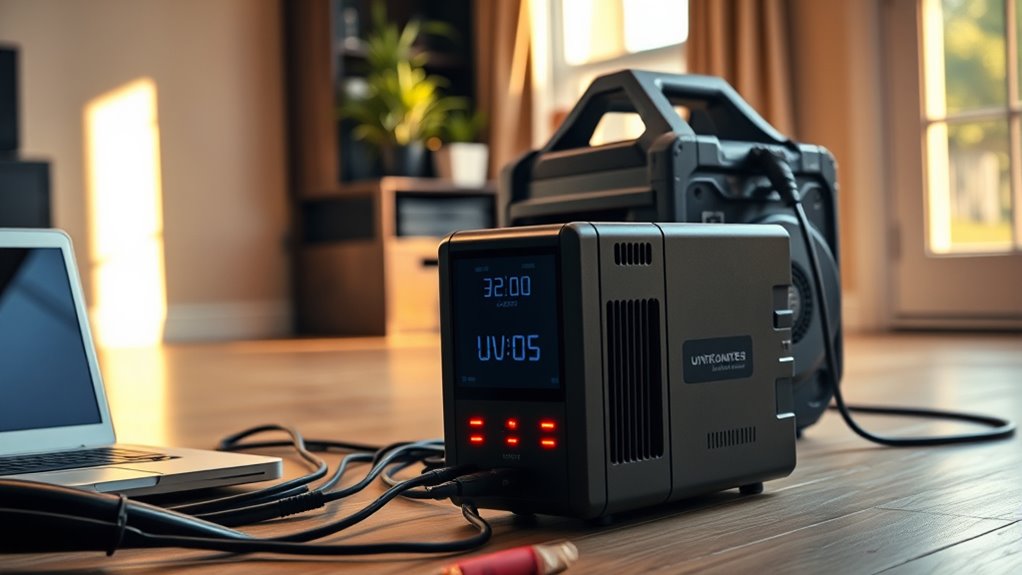
Having reliable backup power is indispensable for maintaining productivity in your home office, especially during unexpected outages. When the power goes out, your entire workflow can come to a halt, causing missed deadlines and lost work. To prevent this, you need a simple plan that guarantees continuous power supply. A key part of this plan is understanding the importance of regular generator maintenance. If you choose a generator as your backup power source, it’s imperative to keep it in good condition. Regularly check fuel levels, test run it every few months, and schedule professional inspections to guarantee it will operate smoothly when needed. Proper generator maintenance prevents unexpected breakdowns and extends the lifespan of your equipment, giving you confidence that your backup power will kick in reliably during an outage. Using sizing and load‑planning tools can help ensure your backup system is appropriately matched to your power needs.
Along with maintaining your generator, you should also consider surge protection. Power surges can occur suddenly and cause significant damage to your electronics, including your computer, router, and other essential devices. Installing surge protectors is a simple yet effective way to shield your valuable equipment from sudden voltage spikes. When the power returns after an outage, the surge protector absorbs the excess voltage, preventing it from reaching your devices. This not only safeguards your equipment but also extends its lifespan, saving you money on repairs or replacements. Make sure your surge protection is rated for the power level of your home office setup and consider plugging your most critical devices directly into surge-protected outlets.
Creating a backup power plan doesn’t have to be complicated. Start with a reliable generator and schedule regular generator maintenance to keep it ready for emergencies. Pair this with surge protection to shield your electronics from voltage spikes. Think about where you’ll position your generator for easy access and proper ventilation, and keep essential devices plugged into surge protectors. During power outages, switch to your backup power source quickly, ensuring your work continues uninterrupted. After the outage, remember to check your generator’s fuel and perform any necessary maintenance before the next use. Combining these steps gives you a robust, straightforward plan that minimizes downtime and protects your home office equipment.

EVEO Screen Cleaner Spray - Large Screen Cleaner Bottle - TV Screen Cleaner, Computer Screen Cleaner, for Laptop, Phone, Ipad - Computer Cleaning kit Electronic Cleaner (1 Pack)
Screen Cleaner is Your Screen’s New Bestfriend! - EVEO is proud to present a screen cleaner that’s perfectly...
As an affiliate, we earn on qualifying purchases.
Frequently Asked Questions
How Long Can a Backup Power Source Sustain My Home Office?
A backup power source can sustain your home office for different durations depending on its battery lifespan and power capacity. If you have a UPS with a high-capacity battery, you might get 1-4 hours of backup, while portable generators can last much longer, potentially days. Keep in mind, the power duration also depends on your device energy consumption, so prioritize essential equipment to maximize backup effectiveness.
What Is the Most Cost-Effective Backup Power Option for My Needs?
While expensive generators might seem tempting, a cost-effective solution is using solar panels combined with a battery with sufficient capacity. This setup harnesses free sunlight, reducing ongoing costs, and provides reliable backup power during outages. You’ll save money over time and enjoy eco-friendly energy. Investing in a system tailored to your needs guarantees your home office stays powered without breaking the bank.
How Do I Prioritize Devices During a Power Outage?
You should create a priority list based on your device hierarchy to decide which devices get power first during an outage. Start by identifying essential devices like your computer, router, and phone charger. Then, rank less critical items such as printers or extras. This way, you guarantee your most important devices stay powered, helping you work efficiently and stay connected until power is restored.
Are There Any Safety Concerns With Using Portable Generators Indoors?
Using portable generators indoors is dangerous due to serious safety concerns. Generator safety requires proper outdoor ventilation because running a generator indoors can lead to deadly carbon monoxide buildup. Never operate a generator inside your home, garage, or enclosed space, even if doors or windows are open. Always follow manufacturer instructions and make certain of adequate outdoor ventilation to prevent poisoning. Prioritize safety to avoid risking your health and home during power outages.
How Often Should I Test My Backup Power System?
You should test your backup power system at least once a month to guarantee it’s reliable when you need it most. Regular generator maintenance keeps your system in top shape, preventing unexpected failures and extending the backup system lifespan. Think of it as giving your power backup a health check-up—staying proactive saves you from being powerless during an emergency. Don’t wait for a blackout to find out your system isn’t ready!

Screen Cleaner Spray (16oz - 473ml) – Best Large Cleaning Kit for LCD LED OLED TV, Smartphone, iPad, Laptop, Touchscreen, Computer Monitor, Electronic Devices, Microfiber Cloth Wipes and 2 Nozzles
SCREEN CLEANER SPRAY and cloth are designed for the high-end devices and works flawlessly for all electronic screens,...
As an affiliate, we earn on qualifying purchases.
Conclusion
Imagine your home office as a ship sailing through unpredictable seas. Without backup power, even a small storm can leave you stranded. By planning ahead and having a reliable power source, you guarantee smooth sailing no matter the weather. Just like a sturdy anchor keeps a ship steady, a backup power system keeps your work going seamlessly. Don’t wait for a power outage to hit—prepare now and keep your productivity afloat.

Screen Mom Screen Cleaner Spray and Microfiber Cloth 16oz Screen Cleaner Spray and Wipe for TV, Laptop, Computer, Phone, iPad, Car Screen Cleaning Kit Electronic Cleaner Spray
STREAK FREE FORMULA FOR CRYSTAL CLEAR SCREENS: Screen Mom tv cleaner spray and cloth advanced streak-free screen cleaner...
As an affiliate, we earn on qualifying purchases.

Synology DS223 Home & Office Backup Hub - Centralize Files, Protect Data & Monitor Property (2-Bay Diskless NAS)
One Place for All Your Data - Consolidate scattered files from multiple computers, phones and external drives into...
As an affiliate, we earn on qualifying purchases.