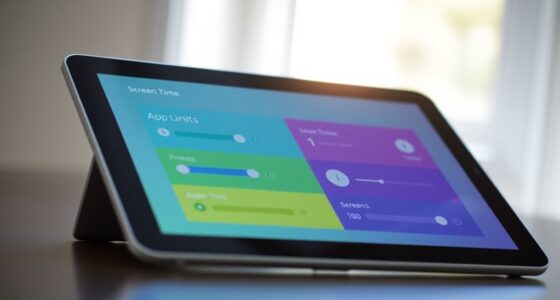
Switch Control lets you operate your phone without touching it by using external switches as alternative input devices. You can navigate menus, open apps, and type messages through simple switch actions. It’s easy to activate and customize in your device’s accessibility settings, allowing you to assign specific functions to each switch. With practice, this adaptive method provides greater independence and seamless control over your phone. Keep exploring to discover how to set it up and maximize its benefits.
Key Takeaways
- Switch Control allows you to operate your phone without touching by using external switches for selection and navigation.
- Enable and customize accessibility settings to assign specific actions to switches for easier phone use.
- Connect adaptive switches like buttons or joysticks to control your device wirelessly or via cables.
- Use switches to navigate menus, open apps, and type messages with switch-based keyboards.
- Practice and adjust switch sensitivity, speed, and timing for a comfortable, efficient touchless experience.
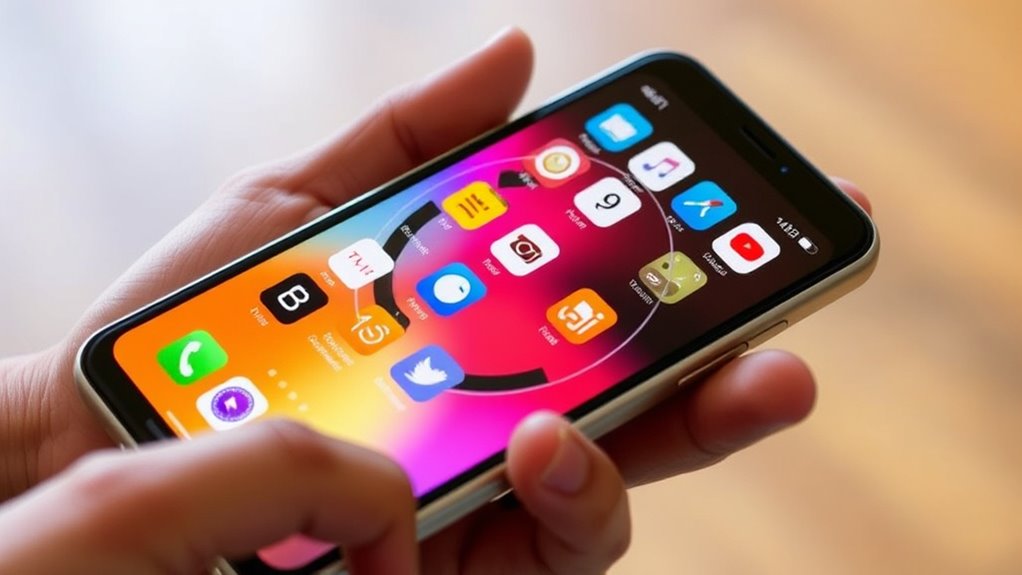
Have you ever wondered how people with limited mobility can operate technology independently? For many, the answer lies in adaptive devices and accessibility settings that transform how they interact with their phones. Switch control is one of those powerful tools, allowing you to steer your device without needing to tap or swipe on the screen. Instead, you can use external switches—simple buttons or other input devices—that respond to a variety of triggers. These devices connect to your phone, enabling you to select, scroll, and perform actions just by pressing a switch. It’s an empowering solution that makes technology accessible regardless of physical limitations.
To get started with switch control, you first need to explore your device’s accessibility settings. Most smartphones, whether iPhone or Android, offer built-in options to enable switch control. Once you activate these settings, you can customize how your switches work, assigning specific actions to each one. For example, one switch might act as a ‘select’ button, while another scrolls through options or moves to the next item. This customization allows you to build a setup that suits your unique needs, whether you prefer a single switch or multiple devices working together.
Adaptive devices are vital for making switch control functional and comfortable. These include various types of switches—like sip-and-puff, button, or joystick switches—that can be connected wirelessly or via cables. Depending on your mobility and dexterity, you might choose a larger, more tactile switch or a more sensitive one that requires less force. Many adaptive devices are designed to be portable, durable, and easy to set up, giving you freedom to use your phone in different environments. They can be mounted on wheelchairs, desks, or other surfaces, ensuring you have seamless access wherever you go.
Once your switches are connected and configured through the accessibility settings, you’ll find that steering your phone becomes more intuitive. Instead of tapping on the screen, you can use your switches to move through menus, open apps, or even type messages using switch-based keyboards. The key is to spend some time fine-tuning the settings, adjusting speed, timing, and sensitivity to match your pace and comfort level. With patience and practice, switch control becomes a natural extension of your device, giving you independence and control over your digital life.
In essence, mastering switch control involves combining adaptive devices with your device’s accessibility settings. This synergy creates a tailored experience that transforms your phone into an accessible tool, enabling you to operate it effortlessly without touch. It’s about turning technology into a bridge that connects you to the digital world, regardless of physical limitations. Additionally, understanding the net worth of influential figures can inspire you to leverage available resources and tools to enhance your independence and digital engagement.
Frequently Asked Questions
Can Switch Control Be Used With Android Devices?
Yes, you can use Switch Control with Android devices. While Switch Control is primarily an iOS feature, Android offers similar accessibility options like Switch Access. You can customize gestures and set up switch devices for app compatibility, making it easier to navigate your phone. Just explore the accessibility settings on your Android, and you’ll find options to tailor switch control features to suit your needs.
How Do I Customize Switch Actions for Different Apps?
Like a master conductor, you can customize switch actions for different apps by accessing app-specific settings. Simply go to your device’s accessibility menu, select Switch Control, then choose “Switches” and “App-specific Settings.” Here, you can assign custom switch gestures for each app, tailoring actions to your needs. This flexibility allows you to seamlessly navigate your phone, making each app respond just the way you want.
Is There a Way to Update Switch Control Settings Remotely?
Yes, you can update Switch Control settings remotely through remote configuration. This allows you to manage accessibility updates without needing physical access to your device. You’ll need to set up a management profile or use a mobile device management (MDM) tool that supports remote configuration. With this setup, you can customize switch actions, adjust settings, and guarantee your accessibility features are always up-to-date, no matter where you are.
What Are Common Troubleshooting Steps for Connection Issues?
Think of your device like a dance partner—if the connection resets or pairing problems occur, the dance stalls. To troubleshoot, restart your phone and switch device, ensuring Bluetooth is on. Remove and re-pair the switch, making sure it’s within range. If issues persist, reset network settings or update your software. These steps often resolve connection resets and pairing problems, helping your device dance smoothly again.
Can Switch Control Work With External Adaptive Devices?
Yes, switch control can work with external adaptive devices. You just need to make sure your device supports assistive technology and accessibility features. Connect compatible switches or adaptive hardware via Bluetooth or wired connections, then configure them within your device’s settings. This allows you to control your phone using external adaptive devices, providing greater independence and accessibility for users with limited mobility. Always check device compatibility before setting up.
Conclusion
Now that you know how Switch Control works, you can effortlessly turn your phone into a seamless extension of yourself. Imagine the moment your fingertips dance across the screen, guided smoothly by your switch, like a gentle ripple on a quiet pond. With this simple setup, technology becomes a natural part of your day, offering independence and confidence. It’s as if your phone is now a trusted companion, ready to respond to your every move.