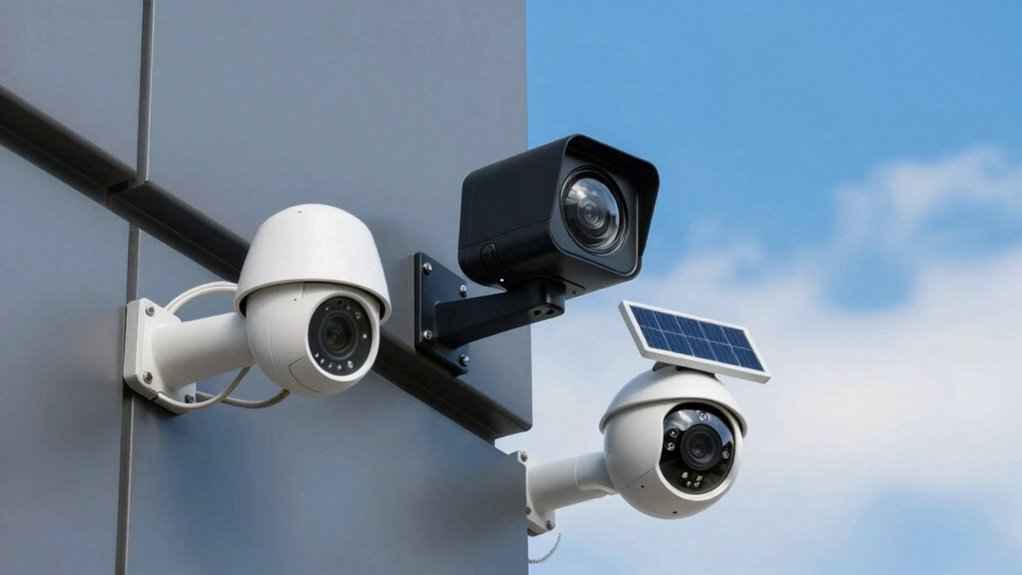

Wired cameras are dependable and offer consistent footage but need proper cable management and a power source. Wireless cameras are easy to install, connect via Wi-Fi, and offer flexible placement but depend on a stable internet connection. Battery-powered cameras provide maximum mobility and quick setup but require regular battery changes or recharging. Understanding these differences helps you pick the best fit for your security needs, and discovering more details can ensure your system works perfectly.

Get the latest gadgets delivered free — and shop member deals
- Fast, free delivery on millions of items
- Access to Prime Big Deal Days deals on October 6–7
- Prime Video, Amazon Music and more included
Key Takeaways
- Wired cameras provide reliable, consistent footage with direct cable connections but require extensive installation and cable management.
- Wireless cameras connect via Wi-Fi, offering easy installation and flexible placement, but depend on stable internet and signal strength.
- Battery-powered cameras offer maximum mobility and easy setup, with long-lasting batteries, but need regular recharging or battery replacement.
- Wired systems typically have lower ongoing costs and local storage options, while wireless and battery models often rely on cloud storage with potential internet dependency.
- Choosing the right camera depends on environment, security needs, installation complexity, and budget considerations.
As an affiliate, we earn on qualifying purchases.
Understanding Wired Security Cameras
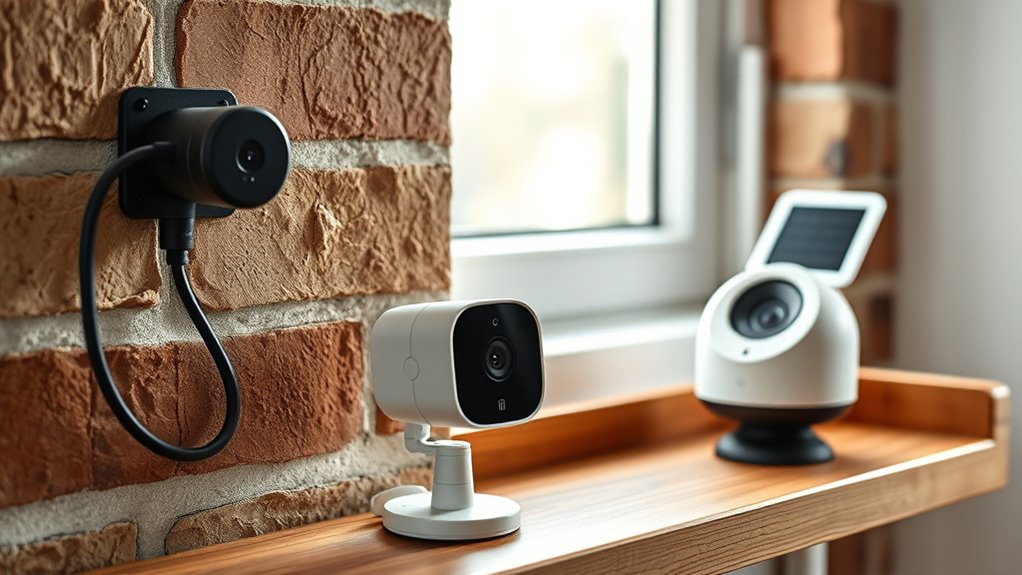
Wired security cameras are a reliable choice for those seeking a stable, high-quality surveillance system. They provide consistent footage without interruptions caused by signal interference. Proper cable management is essential to keep your setup organized and prevent accidents or damage. Securely hiding or neatly routing cables not only improves aesthetics but also enhances security by reducing tampering risks. When installing wired cameras, you’ll want to follow strict security protocols to protect your system from hacking attempts. Use secure connections, change default passwords, and keep firmware updated. These measures ensure your surveillance remains private and protected. Additionally, understanding the different security risks associated with wired systems can help you implement better safeguards. Employing European cloud solutions can further enhance data security and storage integrity. While installation may take more effort, the stability and security wired cameras offer make them a solid choice for thorough surveillance. Paying attention to installation best practices can further safeguard your system from vulnerabilities. Moreover, selecting high-quality cabling and connectors ensures a more durable and reliable connection over time. Incorporating proper grounding techniques can also help prevent electrical issues and potential damage to your system.
As an affiliate, we earn on qualifying purchases.
Exploring Wireless Security Cameras

Have you considered how wireless security cameras can simplify your surveillance setup? They eliminate the need for extensive wiring, making installation quick and straightforward. Many models come equipped with advanced features like video encryption, ensuring your footage stays private and protected from hacking attempts. Wireless cams also offer smart motion detection, alerting you instantly when movement occurs, so you can respond promptly. These cameras often connect seamlessly to your Wi-Fi network, providing real-time streaming to your device. While they require a stable internet connection, they offer flexibility in placement, allowing you to cover hard-to-reach areas. Additionally, power options vary, giving you choices between battery-powered or AC-powered models to suit your setup. Incorporating local automation features can further enhance your home security, enabling your cameras to coordinate with other smart devices. Understanding the wireless technology behind these cameras can help you optimize their performance and reliability. Optimizing camera placement is crucial to ensure maximum coverage and security effectiveness. Furthermore, choosing the right placement ensures you maximize their effectiveness and security coverage. Overall, wireless security cameras combine convenience with security features, making them an ideal choice for modern surveillance needs.
battery-powered outdoor security camera
As an affiliate, we earn on qualifying purchases.
As an affiliate, we earn on qualifying purchases.
Battery-Powered Cameras: Flexibility and Convenience

Battery-powered cameras offer a level of flexibility that wired and even some wireless options can’t match. Because they don’t need to be plugged into an outlet, you can place them almost anywhere, increasing your security coverage. Their portability makes repositioning simple, allowing you to adjust your setup without hassle. Battery life is a key factor; most models last several months on a single charge, reducing maintenance. This convenience means you don’t have to worry about running cords or limited placement options. Additionally, many models include easy-to-use controls that simplify setup and adjustments. Whether you want to monitor a garage, backyard, or outdoor shed, these cameras adapt to your needs. Their ease of installation and ability to operate independently from power sources make them a smart choice for versatile security solutions. Versatile placement options are a major advantage, enabling you to customize your security layout more freely. Furthermore, advancements in battery technology have improved runtime and reliability, making these cameras even more dependable.
home security camera with cloud storage
As an affiliate, we earn on qualifying purchases.
As an affiliate, we earn on qualifying purchases.
Installation and Setup Considerations

When installing your security camera, you need to think about how you’ll power it and access it easily. Ensuring the power source is reliable and accessible simplifies setup and ongoing use. Additionally, setting up wireless connectivity correctly is essential for smooth, uninterrupted monitoring. Considering proper placement and installation techniques can also help optimize camera performance and coverage. It’s also helpful to choose a system with reliable connectivity options to prevent disruptions in your security coverage. Moreover, selecting appropriate power sources that match your camera type can enhance longevity and reduce maintenance needs. Planning your setup with consideration of your outdoor environment can further improve camera durability and effectiveness. Being aware of network infrastructure can help ensure your cameras operate efficiently and without interruptions.
Power Source & Access
Choosing the right power source is essential for reliable camera operation, and understanding your installation environment helps determine the best option. Your decision impacts battery life, ease of access, and ongoing maintenance. Consider these factors:
- Battery-powered cameras: They offer portability and quick setup but require regular battery replacements or recharging, affecting battery life.
- Wired cameras: They rely on continuous power from electrical outlets, providing consistent operation but needing access to power sources during installation.
- Wireless cameras with power options: Some models combine battery and wired power, giving flexibility but requiring careful planning for access and maintenance.
Assess your space, accessibility, and the desired level of maintenance to select the most suitable power source and guarantee seamless camera operation.
Wireless Connectivity Setup
Setting up wireless connectivity for your security camera involves careful planning to guarantee a stable and reliable connection. First, ensure your wireless network has a strong signal where you plan to install the camera. During setup procedures, connect the camera to your Wi-Fi using the manufacturer’s app or onboard menu. Keep your network password handy, as you’ll need it to join the device. Position the camera within the Wi-Fi range, avoiding obstacles like thick walls or electronic interference. Follow the step-by-step instructions to connect the camera to your wireless network, verifying that the connection is stable before finalizing installation. Proper setup procedures ensure your camera streams smoothly and remains accessible, giving you reliable security coverage. Using a high-quality connection can help prevent issues like buffering or disconnections, ensuring consistent surveillance.
Connectivity, Power, and Reliability Factors

Connectivity, power, and reliability are crucial factors that determine how well your security camera functions. Your camera’s video resolution, storage options, and connection stability directly affect your surveillance experience. Here are key points to contemplate:
- Video Resolution: Higher resolution provides clearer images, but it may require a more stable connection and larger storage capacity.
- Storage Options: Wired cameras often use local storage like DVRs, while wireless and battery-powered models may rely on cloud storage, impacting reliability if internet access is interrupted.
- Connectivity Stability: Wired cameras tend to offer more reliable connections, reducing video lag or dropout, whereas wireless and battery-powered cams depend on Wi-Fi strength and battery life for consistent performance.
Cost and Maintenance Aspects

When considering the overall performance of your security camera system, understanding the costs involved and ongoing maintenance needs is just as important as evaluating features. Your pricing options vary, impacting initial investment and long-term expenses. Wired cameras often have higher upfront costs but lower ongoing expenses due to minimal maintenance. Wireless models might be cheaper initially but could incur ongoing expenses for batteries or signal boosters. Battery-powered cameras usually have lower initial costs but require regular battery replacements or recharges. Here’s a quick comparison:
| Camera Type | Initial Cost | Ongoing Expenses |
|---|---|---|
| Wired | Higher | Minimal |
| Wireless | Moderate | Signal boosters, occasional updates |
| Battery-Powered | Lower | Battery replacements or recharges |
Understanding these factors helps you plan for the total cost of ownership. Additionally, considering security system components like proper placement and network security can enhance your system’s effectiveness and longevity.
Choosing the Right Camera for Your Needs

Choosing the right security camera depends on your specific needs and environment. To guarantee privacy and data security, consider how much control you want over footage and potential privacy concerns. Here are three tips:
- If privacy is a priority, select cameras with strong data encryption to protect your footage from hackers.
- For outdoor use, choose weatherproof models with night vision to cover different lighting conditions.
- If you prefer flexibility, wireless or battery-powered cameras offer easy installation and mobility, but make sure they have reliable security features.
- Developing a methodical testing process can help ensure that your security system functions reliably and meets all safety standards, similar to testing freshness and quality in gelato to ensure a satisfying experience.
Frequently Asked Questions
How Do Security Cameras Handle Extreme Weather Conditions?
You’ll find that security cameras handle extreme weather conditions through weather resistance and climate durability features. They’re built with rugged materials and sealed housings to withstand rain, snow, heat, and cold. Many models also include temperature sensors and drainage systems. By choosing cameras with high weather resistance, you guarantee they continue to operate reliably, even in harsh environments, keeping your property secure regardless of climate challenges.
What Cybersecurity Risks Are Associated With Wireless Cameras?
Sure, wireless cameras make life easier—until cybersecurity vulnerabilities let hackers invade your privacy. Ironically, their convenience often opens the door to wireless hacking, risking data breaches and unauthorized access. You might think they’re secure, but weak passwords and outdated firmware can invite trouble. Stay vigilant by updating software regularly and using strong, unique passwords to minimize these risks and keep your footage safe from cyber intruders.
Can Battery-Powered Cameras Function During Power Outages?
Battery-powered cameras can usually function during power outages because they don’t rely on your home’s electricity. Their battery life determines how long they stay operational without power, which varies by model. Some cameras have rechargeable batteries that last several weeks, while others need frequent recharging. Keep in mind, if the battery runs out or the camera’s power source isn’t maintained, it won’t work during a power outage.
Are There Legal Privacy Considerations When Installing Security Cameras?
You might think security cameras are just about safety, but privacy laws and consent requirements are vital. Installing cameras without respecting others’ privacy can lead to legal trouble, especially if you record areas like neighbors’ yards or inside their homes. Always check local regulations, avoid recording where there’s an expectation of privacy, and get consent if required. Staying compliant ensures your security efforts don’t unwittingly break the law.
How Often Do Battery-Powered Cameras Require Replacement or Recharging?
Battery-powered cameras typically need recharging every few weeks to a few months, depending on their battery life and usage. You should monitor the recharge frequency, as cameras with higher activity or live streaming may drain batteries faster. To prevent gaps in surveillance, set reminders for recharging or replacing batteries regularly. Keeping an eye on battery life ensures your camera stays operational and provides consistent security coverage.
Conclusion
Choosing the right security camera is like finding the perfect puzzle piece—you need one that fits your needs perfectly. Whether you prefer the reliability of wired cameras, the flexibility of wireless, or the convenience of battery-powered options, each has its strengths. Consider your setup, budget, and what matters most to you. With the right choice, you’ll have a watchful eye that keeps your home secure, like a loyal guardian always on patrol.
Halloween Picks
halloween
As an affiliate, we earn on qualifying purchases.