
To transform your old PC into a home server or media center, start by installing a lightweight Linux distribution like Ubuntu Server or Debian to maximize performance. Set up network sharing with Samba or NFS for easy access, and add extra drives for storage expansion. Install private cloud solutions such as Nextcloud for remote access and file synchronization. This setup not only repurposes your hardware but also offers a reliable media streaming experience—if you continue, you’ll discover step-by-step instructions to get started.
Key Takeaways
- Install a lightweight Linux OS like Ubuntu Server or Debian for stability and resource efficiency.
- Set up network sharing protocols such as Samba or NFS to access files across devices.
- Install private cloud platforms like Nextcloud or OwnCloud for remote file access and synchronization.
- Repurpose the PC to serve media files, stream content, or run emulators, freeing your main gaming PC.
- Add extra storage drives and optimize media quality settings for better performance and larger libraries.
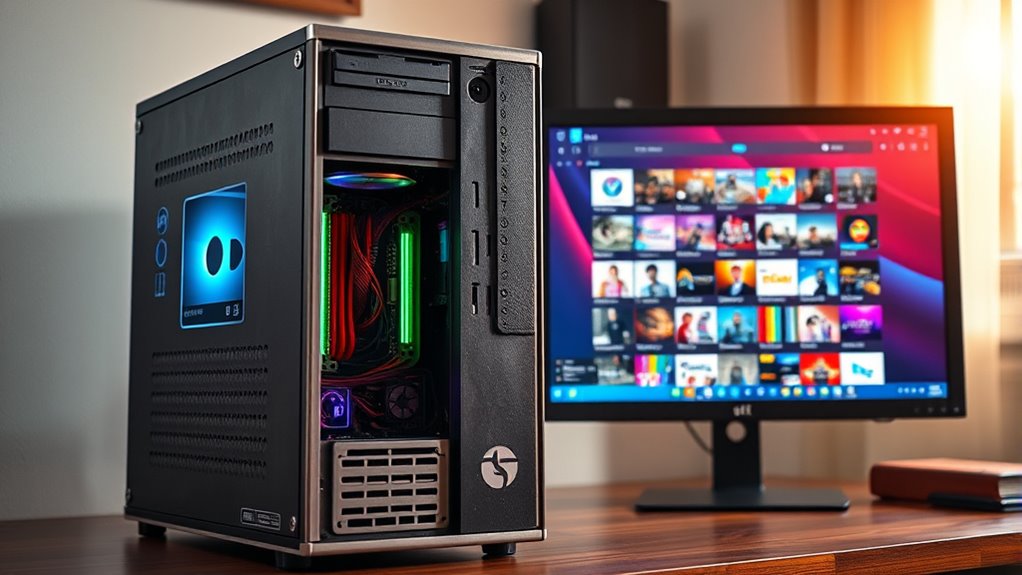
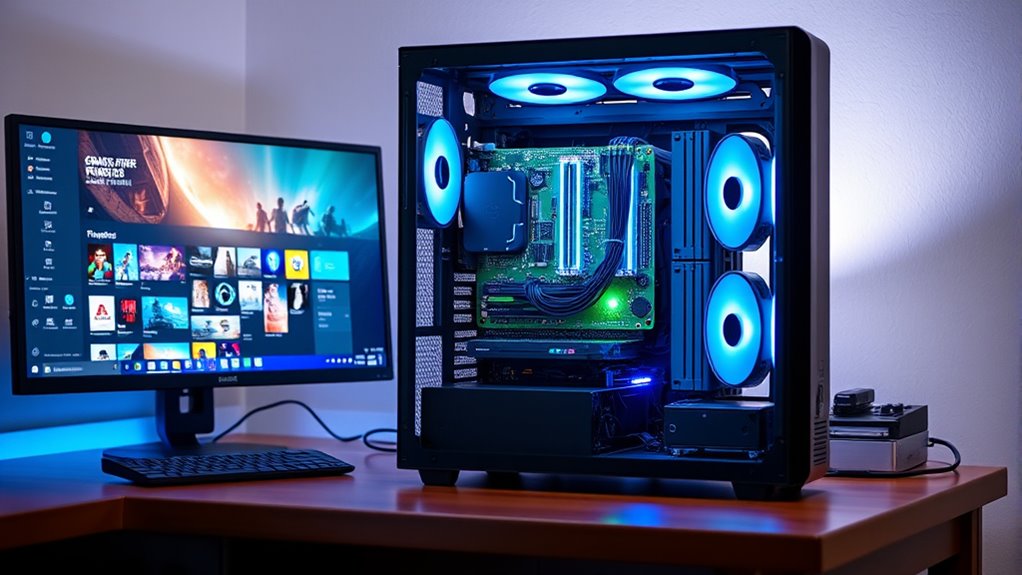
If you have an old PC gathering dust, turning it into a home server or media center is an excellent way to breathe new life into your hardware. You can repurpose that aging machine to host your files, stream media, or even run a private cloud storage service. With the right setup, you’ll enjoy quick access to your digital library and keep your data safe without relying solely on third-party cloud providers. Plus, if you’re into gaming, transforming your old PC into a media hub can free up your primary gaming rig, helping preserve its performance for more demanding titles.
Start by choosing a lightweight, efficient operating system like Linux-based distributions—Ubuntu Server or Debian—designed for server tasks. These systems don’t require extensive resources and offer a stable platform for your needs. Once installed, you can set up network sharing protocols like Samba or NFS, giving you seamless access to your files across devices. This way, you can stream movies, music, or photos to any device in your home without complicated setups. If you’re concerned about storage capacity, consider adding extra hard drives or SSDs to expand your media library and backup options.
Use lightweight OS like Ubuntu Server or Debian for a stable, resource-efficient media server setup.
To integrate cloud storage, consider installing solutions like Nextcloud or OwnCloud. These allow you to create your own private cloud, giving you remote access to your files while maintaining control over your data. This setup is especially useful if you want the convenience of cloud storage but with the privacy and security of hosting everything locally. You can also sync files across devices, ensuring your data is always up to date. This setup helps avoid the limitations of free cloud services, especially if you deal with large files or require high bandwidth for streaming.
When it comes to gaming performance, repurposing your old PC as a media center frees up your main gaming machine for more intensive tasks. While it might not handle the latest AAA titles, it can still serve as a dedicated streaming device or secondary gaming rig. For instance, you can connect it to a TV to run emulators or older games, improving your overall gaming experience without taxing your primary system. Additionally, using your old PC as a media center means you can stream gameplay footage or browse your game library from any room in the house. This setup ensures your main gaming PC remains optimized for performance while your old PC handles media and storage tasks efficiently. Furthermore, understanding the importance of contrast ratio can help you optimize your media center setup to achieve better image quality on your display devices.

Mastering Ubuntu Server: Explore the versatile, powerful Linux Server distribution Ubuntu 22.04 with this comprehensive guide
As an affiliate, we earn on qualifying purchases.
As an affiliate, we earn on qualifying purchases.
Frequently Asked Questions
What Are the Best Operating Systems for Home Servers?
You should consider operating systems like Unraid, FreeNAS, or Ubuntu Server for your home server. These OSes simplify network configuration, making it easier to share files and media across devices. They also support hardware upgrades, ensuring your system stays current. Each offers user-friendly interfaces and strong community support, helping you get your home server up and running quickly while maximizing your existing hardware’s potential.
How Much RAM Is Needed for Smooth Media Streaming?
Surprisingly, you can stream media smoothly with just 4GB of RAM, but if you want seamless playback and fewer hiccups, aim for 8GB or more. Your hardware requirements depend on your media library size and multitasking needs, so a RAM upgrade might be your best bet. More RAM guarantees your old PC doesn’t choke under pressure, letting you enjoy your favorite shows without frustrating buffering.
Can I Use My Old PC for Gaming?
You can use your old PC for gaming, but your gaming performance depends on its hardware. Upgrade your graphics card, add more RAM, and consider a faster CPU to boost performance. Keep in mind that older components might limit newer game capabilities, so hardware upgrades are essential. If you optimize settings and upgrade key parts, your old PC can handle casual gaming or older titles quite well.
How Do I Ensure Data Security on My Server?
To guarantee data security on your server, you should implement strong encryption protocols to protect sensitive information. Regularly update your system and software to patch vulnerabilities. Control user access by setting up permissions and passwords, only granting necessary rights. Enable firewalls and consider using VPNs for remote access. These steps help safeguard your data from unauthorized access and potential threats, keeping your server secure and reliable.
What Are Power Consumption Considerations for 24/7 Operation?
Did you know that a typical home server’s power usage can range from 50 to 200 watts? For 24/7 operation, you should focus on energy efficiency to keep costs low. Consider using energy-efficient hardware, enabling power-saving settings, and monitoring your server’s power consumption regularly. This way, you reduce electricity bills and lessen environmental impact while keeping your server running smoothly around the clock.
Samba NFS network sharing setup
As an affiliate, we earn on qualifying purchases.
As an affiliate, we earn on qualifying purchases.
Conclusion
Turning your old PC into a home server or media center is a smart way to breathe new life into outdated hardware. With just a bit of effort, you can enjoy a centralized hub for movies, music, and files—all without breaking the bank. Think of it as giving your trusty machine a second wind, like a vintage jukebox still spinning hits. So, dust off that old PC and start creating your personalized media oasis today!

Self-Hosted Cloud Storage for Beginners : Build Your Own Private Dropbox with NAS, Nextcloud, Syncthing, WireGuard, Tailscale & Secure Self-Hosted Storage at Home
As an affiliate, we earn on qualifying purchases.
As an affiliate, we earn on qualifying purchases.

BUFFALO LinkStation 720 8TB 2-Bay Home Office Private Cloud Data Storage with Hard Drives Included/Computer Network Attached Storage/NAS Storage/Network Storage/Media Server/File Server
Get enhanced features, cloud capabilities, MacOS 26 compatibility, and up to 7x faster performance than LS 200.
As an affiliate, we earn on qualifying purchases.
As an affiliate, we earn on qualifying purchases.