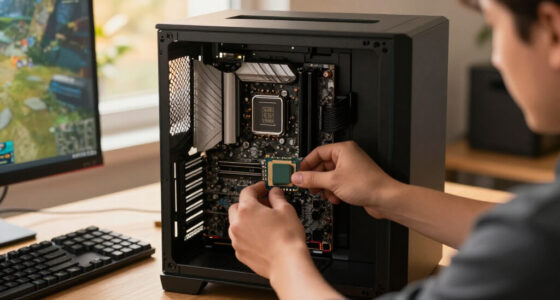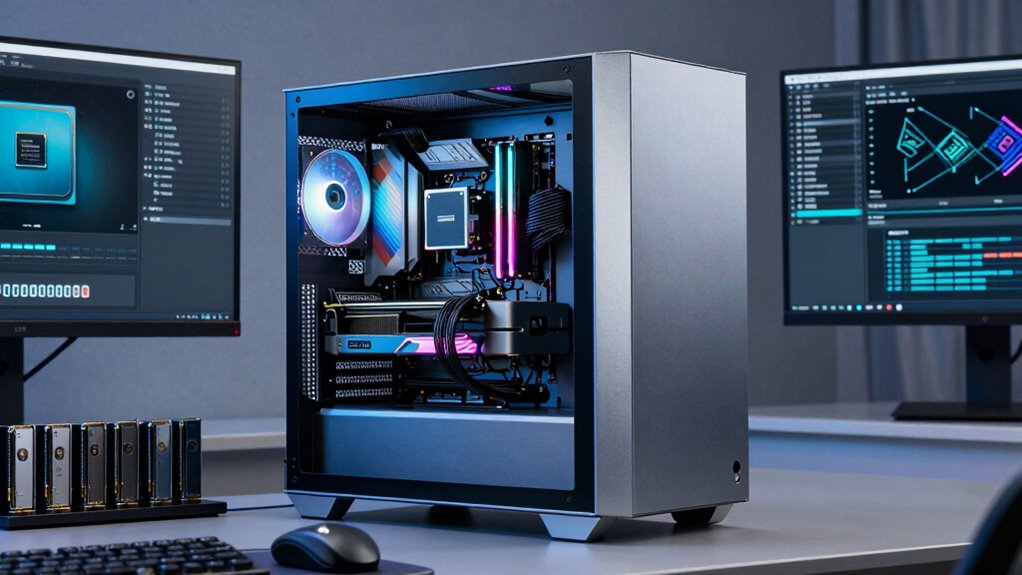

If you’re tackling demanding workflows like 3D rendering, video editing, or large-scale data analysis, Threadripper systems still matter because they offer unmatched processing power and scalability. With massive core and thread counts, you can handle multitasking and complex projects effortlessly. Plus, their support for high-speed storage, large memory capacity, and multiple GPUs keeps your workflow smooth and future-proof. To find out how these features can elevate your work, keep exploring the details.

Get the latest gadgets delivered free with Prime
- Fast, free delivery on millions of items
- Prime Video, Amazon Music and more included
- Member-only deals all year
Key Takeaways
- Threadripper systems offer high core and thread counts ideal for multitasking in demanding tasks like 3D rendering and video editing.
- They support fast storage options and high bandwidth, ensuring quick access to large datasets.
- Their scalability allows easy upgrades with additional GPUs, memory, and storage to meet evolving project needs.
- Built for intensive workloads, they deliver consistent performance and reduce bottlenecks in complex workflows.
- Their versatility makes them suitable for a wide range of professional applications requiring high-performance computing.
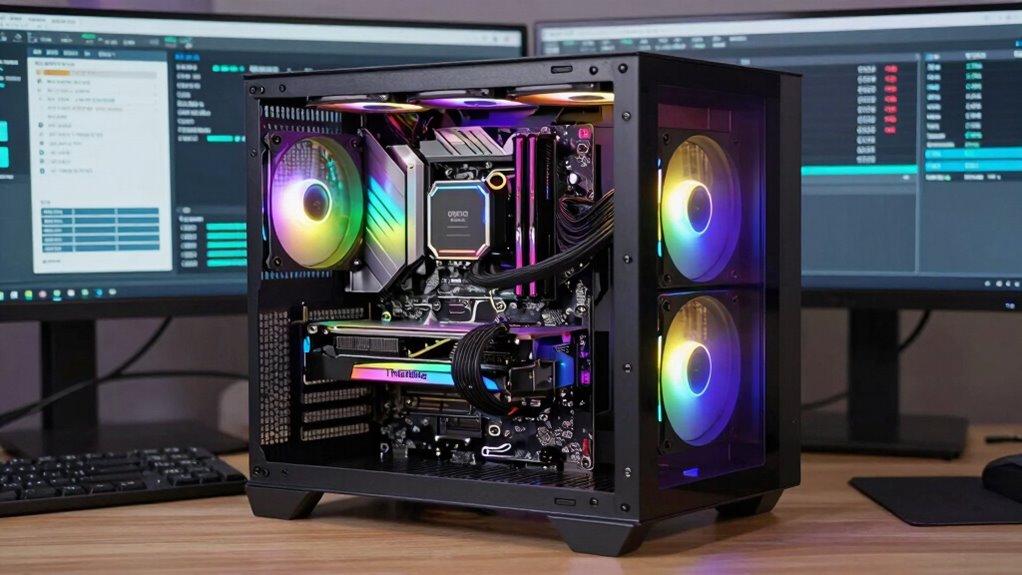
When tackling demanding workflows, choosing the right system is essential, and AMD’s Threadripper platforms stand out as powerful options for professionals who need top-tier performance. These processors are designed to handle intensive tasks like 3D rendering, video editing, and large-scale data analysis with ease. Their massive core counts and high thread counts give you the ability to multitask efficiently, reducing bottlenecks and boosting productivity. As workflows grow more complex, GPU acceleration becomes increasingly crucial, and Threadripper systems excel in this area by supporting multiple high-end GPUs simultaneously. This allows you to offload demanding graphics and computation tasks, accelerating rendering times and enabling real-time playback during editing or simulation.
Beyond raw processing power, storage solutions are equally essential for demanding workflows. Threadripper systems support extensive and fast storage options, including PCIe 4.0 NVMe SSDs that deliver blazing-fast read/write speeds. This means you can access large datasets, project files, and multimedia content without delays, maintaining a smooth workflow even with massive files. The ability to configure multiple storage drives also provides ample space and redundancy, ensuring your projects are safe and accessible at all times. Incorporating high-speed data transfer capabilities further enhances these systems by minimizing latency during data-intensive tasks. Additionally, the architecture’s support for large memory capacity allows handling of complex projects with extensive datasets without compromising performance.
The architecture of Threadripper processors also allows for expansive RAM support, which is crucial when working with large datasets or complex applications that demand significant memory. More RAM reduces the need for constant data swapping, keeping your workflows fluid and minimizing lag. This is especially important in demanding workflows that rely heavily on memory bandwidth to process large amounts of data efficiently. When paired with robust GPU acceleration and well-designed storage solutions, a Threadripper system becomes a thorough powerhouse capable of meeting the most demanding professional needs. Additionally, the architecture’s high core counts enable parallel processing for complex workloads, further enhancing performance.
Furthermore, these systems are built with expansion in mind. You can upgrade components over time, adding more GPUs, storage devices, or memory as your workflows evolve. This flexibility means your investment remains future-proof, capable of adapting to new software demands or increasing project sizes. For professionals and studios pushing the limits of what’s possible, Threadripper systems continue to be relevant because they deliver the raw power, scalability, and speed necessary for complex, resource-intensive tasks. They’re not just high-performance machines; they’re versatile platforms that support the evolving needs of demanding workflows, especially when leveraging GPU acceleration and advanced storage solutions.
AMD Threadripper high-performance workstation
As an affiliate, we earn on qualifying purchases.
As an affiliate, we earn on qualifying purchases.
Frequently Asked Questions
How Do Threadripper CPUS Compare to Intel Xeon Processors?
You’ll find that Threadripper CPUs excel in overclocking potential, allowing you to push performance further, especially for demanding tasks. They often offer better power efficiency compared to Intel Xeon processors, which prioritize stability and multi-socket scalability. While Xeons are ideal for enterprise environments, Threadrippers provide a compelling balance of high core counts, overclocking, and power efficiency for creative workflows and intensive workloads.
What Is the Typical Price Range for Threadripper Systems?
You can find Threadripper systems ranging from around $1,000 for entry-level setups to $3,000 or more for high-end configurations. If budget constraints are tight, you might consider a mid-range build, but compatibility issues could arise with certain motherboards or components. Investing in a system within this range guarantees powerful multitasking and demanding workflow handling, making it a worthwhile choice despite potential compatibility challenges.
Are Threadripper Systems Suitable for Gaming?
Think of a Threadripper system as a powerful sports car—built for speed and precision but not necessarily optimized for every twist and turn. While it can handle gaming, its primary strength is in demanding workflows, offering exceptional multi-threaded performance and stability. Your gaming experience might be good, but if you’re seeking top-tier gaming performance, a high-end gaming PC or CPU designed for gaming will serve you better.
How Easy Is It to Upgrade Threadripper Components?
Upgrading Threadripper components is generally straightforward, especially if you’re comfortable with building or upgrading PCs. You can enhance your system’s overclocking potential by choosing proper cooling solutions, which help manage heat during intensive tasks. While upgrading, guarantee your motherboard supports the new components and offers robust cooling options, making the process smoother and maximizing performance gains without much hassle.
What Are the Main Drawbacks of Using Threadripper Systems?
The main drawbacks of using Threadripper systems are hardware compatibility issues and high power consumption. You might face challenges finding compatible components or motherboards, which can limit upgrades. Additionally, Threadripper CPUs tend to draw a lot of power, leading to increased energy costs and cooling requirements. These factors can make managing and maintaining your system more complex and costly, especially for demanding workflows that push hardware to its limits.
PCIe 4.0 NVMe SSD for gaming and editing
As an affiliate, we earn on qualifying purchases.
As an affiliate, we earn on qualifying purchases.
Conclusion
In the end, Threadripper systems remain your trusty toolkit for tackling demanding workflows. They’re the Swiss Army knives in your digital workshop—powerful, versatile, and ready for anything. As your projects grow more complex, these systems won’t just keep up; they’ll help you sail smoothly through the storm. Don’t underestimate their strength; they’re the backbone that keeps your creative engine running at full throttle. Embrace the power, and never settle for less.
multi-GPU graphics card for professional workstations
As an affiliate, we earn on qualifying purchases.
As an affiliate, we earn on qualifying purchases.
large RAM compatible with AMD Threadripper
As an affiliate, we earn on qualifying purchases.
As an affiliate, we earn on qualifying purchases.
Halloween Picks
halloween
As an affiliate, we earn on qualifying purchases.