
Workstation PCs still matter because they give you reliable, high-performance power tailored to demanding tasks like 3D rendering, data analysis, or scientific simulations. Unlike laptops or cloud options, they offer customization, better upgradability, and robust security for sensitive projects. With durable components and professional-grade hardware, they guarantee your work stays smooth and consistent over time. If you want to understand why investing in a workstation can boost your productivity, there’s more to explore ahead.
Key Takeaways
- Workstations offer unmatched processing power and reliability for complex, resource-intensive professional tasks.
- They provide customizable hardware and easy upgradability tailored to specific workload needs.
- Workstations ensure data security and local control, reducing vulnerabilities associated with cloud reliance.
- Their robust cooling and high-quality components enable sustained performance during prolonged demanding operations.
- Long-term cost-effectiveness surpasses cloud services, especially for ongoing, intensive professional use.
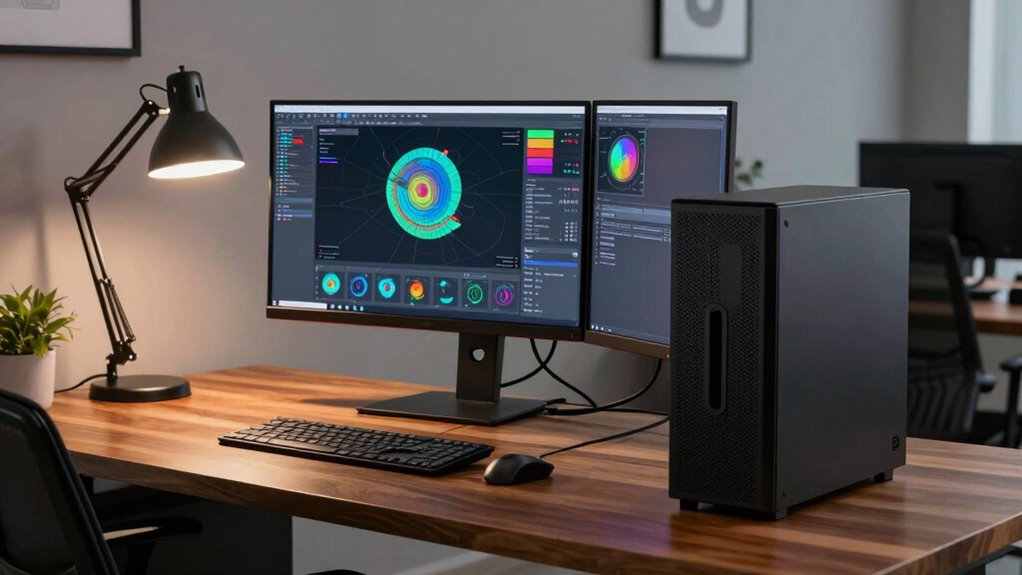
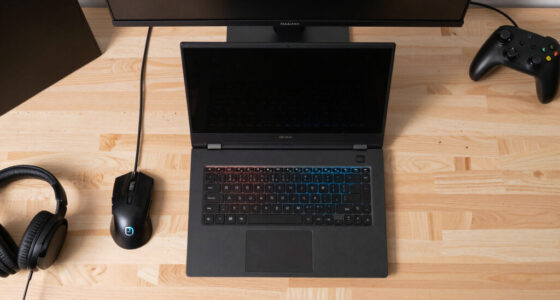
Despite the rise of powerful laptops and cloud computing, workstation PCs remain crucial for professionals who need top-tier performance and reliability. While cloud computing has transformed how many access and store data, it doesn’t replace the raw power and stability that dedicated workstations provide. Mainstream laptops, though convenient, can’t match the processing capabilities, expandability, or durability that workstation PCs offer, especially when handling complex tasks like 3D rendering, scientific simulations, or large-scale data analysis.
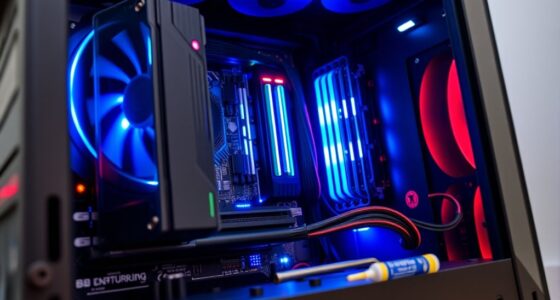
Workstation PCs are built to endure intensive workloads without faltering. They’re designed with high-quality components—professional-grade graphics cards, ECC memory, and robust cooling systems—that guarantee reliability over long periods. This focus on durability means you can trust a workstation to run demanding applications continuously, without unexpected crashes or slowdowns. Mainstream laptops, in contrast, often compromise on components to maintain portability and cost-effectiveness, which can limit their performance during extended or resource-heavy tasks. Additionally, the cooling systems in workstations are engineered to prevent overheating, ensuring consistent performance during prolonged workloads.
Workstations feature high-quality components for sustained, reliable performance during demanding tasks.
Although cloud computing has made it easier to access powerful processing resources remotely, it doesn’t eliminate the need for a high-performance local machine. When you’re working on sensitive data or proprietary projects, security becomes a concern. Relying solely on cloud solutions introduces vulnerabilities and latency issues, especially when working with large files or real-time processing. A dedicated workstation offers you immediate access and control, ensuring data stays in-house and workflows remain seamless. Plus, cloud services often incur ongoing costs, which can add up over time, making a workstation a more economical choice in the long run for many professionals.
Another reason workstations still matter is the level of customization they provide. You can tailor a workstation’s hardware to suit your specific needs, whether it’s adding more RAM for heavy multitasking, upgrading your graphics card for rendering tasks, or expanding storage. Mainstream laptops typically have limited upgrade options, and their integrated components can’t match the performance of specialized workstation hardware. This flexibility means you get a machine that’s precisely aligned with your professional demands, rather than settling for a one-size-fits-all device. Additionally, professional-grade hardware in workstations ensures higher reliability and performance tailored to demanding applications. Incorporating features such as hot-swappable drives and customizable power supplies further enhances the adaptability of these systems.
Furthermore, the availability of security features in workstation PCs helps protect sensitive data, which is essential for many businesses. In the end, while mainstream laptops and cloud computing serve important roles, they don’t replace the power, reliability, and adaptability of a dedicated workstation PC. For demanding workloads, security, and customization, a workstation remains a crucial tool for professionals who require the best. It’s about investing in a machine that’s built to handle your most challenging tasks without compromise, ensuring productivity and peace of mind.
As an affiliate, we earn on qualifying purchases.
Frequently Asked Questions
How Do Workstation PCS Differ From Gaming PCS?
Workstation PCs differ from gaming PCs in that they’re built for tasks like graphics rendering and data analysis. You’ll notice they have higher-end, professional-grade hardware, such as powerful CPUs and graphics cards, optimized for accuracy and stability. Unlike gaming PCs, which focus on high frame rates and immersive visuals, workstations prioritize reliability, precision, and performance for demanding professional applications. This makes them essential for complex, resource-intensive work.
Are Workstation PCS Necessary for Small Businesses?
Workstation PCs can be necessary for small businesses, especially if you need cost efficiency and user customization. They offer powerful performance tailored to specific tasks like design, data analysis, or 3D modeling, saving you time and money in the long run. While they might seem expensive initially, their durability and ability to handle demanding applications make them a smart investment, ensuring your business runs smoothly and efficiently.
What Are the Environmental Impacts of Workstation PCS?
Workstation PCs have notable environmental impacts, mainly due to high energy consumption and electronic waste. You might notice these powerful machines use more electricity, increasing your carbon footprint. Additionally, when outdated, they contribute to electronic waste, which can harm the environment if not properly recycled. To reduce impacts, consider energy-efficient models and responsible disposal methods. Your choices can make a difference in minimizing the environmental footprint of your workstation PC.
Can Workstation PCS Be Upgraded Easily?
Yes, workstation PCs can be upgraded easily, often with less hassle than you’d expect—think of it as upgrading your spaceship, not a rocket! You’ll love how hardware compatibility makes swapping out components straightforward, and upgrade complexity is usually minimal. With just a few screws and some know-how, you can boost performance, add storage, or upgrade graphics, keeping your workstation powerful without the need for a whole new machine.
How Do Workstation PCS Influence Remote Work Productivity?
Workstation PCs boost your remote work productivity by enhancing remote collaboration with powerful hardware that handles demanding tasks smoothly. Their hardware reliability minimizes downtime, ensuring you stay focused and efficient. With high-performance processing and graphics, you can seamlessly collaborate with team members, share large files, and run complex applications without lag. This reliability and capability make workstation PCs essential for maintaining productivity and effective remote collaboration in demanding work environments.
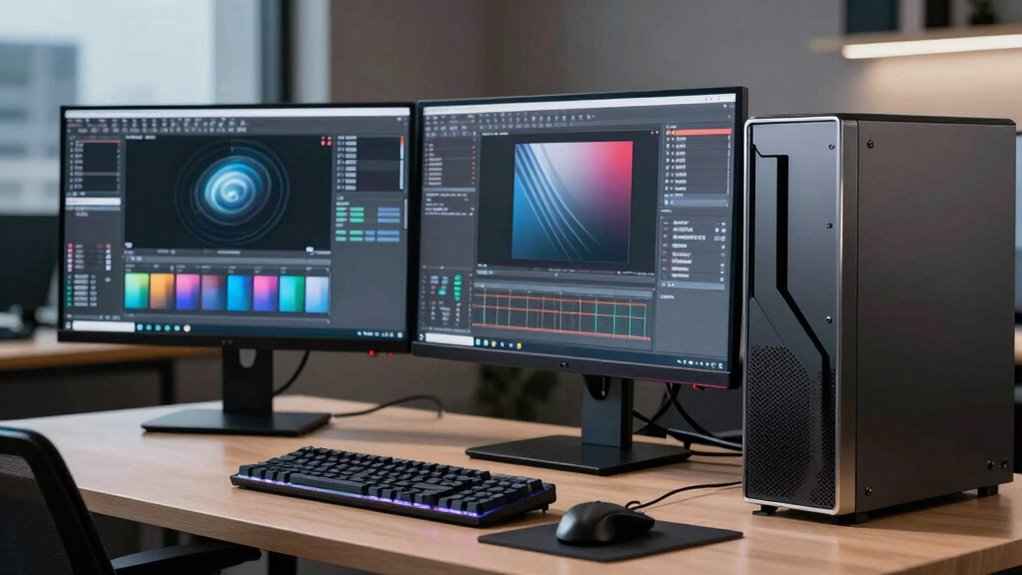
high-performance workstation computer
As an affiliate, we earn on qualifying purchases.
As an affiliate, we earn on qualifying purchases.
Conclusion
Don’t count out workstation PCs just yet—they’re the backbone of demanding tasks and complex projects, like a steady ship in turbulent waters. As technology advances, these machines continue to evolve, offering power and reliability that everyday computers simply can’t match. Think of them as the trusty workhorses that keep your professional dreams afloat. So, next time you need serious performance, remember: a workstation PC isn’t just a tool; it’s your secret weapon in the digital battlefield.
customizable workstation desktop
As an affiliate, we earn on qualifying purchases.
As an affiliate, we earn on qualifying purchases.
As an affiliate, we earn on qualifying purchases.