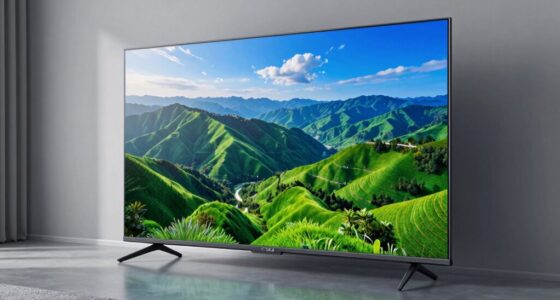

TV refresh rates measure how often the screen updates each second, impacting motion smoothness. Higher numbers can make fast scenes look better, but manufacturers may boost perceived performance with motion smoothing or frame interpolation, which can look unnatural. True performance depends on the native refresh rate and your settings, like turning off motion smoothing. To get authentic, smooth pictures and avoid illusions, understanding these factors is vital — keep exploring to learn how these details affect what you see.
Key Takeaways
- Native refresh rate reflects the TV’s true hardware capability; higher numbers don’t always mean better motion quality.
- Frame interpolation and motion smoothing can artificially enhance perceived smoothness but may cause unnatural “soap opera” effects.
- A higher refresh rate improves motion clarity during fast scenes, but effective performance depends on the TV’s processing and features.
- Low input lag and gaming modes are crucial for gaming, and higher refresh rates alone don’t guarantee reduced delay.
- Manufacturers may promote misleading refresh rate numbers with frame interpolation, not actual hardware capabilities.
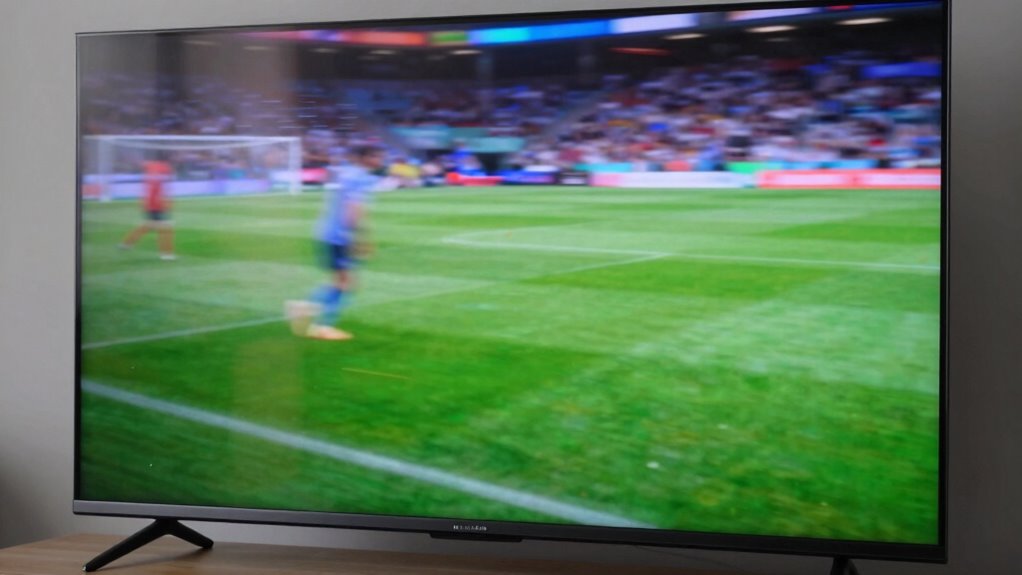
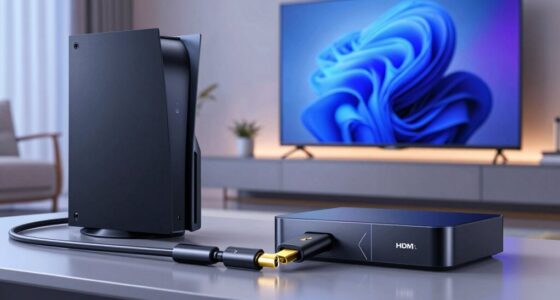
When shopping for a new TV, you might notice terms like “refresh rate” popping up, but understanding what it really means can be confusing. The refresh rate refers to how many times per second the TV updates with new images, measured in Hertz (Hz). A higher refresh rate generally means smoother motion, which is especially noticeable during fast-paced scenes in sports or action movies. However, it’s not the only factor affecting picture quality. Some TVs with high refresh rates also come with features like motion smoothing, which can artificially enhance motion clarity. While this might sound appealing, it often results in the “soap opera effect,” making movies look less natural. If you prefer a more cinematic look, you might want to turn off motion smoothing altogether. Additionally, understanding the native refresh rate of a TV can help you better assess its true performance potential. Knowing the actual capabilities of the display technology can prevent misconceptions about a TV’s performance. Beyond motion smoothing, you need to contemplate input lag, especially if you’re into gaming. Input lag is the delay between pressing a button or moving a controller and seeing the action on the screen. Even a high refresh rate won’t help if your TV adds a lot of lag, causing a noticeable delay that can ruin fast-paced gaming experiences. Many modern TVs offer game modes designed to reduce input lag, but activating these modes can sometimes lower the effective refresh rate or disable some motion processing features. So, if gaming is a priority, look for a TV that balances a high refresh rate with low input lag and supports a dedicated game mode. It’s also important to recognize that refresh rate alone doesn’t tell the whole story. Some manufacturers promote higher refresh rates, like 120Hz, but use techniques such as frame interpolation to artificially boost perceived smoothness. This frame interpolation can be misleading because the actual native refresh rate remains unchanged, and the added frames might introduce artifacts or reduce picture realism. To truly benefit from a high refresh rate, ensure the TV’s hardware and software work together to deliver genuine smooth motion without over-reliance on post-processing effects. Understanding display technology can help you make better-informed decisions when choosing a TV. For instance, the difference between LED and OLED displays can significantly impact picture quality, contrast, and color accuracy. In the end, understanding the nuances of refresh rate, motion smoothing, and input lag helps you pick a TV that matches your viewing preferences. Don’t get caught up solely in numbers; consider how these features interact to affect picture quality and your overall experience. Whether you’re watching movies, sports, or gaming, knowing what to look for will ensure you choose a TV that delivers a satisfying, authentic picture every time.

Roku Smart TV – 43-Inch Select Series, 4K HDR TV – Roku TV with Roku Remote – Flat Screen LED Television with Wi-Fi for Streaming Live Local News, Sports, Family Entertainment
A treat for the eyes: Sharp 4K brings out rich detail on our 43" flat screen TV, while…
As an affiliate, we earn on qualifying purchases.
As an affiliate, we earn on qualifying purchases.
Frequently Asked Questions
How Do Refresh Rates Affect Gaming Performance?
Higher refresh rates improve gaming performance by providing smoother motion, making fast-paced action clearer. You’ll notice less motion smoothing artifacts and reduced input lag, which means your commands register faster. Lower refresh rates can cause choppy visuals and delays, impacting your gameplay. To optimize your experience, choose a TV with a high refresh rate and disable motion smoothing features, ensuring quick response times and a seamless gaming experience.
Are Higher Refresh Rates Noticeable on Smaller Screens?
Yes, higher refresh rates are noticeable on smaller screens, especially if you’re close to the display. Your perception of smoother motion becomes more apparent because smaller screens typically sit closer to your eyes, making the refresh rate difference more evident. While larger screens can also benefit, the impact on motion clarity is more immediate on smaller screens due to your proximity and the way your brain perceives motion at different screen sizes.
Can Refresh Rate Improve Motion Clarity in Sports Broadcasts?
Yes, increasing the refresh rate can improve motion clarity in sports broadcasts. Frame interpolation and motion smoothing technologies work better with higher refresh rates, making fast-paced action look smoother and less blurry. When you watch sports, these features help reduce motion blur and judder, giving you a clearer, more immersive experience. Just be aware that some viewers find motion smoothing distracting, so adjust your settings if needed.
Do Refresh Rates Impact Power Consumption?
Yes, higher refresh rates can impact power consumption, but the effect varies. Generally, screens with higher refresh rates may consume more energy due to increased processing. However, many modern TVs optimize energy efficiency, balancing performance and power use. This can also enhance screen longevity by reducing strain on internal components. If you’re concerned about power, look for energy-efficient models that maintain high refresh rates without markedly increasing energy consumption.
Is a Higher Refresh Rate Necessary for 4K TVS?
A higher refresh rate isn’t always necessary for 4K TVs, especially if you’re mainly watching movies or static content. For gaming or fast-paced action, a higher refresh rate provides smoother motion, but many screen calibration settings can optimize your viewing experience regardless. Don’t fall for refresh rate myths; choose a TV with a refresh rate that matches your usage. Often, 60Hz suffices for most viewers, saving you money without sacrificing quality.
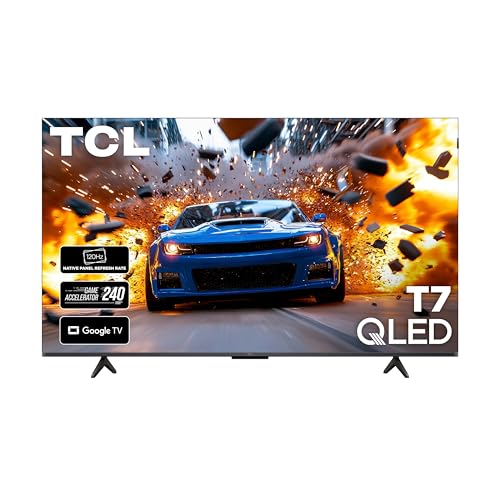
TCL 55 Inch Class T7 Series | 4K QLED HDR | 55T7, 2025 Model | 120HZ Refresh Rate High Brightness Smart Google TV Dolby Atmos Audio | Voice Remote Alexa Gaming Streaming Television
4K UltraHD Resolution: Experience incredible detail with 4X the resolution of 1080p Full HDTVs
As an affiliate, we earn on qualifying purchases.
As an affiliate, we earn on qualifying purchases.
Conclusion
In the end, understanding TV refresh rates is like tuning into a secret rhythm that enhances your viewing experience. While the differences might seem subtle at first, they can make your favorite shows and movies feel more lifelike and immersive. By paying a little attention to these details, you’re gently guiding yourself toward a more enjoyable, effortless entertainment journey. Embrace the nuances, and let your TV’s true potential softly unfold before your eyes.

ECHOGEAR XL Full Motion TV Wall Mount – Universal Bracket for Big TVs Up to 90" – Smooth Articualtion Plus Easy 3 Step Install with Pre-Assembled TV Interface – Ideal for OLED & QLED TVs
Meet the heavyweight champion of TV mounts! Capable of taming screens up to 90" and supporting a hefty…
As an affiliate, we earn on qualifying purchases.
As an affiliate, we earn on qualifying purchases.
TCL 55 Inch Class T7 Series | 4K QLED HDR | 55T7, 2025 Model | 120HZ Refresh Rate High Brightness Smart Google TV Dolby Atmos Audio | Voice Remote Alexa Gaming Streaming Television
4K UltraHD Resolution: Experience incredible detail with 4X the resolution of 1080p Full HDTVs
As an affiliate, we earn on qualifying purchases.
As an affiliate, we earn on qualifying purchases.