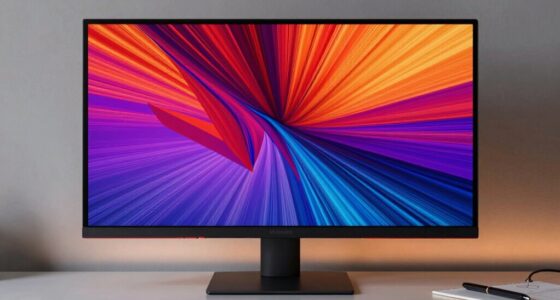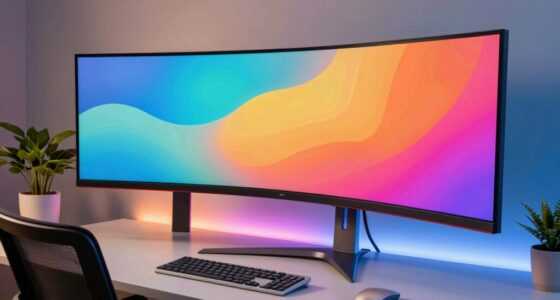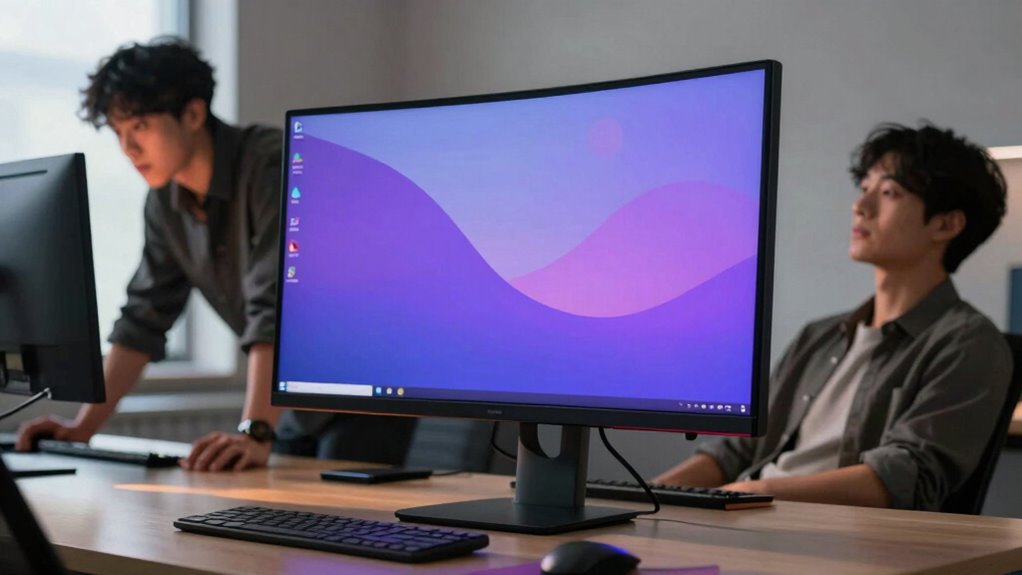

Curved screens work well for some users because they promote natural viewing angles, reduce eye strain, and create an immersive experience that pulls you into content. They can support better posture and comfort during long sessions, especially for gaming or multimedia tasks. However, they aren’t ideal for everyone—personal preferences, workspace setup, and specific work needs matter. If you want to discover if a curved screen fits your style, explore the details ahead.
Key Takeaways
- Personal preferences and sensitivity to curvature influence comfort and perceived benefits.
- Viewing distance and desk setup affect how effectively the screen’s immersion and ergonomics are realized.
- Tasks like gaming or video editing benefit more from curved screens than precise color work.
- Some users find curvature distracting or experience distortion, reducing usability and comfort.
- Ergonomic advantages depend on proper monitor positioning and workspace adjustments.
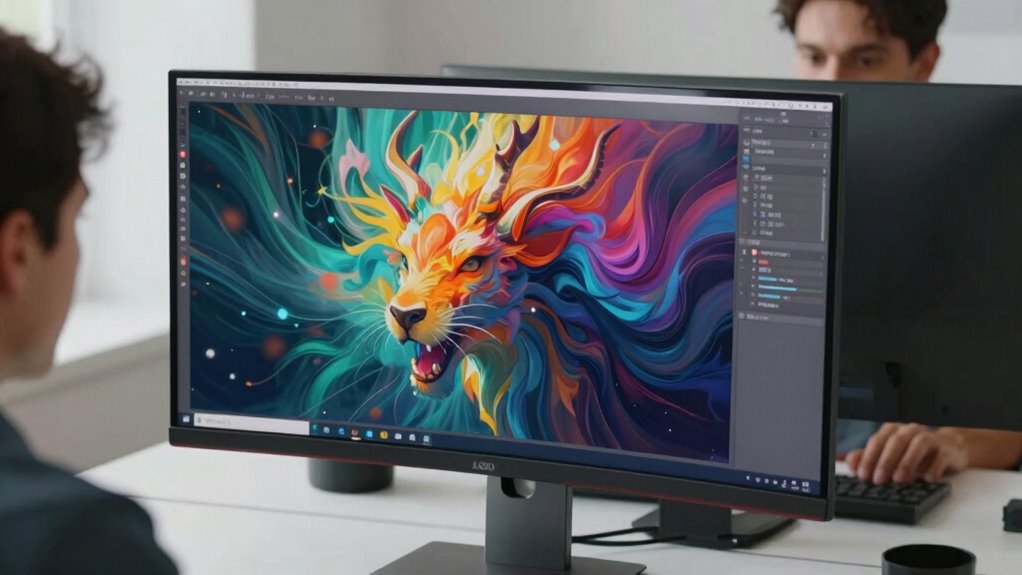
Curved screens have gained popularity for their immersive viewing experience, but they don’t work equally well for everyone. If you’re considering one, it’s important to understand how they can benefit you, especially in terms of ergonomic benefits and visual immersion. For some users, a curved screen can reduce eye strain by encouraging a more natural viewing angle, which minimizes the need to move your head or eyes excessively. This ergonomic advantage helps maintain comfort during long sessions, reducing fatigue and potential neck or shoulder pain. If your workspace or gaming setup is designed with ergonomics in mind, a curved monitor can complement your posture, helping you stay comfortable for longer periods.
Curved screens can improve comfort and reduce eye strain with natural viewing angles, especially during long sessions.
In terms of visual immersion, curved screens are designed to wrap around your field of vision, making it feel like you’re looking into a more expansive, three-dimensional space. This effect can be particularly appealing if you’re into gaming, video editing, or watching movies, where a sense of depth enhances the experience. The curvature pulls you into the content, creating a more engaging and enchanting environment. The curvature also helps to reduce external glare and reflections, which can be distracting during use. However, this benefit isn’t universal. Some users find that the curvature distorts images or makes it harder to get accurate color representation, especially at the edges of the screen. If you work with precise color grading or detailed design work, this distortion might outweigh the immersive advantages.
Your personal preferences and the way you use your monitor play a crucial role in whether a curved screen works for you. For instance, if you primarily use your monitor for productivity tasks like spreadsheets or coding, the ergonomic benefits might be less noticeable, and the distortion or glare could be more bothersome. Conversely, gamers and multimedia enthusiasts often find that the visual immersion provided by a curved display enhances their experience considerably, making the investment worthwhile. Additionally, your viewing distance and desk setup matter. If you sit too far back or have a small workspace, the curve might not align well with your line of sight, diminishing its benefits and potentially causing discomfort.
Furthermore, some users with specific visual needs or sensitivities may find the curvature distracting or uncomfortable, which highlights that the advantages are highly individual. It’s essential to test different screen types before making a purchase, especially if you’re sensitive to visual distortions. It’s also worth noting that the cost of curved screens can be significantly higher than flat monitors, which may influence your decision based on your budget. Another consideration is that ergonomic benefits can be maximized by adjusting your workspace and monitor height for optimal comfort. Ultimately, whether a curved screen suits you depends on your specific needs, workspace, and preferences. While they offer notable ergonomic benefits and can transform your visual immersion, these advantages aren’t universally experienced. Carefully consider how you plan to use your monitor and how the curvature aligns with your ergonomic setup before making a decision.

Samsung 27" Essential S3 (S36GD) Series FHD 1800R Curved Computer Monitor
- Curved Design for Immersive Viewing: Wraps around your field of vision
- Smooth 100Hz Refresh Rate: Reduces lag and motion blur
- Enhanced Gaming Features: Adjustable settings and Game Mode
As an affiliate, we earn on qualifying purchases.
As an affiliate, we earn on qualifying purchases.
Frequently Asked Questions
Do Curved Screens Cause Eye Strain Over Long Periods?
Curved screens can cause eye strain over long periods if you’re prone to eye fatigue or experience visual distortion. The natural curve might make your eyes work harder to focus, especially during extended use. If you notice discomfort, take regular breaks and adjust your viewing distance or brightness. Everyone’s eyes react differently, so pay attention to how your eyes feel and consider switching to a flat screen if discomfort persists.
Are Curved Screens Better for Gaming or Productivity?
They say, “Different strokes for different folks,” and that’s true for curved screens too. For gaming, they create an immersive experience, wrapping around your field of view and enhancing immersion. For productivity, their ergonomic design reduces neck strain and provides a more natural viewing angle. So, if you seek an engaging gaming setup, go curved. But for work, consider your workspace and comfort to decide if it’s the right fit.
How Does Room Lighting Affect Curved Screen Performance?
Room lighting greatly impacts curved screen performance. If ambient brightness is high, glare reduction becomes difficult, causing reflections that disturb your viewing experience. To optimize, keep lighting soft and indirect, reducing harsh reflections on the screen’s surface. Dimming lights or using curtains can help maintain balanced ambient brightness, ensuring your curved screen delivers clear visuals without unwanted glare, making your gaming or work sessions more comfortable and immersive.
Can Curved Screens Be Used Effectively in Multi-Monitor Setups?
Yes, curved screens can be used effectively in multi-monitor setups. They offer ergonomic benefits by reducing eye strain and neck movement, especially when positioned correctly. The aesthetic appeal of curved monitors also creates a seamless, immersive workspace, enhancing productivity. Just guarantee your monitors are arranged with consistent curvature and angles to maximize comfort and visual coherence, making your multi-monitor setup both functional and visually appealing.
Do Curved Screens Fit Well in Small or Compact Spaces?
Curved screens can feel like wrapping a cozy blanket around your workspace, but they don’t always fit like a glove in small or compact spaces. You’ll need to weigh space optimization versus aesthetic appeal, as larger curves can eat up room. If you have limited space, opt for a smaller, more streamlined curved monitor to enhance your setup without cluttering your desk.
Samsung 27" Essential S3 (S36GD) Series FHD 1800R Curved Computer Monitor
- Curved Design for Immersive Viewing: Wraps around your field of vision
- Smooth 100Hz Refresh Rate: Reduces lag and motion blur
- Enhanced Gaming Features: Adjustable settings and Game Mode
As an affiliate, we earn on qualifying purchases.
As an affiliate, we earn on qualifying purchases.
Conclusion
Ultimately, curved screens can enhance your viewing experience, immersing you in the action and reducing glare. Yet, they might also distort your perception or cause discomfort if you prefer traditional displays. The difference isn’t just in the screen’s curve but in how your eyes and preferences respond. So, while some find it a game-changer, others see it as a distraction. The choice hinges on your unique needs—what works beautifully for one may not suit another.

SANSUI 32 Inch Curved 240Hz Gaming Monitor High Refresh Rate, FHD 1080P
- Screen Size and Curve: 32 Inch curved 1500R display
- Refresh Rate: 240Hz high refresh rate
- Resolution: Full HD 1080P resolution
As an affiliate, we earn on qualifying purchases.
As an affiliate, we earn on qualifying purchases.
SANSUI 32 Inch Curved 240Hz Gaming Monitor High Refresh Rate, FHD 1080P
- Screen Size and Curve: 32 Inch curved 1500R display
- Refresh Rate: 240Hz high refresh rate
- Resolution: Full HD 1080P resolution
As an affiliate, we earn on qualifying purchases.
As an affiliate, we earn on qualifying purchases.