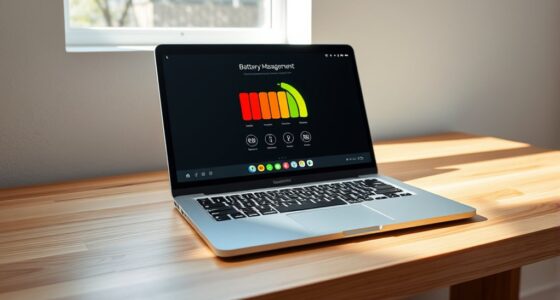
To turn on optimized battery charging on your iPhone, go to Settings, then Battery, and tap Battery Health & Charging. Enable the “Optimized Battery Charging” option. On Android, open Settings, go to Battery, and select Battery Care or Adaptive Charging—steps may vary by device. Once activated, your device learns your routine and manages charging automatically to extend battery lifespan. Keep exploring to learn how this feature can maximize your battery’s health over time.
Key Takeaways
- Access battery settings: iPhone (Settings > Battery > Battery Health & Charging), Android (Settings > Battery > Battery Care or Adaptive Charging).
- Enable “Optimized Battery Charging” or similar feature in the settings menu.
- Ensure device learns your routine for automatic, routine-based charging adjustments.
- For overnight charging, verify the feature is active to delay full charge past 80%.
- Regularly review and update settings to maintain optimal battery health over time.
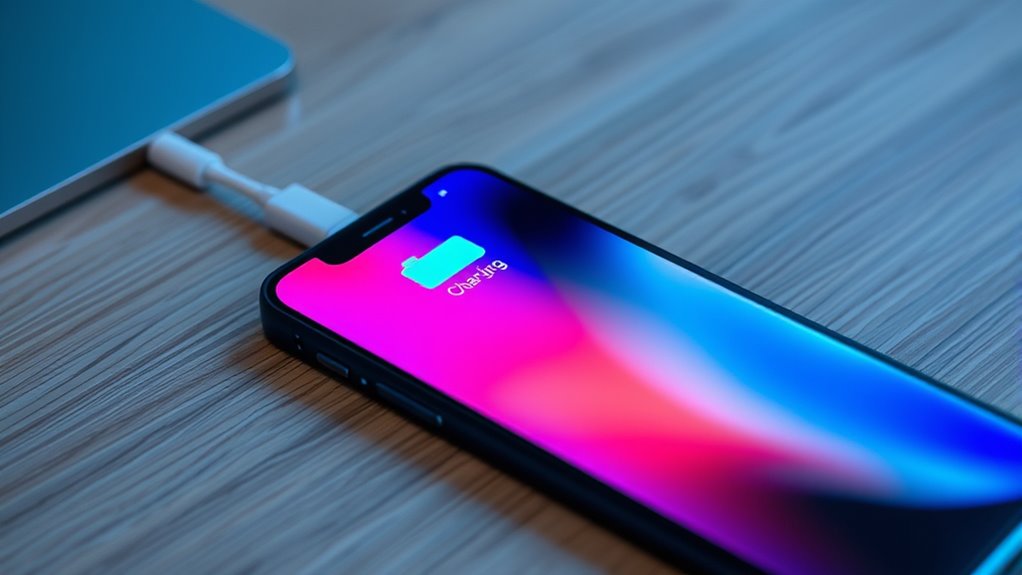
Have you ever wondered how to extend your device’s battery lifespan? The secret often lies in understanding your battery health and adopting smarter charging habits. Modern smartphones, whether iPhone or Android, are equipped with features designed to protect your battery from unnecessary wear. By turning on optimized battery charging, you can markedly improve your device’s longevity. This feature works by delaying the final phase of charging past 80% until you actually need to use your phone, reducing the time your battery spends at high voltage levels. Keeping your battery health intact ensures it remains capable of holding a charge over a longer period, saving you money and frustration down the line.
Your charging habits play a vital role here. Frequently charging your phone to 100% or letting it drain completely can accelerate battery aging. Instead, it’s better to keep your device’s charge level between 20% and 80%. Optimized battery charging takes advantage of this principle by intelligently managing when it completes the last 20% of charging. For instance, if you typically wake up at 7 AM and plug in your phone overnight, this feature learns your routine and pauses charging at 80%, then finishes just before you wake up. This minimizes stress on the battery, preventing unnecessary heat and voltage stress that can degrade its health over time. Additionally, understanding how battery chemistry affects longevity can help you make more informed decisions about your device care.
Turning on this feature is straightforward. On an iPhone, you can find it under Settings > Battery > Battery Health & Charging, then enable “Optimized Battery Charging.” For Android devices, it varies by manufacturer but is usually located in Settings > Battery > Battery Care or Adaptive Charging. Once activated, your device will learn your daily charging routine and adjust accordingly, ensuring your battery remains healthier for longer. This small adjustment in your routine can have a profound impact on your device’s overall battery performance and lifespan.
Top picks for "optimiz battery charg"
Open Amazon search results for this keyword.
As an affiliate, we earn on qualifying purchases.
Frequently Asked Questions
Does Optimized Charging Drain My Battery Faster or Slower?
Optimized charging slows down battery drain by reducing unnecessary charging cycles, which helps extend your battery’s lifespan. It doesn’t drain your battery faster; instead, it manages charging to prevent overcharging, which can harm your battery over time. This process also supports proper battery calibration, ensuring accurate readings. So, by turning it on, you help your device maintain healthier battery performance, making each charge last longer and reducing overall wear.
Can I Disable Optimized Charging Temporarily?
Yes, you can disable optimized charging temporarily. If you want to maximize charging speed or protect your battery health, simply toggle off the feature in your device settings. This allows your battery to charge faster without delaying. Just remember, turning it off might slightly impact your battery’s longevity over time, so use it wisely. Disabling it for quick charges gives you faster power-ups when you need them most.
Is Optimized Charging Effective on All Android Devices?
Optimized charging algorithms work differently across Android devices, so their effectiveness varies. Some Android phones have advanced algorithms that help maintain battery health by slowing charging near full capacity, while others lack this feature. To protect your battery health, it’s best to enable optimized charging if available. Keep in mind, the effectiveness depends on your device’s hardware and software, so check your phone’s settings or manufacturer’s info for specifics.
How Does Optimized Charging Affect Battery Lifespan?
Optimized charging helps reduce battery degradation by using advanced charging algorithms to prevent overcharging. When you enable it, your device slows down charging once it hits a certain level, especially overnight. This minimizes stress on the battery, extending its overall lifespan. By avoiding constant high-voltage exposure, you protect your battery from early wear, ensuring it stays healthy longer and maintains better performance over time.
Are There Any Privacy Concerns With Optimized Charging?
Think of optimized charging like a personal butler, subtly managing your device’s power. While it mainly uses data collection to extend battery life, some worry about privacy risks, fearing that their habits could be tracked or misused. Rest assured, most systems store data locally and anonymize it, minimizing privacy concerns. Still, it’s wise to review privacy settings regularly to guarantee your data stays secure while enjoying the benefits of smarter charging.
Conclusion
By turning on optimized battery charging, you protect your battery, extend its lifespan, and enjoy better device performance. It’s a simple step that safeguards your investment, preserves your battery’s health, and keeps your device running smoothly. So, take control, activate this feature, and experience the benefits of smarter charging. Protect your battery, prolong your device’s life, and enjoy seamless performance—because when you optimize charging, you’re making a smart choice for your device’s future.