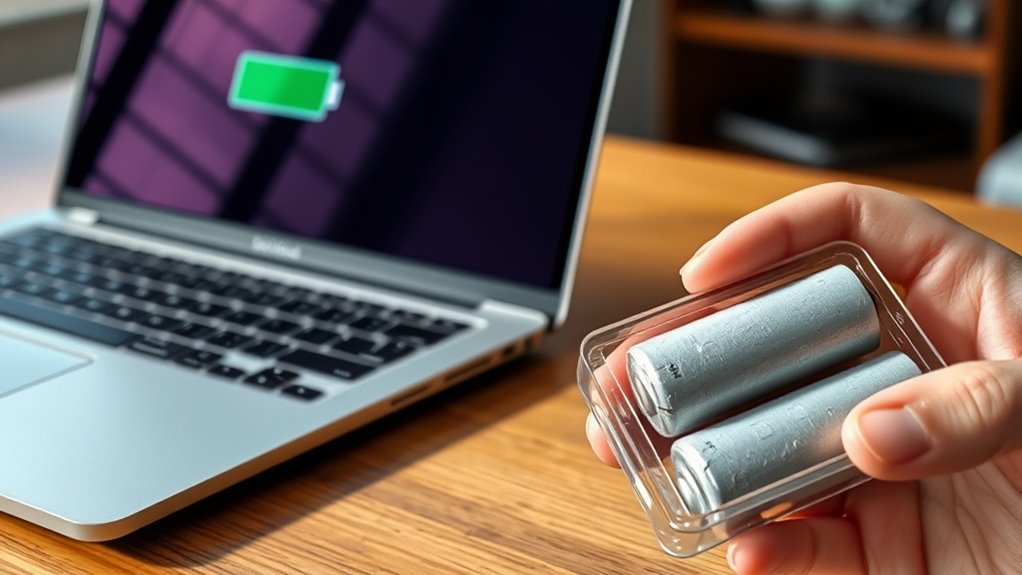

You should consider replacing your laptop battery if you notice quick or uneven drain, unexpected shutdowns, or physical issues like swelling or overheating. Signs of deterioration also include erratic behavior and markedly reduced usage time. Keep in mind that calibration and power management can help, but if problems persist, a replacement is likely needed. Staying aware of these signs can prevent data loss and extend your device’s lifespan—continue to discover more helpful tips.

Get the latest gadgets delivered free — and shop member deals
- Fast, free delivery on millions of items
- Access to Prime Big Deal Days deals on October 6–7
- Prime Video, Amazon Music and more included
Key Takeaways
- Signs like rapid drain, unexpected shutdowns, or physical damage indicate it’s time for a battery replacement.
- Calibrate the battery first; persistent issues after calibration suggest deterioration.
- Typically, replacement costs are affordable and extend your device’s lifespan.
- Sudden or uneven battery performance, despite management efforts, signals replacement need.
- Consider replacing if the battery no longer holds charge or shows physical signs like swelling.
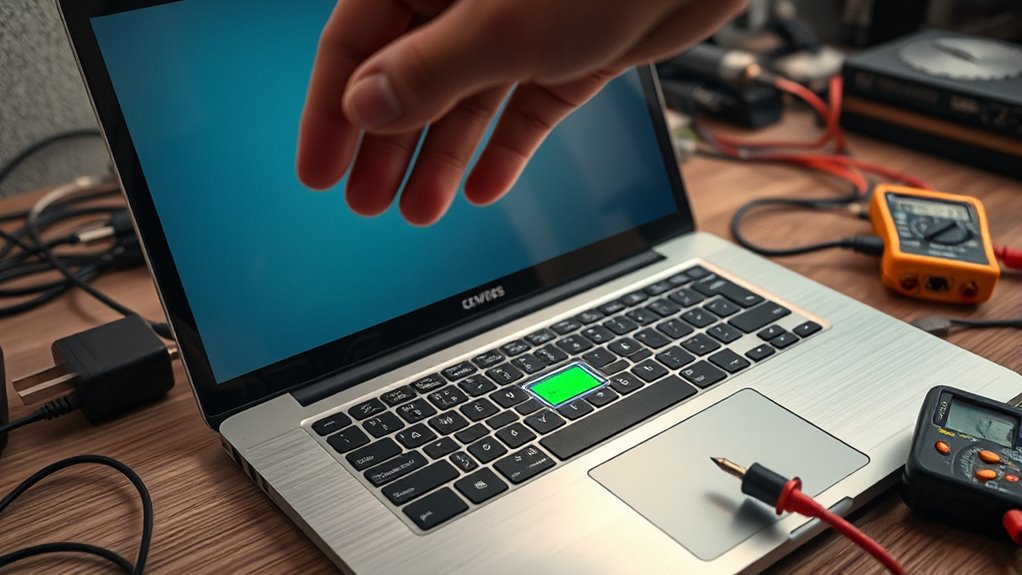
Your laptop battery doesn’t last forever, and knowing when to replace it can save you time and frustration. Over time, batteries lose their ability to hold a charge, leading to shorter usage periods and inconsistent performance. Before jumping to a replacement, it’s worth understanding some signs that indicate your battery is reaching the end of its lifespan. One key step you can take is battery calibration. This process helps your system accurately report the remaining battery life, preventing false alerts or sudden shutdowns. To calibrate, fully charge your battery to 100%, then use your laptop on battery power until it completely drains and shuts off. Recharge to full without interruption. Proper calibration ensures you’re getting an accurate reading, which is essential before contemplating a replacement.
Calibrate your laptop battery by fully charging, then draining it completely for accurate performance readings.
Power management settings also play a crucial role in extending your battery’s life. Many laptops come with built-in power management tools that allow you to optimize energy consumption. Adjust settings like screen brightness, sleep mode timings, and processor performance to maximize battery longevity. These tweaks can sometimes considerably improve how long your battery lasts between charges, giving you more time without needing a replacement. If, after calibration and optimizing power management, your battery still drains quickly or behaves erratically, it’s a clear sign that it’s time to consider a new one.
Another indicator is rapid or uneven battery drain. If your laptop’s battery life suddenly decreases without explanation, or if it discharges faster than it used to, the battery cells might be deteriorating. You might also notice the battery percentage fluctuating unexpectedly or the device shutting down even when the indicator shows some charge remaining. These are signs that the battery can no longer reliably supply power. Additionally, physical signs like swelling or overheating are serious red flags. If your battery feels hot or bulges, stop using it immediately and replace it to avoid damage or safety hazards. Recognizing the importance of battery health can help you make informed decisions about maintenance and replacement.
Cost is another factor worth weighing. Replacing a laptop battery usually isn’t very expensive, especially compared to potential damage from continued use of a failing battery. When evaluating whether to replace or upgrade, weigh the cost of a new battery against the inconvenience and productivity loss caused by unreliable power. If your laptop is still relatively recent and compatible, a replacement can give it a new lease on life. Conversely, if the device is several years old and showing multiple signs of failure, it might be time to think about a new laptop altogether.
Ultimately, understanding your battery’s health through calibration, effective power management, and paying attention to warning signs will help you decide the right time to replace it. Taking proactive steps guarantees you get the most out of your device and avoid unexpected shutdowns or data loss.
Frequently Asked Questions
Can a Laptop Battery Be Replaced DIY?
Yes, you can do a DIY replacement of your laptop battery if you’re comfortable with basic tech skills. Start by carefully calibrating the new battery for peak performance, then follow your laptop’s specific instructions for replacing the battery. Make sure to power down, disconnect all cables, and handle components gently. With patience and the right tools, a DIY replacement saves money and extends your laptop’s lifespan.
How Long Does a Typical Laptop Battery Last?
Imagine you use your laptop daily, and it typically lasts around 3 to 5 years before the battery’s lifespan diminishes. Most batteries endure about 300 to 500 charging cycles, which is roughly 2 to 3 years of regular use. After reaching this limit, your battery may hold less charge and drain quickly. To maximize lifespan, avoid overcharging and run it down occasionally.
Is It Better to Replace or Repair a Failing Battery?
It’s better to replace a failing battery rather than repair it, because repair options are limited and often temporary. If your battery lifespan has diminished considerably, replacement options are more reliable and cost-effective. You can usually find a new battery that fits your laptop model, ensuring longer usage and better performance. Replacing the battery is a straightforward solution that restores your device’s power and extends its overall lifespan.
What Are the Environmental Impacts of Battery Disposal?
They say, “what goes around, comes around,” and that’s true for battery disposal. When you don’t recycle your battery properly, it becomes toxic waste that pollutes the environment. Battery recycling helps recover valuable materials and prevents harmful chemicals from leaching into soil and water. Responsible disposal minimizes environmental impact, reducing toxic waste and supporting a healthier planet. Always recycle your batteries to protect the environment and avoid unnecessary pollution.
Are There Warranties That Cover Battery Replacements?
Yes, many laptops come with battery warranties that include replacement coverage. You should check your device’s warranty terms, as some manufacturers offer free or discounted battery replacements within the warranty period. Keep in mind that battery warranties often cover issues like defects or reduced performance, but damage from misuse might not be included. Always review your warranty details to understand what’s covered and how to request a replacement if needed.
Conclusion
Knowing when to replace your laptop battery keeps your device running smoothly, just like a healthy routine keeps you energized. Ignoring signs of wear can leave you stranded, much like ignoring fatigue can slow you down. So, don’t wait until your battery dies unexpectedly—think of it as investing in your productivity and peace of mind. After all, a fresh battery is like a shot of adrenaline for your laptop, keeping you moving forward without missing a beat.
Fall Picks
fall essentials
As an affiliate, we earn on qualifying purchases.