
Smart display devices haven’t fully replaced tablets because their small screens and limited multitasking make them less suitable for complex tasks or versatile use. While smart displays are great for quick info checks and voice commands, tablets support touch, stylus, and keyboard inputs, making them better for work, entertainment, and productivity. If you want to understand how these devices complement each other, keep exploring how their features suit different needs.

Get the latest gadgets delivered free with Prime
- Fast, free delivery on millions of items
- Prime Video, Amazon Music and more included
- Member-only deals all year
Key Takeaways
- Smaller screens limit immersive multimedia and detailed interactions compared to larger tablet displays.
- Tablets support multitasking and diverse input methods, enhancing productivity beyond smart display capabilities.
- Portable design allows tablets to serve as versatile devices for work, entertainment, and creativity.
- Smart displays are fixed and primarily optimized for quick voice interactions rather than complex tasks.
- Different primary functions and user needs ensure both device types coexist without full replacement.
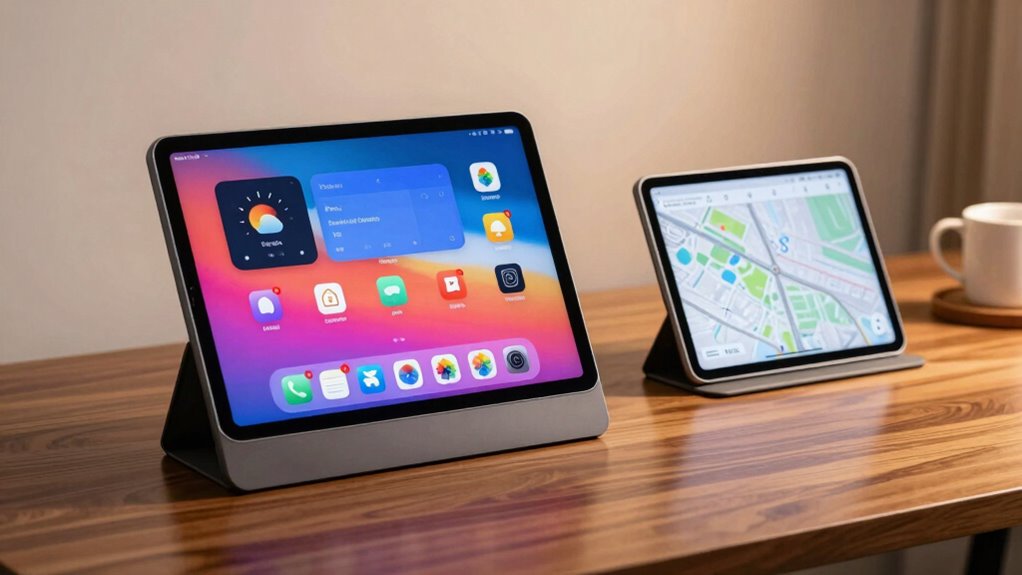
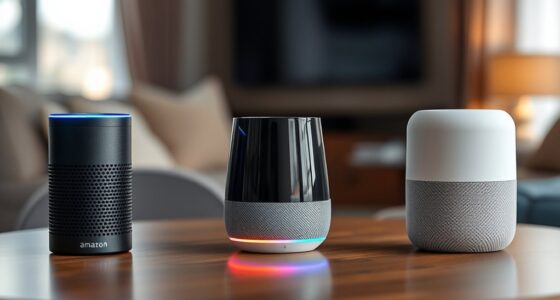
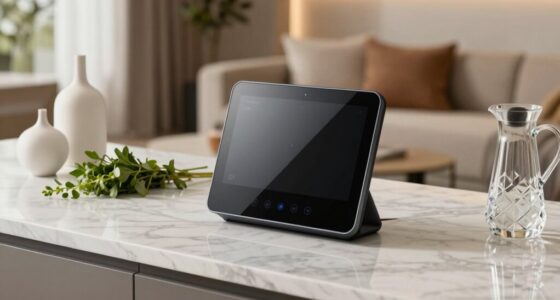
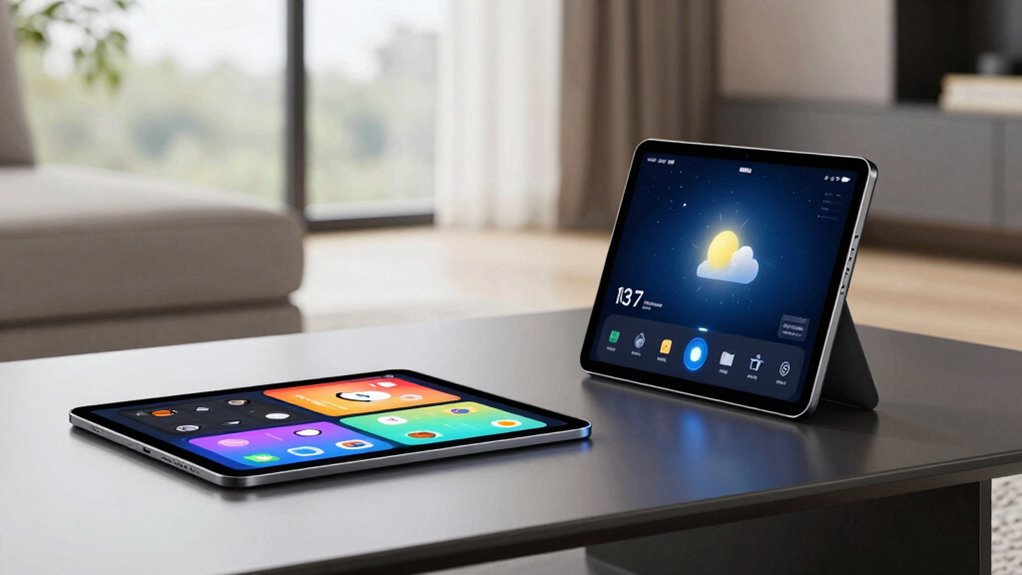
One major factor is screen size. Smart displays typically feature smaller screens, usually between 7 to 10 inches, optimized for quick interactions and voice commands. While this size is perfect for glancing at information or controlling smart devices, it doesn’t provide the same immersive experience as a tablet. Tablets generally have larger screens, often 10 inches or more, which makes them ideal for reading, browsing, or consuming multimedia content. You can comfortably watch videos, edit documents, or play games on a tablet’s expansive display, which smart displays simply can’t match due to their limited screen real estate. Additionally, tablets often support multitasking capabilities, allowing users to run multiple apps simultaneously—a feature that enhances productivity and entertainment options. Voice recognition technology is another area where tablets excel. Although smart displays have advanced voice assistants, tablets often integrate more all-encompassing voice recognition systems that work seamlessly across multiple apps and functions. This allows you to compose emails, edit photos, or even run complex commands, all through voice. Tablets also offer better multitasking capabilities, letting you switch between tasks or run several apps simultaneously, which is more challenging on a smart display. The versatility of a tablet means you’re not just limited to voice commands; you can use touch, stylus, or keyboard inputs, giving you a broader range of control and interaction. A portable computing device like a tablet can serve as a full workstation or entertainment hub, which smart displays are less suited for since they are primarily designed for specific tasks. Furthermore, tablets are portable and versatile, functioning as full-fledged computing devices, while smart displays tend to be more stationary and specialized for specific tasks. You might have a smart display in your kitchen or living room for quick info checks, but you carry a tablet around for work, entertainment, and creative projects. The familiarity of a tablet’s interface and its ability to handle various applications make it irreplaceable for many users. In essence, while smart display devices are convenient and great for voice recognition and quick interactions, their limited screen size and specialized function prevent them from fully replacing the broad capabilities and versatility of tablets. Each serves a different purpose, and for now, they coexist, complementing each other rather than competing directly. An understanding of the floating on water feature in some smart display devices highlights their unique design and functionality, but it doesn’t bridge the gap in overall versatility compared to tablets. The ability to adapt to different environments further emphasizes why tablets remain an essential part of personal and professional life.
As an affiliate, we earn on qualifying purchases.
Frequently Asked Questions
Can Smart Displays Replace Tablets for Gaming Purposes?
Smart displays can’t fully replace tablets for gaming because of their limited screen size and less responsive touch controls. While voice control helps with quick commands, the smaller screens and lack of dedicated gaming controls make them less ideal for immersive gaming experiences. You’ll find tablets more satisfying for gaming, offering larger screens, better graphics, and more precise controls, making them the better choice for serious gamers.
How Does Battery Life Compare Between Smart Displays and Tablets?
You might find it surprising, but smart displays generally have shorter battery life than tablets. Their battery efficiency isn’t as optimized, mainly because they constantly run background processes and display visual content. This results in lower power longevity, meaning you’ll need to recharge more often. Tablets, on the other hand, are designed for longer use without frequent recharging, making them more suitable for extended activities like gaming or reading.
Are Smart Displays Better for Multitasking Than Tablets?
Smart displays aren’t better for multitasking than tablets because their smaller screens limit multitasking capabilities. While voice control on smart displays makes quick tasks easy, tablets offer larger screens that let you use multiple apps simultaneously. You can view more information at once and switch between tasks faster. So, if multitasking is your priority, tablets are still the superior choice, especially with their bigger screens and more flexible app management.
Do Smart Displays Support All Tablet Apps and Services?
Like Pandora’s box, smart displays don’t support all tablet apps and services. You rely on voice commands to access specific features, but their limited screen size can hinder multitasking or complex app use. Many apps aren’t optimized for smart displays, making them less versatile than tablets. So, while smart displays excel in quick info and voice control, they fall short for full app support and extensive tasks.
What Are the Security Differences Between Smart Displays and Tablets?
You’ll find that smart displays often have fewer security features than tablets, raising privacy concerns. Tablets usually support robust data security options like encryption and app permissions, while smart displays focus on voice recognition and cloud storage, which can be more vulnerable. This makes smart displays less secure for sensitive information, so you should be cautious about sharing private data on them. Your privacy is at greater risk compared to using a tablet.
As an affiliate, we earn on qualifying purchases.
Conclusion
You can almost hear the gentle hum of a smart display waiting patiently on your kitchen counter, ready to assist with a quick recipe or weather update. But when you reach for your tablet, it’s like opening a book of endless pages, inviting you to explore, create, and connect in ways a smart display just can’t match. Together, they form a balanced dance—one offering instant answers, the other sparking your imagination—proving that both still have their place in your digital world.
As an affiliate, we earn on qualifying purchases.
portable tablets for work and entertainment
As an affiliate, we earn on qualifying purchases.
As an affiliate, we earn on qualifying purchases.
Halloween Picks
halloween
As an affiliate, we earn on qualifying purchases.