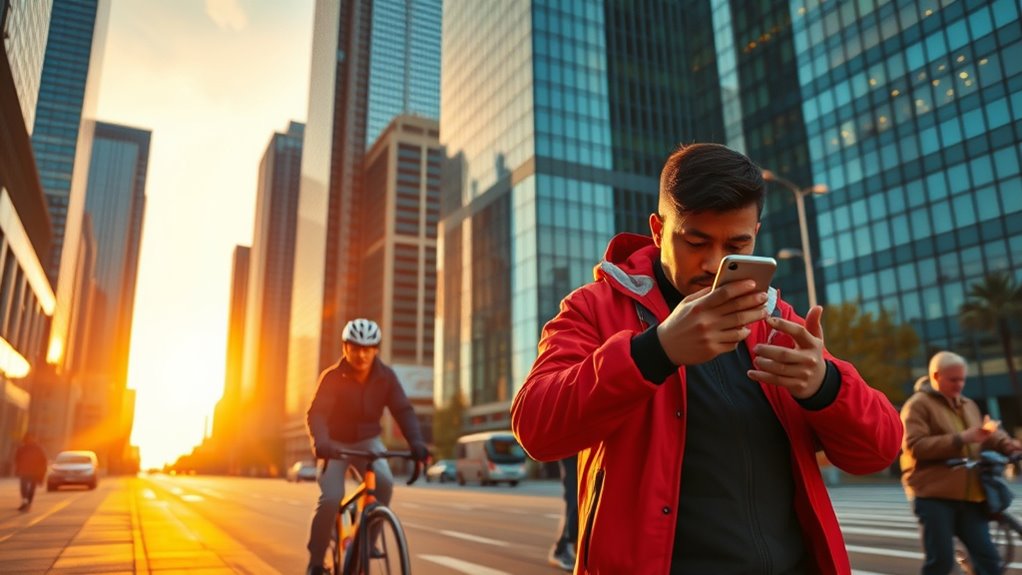

Your smartphone can save your life by activating emergency alerts to warn you of hazards, quickly dialing emergency contacts or accessing Medical ID info for first responders, documenting damage or injuries with photos and videos, and using specialized apps to send your location or get first aid instructions. These features make your device a powerful safety tool in crises. Keep exploring how to maximize these capabilities, and you’ll discover even more ways your phone can protect you when it matters most.
Key Takeaways
- Enable emergency alert notifications to receive real-time warnings about hazards and severe weather.
- Use the Medical ID feature to provide first responders with vital health information without unlocking your device.
- Document damages, injuries, or hazards with photos and videos to support claims and aid response efforts.
- Download and familiarize yourself with emergency preparedness apps that offer rescue instructions and location sharing.
- Store key contacts and use quick-access features to facilitate fast communication with emergency services and loved ones.
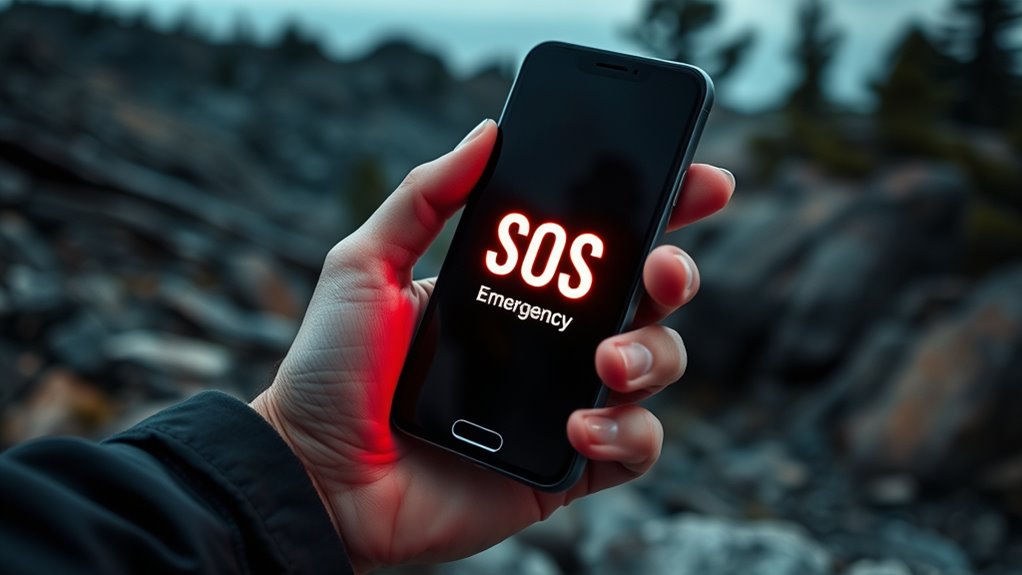
In emergencies, your smartphone can be a lifesaver if you know how to use it effectively. It’s not just a device for calls and texts; it’s a essential tool that can considerably improve your personal safety and aid in emergency preparedness. When disaster strikes, quick access to critical information can make all the difference. Familiarizing yourself with your phone’s features before an emergency occurs guarantees you’re ready to act swiftly and confidently.
One of the most indispensable ways your smartphone can save your life is through emergency alert systems. Many smartphones are equipped with built-in emergency alert features that notify you about local hazards, severe weather, or public safety threats. Make sure these alerts are enabled in your settings. These notifications can give you essential early warnings, allowing you to seek shelter or evacuate before danger escalates. Staying informed is a key part of personal safety, and your phone is your direct link to real-time updates from authorities.
Another critical aspect of emergency preparedness involves saving and knowing how to access emergency contact information quickly. Program your most important contacts—such as family members, friends, or local emergency services—into your phone’s speed dial or emergency contacts list. Many smartphones offer an emergency or Medical ID feature, which displays essential information like allergies, medical conditions, or medications without unlocking the device. This can be invaluable if you’re unable to communicate during an incident, guaranteeing first responders have the information they need to provide proper care.
Your smartphone’s camera and voice recording capabilities can also be instrumental in documenting an incident. Taking photos or videos of damage, hazards, or injuries can provide critical evidence for insurance claims or legal purposes later on. Additionally, recording details about an emergency can help you recall facts later, especially if you’re shaken or overwhelmed. These features are simple to use but can make a big difference in managing and responding to emergencies.
Moreover, apps designed for emergency preparedness can boost your personal safety. Several apps can send your location to trusted contacts, provide step-by-step rescue instructions, or offer guidance on first aid procedures. Downloading and familiarizing yourself with these resources before an emergency occurs guarantees you’re not wasting precious time trying to find help when seconds matter.
In short, your smartphone is a powerful tool for personal safety and emergency preparedness. Learning how to leverage its features—like alerts, emergency contacts, documentation tools, and specialized apps—can transform it from a communication device into a life-saving resource. When you’re prepared, you’re more confident and capable of handling unexpected situations, ultimately increasing your chances of staying safe in any emergency.

PILSAMAS WiFi Caregiver Pager Wireless Call Button with App Alert, Medical Alert Systems for Seniors No Monthly Fee- 2 Caregiver Call Button + Wristband Panic Button, Alert Button for Seniors at Home
Wi-Fi Smart & Flexible 2+1 Design: The receiver connects to home Wi-Fi (2.4G only) for smart global access….
As an affiliate, we earn on qualifying purchases.
As an affiliate, we earn on qualifying purchases.
Frequently Asked Questions
Can Emergency Alerts Be Customized for Specific Locations?
Yes, emergency alerts can be customized for specific locations. You can set up location-specific alerts by adjusting your phone’s customizable notification settings, ensuring you receive relevant warnings only in areas you care about. This way, you’re not overwhelmed by unnecessary alerts and stay informed about emergencies in your immediate vicinity. Check your device’s alert settings to enable or fine-tune these location-based notifications for maximum safety.
How Do I Activate Medical ID on My Phone?
Imagine you’re living in a time where smartphones are your trusty sidekick. To activate Medical ID, go to your health app or settings, then select Medical ID setup. Enter your emergency contact information, medical conditions, and allergies. Make certain to toggle on “Show When Locked” so first responders can access it quickly. This simple step ensures your emergency contact configuration is ready, potentially saving your life when it matters most.
Are There Safety Apps Recommended for Emergencies?
Yes, there are safety apps you should consider. Many offer personal safety features like emergency alerts, GPS tracking, and quick dial options. Before downloading, check app privacy settings to guarantee your data stays protected. Apps like Noonlight, SafeTrek, and Life360 are popular choices. They help you quickly contact emergency services, share your location, or alert loved ones, providing peace of mind and enhanced safety during emergencies.
Does My Smartphone Track My Location During an Emergency?
Yes, your smartphone can track your location during an emergency, but you control this through privacy settings. Many devices automatically share your location when emergency services are activated, ensuring help arrives quickly. If you’re concerned about privacy, you can adjust location tracking options beforehand. This way, you stay protected while still enabling your phone to assist you when it matters most, balancing safety and privacy effectively.
Can I Set up Automatic Emergency Calls on My Device?
Yes, you can set up automated call features on your device. Most smartphones let you configure emergency contact setup, so when you activate an emergency feature, it automatically calls your chosen contacts or emergency services. To do this, go to your settings, find the emergency or SOS options, and add your emergency contacts. This way, during an emergency, your phone swiftly makes calls, helping you get quick assistance.

Type 1 Diabetic Medical ID iPhone Case | Floral Medical Alert Phone Case
medical alert
As an affiliate, we earn on qualifying purchases.
As an affiliate, we earn on qualifying purchases.
Conclusion
Your smartphone isn’t just for calls and selfies — it’s like a trusty sidekick ready to lend a helping hand when things get tough. By knowing a few simple tricks, you can turn it into a silent guardian, quietly guiding you through emergencies. Think of it as your personal safety net, always just a tap away. Keep it close, stay prepared, and let your device be the gentle whisper that helps you find your way back to safety.

Trail Camera Viewer for iPhone, Corded SD Memory Card Reader Plays Video & Photo on All Latest Apple iOS iPad and iPhone Models
Designed specifically for hunters to Instantly swipe-through view, save, share and delete your trail camera pictures and videos…
As an affiliate, we earn on qualifying purchases.
As an affiliate, we earn on qualifying purchases.
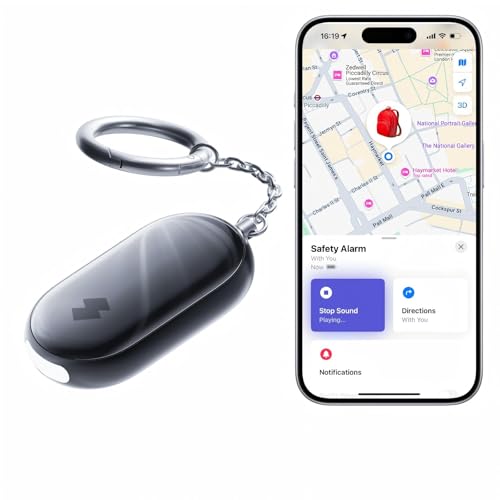
SwitchBot 130 dB Personal Safety Alarm for Women with Apple Find My APP, Extra-Loud Siren & Strobe Light, Waterproof Self Defense Keychain for Women, College Girls and Kids (Black)
Alarm and Flashing Function: Equipped with a high-intensity flashing light (can flash for over 1 hour), along with…
As an affiliate, we earn on qualifying purchases.
As an affiliate, we earn on qualifying purchases.