
To type faster on your phone, use voice typing to convert speech into text quickly and practice gesture navigation for smooth actions like selecting and copying. Enable predictive text and autocorrect settings to reduce manual corrections, and switch to one-handed mode if needed for easier access. Combining these features with regular practice will boost your speed and efficiency. Keep exploring these tips to reveal even more ways to improve your texting skills.

Get the latest gadgets delivered free — and shop member deals
- Fast, free delivery on millions of items
- Access to Prime Big Deal Days deals on October 6–7
- Prime Video, Amazon Music and more included
Key Takeaways
- Use voice typing to quickly convert speech into text and reduce manual effort.
- Practice gesture navigation for faster actions like editing, copying, and switching between screens.
- Enable predictive text and autocorrect features to minimize manual corrections and speed up messaging.
- Customize keyboard settings such as one-handed mode and personalized dictionaries for easier access.
- Regularly combine voice, gestures, and predictive tools to optimize overall typing speed.
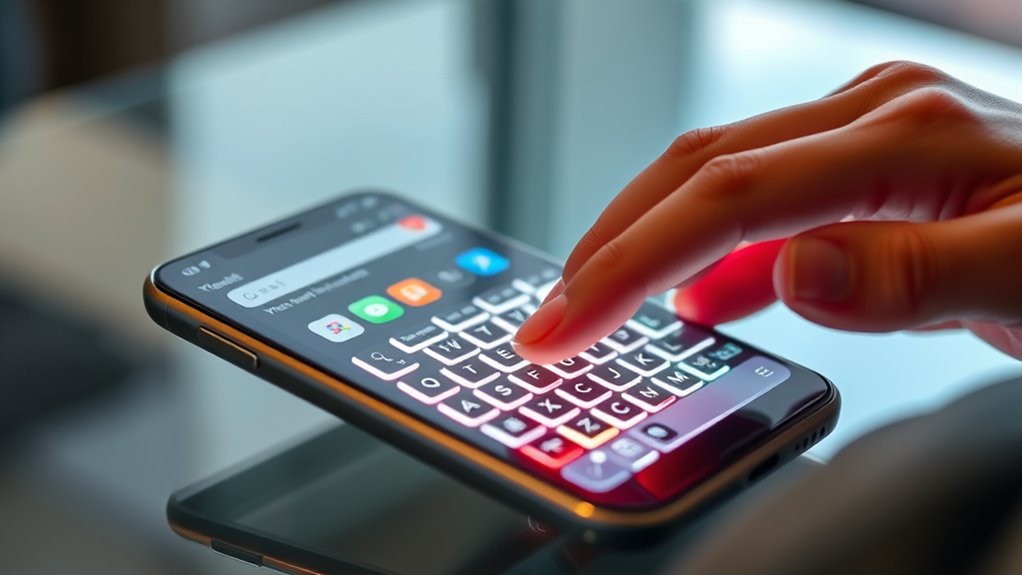
Do you want to send messages more quickly and efficiently on your phone? One of the best ways to speed up your typing is to leverage the built-in features of your device, like voice typing and gesture navigation. These tools are designed to make typing less tedious and more natural, so you can focus on what really matters—getting your message across without frustration or delay. Voice typing, for example, allows you to speak your message instead of tapping out each word, which is especially handy when you’re on the go or need to respond quickly. Many smartphones now have excellent voice recognition systems that convert your speech into text with impressive accuracy. To use it, simply tap the microphone icon on your keyboard, speak clearly, and watch your message appear on the screen. This can markedly cut down your typing time, especially for longer messages or when your hands are busy. Additionally, cloud-based speech recognition can enhance accuracy and speed by processing your voice data on powerful servers.
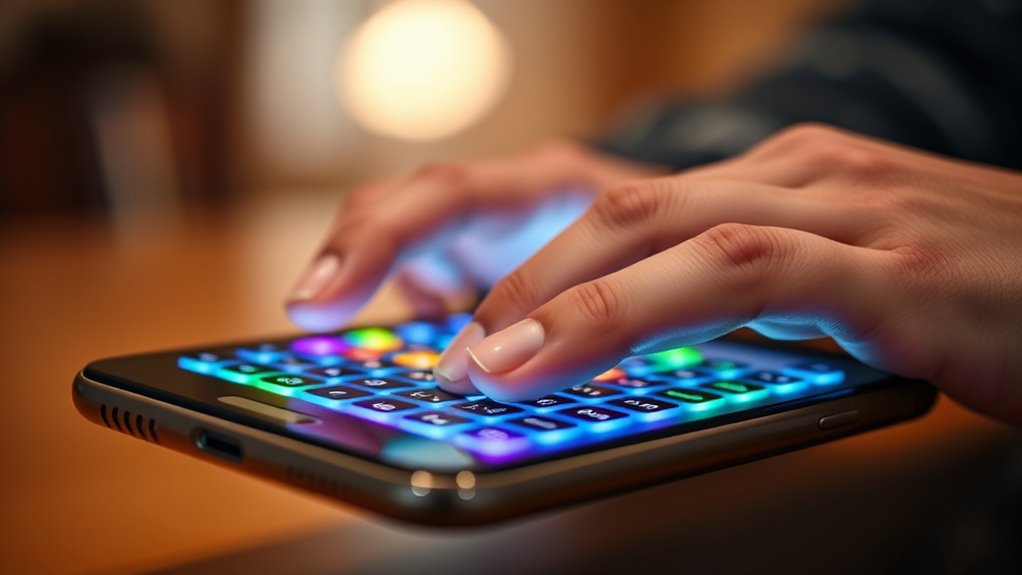
In addition to voice typing, mastering gesture navigation can also boost your texting speed. Gesture navigation replaces traditional tapping with intuitive swipes and gestures, reducing the number of taps needed to perform common actions. For example, many phones allow you to swipe from the edge of the screen to go back, or use quick gestures to select text, copy, or paste. By becoming comfortable with these gestures, you minimize the need to hunt for tiny buttons or menus, making your overall typing experience faster and smoother. Practice using gestures to navigate your keyboard and interface; it might feel awkward at first, but you’ll soon find yourself moving between screens, editing, and sending messages with greater speed. Combining gesture navigation with predictive text and autocorrect features further expedites your typing process, as your device suggests words and completes sentences based on your habits.
Another trick to increase your typing speed is to customize your keyboard settings. Enable features like autocorrect, predictive text, and personalized dictionaries. These tools learn your writing style over time, reducing the number of corrections you need to make manually. Also, consider switching to a one-handed keyboard mode if you often type with one hand, making it easier to reach all keys comfortably. Practicing regularly with these features will strengthen your muscle memory, so you’ll find yourself tapping and swiping with confidence. Overall, integrating voice typing and gesture navigation into your daily routine transforms your phone into a more responsive and efficient communication tool. With a little effort and some practice, you’ll be surprised how much faster and more comfortable your texting becomes.
Frequently Asked Questions
Which Keyboard App Is Best for Speed?
You should try Gboard, as it’s excellent for speed. It offers predictive text that helps you type faster and more accurately. Plus, its emoji shortcuts make inserting emojis quick and easy. You’ll find it intuitive and customizable, which boosts your typing efficiency. Gboard’s seamless integration with your device and smart features make it the top choice for improving your phone typing speed.
How Do I Customize My Keyboard Shortcuts?
Imagine you often type “brb” for “be right back.” To save time, you can customize your keyboard by creating a shortcut for it. Simply go to your keyboard settings, find the keyboard customization or shortcut creation section, and add a new shortcut. Enter “brb” and assign it to “be right back.” This way, every time you type the shortcut, it automatically expands, boosting your typing speed.
Can Voice Typing Help Improve My Speed?
Yes, voice recognition can help improve your typing speed by allowing you to dictate text quickly and efficiently. With practice, your dictation accuracy improves, making it easier to communicate without typing. Using voice typing features on your phone can reduce the time spent on manual input, especially for long messages. Just guarantee your microphone is clear and enunciate clearly to maximize dictation accuracy and speed.
How Do I Fix Typing Lag Issues?
To fix typing lag issues, start by clearing your keyboard cache and updating your device’s software. Disable and re-enable predictive text and autocorrect to improve accuracy and responsiveness. Restart your phone to refresh system resources. You can also try switching to a different keyboard app if lag persists. Ensuring your device is running smoothly helps reduce lag, making typing faster and more accurate with better predictive text and autocorrect performance.
Are There Specific Gestures to Type Faster?
A stitch in time saves nine, so mastering gestures can boost your speed. You should try swipe gestures for quicker typing—glide your finger across the keyboard to spell words instead of tapping each letter. Combine this with predictive typing, which suggests words as you go. Using these gestures streamlines your typing, saving time and effort. Practice regularly to build muscle memory and make your texting faster and more efficient.
Conclusion
Mastering your phone’s keyboard is like opening a secret door to endless efficiency. With these tips and tricks, you’ll find yourself typing faster than ever—turning every message into a breeze. Remember, practice makes perfect, and soon you’ll wonder how you ever fumbled through texts. So, why settle for slow typing when the key to effortless communication is just a tap away? Embrace these tricks, and watch your speed soar—your phone’s potential is waiting to be unlocked.
Halloween Picks
halloween
As an affiliate, we earn on qualifying purchases.