
If you’re looking at the best 14-inch MacBook Pro options for 2025, I recommend considering the Apple 2024 MacBook Pro with M4 Pro, a model with a 12-core CPU and 16-core GPU, perfect for demanding tasks. The Apple MacBook Pro 2025 with the new M5 chip offers cutting-edge performance, while the MacBook Pro with M4 Max provides top-tier power for heavy workloads. Keep these factors in mind, and if you’re curious about more, there’s plenty to uncover ahead.
Key Takeaways
- Opt for a 12-core CPU and 16-core GPU for demanding creative tasks like video editing or 3D rendering.
- Choose 24GB or 36GB of unified memory to ensure smooth multitasking and future-proofing.
- Select 512GB or 1TB SSD storage based on workflow needs, with larger options ideal for large files and projects.
- Prioritize models with Liquid Retina XDR display, supporting ProMotion and high HDR brightness for superior visuals.
- Ensure the configuration includes Thunderbolt 4, HDMI, and MagSafe ports for versatile connectivity and external device support.

Apple 2024 MacBook Pro Laptop with M4 Pro, 12‑core CPU, 16‑core GPU: Built for Apple Intelligence 14.2-inch Liquid Retina XDR Display, 24GB Unified Memory, 512GB SSD Storage; Space Black
SUPERCHARGED BY M4 PRO OR M4 MAX — The 14-inch MacBook Pro with the M4 Pro or M4...
As an affiliate, we earn on qualifying purchases.
Apple 2024 MacBook Pro Laptop with M4 Pro, 12-core CPU, 16-core GPU
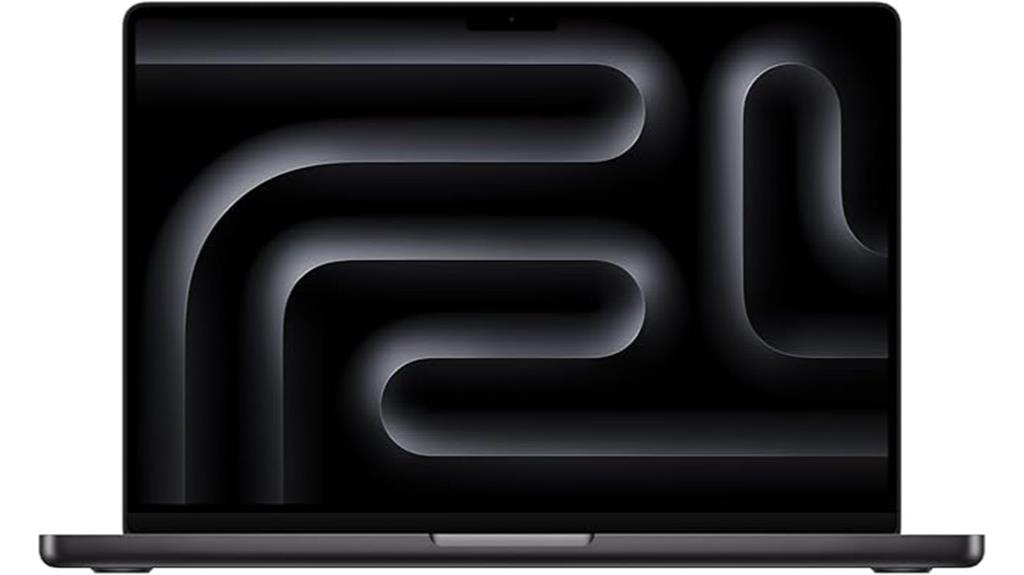
If you’re looking for a powerful and portable workstation, the Apple 2024 MacBook Pro with the M4 Pro chip is an excellent choice. Its 12-core CPU and 16-core GPU deliver exceptional performance, perfect for demanding tasks like coding, video editing, or 3D rendering. The 14.2-inch Liquid Retina XDR display offers stunning visuals with up to 1600 nits brightness, making everything look vibrant and detailed. With 24GB of unified memory and a 512GB SSD, it handles multitasking smoothly and provides fast storage. Plus, its sleek Space Black design and all-day battery life make it a versatile tool for professionals on the go.
Best For: professionals requiring a high-performance, portable workstation for demanding tasks like coding, video editing, and 3D rendering.
Pros:
- Exceptional performance with 12-core CPU and 16-core GPU.
- Stunning Liquid Retina XDR display with up to 1600 nits brightness.
- Ample 24GB unified memory and fast 512GB SSD for multitasking and quick storage.
Cons:
- Premium price point may be a barrier for some users.
- Limited upgrade options due to integrated design.
- Shorter battery life under intensive workloads could impact all-day use.

Apple 2025 MacBook Pro Laptop with Apple M5 chip with 10‑core CPU and 10‑core GPU: Built for AI, 14.2-inch Liquid Retina XDR Display, 16GB Unified Memory, 1TB SSD Storage; Silver
SUPERCHARGED BY M5 — The 14-inch MacBook Pro with M5 brings next-generation speed and powerful on-device AI to...
As an affiliate, we earn on qualifying purchases.
Apple MacBook Pro 2025 with M5 Chip (Silver)
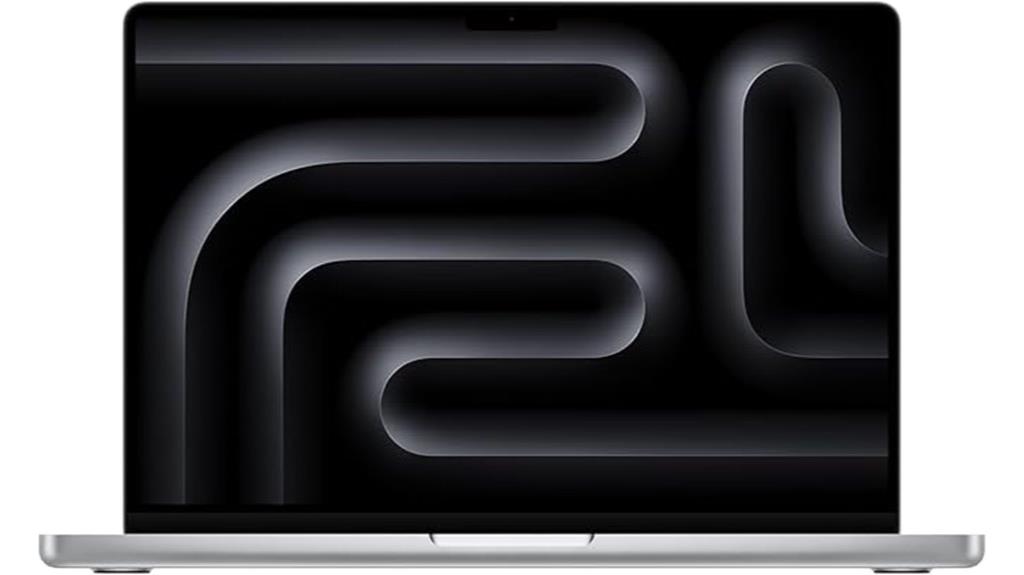
The Apple MacBook Pro 2025 with M5 chip (Silver) stands out as the top choice for creative professionals and power users who need exceptional performance and vibrant visuals. Its M5 chip features a 10-core CPU, a 10-core GPU, Neural Accelerators, and hardware-accelerated ray tracing, ensuring fast AI and multimedia workflows. The stunning 14.2-inch Liquid Retina XDR display delivers vivid colors with HDR support and a peak brightness of 1600 nits. With 16GB unified memory, a 1TB SSD, and extensive ports, it handles multitasking effortlessly. Plus, its battery life of up to 24 hours makes it ideal for demanding, on-the-go tasks.
Best For: creative professionals and power users seeking exceptional performance, vibrant visuals, and extensive connectivity for demanding workflows.
Pros:
- Powerful M5 chip with a 10-core CPU and GPU for fast multitasking and professional applications
- Stunning 14.2-inch Liquid Retina XDR display with HDR support and high peak brightness
- Up to 24 hours of battery life, ideal for on-the-go productivity and extended use
Cons:
- Premium price point may be prohibitive for some users
- Limited to 16GB unified memory, which might be restrictive for very heavy multitasking or specialized workflows
- Hefty and potentially less portable compared to smaller ultrabooks
Apple 2024 MacBook Pro Laptop with M4 chip with 10‑core CPU and 10‑core GPU: Built for Apple Intelligence, 14.2-inch Liquid Retina XDR Display, 16GB Unified Memory, 1TB SSD Storage; Space Black
SUPERCHARGED BY M4 — The 14-inch MacBook Pro with M4 chip gives you spectacular performance in a powerhouse...
As an affiliate, we earn on qualifying purchases.
Apple 2024 MacBook Pro Laptop with M4 Max
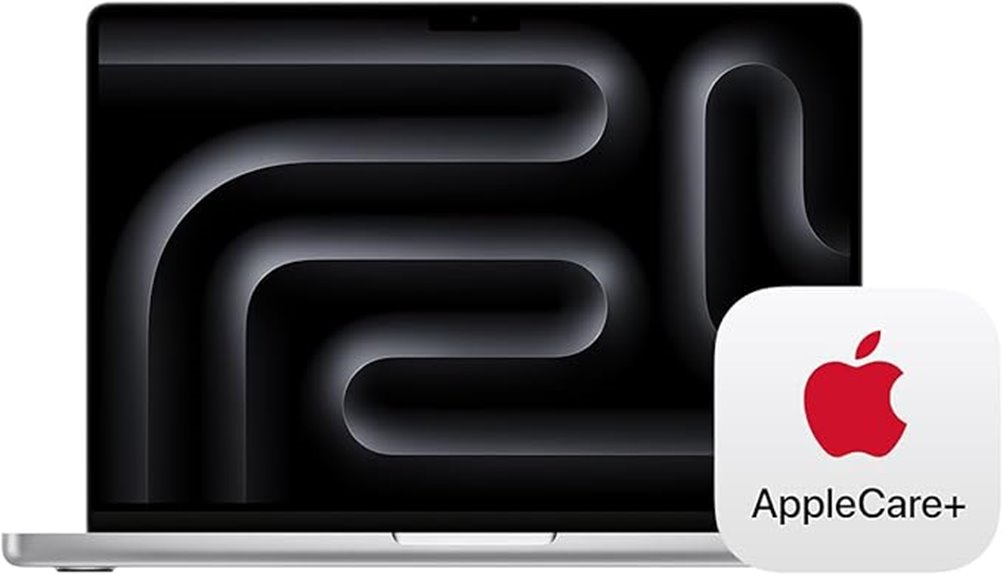
For professionals demanding top-tier performance in a portable package, the Apple 2024 MacBook Pro with M4 Max stands out as an exceptional choice. It features a powerful 14-core CPU, a 32-core GPU, and 36GB of unified memory, making it ideal for demanding tasks like coding, 3D rendering, and creative workflows. The 14.2-inch Liquid Retina XDR display offers stunning visuals with high brightness and contrast. With 1TB SSD storage and all-day battery life, it guarantees seamless productivity. Plus, AppleCare+ provides three years of reliable support, making this MacBook Pro a perfect blend of performance, portability, and peace of mind.
Best For: professionals and creative users who require high-performance computing, stunning display quality, and seamless Apple ecosystem integration for demanding tasks like coding, 3D rendering, and multimedia workflows.
Pros:
- Exceptional performance with M4 Max chip, 14-core CPU, and 32-core GPU for demanding applications
- Stunning 14.2-inch Liquid Retina XDR display with high brightness and contrast for vibrant visuals
- Extended 36GB unified memory and 1TB SSD provide fast, reliable storage and multitasking capabilities
Cons:
- Premium price point may be a barrier for budget-conscious buyers
- Limited ports may require additional adapters or accessories for certain workflows
- Heavier than some ultraportable laptops, potentially impacting portability
Factors to Consider When Choosing 14-Inch Macbook Pro Configurations
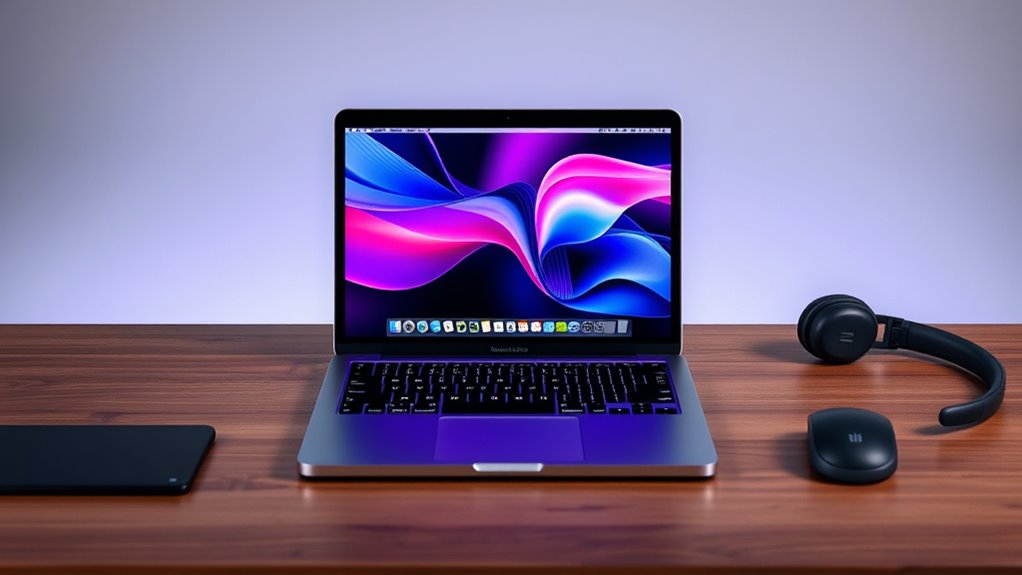
When choosing a 14-inch MacBook Pro, I consider my performance needs first—whether I require powerful processing for tasks or everyday use. Next, I look at display quality and battery life to make certain the laptop fits my work style, along with storage options and port selection for versatility. Understanding these factors helps me pick the best configuration tailored to my specific requirements.
Performance Needs
Choosing the right 14-inch MacBook Pro configuration hinges on understanding your performance needs. If you handle demanding tasks like video editing or 3D rendering, opt for a model with a 12-core CPU and a 16-core GPU to guarantee smooth performance. Consider your multitasking requirements and select options with 24GB or 36GB of unified memory to keep multiple apps running seamlessly. Storage is also vital; choose a capacity like 512GB or 1TB SSD based on your workflow, so you have quick access to files without slowdown. If your work involves AI, machine learning, or high-quality video processing, check for hardware-accelerated media engines or neural engines. Ultimately, pick a setup that balances power and efficiency tailored to your professional demands.
Display Quality
The display quality of a 14-inch MacBook Pro plays a significant role in making sure your visual experience matches your performance needs. Its Liquid Retina XDR technology delivers vibrant colors and deep blacks, making every image pop. With peak HDR brightness reaching up to 1600 nits, you get stunning contrast and detail in high dynamic range content. Support for ProMotion technology allows for an adaptive refresh rate up to 120Hz, providing smooth visuals and quick responsiveness. The high resolution of about 3024×1964 pixels ensures sharp images and crisp text, perfect for creative work. Additionally, Wide P3 color support and True Tone technology improve color accuracy and viewing comfort across various lighting conditions. These features collectively make the display a critical factor in your overall experience with the MacBook Pro.
Battery Life
Battery life on a 14-inch MacBook Pro depends heavily on the processor and configuration you select, as more powerful chips tend to drain power faster during demanding tasks. Most models still offer all-day battery performance, typically around 16 to 24 hours of video playback or web browsing. However, high-brightness displays and advanced graphics can reduce overall longevity. Features like fast charging and power-efficient hardware help extend usage time between charges. Additionally, optimized software and background process management play a pivotal role in maintaining consistent battery life during intensive workflows. When choosing a configuration, consider balancing performance needs with battery longevity, especially if you rely on your MacBook Pro for long work sessions without easy access to power sources.
Storage Options
Selecting the right storage capacity for your 14-inch MacBook Pro is essential for guaranteeing smooth workflow and sufficient space for your files. Larger storage options, like 1TB or more, give you ample room for large files, applications, and creative projects. Upgrading from the base 512GB SSD to 1TB or 2TB can substantially improve efficiency by reducing reliance on external drives or cloud storage. For professionals working with video editing, 3D rendering, or other demanding tasks, increased SSD capacity ensures faster data access and smoother performance. Keep in mind, larger storage options usually come with a higher price tag, so balancing your storage needs with your budget is key. Choosing the right capacity now can help future-proof your device and streamline your workflow.
Port Selection
When choosing a 14-inch MacBook Pro, considering the variety and number of ports is essential to guarantee your peripherals and workflows are well-supported. I look for models that include Thunderbolt 4, HDMI, an SDXC card slot, and a headphone jack, ensuring seamless connection of external devices. The presence of a MagSafe 3 port is also important for safe, quick charging. I check if the setup supports multiple external displays, which often requires specific ports like Thunderbolt 4 or HDMI. Compatibility with my existing accessories and workflows is key, so I consider how ports are placed for easy access, especially when working with multiple devices. Thoughtful port selection keeps my setup efficient and hassle-free.
Privacy Features
Privacy features are a crucial factor to contemplate when choosing a 14-inch MacBook Pro, as they guarantee my data remains secure and my device is protected from unauthorized access. Apple’s advanced data encryption and secure enclave technology safeguard my information effectively. Hardware-based protections prevent unauthorized access to my camera and microphone, while on-screen indicators keep me aware when these are active. The device’s security system integrates seamlessly with Apple’s privacy policies, giving me control over app permissions and data sharing. Additionally, the built-in privacy features support secure iCloud storage and encrypted communications, ensuring my personal info stays private across Apple’s ecosystem. These protections provide peace of mind, knowing my data and privacy are prioritized without sacrificing device performance or usability.
Frequently Asked Questions
How Does Battery Life Vary Between Different 14-Inch Macbook Pro Models?
Battery life varies between different 14-inch MacBook Pro models, depending on their configurations and usage. I’ve noticed that models with the M2 Pro chip tend to last around 17-20 hours on a single charge with light use, while those with higher-performance specs may drain faster, around 14-16 hours. Overall, I find Apple’s battery optimization impressive, but your actual experience depends on what you’re doing and the settings you choose.
Are There Specific Accessories Recommended for the 2025 Macbook Pro?
Did you know that over 60% of MacBook users find that accessories markedly enhance their experience? For your 2025 MacBook Pro, I recommend investing in a high-quality USB-C hub, a protective case, and a portable SSD for extra storage. Don’t forget a good set of headphones or external speakers for audio. These accessories boost productivity, protect your device, and make working on the go much more enjoyable.
Can I Upgrade the Storage or RAM After Purchase?
No, you can’t upgrade the storage or RAM on the 14-inch MacBook Pro after purchase. Apple designs these models with soldered RAM and storage, making upgrades impossible without replacing the entire device. I recommend choosing the right configuration at purchase to meet your needs. If you anticipate needing more storage or RAM later, it’s best to invest in higher specs upfront to avoid limitations down the line.
What Are the Key Differences Between the M4 and M5 Chips?
The differences between the M4 and M5 chips are like upgrading from a reliable sedan to a powerful sports car. The M5 offers significant improvements, with faster processing speeds, better graphics, and enhanced energy efficiency. It’s built for demanding tasks and multitasking, making your MacBook Pro feel quicker and more responsive. If you’re after top-tier performance, the M5 is the upgrade that takes your experience to the next level.
How Does the Display Quality Compare Across Configurations?
The display quality across different configurations is consistently stunning, with vibrant colors and sharp details. I’ve found that even the base models offer excellent brightness and color accuracy, but opting for the higher-end configurations with mini-LED displays enhances contrast and HDR performance. Overall, no matter the configuration, you’ll enjoy a bright, crisp, and immersive viewing experience. I think it’s one of the MacBook Pro’s standout features that suits creative work and media consumption alike.
Conclusion
Choosing your 14-inch MacBook Pro is like planting a seed—think about your future growth and needs. Whether you’re fueling creative projects or handling heavy tasks, the right configuration helps your ideas blossom. With the right specs, you’ll nurture your productivity and innovation, watching your potential flourish. So, pick wisely, and let your new MacBook Pro be the sturdy tree that supports all your ambitions for years to come.