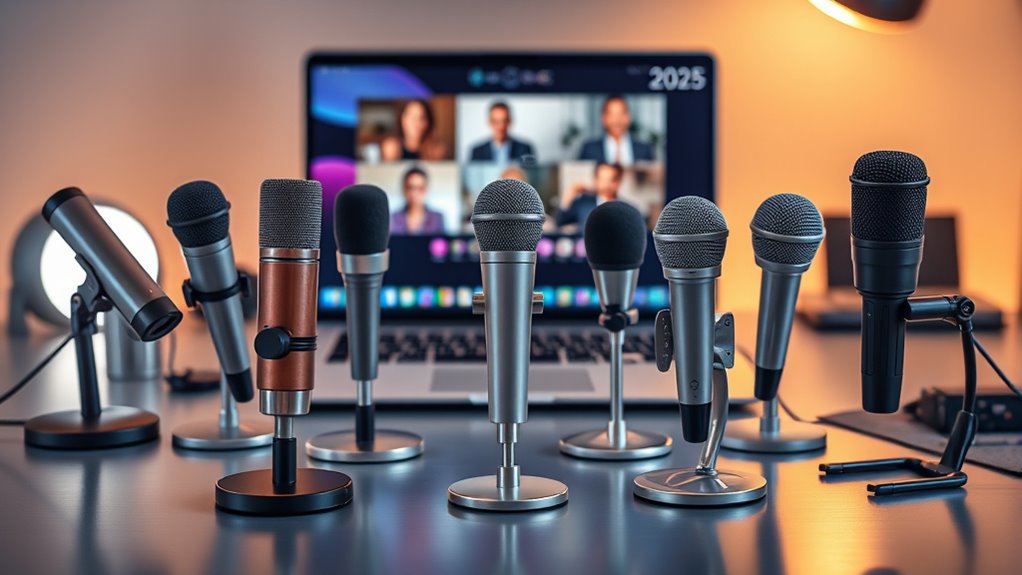

Looking for the best USB microphones for seamless meetings in 2025? I’ve found top models like the TONOR conference mic, Anker PowerConf S330, and EMEET M0 Plus, which offer clear sound, noise cancellation, and easy plug-and-play setup. They’re perfect for small to medium rooms, online classes, and remote teams. If you want to get a feel for the latest options that guarantee crisp, professional audio, keep going—there’s plenty more to discover.
Key Takeaways
- Look for microphones with noise reduction, echo cancellation, and high sensitivity to ensure clear voice capture during meetings.
- Choose models with plug-and-play USB connectivity compatible with Windows, Mac, and popular conferencing platforms.
- Prioritize devices with multi-microphone arrays and full-duplex audio for natural, multi-person communication.
- Consider portable, compact designs with adjustable stands or clip-ons for flexible positioning in various environments.
- Opt for microphones with built-in mute controls, LED indicators, and reliable build quality for seamless meeting management.
TONOR Conference USB Microphone, Omnidirectional Condenser PC Mic
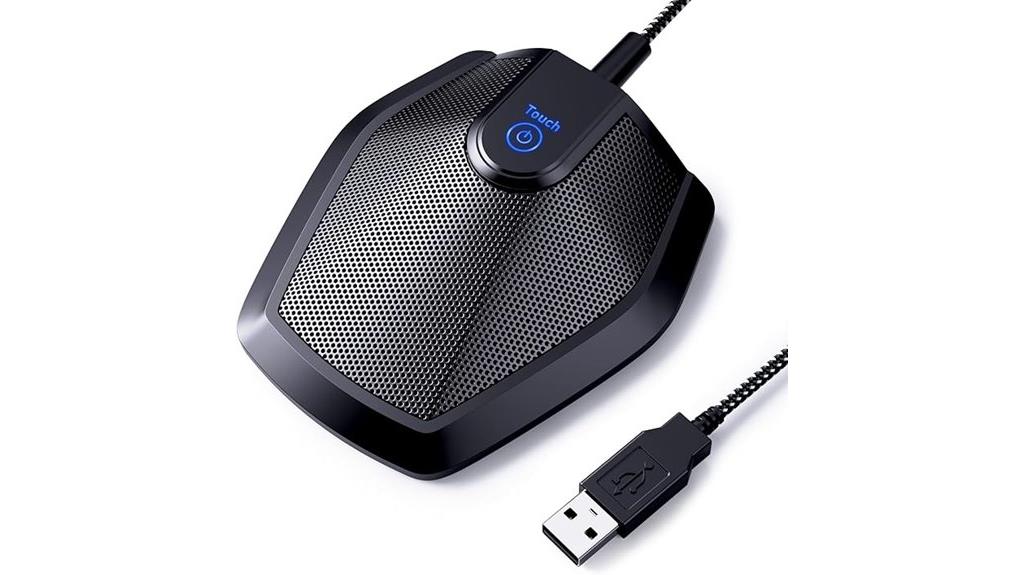
If you’re looking for a reliable microphone for small to medium meetings, the TONOR Conference USB Microphone is an excellent choice. It features an omnidirectional condenser design, capturing sound from all directions within an 11.5-foot radius. Made from sturdy metal, it’s built for durability and stability, with a compact size and anti-slip base. The plug-and-play setup works effortlessly on Windows and macOS, requiring no drivers. Its clear, loud audio quality ensures your voice comes through without interference. Plus, the built-in mute button and status indicator make managing your calls simple, making it perfect for video conferences, online classes, and remote work.
Best For: Small to medium-sized meeting rooms, online educators, remote workers, and anyone needing reliable, clear audio for video conferences or recordings.
Pros:
- Easy plug-and-play setup compatible with Windows and macOS, no drivers needed
- Omnidirectional pickup captures sound from all directions with a clear, loud output
- Durable metal construction and anti-slip base ensure stability and long-term use
Cons:
- Limited effective range of 11.5 feet may not suit larger conference spaces
- No advanced noise-canceling features for highly noisy environments
- Compact design might limit placement options in some setups
Anker PowerConf S330 USB Conference Speakerphone
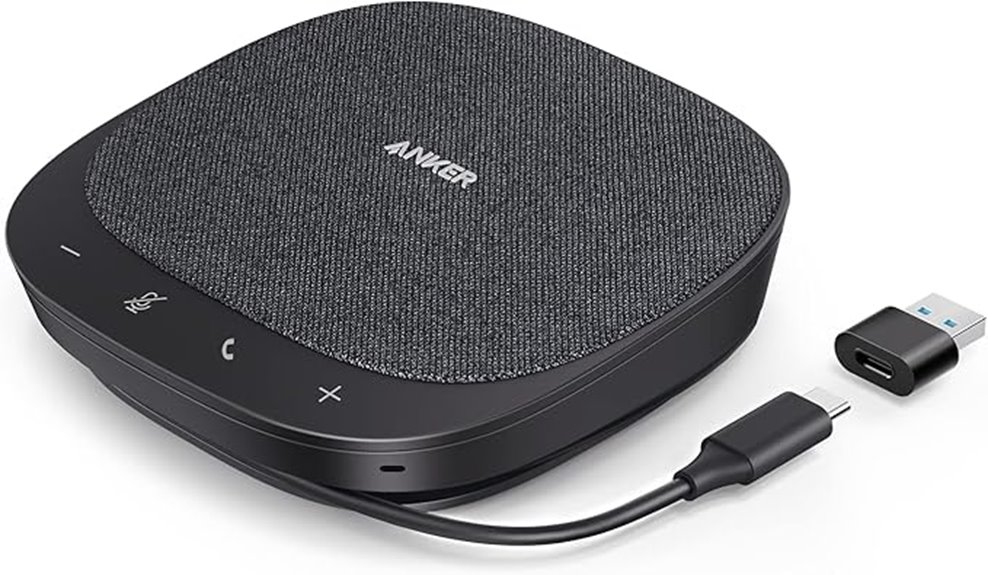
The Anker PowerConf S330 USB Conference Speakerphone is an excellent choice for remote teams and home office users who need clear, professional audio during meetings. It features four high-sensitivity microphones that capture voices within 3 meters with superb clarity, thanks to smart voice enhancement that reduces background noise. The device delivers rich sound with a 1.75-inch driver and passive bass radiators, making conversations and music sound full and deep. Its plug-and-play USB-C connection guarantees a stable, reliable setup, with an included adapter for easy use. This speakerphone is designed for desktops and delivers seamless communication every time.
Best For: remote teams and home office users seeking clear, professional audio quality during online meetings.
Pros:
- Excellent voice clarity with four high-sensitivity microphones capturing voices within 3 meters
- Smart voice enhancement reduces background noise for clearer conversations
- Simple plug-and-play setup via USB-C with included adapter for stable connectivity
Cons:
- Wired connection may limit placement flexibility compared to wireless options
- Designed primarily for desktop use, less portable for on-the-go scenarios
- Lacks advanced features like touchscreen controls or wireless connectivity
EMEET Conference Speakerphone M0 Plus with 4 AI Mics
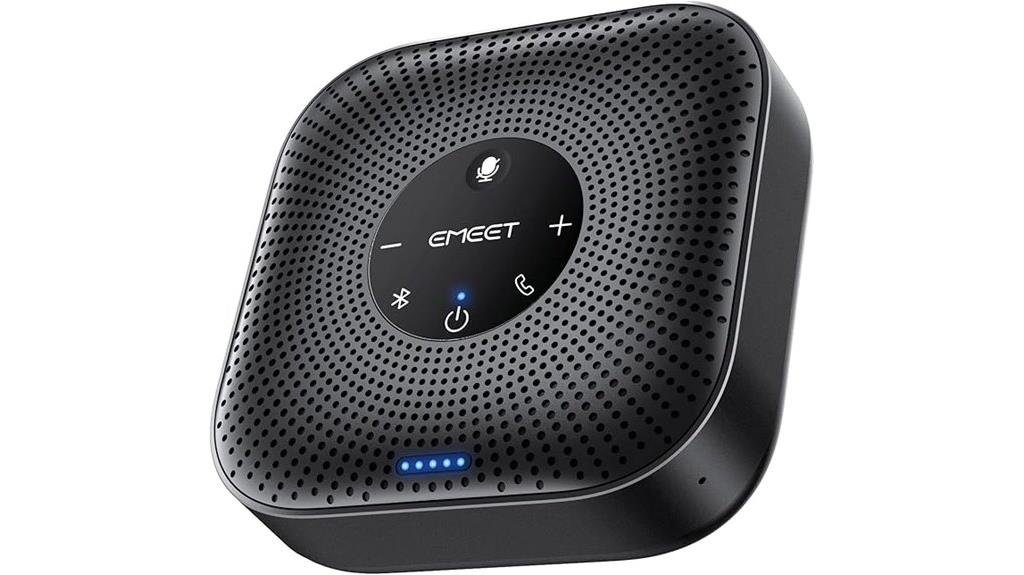
For those seeking a reliable conference speakerphone that can handle larger meetings, the EMEET Conference Speakerphone M0 Plus stands out with its four AI microphones and 360° voice pickup. The upgraded VoiceIA algorithm filters background noise and echoes, ensuring crystal-clear communication. Its 3W Bluetooth speaker delivers even sound distribution, supporting natural, full-duplex conversations. Designed for expandability, you can daisy chain a second unit to accommodate up to 16 attendees. It connects easily via USB-C or Bluetooth 5.0 and works seamlessly with platforms like Zoom and Teams. With over 10 hours of battery life, the M0 Plus is perfect for all-day, professional meetings.
Best For: professionals and teams seeking a reliable, expandable conference speakerphone for larger meetings with clear audio in various environments.
Pros:
- 360° voice pickup with four AI microphones and VoiceIA noise reduction for crystal-clear communication
- Supports daisy chaining to expand microphone and speaker coverage up to 16 attendees
- Long battery life of over 10 hours, ideal for all-day professional use
Cons:
- May require an initial setup for optimal placement in larger rooms
- Limited to compatibility with devices supporting Bluetooth 5.0 and USB-C connections
- No built-in video conferencing features, requiring separate video solutions
Conference USB Microphone with LED Indicator, Plug & Play Omnidirectional Condenser for Online Meetings and Recordings
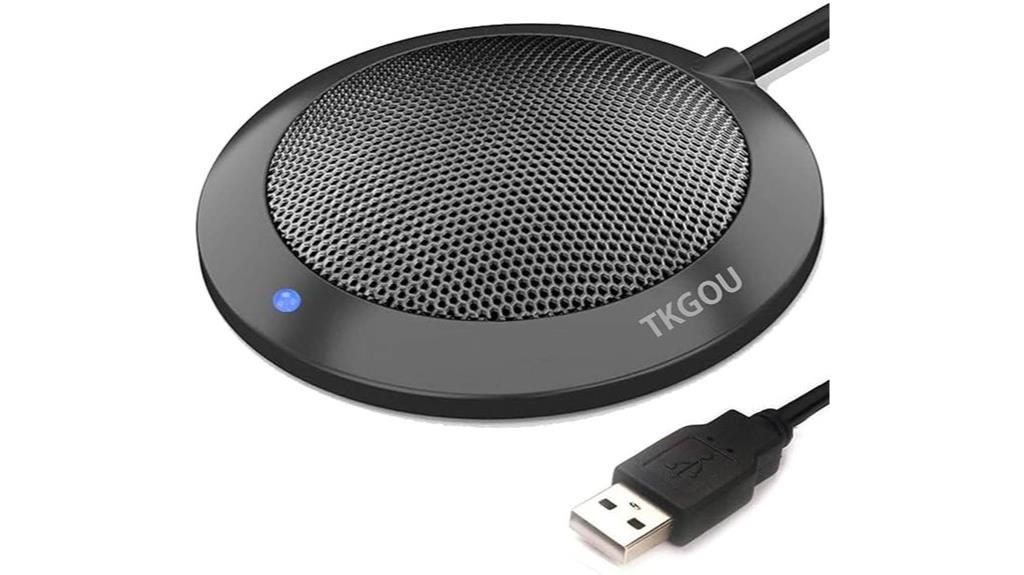
Designed for seamless, professional-quality online communication, the Conference USB Microphone with LED Indicator is an excellent choice for those who need clear, reliable audio during meetings and recordings. Its plug-and-play setup works with Windows and Mac, requiring no drivers. The built-in LED shows status—blue for active, off for mute—making it easy to manage. With a 360° pickup range, it captures crisp sound within 3 meters, ideal for small groups or one-on-one calls. Compact and durable, it features a sturdy metal build and a 2-meter cable for portability. This microphone delivers high-quality audio, enhancing your virtual meetings effortlessly.
Best For: individuals and small groups needing professional-quality, reliable audio for online meetings, streaming, podcasting, and recordings on Windows and Mac platforms.
Pros:
- Easy plug-and-play setup with no driver installation required
- 360° omnidirectional pickup captures clear sound within 3 meters
- Compact, lightweight, and durable design with a 2-meter cable for portability
Cons:
- Not compatible with Linux, Raspberry Pi, Android, or Xbox systems
- Does not function as a speaker or speakerphone
- Limited to small-group and one-to-one call scenarios due to pickup range
Conference Speaker and Microphone with USB Hub for Business and Home Office
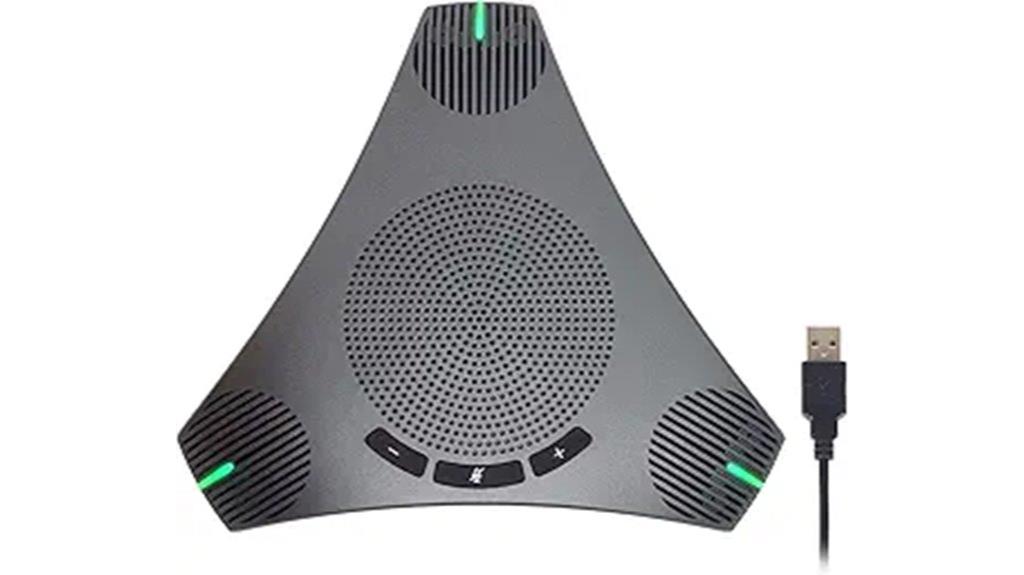
If you need a reliable speakerphone with a built-in USB hub, this conference speaker and microphone combo is a perfect choice for busy professionals. It offers 360° omnidirectional microphones and a high-quality speaker, delivering HD Voice clarity. DSP technology guarantees echo cancellation and noise suppression, making calls crisp and clear. The device captures voices from up to 3 meters away, reducing the need for participants to raise their voices. Its plug-and-play USB connection with a 3-meter cable makes setup simple, and the physical mute button provides quick control. Plus, the built-in USB hub allows you to connect peripherals, enhancing your meeting experience at home or in the office.
Best For: busy professionals and remote teams seeking a reliable, easy-to-use conference speaker with multiple connection options for seamless virtual meetings.
Pros:
- HD Voice clarity with 360° omnidirectional microphone and high-quality speaker
- Easy plug-and-play setup with a 3-meter USB cable and physical mute button
- Built-in USB hub for connecting peripherals like mouse, keyboard, and other devices
Cons:
- Limited to USB connection, may not be compatible with devices lacking USB ports
- Effective voice pickup range up to 3 meters, which might be insufficient for larger rooms
- Requires a powered USB port or external power source if multiple peripherals are connected
FIFINE USB Microphone for Recording and Streaming
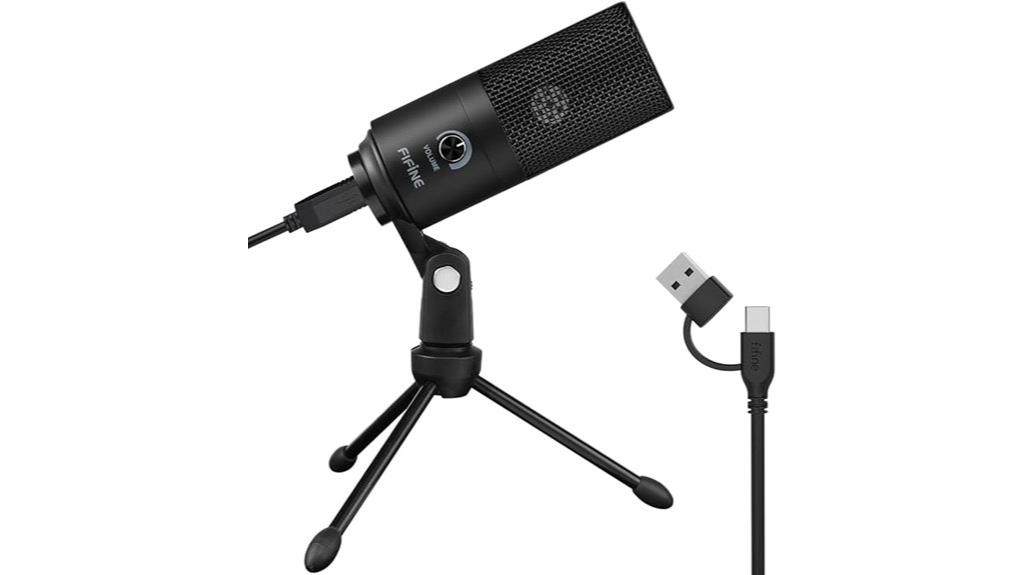
The FIFINE USB Microphone excels for anyone seeking a reliable, plug-and-play solution for recording and streaming, thanks to its straightforward setup and broad compatibility. It connects directly via USB-A and includes a 5.9-foot cable, working seamlessly with PCs, laptops, Macs, and PS4/PS5. Compatible with Windows, Mac OS, and popular platforms like Discord, OBS, Zoom, and Audacity, it’s perfect for voice-overs, streaming, and meetings. Its sturdy metal design and stable tripod stand ensure durability and easy positioning. The cardioid capsule captures clear sound while reducing background noise, and the volume knob allows quick adjustments, making it versatile for various recording needs.
Best For: content creators, streamers, and professionals seeking a reliable, easy-to-use microphone for recording, streaming, and voice communication across various platforms.
Pros:
- Plug-and-play USB connection with broad compatibility for PCs, Macs, and gaming consoles like PS4/PS5
- Durable metal construction with a stable tripod stand for easy positioning
- Cardioid capsule effectively captures clear sound while reducing background noise
Cons:
- Not compatible with Xbox or smartphones
- Requires disabling sound-activated recording in applications to avoid volume fluctuations
- Lacks advanced features like built-in audio processing or multiple polar patterns
TONOR USB Conference Microphone for Laptop
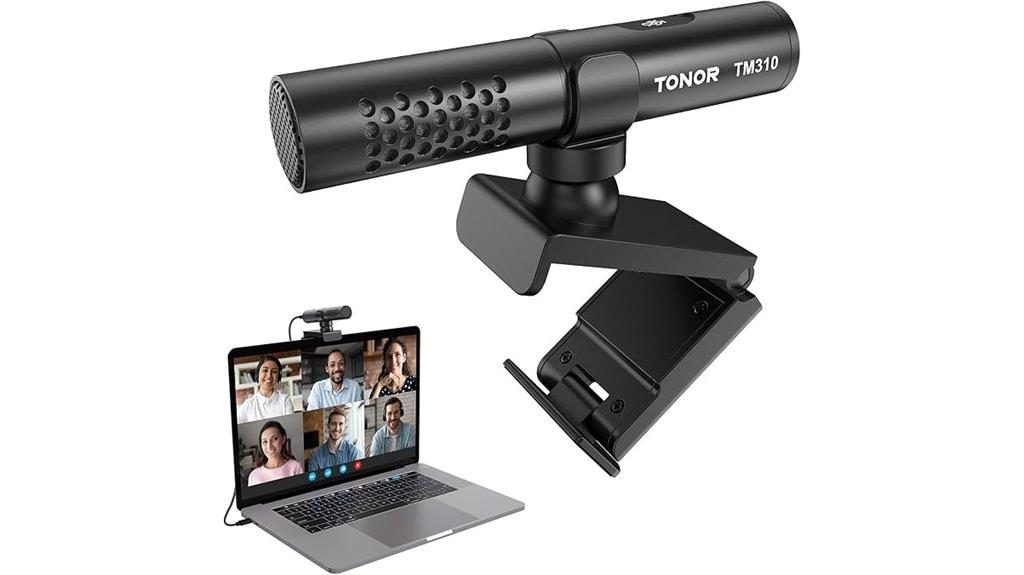
For professionals seeking clear, natural audio during meetings, the TONOR TM310 USB Conference Microphone stands out with its supercardioid directional pickup, which focuses on your voice while reducing background noise. Its high-quality dynamic core ensures crisp sound clarity, while the noise reduction feature minimizes side and back sounds. The microphone’s unique clip-on design attaches securely above your monitor, with an adjustable joint for perfect positioning. Compatibility is broad, thanks to included Type C and USB A cables. Easy to control, its multifunction button manages mute, noise reduction, and LED indicators. Overall, it offers a reliable, compact solution for seamless, professional communication during online meetings.
Best For: professionals and remote workers seeking clear, natural audio with minimal background noise for online meetings, streaming, and conferencing.
Pros:
- Superior sound clarity with supercardioid pickup focusing on your voice
- Adjustable clip-on design with 360° rotation for optimal positioning
- Broad compatibility with Windows, macOS, PS4/5, and various computers including plug-and-play setup
Cons:
- Not suitable for smartphone use despite USB compatibility
- Requires external power via USB, limiting portability without a computer
- May be less effective in extremely noisy environments due to its directional focus
USB Microphone for PC & Laptop with AI Noise Cancelling, Portable Plug & Play for Recording and Online Meetings
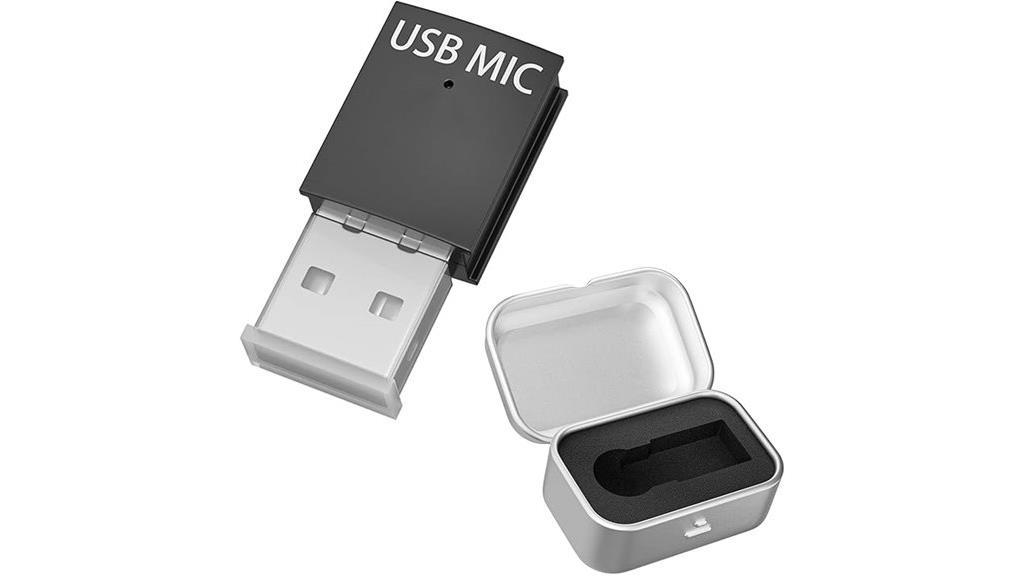
Designed for on-the-go professionals and remote workers, this USB microphone features a mini, coin-sized body that easily slips into pockets or backpacks, making it perfect for portable recording and online meetings. Its compact design saves desk space and is ideal for travel. Equipped with AI noise cancelling using VOICE-AI algorithms and a DSP chipset, it filters out background noise like keyboard clicks and fans, boosting vocal clarity by 45%. With a cardioid pattern focusing on your voice and a broad frequency response, it delivers professional sound quality. Plug-and-play compatibility with PC, Mac, and Android, plus real-time monitoring, make it effortless for streaming, meetings, and recording anywhere.
Best For: remote professionals, content creators, and mobile streamers seeking high-quality, portable USB microphone with noise cancellation for on-the-go recording and online meetings.
Pros:
- Compact, coin-sized design perfect for portability and travel
- AI noise cancelling with VOICE-AI algorithm for clear vocal capture in noisy environments
- Plug-and-play setup compatible with PC, Mac, and Android devices, plus real-time monitoring
Cons:
- Limited to USB connectivity; may not be compatible with all professional audio interfaces
- May require additional accessories for optimal recording in certain setups
- Slightly higher price point compared to basic built-in microphones
Logitech H390 Wired Headphones with Mic
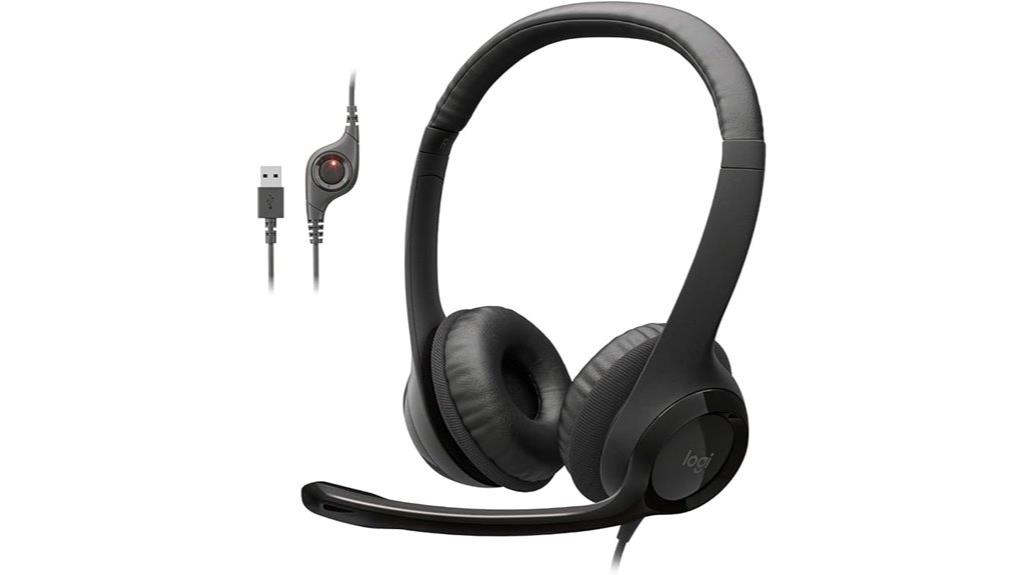
If you’re looking for a reliable headset that combines comfort with clear audio, the Logitech H390 Wired Headphones with Mic stands out as an excellent choice. Its over-ear design with leatherette cushions guarantees long-lasting comfort during extended calls or meetings. The noise-cancelling microphone with a swivel boom arm delivers clear conversations while minimizing background noise, and it can be tucked away when not in use. With digital stereo sound and in-line controls for volume and mute, it offers convenience and quality. Plus, the plug-and-play USB-A connection makes setup quick and easy, compatible with PCs and various devices for work, gaming, or chatting.
Best For: users seeking a comfortable, reliable wired headset for clear communication during work, gaming, or virtual meetings.
Pros:
- Comfortable over-ear design with leatherette cushions for extended wear
- Noise-cancelling microphone ensures clear conversations and minimizes background noise
- Easy plug-and-play USB-A connection for quick setup without software
Cons:
- Wired design may limit mobility compared to wireless options
- Only compatible with devices supporting USB-A connections, limiting versatility with other ports
- No active noise-canceling headphones for immersive audio beyond microphone noise reduction
AIRHUG USB Microphone with Mute Button and LED Indicator
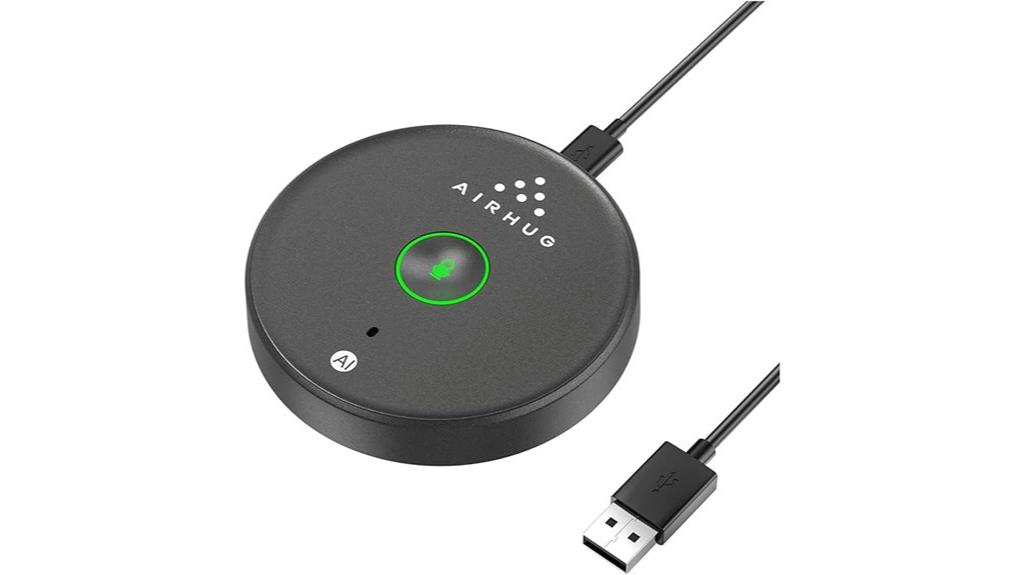
The AIRHUG USB Microphone with Mute Button and LED Indicator stands out as an ideal choice for professionals and casual users who prioritize seamless control and clear audio during meetings. Its 360° omnidirectional condenser captures voices within a 6-foot radius, ensuring everyone is heard clearly. The plug-and-play design makes setup effortless across Windows, Mac, and popular apps like Zoom and Teams. The mute button with LED indicators allows instant privacy control—green for active, red for muted. Compact and portable, it’s perfect for small meetings, remote work, or on-the-go use. Advanced noise-canceling technology guarantees crisp sound even in noisy environments.
Best For: professionals, remote workers, and students seeking a portable, easy-to-use microphone with clear audio and quick mute control for meetings, recordings, and online classes.
Pros:
- Plug-and-play setup compatible with Windows, Mac, and major conferencing apps without drivers
- 360° omnidirectional pickup with noise-canceling technology for clear voice capture in various environments
- Compact, lightweight design with an easy-to-access mute button and LED indicators for privacy control
Cons:
- No built-in speaker function, requiring external speakers for audio playback
- Limited to small conference settings (1-3 participants), not ideal for larger groups
- May require disabling privacy settings on devices if connection issues arise
CMTECK USB Microphone G009 for PC, Laptop, Streaming, and Gaming
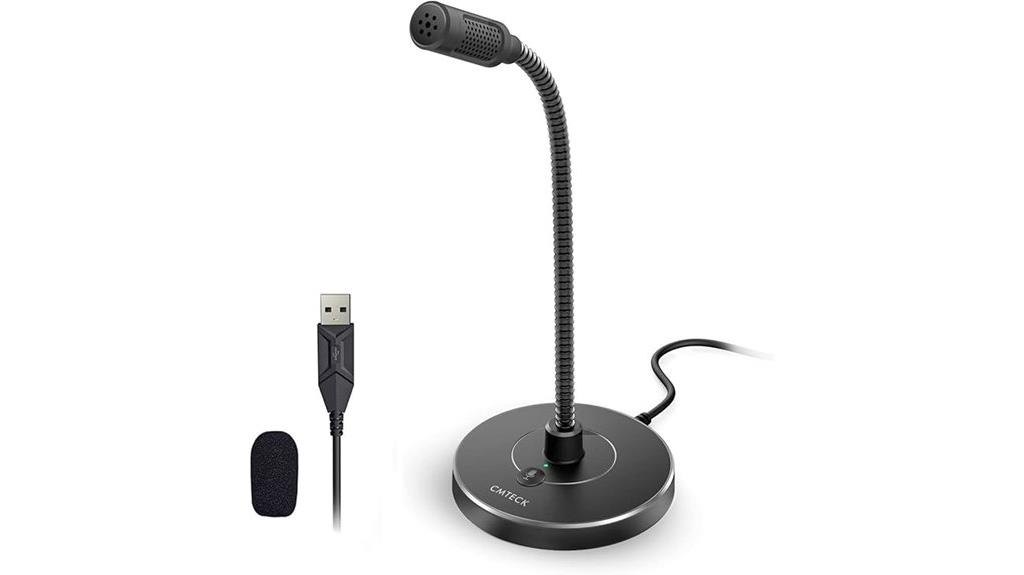
For those seeking a versatile microphone that delivers crystal-clear audio and effective noise cancellation, the CMTECK USB Microphone G009 stands out as an excellent choice. Its cardioid condenser captures voices accurately, making it perfect for dictation, streaming, and gaming. The built-in CMTECK CCS2.0 SMART CHIP and cardioid pattern block background noise, ensuring clear communication. With an adjustable gooseneck and compact design, positioning is effortless. It connects via USB with no drivers needed, compatible with Windows, Mac, and PS4. The mute button with LED indicator adds convenience, making this mic a reliable option for any home or professional setup.
Best For: content creators, streamers, and professionals seeking high-quality, noise-canceling voice capture for gaming, podcasting, and online communication.
Pros:
- Delivers crystal-clear audio with effective background noise reduction due to cardioid condenser and CCS2.0 SMART CHIP
- Adjustable gooseneck and compact design allow flexible positioning for various setups
- Plug-and-play USB connection is compatible with Windows, Mac, and PS4, requiring no drivers
Cons:
- Not compatible with Linux, Raspberry Pi, or Android devices
- Limited to USB connectivity without additional audio interface options
- May require careful positioning to optimize sound quality in different environments
TONOR USB Conference Microphone, 360° Omnidirectional PC Condenser Mic
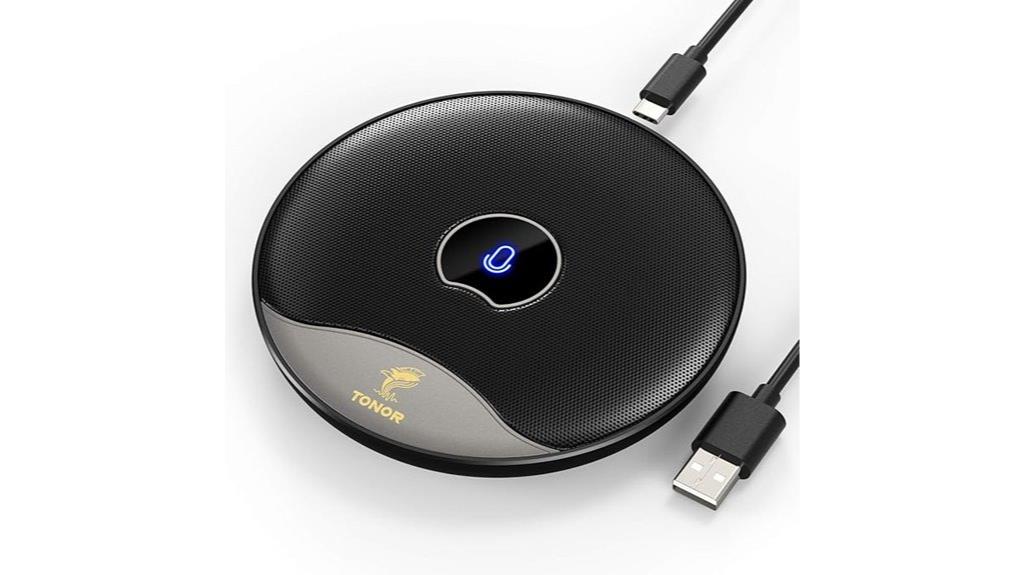
Designed specifically for online meetings and distance learning, the TONOR USB Conference Microphone stands out with its 360° omnidirectional pickup pattern, ensuring every participant’s voice is captured clearly no matter where they sit in the room. Its built-in noise reduction technology blocks background noise and echo, providing crisp, clear sound. The plug-and-play USB 2.0 design makes setup effortless on Windows and macOS devices—no drivers needed. With a 5-meter (16.4 feet) pickup range and a convenient mute button with indicator lights, it offers seamless control and consistent audio quality for meetings, classes, and collaborative sessions.
Best For: remote workers, online educators, and virtual meeting participants seeking clear, 360° audio capture with easy setup.
Pros:
- Omnidirectional pickup covers a wide area, ensuring everyone’s voice is captured clearly.
- Plug-and-play USB connection simplifies setup without needing additional drivers.
- Built-in noise reduction technology minimizes background noise and echo for crisp sound.
Cons:
- Not a speaker, so it cannot output audio or serve as a loudspeaker.
- Limited to USB 2.0 compatibility, which may not suit older computers with different ports.
- May require positioning consideration to avoid muffling or audio quality issues in very noisy environments.
Conference USB Microphone for Online Meetings and Calls
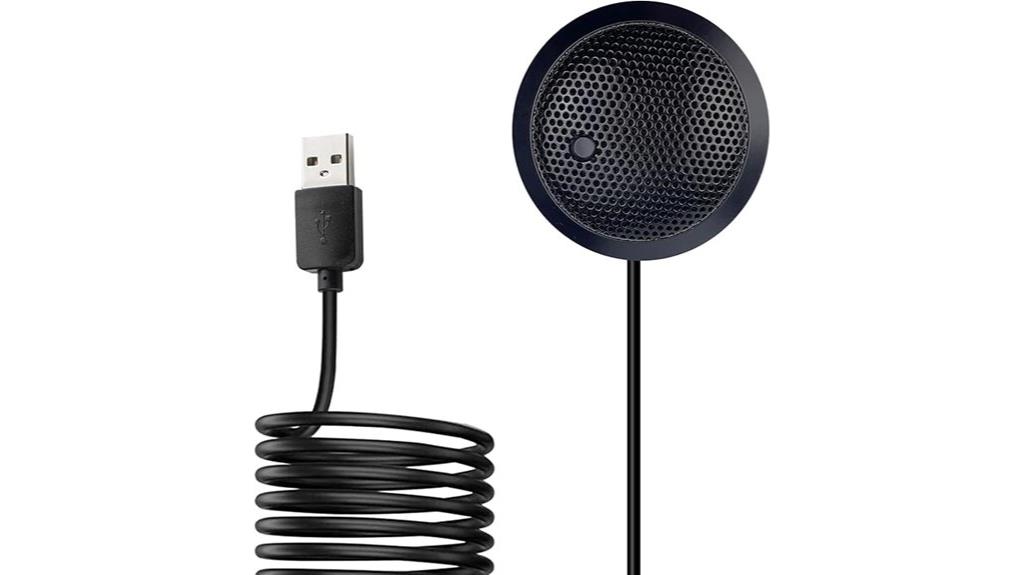
If you need a reliable microphone that captures sound from all directions, this USB conference microphone is an excellent choice for online meetings and calls. Its omnidirectional condenser design picks up audio within a 10-foot radius, making it perfect for multiple speakers. Compatible with Windows and macOS, it’s plug-and-play—no drivers required. The built-in noise reduction guarantees clear, natural voice reproduction while minimizing background noise. With a simple mute button and LED indicators, controlling audio is straightforward. Its sturdy, compact build and portability make it easy to set up and move between rooms, ensuring seamless communication during any virtual meeting or call.
Best For: teams and individuals who need a reliable, 360° omnidirectional microphone for clear communication during online meetings, conferences, and calls.
Pros:
- Easy plug-and-play setup compatible with all operating systems without requiring additional drivers.
- Provides 360° sound pickup within a 10-foot radius, ideal for multiple speakers.
- Features built-in noise reduction and LED indicators for clear audio and simple control.
Cons:
- Does not function as a speaker or speakerphone, only as a microphone.
- Requires adjustment of computer microphone settings for optimal performance after connection.
- Limited to capturing audio; does not include any speaker or output functionality.
Yealink SP92 Conference Speakerphone with Noise Cancelling and Bluetooth
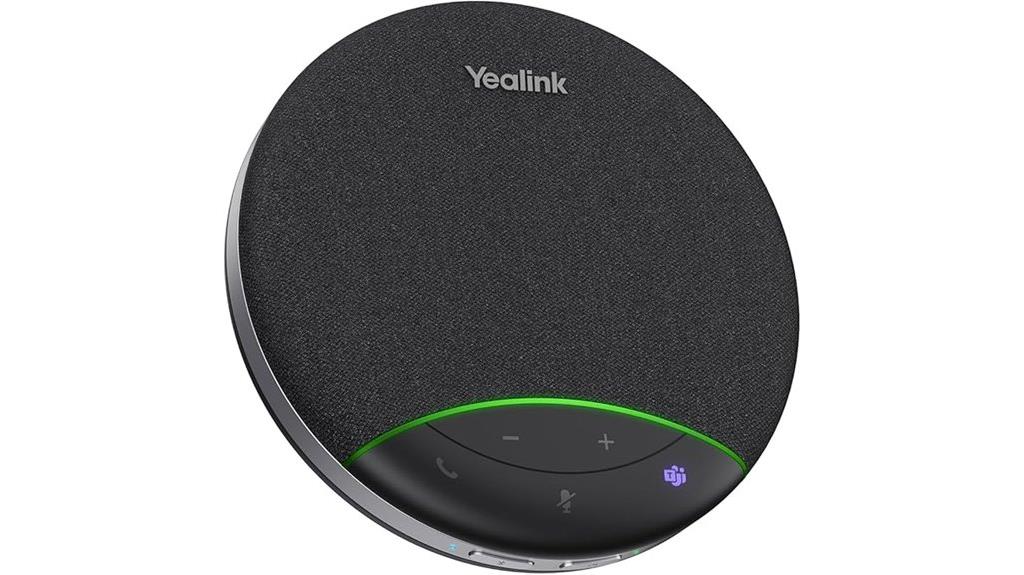
The Yealink SP92 Conference Speakerphone stands out for its exceptional noise cancellation and 360° room coverage, making it an ideal choice for teams that prioritize clear, natural-sounding audio during meetings. It filters out over 1,000 noises with real-time AI noise cancellation, ensuring your voice comes through accurately. With an omnidirectional microphone and a 50mm speaker, it captures audio within a 13-foot radius, supporting natural multi-person conversations. Its full-duplex microphones, echo cancellation, and Virtual Bass technology enhance clarity. Compatible with Zoom, Teams, Google Meet, and more, it’s perfect for seamless, high-quality conference calls across various platforms.
Best For: teams and businesses seeking high-quality, noise-free conference calls with versatile connectivity and portable design for remote or multi-location meetings.
Pros:
- Exceptional real-time AI noise cancellation filters out over 1,000 noises for clear audio.
- 360° omnidirectional microphone and 50mm speaker provide comprehensive room coverage within a 13ft radius.
- Compatible with multiple platforms including Teams, Zoom, Google Meet, and supports various devices via Bluetooth, USB-C, or optional dongle.
Cons:
- Relatively short full recharge time of 2.5 hours may require planning for extended use.
- Limited to a 13ft audio pickup radius, which might not suit very large conference rooms.
- Premium features and portability come at a higher price point compared to basic speakerphones.
Conference Speaker and Microphone, 2 Mics, 360° Voice Pickup, USB & Bluetooth, Up to 12H Call Time
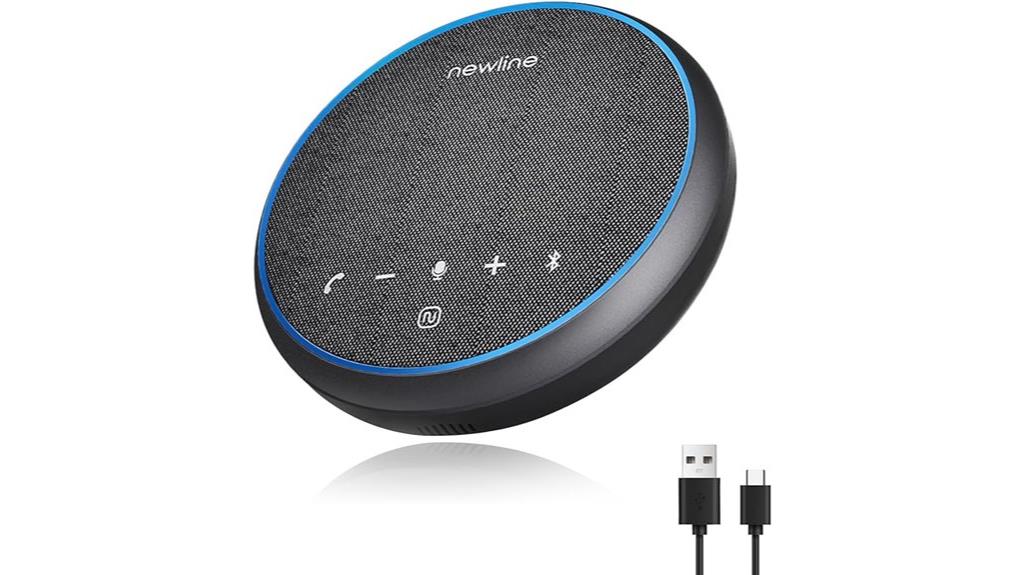
For anyone needing reliable, high-quality audio for large meetings or conference calls, this conference speaker with dual microphones and 360° voice pickup is an excellent choice. It captures sound within a 5-meter radius, ensuring everyone’s voice is heard clearly. The high-power speaker and sound cavity design deliver rich, HiFi-quality audio. With AI noise reduction and echo elimination, conversations stay crisp. Dual Bluetooth 5.1 and USB-C connectivity provide flexible setup options. Plus, a built-in battery offers up to 12 hours of talk time, making it perfect for long sessions. Its sleek, lightweight design makes it easy to transport for any professional setting.
Best For: professionals and organizations hosting large meetings, conference calls, or presentations who require clear, high-quality audio and reliable connectivity.
Pros:
- 360° omnidirectional voice pickup with a 5-meter range ensures comprehensive sound capture.
- Up to 12 hours of continuous use supports long meetings without battery worries.
- Dual Bluetooth 5.1 and USB-C connectivity offer flexible and seamless connection options.
Cons:
- Slightly bulky for very compact setups or personal use.
- May require pairing adjustments for optimal double talk performance.
- Premium features and design might come at a higher price point compared to basic models.
Factors to Consider When Choosing Usb Microphones for Meetings

When selecting a USB microphone for meetings, I focus on sound quality and clarity to guarantee everyone is heard clearly. I also consider compatibility with my devices, the pickup range, and how easy it is to set up. Additionally, features like noise cancellation can make a big difference in improving overall audio experience.
Sound Quality Clarity
Choosing a USB microphone with excellent sound quality is crucial for clear and professional meetings. High sound quality means your voice sounds natural, with minimal distortion or background noise. Microphones with cardioid or supercardioid polar patterns focus on capturing sound directly in front of the mic, which helps reduce ambient noise and improves clarity. A wide frequency response, typically between 20Hz and 20kHz, ensures a full range of vocal tones is captured for professional sound reproduction. Built-in noise reduction and echo cancellation features can further eliminate unwanted sounds, making your speech clearer. Proper placement and sensitivity settings are also essential; positioning the mic correctly and adjusting sensitivity prevents muffled or faint audio, ensuring your message is heard loud and clear.
Compatibility With Devices
Selecting a USB microphone that works smoothly with your device is just as important as sound quality. You need to guarantee it’s compatible with your operating system, whether Windows or macOS, for hassle-free connectivity. Check if the microphone supports a plug-and-play setup—no extra drivers needed makes setup quick and simple. It’s also essential to match the connection type, whether USB-A, USB-C, or dual adapters, to your device’s ports to avoid compatibility issues. Additionally, review the hardware features, like omnidirectional pickup or noise cancellation, to fit your meeting environment and device capabilities. Finally, consider software compatibility with conferencing platforms like Zoom or Teams, so your microphone performs at its best during meetings. Compatibility ensures a seamless, frustration-free experience.
Pickup Range and Coverage
The pickup range of a USB microphone determines how well it captures sound from different distances, making it a key factor in choosing the right model for your meeting space. Microphones with a range as short as 3 feet are best for small, close-knit discussions, while those with over 16 feet coverage suit larger rooms or when participants are spread out. Omnidirectional microphones offer broader coverage by capturing sound from all directions, which is ideal for dynamic environments. Sensitivity also plays a role—the higher the sensitivity, the greater the distance from which the microphone can pick up voices clearly. Proper placement within the pickup range is essential; positioning the microphone correctly guarantees everyone’s voice is heard clearly and prevents muffling or missed speech.
Ease of Setup
When setting up a USB microphone for meetings, simplicity and clarity can make a big difference in how smoothly everything runs. I look for models with plug-and-play compatibility, so I don’t spend time installing drivers or software. Clear indicators, like LED lights, help me instantly see if the microphone is connected and active, reducing guesswork. Adjustable mounting options or flexible positioning features make it easier to get the perfect placement without hassle. I also prioritize microphones that support standard USB-A or USB-C ports, matching my computer’s connections for a straightforward setup. Ultimately, well-documented, simple instructions are a must—anything that minimizes setup time and confusion. A microphone that’s easy to set up helps me focus on the meeting, not technical trouble.
Noise Cancellation Features
Since background noise can easily disrupt a meeting, I prioritize USB microphones with strong noise cancellation features that filter out distractions like keyboard clicks, fan noise, and chatter. These microphones use algorithms and digital signal processing (DSP) to reduce unwanted sounds in real-time, ensuring clearer voice capture. Some models even offer dedicated noise cancellation modes that can boost vocal clarity by up to 45%, especially in noisy environments. I also look for omnidirectional microphones with noise suppression, which focus on my voice while minimizing side and rear noises for better audio quality. High-quality noise cancellation is essential for maintaining professionalism during meetings, preventing distractions, and ensuring everyone’s voice is heard clearly. It’s a key factor in choosing the right USB microphone for seamless communication.
Portability and Size
Choosing the right USB microphone often depends on its portability and size, especially if you frequently work remotely or travel. Smaller microphones are more portable and easier to carry, making them perfect for on-the-go use. Compact designs save desk space and help reduce clutter during meetings or recordings. Lightweight microphones are ideal for travel, with some models fitting comfortably in pockets or bags. While larger microphones might offer better sound quality, they can be less convenient for mobile setups. The key is finding a balance between portability and stability. A microphone that’s too small might be difficult to position properly, while one that’s too bulky may hinder mobility. Consider your typical work environment and choose a size that offers both convenience and reliable performance.
Frequently Asked Questions
How Do USB Microphones Handle Background Noise During Meetings?
USB microphones handle background noise quite well thanks to built-in noise reduction and directional pickup patterns. I find that cardioid mics, for example, focus on my voice while minimizing surrounding sounds. Some models even have advanced filtering features that automatically suppress ambient noise. When I use a good quality mic, I notice clearer speech and fewer distractions, making my meetings more productive and professional.
Are Wireless USB Microphones More Reliable Than Wired Options?
Wireless USB microphones can be more convenient since they eliminate cable clutter and give you more freedom to move. However, I find wired options usually more reliable because they’re less prone to signal interference and connection issues. If you prioritize stability for important meetings, I’d lean towards wired. But if flexibility and ease of setup matter more, wireless microphones are a solid choice.
What Is the Typical Latency for USB Microphones in Live Calls?
The typical latency for USB microphones in live calls is usually under 10 milliseconds, with most modern models averaging around 2 to 5 milliseconds. I’ve found that this minimal delay doesn’t usually interfere with conversations, making USB mics reliable for real-time communication. However, factors like your computer’s processing power and the audio software can influence latency, so it’s worth checking specs before purchasing.
Can USB Microphones Connect to Multiple Devices Simultaneously?
USB microphones can connect to multiple devices, but it’s not always straightforward. Usually, you’d need a specialized USB hub or audio interface to link several gadgets at once. Think of it like juggling—while possible, it’s not always seamless without the right gear. So, if you want smooth communication across devices, investing in a good setup makes all the difference.
How Do I Choose the Best USB Microphone for Different Room Sizes?
When choosing a USB microphone for different room sizes, I consider the microphone’s pickup pattern and sensitivity. For small rooms, a cardioid mic works well, focusing on your voice and reducing background noise. In larger spaces, I prefer a shotgun or omnidirectional mic to capture sound more broadly. I also check for adjustable gain and quality audio output to make certain of clear communication regardless of room size.
Conclusion
Choosing the right USB microphone is like finding the perfect conversation partner—someone who truly listens. I once struggled with muffled calls until I upgraded to a clear, reliable mic, and suddenly, meetings felt like chatting face-to-face. With so many great options out there, I’m confident you’ll find one that makes your voice heard loud and clear. After all, seamless communication is the key to turning virtual chatter into real connection.