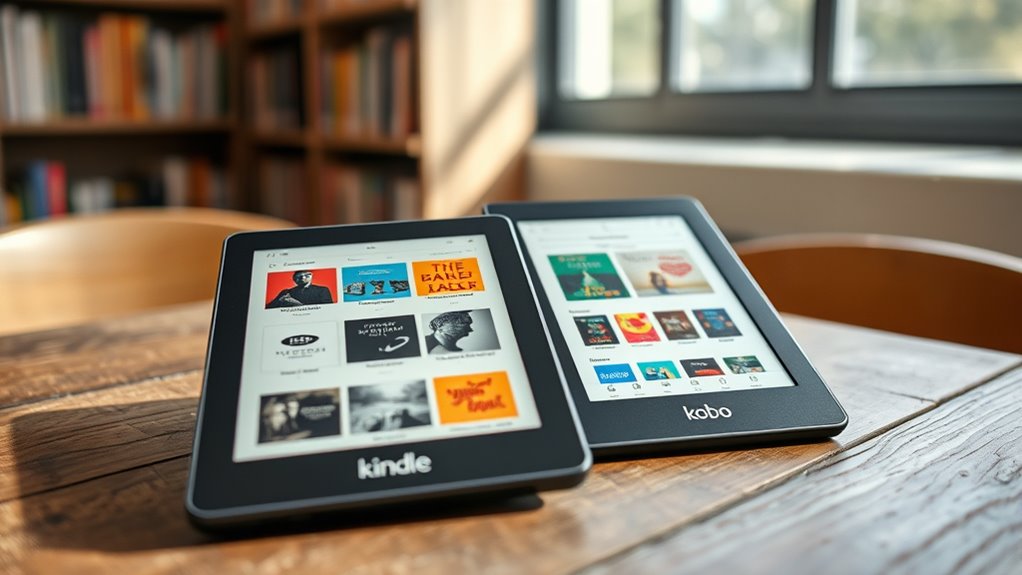

You can borrow ebooks for free through your local library’s digital services and enjoy them on your Kindle or Kobo. Simply get a library membership, link your account to platforms like OverDrive or Libby, and browse the catalog from anywhere. You can check out titles instantly and download them directly to your device. Best of all, ebooks automatically return after the lending period, saving you from late fees. Keep reading to discover how to maximize this easy, cost-free way to access a wide variety of titles.
Key Takeaways
- Access free ebooks through library partnerships with platforms like OverDrive or Libby.
- Borrow ebooks digitally and download directly to Kindle or Kobo devices without extra apps.
- Library memberships are usually free or inexpensive, granting access to a wide range of titles.
- Borrowed ebooks automatically return after the lending period, eliminating late fees.
- Enjoy diverse genres, audiobooks, and exclusive titles with sustainable, cost-effective library loans.
Looking for a way to read your favorite books without spending a dime? If so, digital lending through your local library offers an excellent solution. Many libraries now provide digital lending services, allowing you to borrow ebooks just like physical books. All you need is a library membership, which is usually free or very affordable. Once you have your membership, you can access a vast collection of ebooks on your Kindle or Kobo device without ever needing to buy a new book. It’s a simple, cost-effective way to enjoy reading without breaking the bank.
Discover free ebooks through your library’s digital lending services for Kindle and Kobo.
Digital lending has revolutionized how you access books. Instead of visiting the library physically, you can browse online catalogs from the comfort of your home. Many libraries partner with digital lending platforms such as OverDrive or Libby, making it easy to borrow ebooks on your preferred device. With just a few clicks, you can check out a book and download it directly to your Kindle or Kobo. The process is quick and user-friendly, giving you instant access to new titles and classics alike. Plus, the borrowing period is typically around two weeks, giving you ample time to enjoy your reading without feeling rushed.
Your library membership is your key to this digital treasure trove. If you’re not already a member, signing up is straightforward and often free or inexpensive, depending on your location. Once you’re signed up, you can link your library account to the digital lending platform. From there, you can search for books, place holds on popular titles, and borrow ebooks with a few taps. The best part is that these loans are usually compatible with Kindle and Kobo, so you don’t need special apps or devices—just the ones you already own. When the lending period ends, the ebook automatically returns itself, so you don’t have to worry about late fees.
Using your library membership for digital lending is a smart way to diversify your reading list without spending extra money. You can explore new genres, authors, or even textbooks for a class—all without buying a single book. Many libraries also offer audiobooks, so if you prefer listening, you can enjoy your books on the go. Additionally, digital lending often includes access to exclusive titles and early releases that are not available for purchase, further enriching your reading experience. This method not only saves you money but also supports sustainable reading habits by reducing paper waste. So, if you love reading and want to maximize your library membership, take advantage of digital lending services. Borrowing ebooks on Kindle or Kobo is convenient, free, and opens up a world of literary possibilities at your fingertips.

Amazon Kindle 16 GB (newest model) – Lightest and most compact Kindle, now with faster page turns, and higher contrast ratio, for an enhanced reading experience – Matcha
The lightest and most compact Kindle – Now with a brighter front light at max setting, higher contrast…
As an affiliate, we earn on qualifying purchases.
As an affiliate, we earn on qualifying purchases.
Frequently Asked Questions
Can I Borrow Ebooks From Multiple Libraries Simultaneously?
Yes, you can borrow ebooks from multiple library accounts simultaneously if the libraries support it. You just need to link your multiple library accounts within your preferred app or device. This allows for seamless simultaneous borrowing, so you can access more titles from different libraries at once. Keep in mind that each library may have its own borrowing limits and rules, so check their policies to avoid any issues.
Are There Any Restrictions on Borrowing Popular or New Release Ebooks?
Think of borrowing popular or new release ebooks as trying to catch a shooting star—you might find some restrictions. Digital rights and lending limits often cap how many copies a library can lend at once, so these titles may be in high demand. You can usually borrow them, but availability varies, and you might need to wait for your turn. Always check each library’s specific rules for borrowing restrictions on hot new releases.
How Long Can I Keep Borrowed Ebooks Before Returning Them?
You can keep borrowed ebooks for the loan period set by your library, typically around 14 to 21 days. Make sure to return them before the due date to avoid overdue penalties. If you forget, the ebook will automatically expire, and you won’t be able to access it until you borrow it again. Keep track of your loan period to enjoy your ebooks without any extra charges or restrictions.
Is There an App to Manage Library Loans on Kindle or Kobo?
Yes, you can use third-party apps like Libby or OverDrive for library management and loan tracking. These apps sync with your library account, helping you manage your borrowed ebooks, check due dates, and renew loans easily. They streamline your borrowing experience on Kindle and Kobo, ensuring you stay organized without needing to navigate multiple platforms. Just download the app, link your library card, and start managing your library loans effortlessly.
Can I Transfer Borrowed Ebooks Between Different Devices?
You can transfer borrowed ebooks between devices, but it’s like moving pieces on a chessboard—file transfer limitations and device compatibility matter. Kindle and Kobo have different formats and DRM restrictions, so you’ll need compatible apps or software to do this smoothly. Keep in mind, some library loan apps restrict copying or transferring files, so check the specific app’s policies to avoid unexpected checkmate.

Kobo Clara BW | eReader | 6” Glare-Free Touchscreen with ComfortLight PRO | Dark Mode Option | Audiobooks | Waterproof | 16GB of Storage | Black
𝗥𝗘𝗔𝗗 𝗖𝗢𝗠𝗙𝗢𝗥𝗧𝗔𝗕𝗟𝗬 𝗔𝗡𝗬 𝗧𝗜𝗠𝗘 – Glare-free 6” E Ink Carta 1300 HD lets you read in bright sunlight…
As an affiliate, we earn on qualifying purchases.
As an affiliate, we earn on qualifying purchases.
Conclusion
Now that you know how to borrow ebooks for free through your library, why not take advantage of these easy options? With just a few clicks, you can access a world of stories on your Kindle or Kobo. Isn’t it great to enjoy endless books without spending a dime? So go ahead, explore your library’s digital collection and start reading today—your next favorite book is just a loan away!

How to Manage Content and Devices in My Kindle Library : A Complete Step-by-Step Guide with Screenshots (How to Amazon Guides Book 5)
As an affiliate, we earn on qualifying purchases.
As an affiliate, we earn on qualifying purchases.

CoBak Secure Hand Strap for Ebook Reader – Versatile and Lightweight Finger Grip Holder for 6-7.5" E-Book Tablet – High Elasticity, Sagegreen-1
【Universal Compatibility】: Our hand strap holder is designed to fit 6-7.5" e-Readers and tablets, including popular brands such…
As an affiliate, we earn on qualifying purchases.
As an affiliate, we earn on qualifying purchases.