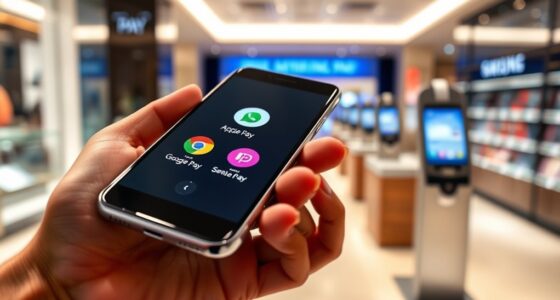
To share your location safely, review and customize your privacy settings on your device or app to control who sees your location. Only share with trusted contacts, and turn off real-time updates when not needed. Keep your app and device software current for security. Regularly review sharing permissions and avoid public or broad sharing options. Managing these settings carefully helps protect your privacy while enjoying the benefits of location sharing—continue to explore how to stay secure.
Key Takeaways
- Regularly review and adjust privacy settings to limit location sharing to trusted contacts only.
- Turn off real-time updates when no longer necessary to reduce privacy risks.
- Keep your device and apps updated to ensure the latest security features are active.
- Share your location only with people you fully trust and avoid public sharing links.
- Monitor and revoke access for unknown devices or contacts to maintain control over your location data.
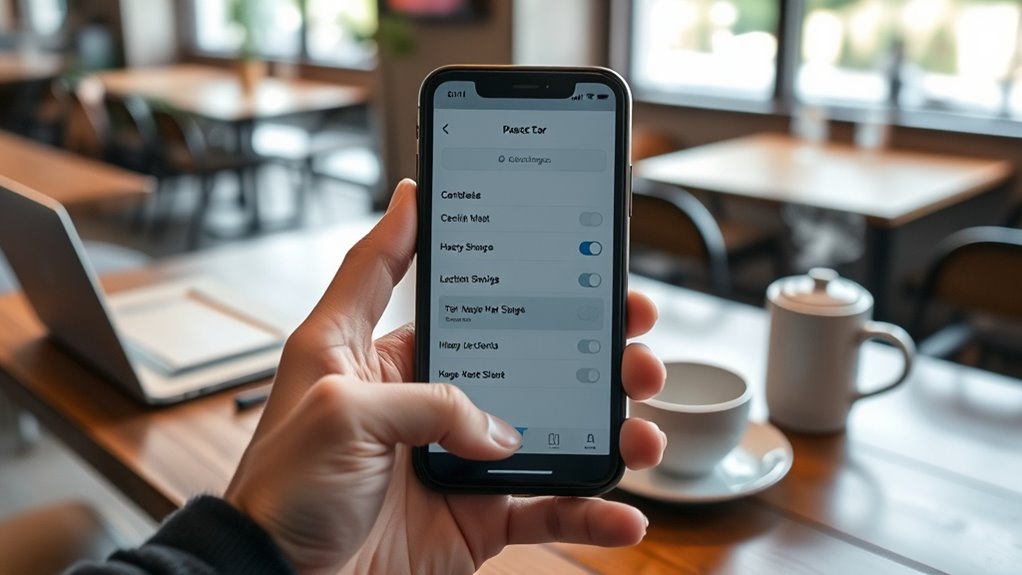
Sharing your smartphone location can be helpful for staying connected and ensuring safety, but it’s essential to do so carefully. One of the first steps is to understand and manage your privacy settings. These settings control who can see your location and how much detail they receive. Take a moment to review the privacy options on your device or app—many apps allow you to customize who can view your location and under what circumstances. Adjust these settings to limit access to trusted contacts or close family members, rather than sharing your location with everyone. This way, you maintain control over your privacy while still benefiting from location sharing when needed.
Manage your privacy settings to control who sees your location and protect your personal information.
When sharing your location, consider whether real time updates are necessary. Some apps offer live updates, which mean your contacts see your exact movements as they happen. While real time updates can be useful for safety or coordinating plans, they also pose privacy risks if shared with the wrong people or left enabled longer than needed. If you only need to share your location temporarily, turn off real time updates once your purpose is fulfilled. This minimizes the risk of unintended tracking or exposure of your movements. Many apps allow you to set time limits or specify specific sharing periods, giving you better control over your privacy.
It’s also wise to think about the platforms you use for location sharing. Popular apps like Google Maps or Find My on iOS have built-in privacy controls. Use these features to restrict who can see your location, and regularly review your sharing settings. If you notice unfamiliar devices or contacts with access, revoke their permissions immediately. Always keep your app and device software updated to make sure you have the latest privacy enhancements and security patches. Additionally, sauna builds and systems can often include features that enhance your privacy and security during outdoor activities or in remote locations, helping you stay safe.
Be cautious about sharing your location in public or with people you don’t fully trust. Even with privacy settings in place, accidental sharing can happen, such as through shared links or default settings. Only share your location with trusted individuals, and consider turning off location sharing when not needed. When you’re out in unfamiliar areas or in situations where your safety might be compromised, sharing your location with a trusted contact can provide peace of mind. Just make sure to do so consciously, with clear boundaries set on how and when your location is shared.
Ultimately, sharing your smartphone location can be a valuable safety tool, but it requires ongoing attention to privacy settings, real time updates, and the people you share with. Taking these precautions helps you stay connected and protected without sacrificing your privacy or security.

Samsung Galaxy S26 Ultra, Unlocked Android Smartphone, 256GB, Privacy Display, Galaxy AI, AI Camera, Super Fast Charging 3.0, Durable Battery, 2026, US 1 Year Warranty, Black
PRIVACY DISPLAY: Automatically hide your screen from those beside you. The built-in privacy display can be preset¹ to…
As an affiliate, we earn on qualifying purchases.
As an affiliate, we earn on qualifying purchases.
Frequently Asked Questions
Can I Share My Location Without Notifying the Recipient?
Yes, you can share your location without notifying the recipient by adjusting your privacy settings and notification controls. Most messaging apps and location-sharing services allow you to hide notifications or disable alerts when sharing your location. Check your app’s privacy options to customize who sees your location and how they’re notified. This way, you maintain your privacy while discreetly sharing your location, giving you peace of mind without unwanted alerts.
How Do I Revoke Location Sharing Permissions?
You can revoke location sharing permissions by going into your device’s app permission settings. Open your settings app, find the app you want to manage, and select ‘Permissions’ or ‘App permissions.’ Then, toggle off the location permission to stop sharing your location. Regularly managing your location permission settings helps you stay in control and protect your privacy, ensuring you only share your location when you’re comfortable doing so.
Is It Possible to Share My Location Temporarily?
Yes, you can share your location temporarily. Most smartphones allow you to set a specific location sharing duration, providing temporary location access to others. You simply select the person you want to share with, choose the option for temporary sharing, and set the duration—like an hour or a day. This way, your location is accessible only for a limited time, enhancing your privacy and peace of mind.
What Should I Do if My Location Is Shared Without My Consent?
Like a knight from medieval tales, if your location is shared without your consent, you should act swiftly. Check your privacy settings to disable location sharing and revoke access for suspicious apps or contacts. Remember, many location tracking myths exist—it’s essential to understand your device’s privacy controls. Contact support if needed, and consider changing passwords or enabling two-factor authentication to safeguard your data from further breaches.
Are There Privacy Risks With Using Third-Party Location Apps?
Yes, using third-party location apps can pose privacy risks. They often collect your data, which might be shared or sold if not safeguarded properly. To stay safe, check app permissions carefully and make sure the app uses data encryption to protect your information. Be cautious about what access you grant, and regularly review permissions to prevent unnecessary data sharing. This helps keep your location and personal data secure.

Pebblebee Halo Personal Safety Alarm | Loud Siren & Strobe Lights with Location Sharing, Rechargeable Safety Keychain Device with Flashlight | Works with Apple Find My & Google Find Hub
PERSONAL ALARM FOR WOMEN’S SAFETY: HALO is one of the reliable personal alarms for women, providing a quick…
As an affiliate, we earn on qualifying purchases.
As an affiliate, we earn on qualifying purchases.
Conclusion
By following these safety tips, you can share your location with confidence and peace of mind. Remember to only share with trusted contacts and review your settings regularly. Isn’t your safety worth a few simple precautions? Keep your information secure, stay aware, and enjoy the benefits of sharing your location without the worry. After all, protecting your privacy is just as important as staying connected. Stay safe and smart with your smartphone habits!

PILSAMAS Wireless Caregiver Call Button System – Dual Hub, Multi-Location Alarm, Dsiplay Caller ID & App Alert, No Monthly Fee, 4 IP65 Panic Buttons, Emergency Alert for Elderly at Home/Nursing Homes
Multi-Location Alarm & Backup Alerts: Default: Any button triggers BOTH hubs (same ID flash)—whole-home coverage. If one fails,…
As an affiliate, we earn on qualifying purchases.
As an affiliate, we earn on qualifying purchases.
![IMBZBK [Auto-Dust Removal] 3 Pack Privacy Screen Protector for iPhone 13 Anti Spy Private Accessories, Case Friendly Film, Military Grade Tempered Glass 3 Camera Lens Protector](https://m.media-amazon.com/images/I/51ZrDxIx-FL._SL500_.jpg)
IMBZBK [Auto-Dust Removal] 3 Pack Privacy Screen Protector for iPhone 13 Anti Spy Private Accessories, Case Friendly Film, Military Grade Tempered Glass 3 Camera Lens Protector
[Auto-Dusting Removal Installation] Includes everything you need with innovative automatic positioning, dust removal, and absorption technology, making the…
As an affiliate, we earn on qualifying purchases.
As an affiliate, we earn on qualifying purchases.