To set up a smart home on a budget, start by choosing affordable, energy-efficient devices like smart bulbs and plugs, and expand gradually. Use budget-friendly hubs such as an Amazon Echo Dot or Raspberry Pi for connectivity. Connect your devices for automation, control them with your voice, and make sure they support compatibility standards. Keep privacy in mind and perform regular troubleshooting to maintain performance. If you want more tips, you’ll find helpful steps to expand and optimize your smart home.

Get the latest gadgets delivered free — and shop member deals
- Fast, free delivery on millions of items
- Access to Prime Big Deal Days deals on October 6–7
- Prime Video, Amazon Music and more included
Key Takeaways
- Start with affordable, energy-efficient smart devices like bulbs and plugs, and add more gradually over time.
- Use budget-friendly hubs such as Amazon Echo Dot or Raspberry Pi for centralized control.
- Ensure device compatibility through standard protocols to simplify integration and future expansion.
- Prioritize security features and regular updates to protect your smart home system without extra costs.
- Maintain your network and troubleshoot issues early to ensure reliable device operation and avoid costly repairs.
Choosing Affordable Smart Devices
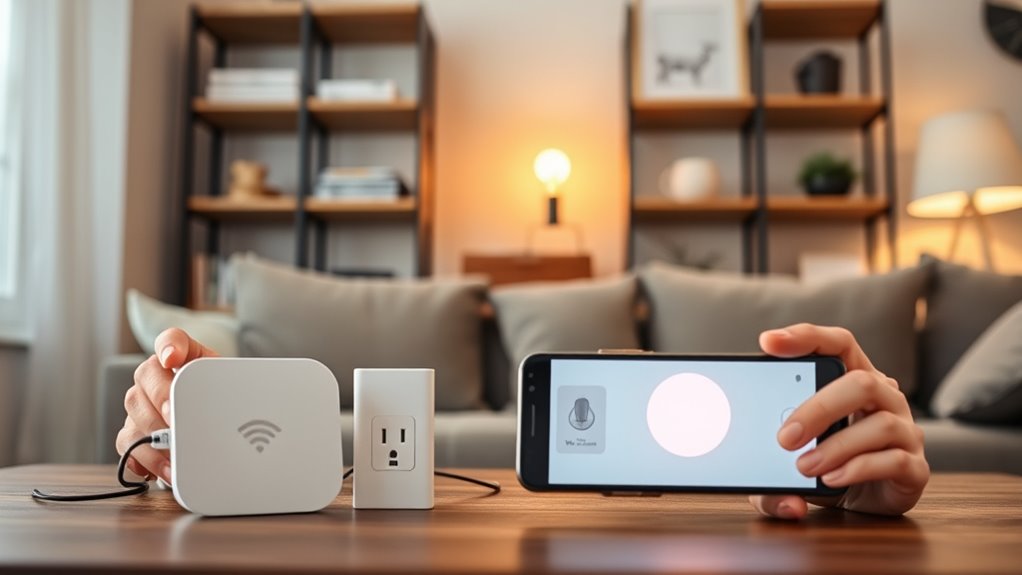
When you’re building a smart home on a budget, choosing affordable devices is essential. Look for smart gadgets that offer good energy efficiency to save money on your electricity bills. Devices like smart bulbs and plugs can help you control energy use easily. Voice control features make managing your smart home simple and hands-free, even with budget-friendly options. You don’t need the latest high-end gadgets to enjoy convenience; many affordable devices come with voice command capabilities that work well. Focus on products that balance cost and performance, so you get the benefits of automation without overspending. By selecting devices that prioritize energy efficiency and voice control, you’ll create a smart home that’s both budget-conscious and user-friendly. Incorporating energy-efficient technology ensures your smart home remains cost-effective over time. Additionally, choosing devices with long-term durability can save you money on replacements and repairs in the future. Furthermore, selecting products with reliable connectivity helps maintain seamless operation and reduces technical frustrations. Paying attention to connectivity options is also crucial for maintaining a stable smart home network and avoiding disruptions, and selecting devices with expandability features can help future-proof your system as your needs grow.
Setting Up a Central Hub on a Budget

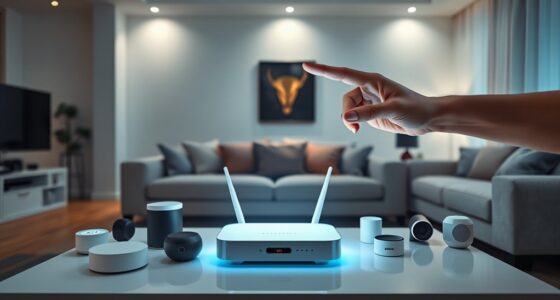
To build a cost-effective smart home, setting up a central hub is essential, as it connects all your devices and simplifies management. You don’t need expensive systems; affordable options like a Raspberry Pi or a budget-friendly smart speaker, such as Amazon Echo Dot, can serve as your hub. These devices support voice control, making it easy to manage your smart home hands-free. Additionally, choose a hub that offers energy monitoring features to track your device usage and reduce electricity costs. Setting up a centralized system guarantees your devices work seamlessly together, saving you both time and money. With a little research, you can find a budget-friendly hub that provides reliable connectivity, voice control, and energy insights, making your smart home smarter and more efficient. Incorporating a centralized system can also improve the overall performance and reliability of your smart home setup. Furthermore, integrating a European cloud server can enhance data security and ensure your smart home remains protected against potential cyber threats. A reliable home automation platform can further streamline device management and expand your system’s capabilities. Additionally, prioritizing cybersecurity measures during setup will help protect your connected devices from vulnerabilities.
Connecting and Automating Your Devices
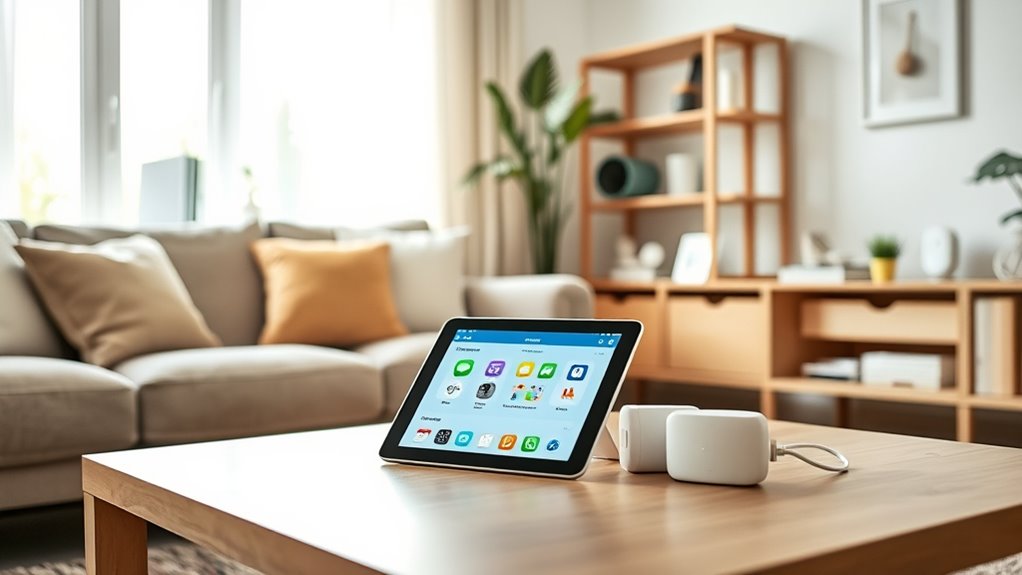
Once you’ve set up your central hub, connecting and automating your devices becomes straightforward. You can link smart lights, thermostats, and security cameras to create seamless routines. Use voice control to activate scenes or adjust settings without lifting a finger, enhancing convenience. However, be mindful of privacy concerns, especially when sharing voice commands with third-party services. To improve automation, explore the following:
- Use dedicated apps for device management and updates
- Set secure, unique passwords to protect your network
- Enable two-factor authentication where available
- Regularly review privacy settings and permissions
- Be aware of air purifier maintenance and its importance in ensuring optimal device performance. Additionally, understanding the horsepower of electric dirt bikes can help you select suitable devices for various automation tasks. Incorporating smart home security features can further enhance your home’s safety and automation capabilities. Moreover, staying informed about the latest smart device updates can help you optimize your setup and maintain security.
Ensuring Compatibility and Future Expansion
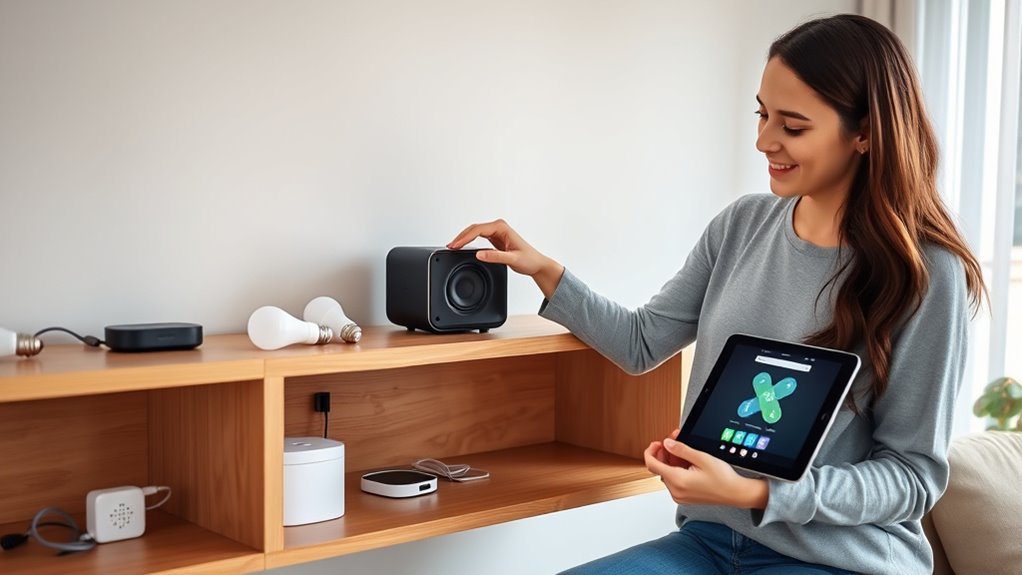
Ensuring compatibility and planning for future expansion are essential steps in building a smart home that remains functional and flexible over time. When selecting devices, consider how sensor placement will affect their effectiveness and integration with your existing setup. Compatibility between different brands or platforms ensures seamless automation and reduces headaches down the line. Additionally, prioritize device security by choosing products with strong encryption and regular updates, safeguarding your smart home from vulnerabilities. Think ahead about potential upgrades or new devices you might want to add later, guaranteeing your current system can support them without needing a complete overhaul. Planning for compatibility and future expansion helps you avoid costly replacements and keeps your smart home adaptable to evolving technology. Incorporating interoperability standards can further enhance device compatibility across brands and ecosystems, making future upgrades smoother.
Tips for Saving Money While Upgrading

Upgrading your smart home doesn’t have to break the bank if you plan carefully. To save money, focus on improving energy efficiency and choosing DIY installation options whenever possible. Doing so reduces setup costs and minimizes ongoing energy expenses. You can: – Select energy-efficient devices that lower utility bills over time – Opt for DIY installation to avoid hefty professional fees – Start with core smart devices and expand gradually to spread out costs – Take advantage of discounts, bundles, and open-box deals for savings – Be mindful of safe wiring practices to ensure your smart home remains both affordable and secure. Additionally, exploring Free Floating options can help you customize your setup without high costs. Incorporating energy-saving features into your devices can further enhance your budget-friendly smart home by reducing long-term energy consumption and costs. Understanding the importance of smart home security can also help you protect your investment without additional expenses. Being aware of sauna and cold-plunge systems can help you choose energy-efficient and safe options for wellness upgrades.
Troubleshooting Common Smart Home Issues

While saving money on your smart home setup is important, it’s equally essential to be prepared for common issues that may arise. Voice control problems are frequent, often caused by Wi-Fi interference or outdated firmware. Restart your devices or update the software to resolve these issues quickly. Security protocols are crucial for protecting your smart home, so ensure your devices have strong, unique passwords and that your network uses WPA3 encryption. If a device isn’t responding, check its connection and reset it if needed. Regularly updating firmware and app settings helps prevent glitches. Keep your smart home system simple and organized to reduce troubleshooting time. Being proactive about security and maintenance ensures your smart home runs smoothly without overspending. Understanding automotive repair fundamentals can help you troubleshoot device issues more effectively and prevent costly repairs or replacements. Additionally, monitoring your Wi-Fi network configuration can identify sources of interference that disrupt device connectivity. Proper network setup is essential for maintaining reliable device communication and reducing frustrating connectivity disruptions. Regularly testing your network’s performance metrics can help you identify and fix issues before they impact your smart home system.
Frequently Asked Questions
How Secure Is a Budget Smart Home Against Hacking?
A budget smart home can be reasonably secure if you take proper precautions. Many devices use strong encryption standards, which help protect against hacking vulnerabilities. However, cheaper devices might lack advanced security features, making them more vulnerable. You should regularly update firmware, use strong, unique passwords, and enable two-factor authentication when available. These steps markedly bolster your smart home’s security, even on a budget, reducing the risk of hacking threats.
Can I Install Smart Devices Myself Without Professional Help?
Absolutely, you can install smart devices yourself using DIY installation and wireless setup. Think of it as your own tech quest—no need for a wizard or a professional. Most devices come with step-by-step instructions, and wireless connections make setup easier than ever. Just follow the guides, verify your Wi-Fi is strong, and you’ll have your smart home running smoothly. It’s a fun, cost-effective way to upgrade your space!
What Are the Best Budget-Friendly Brands for Smart Home Devices?
You should check out budget brands like Wyze, Meross, and TP-Link for affordable options. These brands offer reliable smart devices at a fraction of the cost of premium brands, making it easy to build your smart home without breaking the bank. They often feature easy installation and good app support, so you can set everything up yourself and enjoy smart convenience without overspending.
How Do I Prioritize Which Devices to Upgrade First?
Think of your smart home as a garden—you want to nurture the most essential plants first. Start with devices that match your existing system for seamless device compatibility. Prioritize upgrades that enhance daily comfort or security, then plan your upgrade timeline to avoid overwhelm. By focusing on high-impact devices initially, you’ll create a harmonious ecosystem, making future upgrades smoother and more rewarding.
What Are Common Signs My Smart Home System Is Malfunctioning?
If your smart home system is malfunctioning, watch for faulty sensors that may send false alerts or fail to detect changes. Connectivity issues are common signs too, causing devices to disconnect or respond slowly. You might notice inconsistent performance, delayed commands, or devices not responding at all. Regularly check your Wi-Fi stability, update firmware, and replace faulty sensors to guarantee smooth operation and avoid frustrating malfunctions.
Conclusion
Building your smart home on a budget is like planting a sturdy seed—you’ll nurture it with patience and care, watching it grow into a seamless, efficient haven. Every device you connect and automate is a branch reaching toward the future, while saving money keeps your foundation strong. Stay curious and adaptable, and your smart home will flourish like a resilient tree, offering comfort and convenience for years to come.
Halloween Picks
halloween
As an affiliate, we earn on qualifying purchases.