
Most smart home gadgets can still work if your Wi-Fi goes down, provided they are designed for local control. Devices that support local protocols like Zigbee, Z-Wave, or use hub-based systems will operate independently of the internet, allowing you to control your home routines without a connection. However, many cloud-dependent devices may stop functioning during an outage. To keep things running smoothly, consider setting up a fully local system—there’s more to learn below.

Get the latest gadgets delivered free with Prime
- Fast, free delivery on millions of items
- Prime Video, Amazon Music and more included
- Member-only deals all year
Key Takeaways
- Devices with local control can operate and respond without internet connectivity.
- Using local-compatible hubs and mesh networks ensures device communication during Wi-Fi outages.
- Offline-capable gadgets like standalone thermostats and security sensors continue functioning without internet.
- Manual controls or local apps allow device operation when Wi-Fi or cloud services are unavailable.
- Relying on local processing and offline setups maintains smart home functionality during internet disruptions.
Products Worth Considering

Sonos Era 100 Wireless Smart Speaker, Black

DJI Osmo Mobile 8 Standard Combo Phone Gimbal Stabilizer

Logitech MX Mechanical Wireless Illuminated Keyboard, Tactile Quiet, Graphite
As an affiliate, we earn on qualifying purchases.
Understanding Smart Home Connectivity: Internet vs. Local Networks

While most smart homes rely on the internet for seamless device communication, it’s still possible to set up a home that operates primarily through local networks. To do this effectively, understanding network protocols is essential. These rules govern how devices communicate, ensuring reliable data transfer within your home network. By choosing compatible protocols like Zigbee, Z-Wave, or Thread, you improve device interoperability, allowing your smart gadgets to work together smoothly without internet dependence. This setup minimizes reliance on external servers and reduces points of failure. When devices share a common protocol, they can communicate directly over your local network, maintaining functionality even if the internet goes down. Proper protocol selection is key to creating a resilient, autonomous smart home environment. European cloud servers provide a secure and sustainable foundation for managing these local networks effectively.
The Role of Cloud Services in Smart Home Functionality
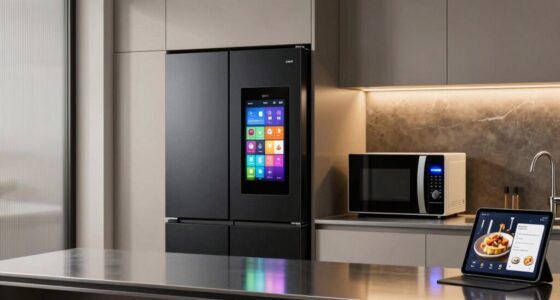
Cloud services can make your smart home more convenient by enabling remote access and automation. However, relying on them introduces risks like outages and data privacy concerns. It’s important to contemplate how much control you want locally versus through the cloud. Additionally, understanding modern kitchen technology can help you choose appliances that maintain functionality even if internet connectivity is lost. Recognizing local control options is essential for ensuring your smart home remains operational during internet disruptions. Being aware of standalone device capabilities can help you select gadgets that continue to function independently of cloud services.
Cloud Dependency Risks
Dependence on cloud services plays a significant role in smart home functionality, as many devices rely on remote servers to process data and deliver commands. This creates cloud dependency risks, especially if your internet goes down. Without cloud access, your smart gadgets may lose cloud independence, limiting their ability to operate fully. To navigate this, consider: 1. Relying on devices that support offline automation, so they run without internet. 2. Choosing products with local processing capabilities, reducing reliance on remote servers. 3. Implementing backup systems that enable basic control during outages, ensuring your smart home remains functional. Additionally, selecting edge computing capable devices can help maintain operation even when cloud services are unavailable. Recognizing the importance of local processing can help you design a more resilient smart home system. Moreover, investing in redundant networks can further enhance your smart home’s reliability during internet disruptions, as a robust network infrastructure can minimize downtime and connectivity issues.
Local Control Options
Many smart home devices rely on cloud services for operation, but you can also find options that prioritize local control. With local control, your gadgets respond directly to voice commands without needing internet access. For example, some smart speakers and hubs process commands locally, ensuring you can turn on lights or adjust thermostats even if Wi-Fi drops. Additionally, local control allows for remote access through a local network, so you can manage devices from your phone or tablet without relying on external servers. This setup enhances reliability and speed, especially during internet outages. Evidence‑based guidance by choosing devices with local control options, you maintain functionality and convenience, making your smart home resilient and independent of cloud service disruptions. Ensuring continuous operation is possible by selecting devices designed for local operation, which helps maintain your home’s smart features even during connectivity issues. Moreover, understanding the limitations of cloud dependence can help you make better choices for your home’s smart system. To further improve resilience, consider hybrid systems that combine local control with cloud capabilities for optimal performance during outages. Incorporating backup power sources like uninterruptible power supplies can also ensure your devices stay operational during power outages, further enhancing your smart home’s resilience.
Data Privacy Concerns
While cloud services enable smart home devices to function seamlessly and offer features like remote access and data analysis, they also raise significant privacy concerns. When your data travels to and from the cloud, there’s a risk of exposure if not properly secured. To safeguard your privacy, look for services that prioritize data encryption, ensuring your information stays secure during transmission and storage. Additionally, consider how well the service maintains user anonymity, preventing your identity from being linked to your data.
Here are some key points to keep in mind:
- Ensure the cloud provider uses strong data encryption protocols.
- Check if the service minimizes data collection to protect your privacy.
- Be aware of how user anonymity is maintained and if data access is restricted.
Devices That Can Operate Independently of the Web

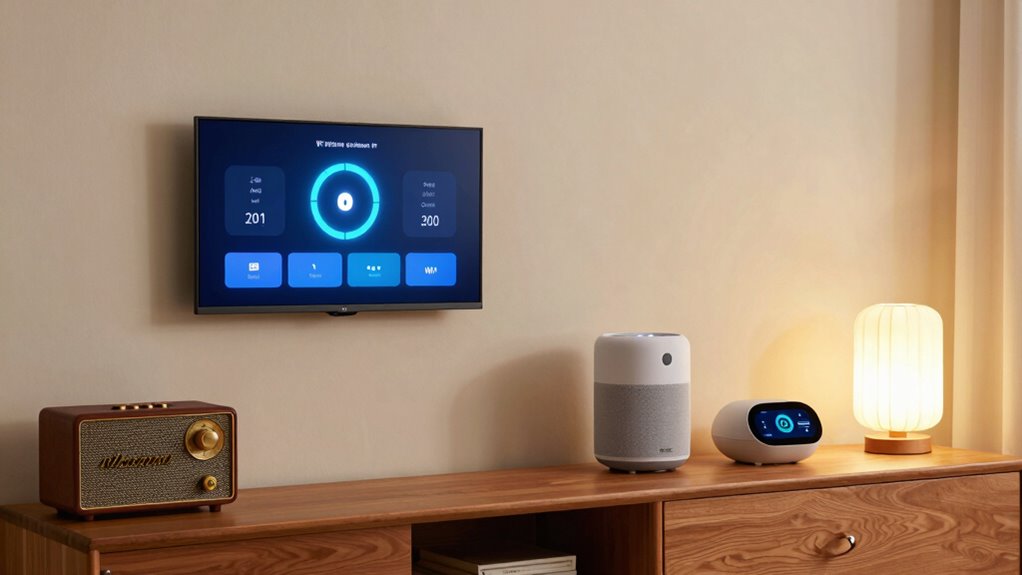
Some smart home devices can operate entirely without an internet connection, giving you greater control and privacy. These devices typically include local voice assistants that respond directly to commands without cloud reliance, ensuring your privacy remains intact. For energy management, standalone smart thermostats and switches can regulate temperature and lighting without needing Wi-Fi, maintaining comfort even during outages. You can control these devices through physical interfaces or local apps, avoiding dependence on online servers. This setup helps you stay efficient and comfortable without sacrificing security. By choosing devices that work offline, you reduce vulnerability to internet disruptions and protect your data from external access. Additionally, local control capabilities allow you to manage your smart home directly, further safeguarding your privacy and ensuring continuous operation during internet outages. Overall, these independent gadgets offer reliable, private functionality, ensuring your smart home stays responsive even when your internet connection drops.
The Impact of Wi-Fi Outages on Routine Smart Home Tasks

When your Wi-Fi goes down, your automated lighting might stop responding, leaving rooms dark or brightly lit unexpectedly. Security systems relying on internet connectivity can become less dependable, potentially compromising safety. Understanding these challenges helps you prepare for how outages can disrupt everyday smart home routines.
Automated Lighting Challenges
Automated lighting systems rely heavily on Wi-Fi connectivity to function smoothly, which means that a Wi-Fi outage can disrupt your daily routines. Without internet, your lighting automation might stop responding to your commands, leaving you in the dark or forcing you to find alternative solutions. You may need to depend on manual overrides, which allow you to turn lights on or off directly at the switch, bypassing smart controls. Additionally, understanding the concept of Free Floating technology can help you select systems that offer more reliable local control options. Here are three common challenges you might face:
- Lights not adjusting automatically at sunset or sunrise.
- Inability to control lights remotely through a mobile app.
- Difficulty customizing lighting scenes without internet access.
To keep things running, ensure your smart switches support manual overrides and consider local control options.
Security System Reliability
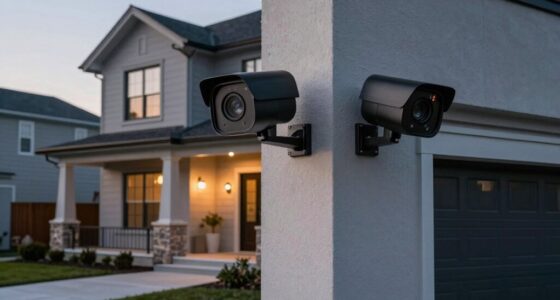
A Wi-Fi outage can substantially impact the reliability of your home security system, especially if it relies on internet connectivity for monitoring and alerts. Without internet, your cameras or alarm systems may not send real-time notifications, leaving you vulnerable. Privacy concerns also rise when systems depend on cloud storage or remote access, as outages can expose sensitive data or delay alerts. Ensuring local control with robust user authentication becomes crucial so unauthorized users can’t disable or manipulate your system during outages. You might need backup power sources or offline features to maintain security. Relying solely on internet-dependent security can compromise your routine safety tasks, making it essential to incorporate offline capabilities and layered security measures to keep your home protected when Wi-Fi goes down. Robust local control is vital to maintaining security during connectivity issues. Additionally, implementing offline security features can help preserve functionality even during internet disruptions, ensuring continuous protection. Incorporating backup connectivity options like cellular backup can further enhance the reliability of your security system during outages. To improve resilience, consider redundant systems that operate independently of your main internet connection, providing an extra layer of security during outages.
Setting Up a Fully Local Smart Home System

Setting up a fully local smart home system requires careful planning and the right hardware. You need devices that can communicate without relying on the internet, ensuring you maintain control even when Wi-Fi goes down. To do this effectively:
- Choose local-compatible hubs and controllers that support voice control and remote access without cloud dependence.
- Use wired or mesh networks to connect devices, reducing latency and ensuring stability.
- Install smart gadgets like local-only cameras, sensors, and switches that operate independently of cloud services.
The Importance of Hub-Based Smart Home Control Centers

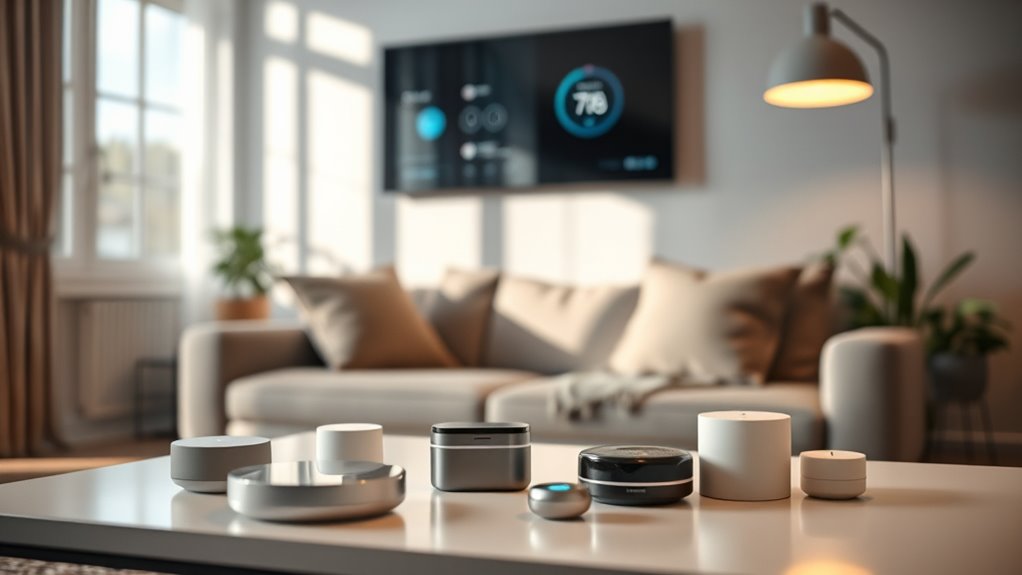
Hub-based control centers are essential for managing a fully local smart home because they serve as the central point for coordinating devices and ensuring seamless operation without internet reliance. They enable you to control your smart gadgets directly, even if your Wi-Fi goes down. These hubs streamline device interoperability, allowing different brands and types of devices to communicate smoothly through a single system. Voice assistants connected to the hub can still respond to commands locally, providing hands-free control without needing an internet connection. By centralizing management, hubs reduce complexity and improve reliability, giving you confidence that your smart home remains functional in offline scenarios. Essentially, a hub-based control center is the backbone that makes your smart home truly independent of internet availability.
Battery-Powered and Offline-Ready Smart Devices
Battery-powered and offline-ready smart devices are essential for maintaining a reliable smart home when internet access is unavailable or disrupted. These devices keep your home functioning smoothly, even without Wi-Fi. With a battery backup, you won’t have to worry about power outages shutting down your system. Offline sensors can detect motion, temperature, or door status without relying on the internet, ensuring safety and convenience at all times. Here are three key devices to consider:
- Battery-powered security cameras with local storage. These cameras can record footage directly onto a local drive or SD card, ensuring continuous security monitoring without relying on cloud services. Local storage helps safeguard your footage during outages. Additionally, choosing devices with interoperability features can make managing your offline system more seamless. Implementing offline operation modes can further enhance reliability during internet outages.
- Standalone smart locks that operate without Wi-Fi. These locks typically use physical keys or Bluetooth connections, allowing you to secure your home without internet access.
- Wireless sensors for motion, temperature, or humidity monitoring. These sensors can communicate through local networks or Bluetooth, providing real-time data without needing an internet connection. Additionally, understanding system troubleshooting techniques can help you better plan for system maintenance and ensure your smart home remains operational and responsive, even in offline scenarios.
How to Prepare for Internet Disruptions in Your Smart Home

To keep your smart home running smoothly during internet outages, you should consider backup connectivity options like cellular or mesh networks. Implementing local control strategies allows you to manage devices without relying on the cloud, and manual device management guarantees essential functions stay operational. Preparing these measures now will help you maintain control when connectivity is interrupted. Incorporating power backup solutions such as uninterruptible power supplies (UPS) can also ensure continued operation during power outages. Additionally, understanding the benefits of home automation integration can help you optimize device management during disruptions. Considering network redundancy options can further enhance your smart home’s resilience against connectivity issues.
Backup Connectivity Options
When your internet connection drops unexpectedly, having backup connectivity options guarantees your smart home remains functional. This way, your devices can stay connected even during outages. Consider these options:
- Mesh networks: These create a resilient network with multiple nodes, ensuring your smart home stays connected if one node fails.
- Cellular hotspots: Use a portable 4G/5G device as a backup, keeping your gadgets online without relying solely on Wi-Fi.
- Ethernet connections: Hardwired links to critical devices provide a reliable fallback, especially for essential smart home functions.
Integrating these backup connectivity options ensures your smart home remains operational, even when internet disruptions occur. Planning ahead with mesh networks and other alternatives minimizes downtime and keeps your gadgets working seamlessly.
Local Control Strategies
Preparing your smart home for internet disruptions involves establishing local control methods that keep your devices operational without relying on cloud services. Using local protocols like Zigbee, Z-Wave, or Thread guarantees your gadgets can communicate directly within a local network, maintaining device interoperability even if your internet goes down. These protocols enable your smart devices to connect and respond locally, bypassing cloud dependency. To set this up, choose hubs or controllers that support multiple protocols and ensure your devices are compatible. By doing so, you create a resilient system that continues to function seamlessly during outages. This strategy minimizes disruptions and keeps your smart home responsive, even without an active internet connection.
Manual Device Management
Even with local control strategies in place, it’s wise to have manual options ready for times when internet access is interrupted. Manual control guarantees you can operate your devices independently, maintaining comfort and security without relying on Wi-Fi. To prepare, consider these steps:
- Keep physical switches or buttons accessible for essential devices like lights and thermostats.
- Use battery-powered remote controls or key fobs for quick, device-independent operation.
- Maintain a printed or digital manual with instructions for manual overrides on your smart gadgets.
Benefits and Limitations of Offline Smart Home Operation
Operating a smart home without internet offers notable benefits, primarily in enhancing privacy and reliability. Without relying on cloud services, your data stays local, boosting user privacy. Offline operation can also improve energy efficiency by reducing unnecessary data exchanges and server communications. However, there are limitations. You might miss out on remote access, updates, and some automation features that depend on internet connectivity. Devices may also have limited interoperability, restricting advanced integrations.
| Benefit | Limitation |
|---|---|
| Increased user privacy | No remote control access |
| Enhanced reliability | Limited automation capabilities |
| Improved energy efficiency | Reduced ability to update devices |
Future Trends in Offline-Accessible Smart Home Technologies
Advancements in offline smart home technologies are paving the way for more robust and versatile systems that prioritize privacy and reliability. Future trends focus on enhancing interoperability standards, allowing different devices and brands to communicate seamlessly without internet. This guarantees your smart home remains functional even if Wi-Fi is down. Additionally, developers are emphasizing energy efficiency, creating devices that consume less power while maintaining performance.
Offline smart home tech boosts privacy and reliability through standardized protocols, low-energy devices, and localized AI processing.
Here are a few key trends to watch:
- Standardized protocols for better device compatibility.
- Battery-powered or low-energy devices for sustainable operation.
- Localized AI processing to enable smarter automation offline.
These innovations will make your smart home more resilient, private, and energy-conscious, regardless of internet disruptions.
Frequently Asked Questions
Can I Install a Smart Home System Without Any Internet Connection?
Yes, you can install a smart home system without internet by relying on a local network. Make certain your devices are compatible with local control options, like Zigbee or Z-Wave, which don’t need Wi-Fi. This setup allows you to manage your gadgets directly, maintaining functionality even if the internet goes down. Just double-check device compatibility beforehand to avoid issues with remote access or automation features.
What Are the Security Risks of Offline Smart Home Devices?
Offline smart home devices can still face security risks, like unpatched vulnerabilities. Since they lack regular firmware updates, hackers might exploit outdated software. Additionally, weak device encryption can make it easier for cybercriminals to access your system. To stay protected, make certain your devices support strong encryption and manually update firmware when possible. Regularly check for security patches to reduce potential threats and keep your smart home safe.
How Do Offline Smart Devices Communicate Within a Local Network?
Think of your offline smart devices as a close-knit neighborhood, quietly chatting via mesh networking. They use the Zigbee protocol, acting like friendly messengers passing signals directly between gadgets. This local network allows your devices to communicate seamlessly without internet, ensuring your home stays responsive and connected. So, even if Wi-Fi drops, your smart home keeps functioning smoothly, thanks to this resilient, self-sufficient communication system.
Are There Any Smart Home Devices That Don’T Require Wi-Fi or Internet?
Yes, some smart home devices offer offline functionality and work on a local network without Wi-Fi or internet. You can find smart switches, security cameras, and hubs that communicate via Zigbee or Z-Wave protocols. These devices connect directly to your local network, allowing you to control them locally even if the internet goes down. This setup guarantees your smart home remains functional and responsive without relying on external connectivity.
How Does Local Control Impact the Smart Home’s Automation Capabilities?
Local control enhances your smart home’s automation independence by allowing devices to operate without relying on internet connectivity. When you use local control, your gadgets respond instantly to commands, even if the Wi-Fi drops. This setup ensures your automation remains functional, providing seamless control and security. Without internet, local control keeps your smart home running smoothly, giving you reliable automation and peace of mind.
Conclusion
Think of your smart home as a well-orchestrated symphony—when the internet plays its part, everything flows seamlessly. But if the internet drops, you can still enjoy the melody with local controls and offline devices. By setting up a resilient system, you’re like a captain steering through stormy seas, ensuring your home remains comfortable and functional no matter the disruptions. Embrace offline options, and your smart home stays resilient, ready to face any blackout or outage.