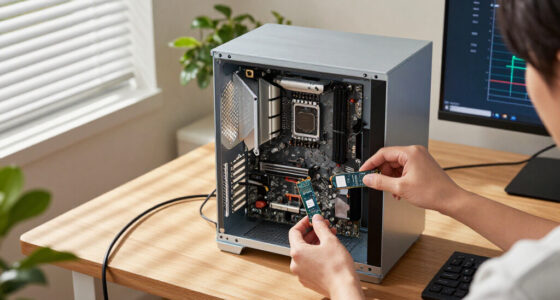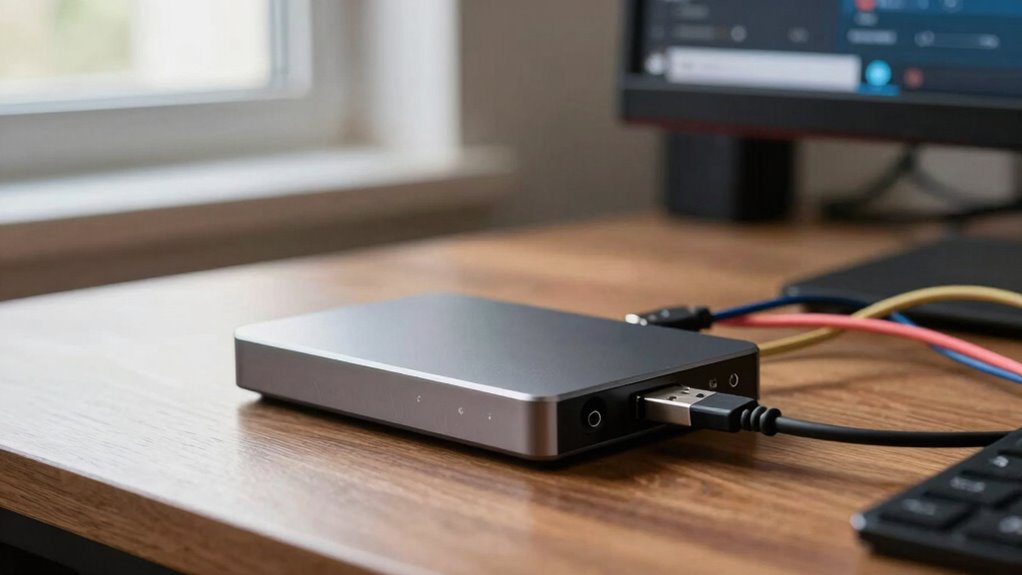

You might think external storage is inherently safe because it’s physical, but that’s a misconception. Losing or stealing a drive can expose your data if it’s not encrypted or protected with strong passwords. Many also overestimate their devices’ durability, not realizing hardware can fail unexpectedly. Plus, external drives can spread malware if connected to infected systems. To properly safeguard your data, it’s essential to understand these risks—and there’s more to discover on how to stay protected.

Get the latest gadgets delivered free with Prime
- Fast, free delivery on millions of items
- Prime Video, Amazon Music and more included
- Member-only deals all year
Key Takeaways
- Many believe external drives are inherently secure without encryption, risking data exposure if lost or stolen.
- Users often overestimate the durability and lifespan of external storage devices, ignoring potential hardware failures.
- People underestimate the importance of implementing security measures like encryption and strong passwords.
- There’s a misconception that external drives are immune to malware, which can spread if connected to infected systems.
- Relying on a single external drive without backups increases the risk of catastrophic data loss due to hardware failure.
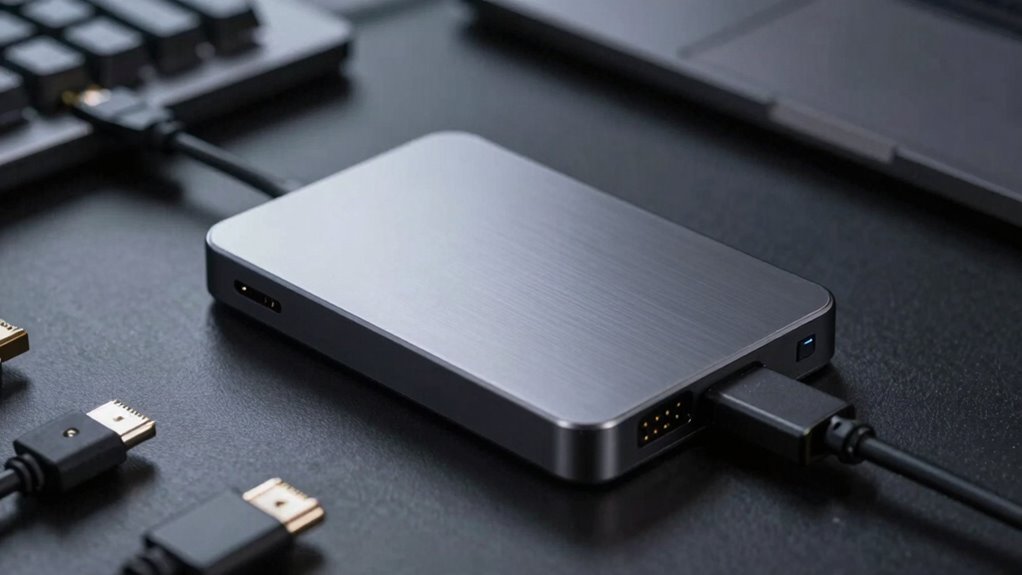
Many people hold misconceptions about external storage, often misunderstanding its capabilities and limitations. You might believe that external storage devices are inherently safe since they’re physical objects you control. However, they can pose significant security risks if not managed properly. If you lose an external drive or it gets stolen, sensitive data stored on it could be compromised unless you’ve encrypted it. Many people underestimate the importance of encryption and other security measures, leaving their data exposed to unauthorized access. Additionally, external drives can be a vector for malware if connected to infected computers, spreading viruses or ransomware. It’s vital to understand that external storage isn’t just about capacity or convenience; security should be a top priority. Implementing encryption, using strong passwords, and regularly updating security protocols helps mitigate these vulnerabilities. Proper security practices are essential to protect your data effectively. Recognizing the potential for hardware failure and understanding how to prevent data loss can significantly enhance your data management strategies.
People also tend to overestimate the durability of external storage. They might assume that a drive will last forever or withstand rough handling, but many devices are susceptible to physical damage, data corruption, or failure over time. Recognizing the hardware quality of different external drives can help you make better choices and avoid unexpected failures. You should routinely back up important files and keep multiple copies in different locations to avoid catastrophic data loss. Relying solely on one external drive can be risky, especially if you’re unaware of potential hardware issues that can develop without warning. Additionally, understanding the types of external storage available can help you better match your needs with the appropriate device and avoid costly mistakes. To ensure longevity, choosing quality components and proper handling is crucial, as hardware quality varies significantly across different devices.
external hard drive encryption software
As an affiliate, we earn on qualifying purchases.
As an affiliate, we earn on qualifying purchases.
Frequently Asked Questions
Can External Storage Devices Infect My Computer With Malware?
Yes, external storage devices can infect your computer with malware, especially if they’re already compromised. Malware transmission occurs when you connect an infected device, exploiting security vulnerabilities in your system. To protect yourself, always scan external drives with updated antivirus software before opening files, disable autorun features, and practice safe data transfer habits. This way, you minimize the risk of malware infection through external storage, keeping your computer secure.
Are All External Storage Options Equally Durable and Reliable?
Think of external storage options as different vehicles: some are rugged trucks, others sleek sports cars. Not all are equally durable or reliable; some may face compatibility issues or break down sooner. You must consider cost considerations alongside build quality. Cheaper options often sacrifice durability, while pricier ones tend to last longer. Choose wisely based on your needs to guarantee your data stays safe and accessible, no matter the journey.
Does External Storage Affect My Device’s Performance Significantly?
External storage can impact your device’s performance, especially during data transfer. If you choose a drive with slow read/write speeds or incompatible connection types, it may cause lag or delays. To avoid this, make certain your external storage is compatible with your device’s ports and supports fast data transfer rates. Properly matching these factors helps maintain smooth operation and prevents external storage from markedly affecting your device’s overall performance.
Is External Storage Suitable for Backing up Sensitive or Private Data?
External storage can be suitable for backing up sensitive or private data if you use proper encryption methods. Encrypting your files guarantees that unauthorized users can’t access your information even if the drive is lost or stolen. Keep in mind that data transfer speeds may affect how quickly you can back up or restore data, so choose a device with fast transfer rates for more efficient backups. Always prioritize security and speed for sensitive data.
How Often Should I Replace or Upgrade My External Storage Devices?
Think of your external storage as a garden that needs tending. You should replace or upgrade it every 3 to 5 years, especially if you notice sluggish transfer speeds or dwindling storage capacity. Over time, devices wear out like aging fruit, risking data loss. Upgrading guarantees faster transfer speeds and ample space for your growing needs. Don’t wait for a crash—refresh your storage before it’s too late.
As an affiliate, we earn on qualifying purchases.
Conclusion
Don’t let misconceptions trap you in the dark about external storage. Remember, it’s not just about size or speed; it’s about understanding what suits your needs. Think of external storage as a trusted companion—worthy of your confidence and careful choice. When you clear up these myths, you’ll reveal its true potential. So, are you ready to see your data in a whole new light? The power to make smarter storage decisions is in your hands.
As an affiliate, we earn on qualifying purchases.
As an affiliate, we earn on qualifying purchases.
Halloween Picks
halloween
As an affiliate, we earn on qualifying purchases.