
If you want a flexible, customizable format that adapts easily to different devices, EPUB is your best choice. It allows you to resize text, change fonts, and reflow content for a personalized experience, making it ideal for casual or on-the-go use. On the other hand, if you need to preserve precise formatting and layouts, especially for complex documents or sharing professional copies, PDFs are better. Continue exploring to understand which suits your specific needs best.
Key Takeaways
- Epub offers better adaptability to different screen sizes and customizable text, ideal for on-the-go reading.
- PDFs preserve original formatting and layout, making them suitable for complex or fixed-layout documents.
- Epub provides a more interactive experience with navigation, bookmarking, and highlighting features.
- PDFs ensure consistent formatting across devices, which is crucial for professional or academic sharing.
- Choose Epub for flexibility and personalization; opt for PDF when exact layout preservation is a priority.
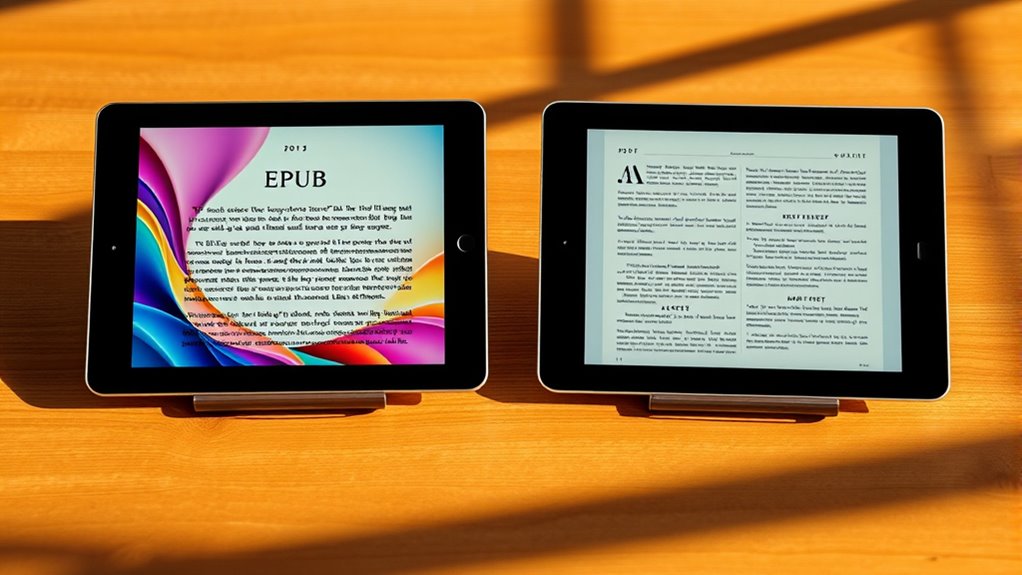
Have you ever wondered which format is better for reading your digital books—Epub or PDF? When choosing between the two, it mainly comes down to how you prefer to experience your reading and what features matter most to you. Epub is designed with Digital Adaptability in mind, meaning it adjusts seamlessly to different screen sizes and devices. Whether you’re reading on a small phone or a large tablet, Epub formats automatically reflow text, allowing you to customize font size, style, and layout without losing readability. This flexibility makes for a more comfortable and personalized reading experience, especially if you like to switch devices or read on the go.
Epub offers flexible, customizable reading suited for devices and on-the-go reading.
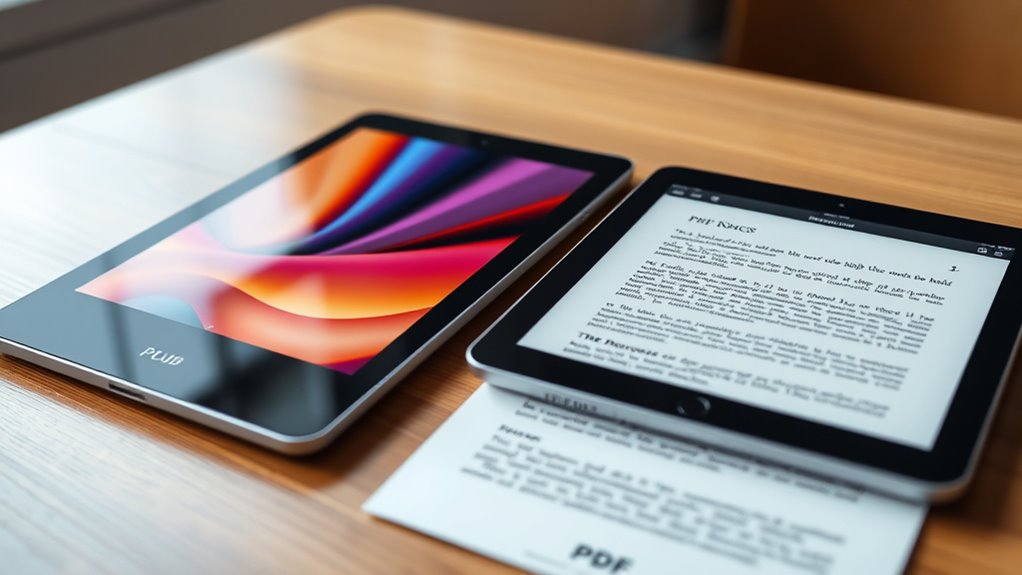
On the other hand, PDFs are more about maintaining the original formatting and layout. They’re perfect when you need to preserve complex formatting, such as detailed images, columns, or fixed layouts found in textbooks, magazines, or graphic-rich content. However, this Formatting Flexibility comes with limitations. PDFs tend to be static, meaning they don’t adapt well to different screens. Zooming and panning can become cumbersome, especially on smaller devices, and changing font size or layout isn’t straightforward. If your main concern is keeping every element exactly as the creator intended, PDFs serve that purpose well, but at the cost of less adaptability.
Another aspect to consider is how each format impacts your reading flow. Epub’s adaptability makes it easier to navigate through lengthy texts, bookmark pages, highlight sections, and adjust settings on the fly. This flexibility enhances your ability to focus and interact with the content, making for a more engaging experience. Conversely, PDFs often feel more rigid, which can be a drawback if you’re trying to skim through pages or annotate easily. But if you need to share a document with precise formatting intact, PDFs ensure that everyone sees the same layout, which can be vital for professional or academic purposes.
Additionally, the choice between Epub and PDF can also influence your overall reading experience based on the contrast ratio and screen quality of your device. Both formats perform differently depending on the display technology, affecting how vivid and clear the text appears. Ultimately, your choice depends on what you prioritize: if you want a versatile, customizable experience that adapts to your device, then Epub is likely the better option. If maintaining exact formatting and layout is your main concern, then PDFs will serve you best. Both formats have their strengths, but understanding their differences in Digital Adaptability and Formatting Flexibility helps you pick the right one for your reading habits.
Top picks for "epub format read"
Open Amazon search results for this keyword.
As an affiliate, we earn on qualifying purchases.
Frequently Asked Questions
Can EPUB Files Be Converted to PDF Easily?
Yes, you can easily convert EPUB files to PDF using various format conversion tools or software. These tools typically allow you to change formats quickly, providing you with a PDF version of your EPUB. Keep in mind, the conversion process may affect editing flexibility, as PDFs are less adaptable for editing compared to EPUBs. So, choose your converter carefully to guarantee a smooth transition and maintain the content’s integrity.
Which Format Offers Better Annotation Features?
PDF files generally offer better annotation features because they include highlighting options and all-encompassing annotation tools, allowing you to easily mark up your documents. You can add comments, underline, or highlight text seamlessly. Epub files may have some annotation capabilities, but they’re often less robust and vary depending on the reading app. So, if highlighting features are your priority, PDFs are the better choice for annotation.
Are EPUB Files Compatible With All E-Readers?
Epub files are not compatible with all e-readers, but most modern devices support them. You should verify your e-reader’s compatibility first. If it doesn’t support Epub, you can perform a format conversion using software like Calibre to make the files compatible. This way, you ensure your preferred books are accessible on your device, regardless of its initial format support.
How Do DRM Protections Differ Between EPUB and PDF?
DRM protections differ between EPUB and PDF formats mainly in how they handle digital rights and encryption standards. EPUB files often use more flexible DRM systems, allowing publishers to control access and copying, while PDFs typically employ stricter encryption standards, making them harder to modify or share. This means EPUBs can offer more versatile digital rights management, whereas PDFs tend to enforce tighter security, influencing how you can use and distribute your ebooks.
Is There a Noticeable Difference in File Size Between Formats?
You’ll notice a difference in file size between EPUB and PDF formats due to file compression and data efficiency. EPUB files generally have smaller sizes because they use advanced compression techniques and are optimized for e-readers, making them easier to download and store. PDFs tend to be larger, especially with high-quality images or complex layouts, as they preserve formatting but don’t prioritize data efficiency as much.
Conclusion
Choosing between EPUB and PDF ultimately depends on your reading style. EPUB offers flexibility and customization, adapting seamlessly to your device, while PDF provides a fixed, print-like experience for detailed layouts. Like a fluid conversation versus a printed book, each format has its charm. So, whether you value adaptability or precision, understanding their differences helps you pick the perfect format for your reading pleasure. After all, it’s about what enhances your experience most.