
Choosing the best 5K monitor for your MacBook Pro in 2025 means considering display quality, connectivity, and ergonomics. From stunning options like the Pro Display XDR with Nano-Texture Glass to versatile Studio Displays with adjustable stands, there’s a model to fit every professional need. I’ll guide you through features like color accuracy, mounting flexibility, and long-term reliability. Stay with me to find out which monitor suits your workspace and workflow perfectly.
Key Takeaways
- Consider high-resolution 5K displays like the Apple Studio Display and Pro Display XDR for unmatched MacBook Pro integration.
- Prioritize features such as P3 wide color gamut, HDR, and reference modes for professional color accuracy.
- Evaluate ergonomic options like adjustable stands and VESA mounting for long-term workspace comfort.
- Check connectivity options, including Thunderbolt 3/4 and USB-C ports, for seamless MacBook Pro compatibility and charging.
- Factor in support, warranty coverage, and durability to ensure reliable, long-term performance with your MacBook Pro.

Apple Pro Display XDR - Nano-Texture Glass
32-inch LCD display with Retina 6K resolution (6016 by 3384 pixels)
As an affiliate, we earn on qualifying purchases.
Apple Pro Display XDR – Nano-Texture Glass

If you’re a professional who demands the highest color accuracy and stunning detail, the Apple Pro Display XDR with Nano-Texture Glass is an excellent choice. Its 32-inch Retina 6K resolution delivers incredible sharpness, making every detail pop. The Nano-Texture Glass option minimizes glare while maintaining true-to-life colors, perfect for critical work. With a superwide viewing angle and support for P3 wide color gamut plus 10-bit color depth, it ensures vibrant, consistent images from any perspective. The extreme dynamic range and contrast ratio of 1,000,000:1 make images appear stunningly realistic. It’s designed for high-fidelity color reproduction, ideal for professional workflows demanding precision.
Best For: professionals in photography, video editing, and design who require the highest color accuracy, stunning detail, and minimal glare for their critical visual work.
Pros:
- Exceptional 6K Retina resolution with incredible sharpness and detail
- Nano-Texture Glass minimizes glare while maintaining true-to-life colors
- Supports professional reference modes for high-fidelity color accuracy
Cons:
- High price point may be cost-prohibitive for some users
- Limited connectivity options with only one Thunderbolt 3 port and three USB-C ports
- VESA Mount Adapter sold separately, adding to additional costs

Apple Studio Display - Standard Glass - Tilt-Adjustable Stand
Immersive 27-inch 5K Retina display with 600 nits of brightness, support for one billion colors, and P3 wide...
As an affiliate, we earn on qualifying purchases.
Apple Studio Display – Standard Glass – Tilt-Adjustable Stand
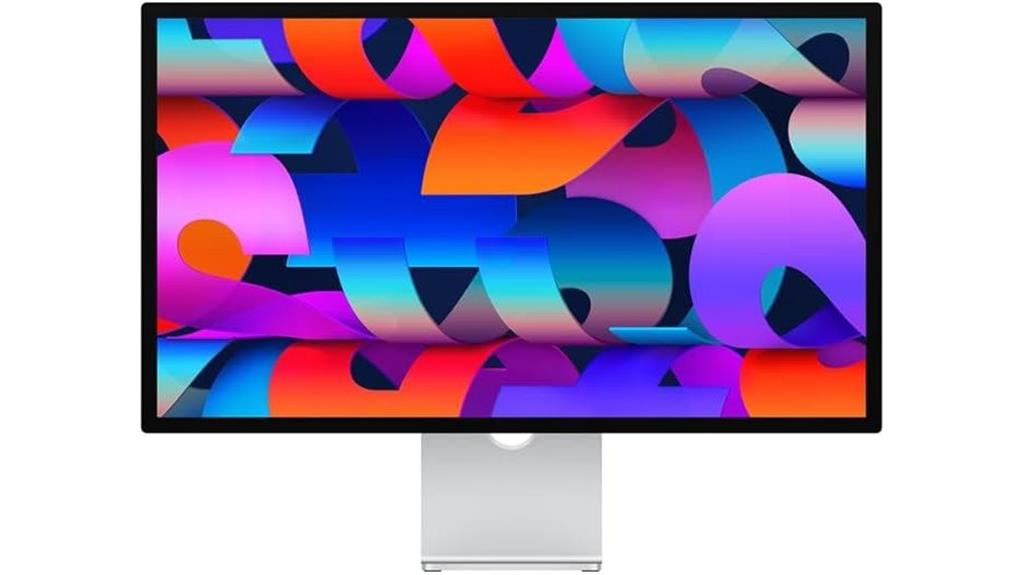
The Apple Studio Display with standard glass and a tilt-adjustable stand stands out as an excellent choice for creative professionals and power users who prioritize stunning image quality and versatile ergonomics. Its 27-inch 5K Retina display delivers vibrant visuals supported by one billion colors and P3 wide color, all at 600 nits brightness. The tilt-adjustable stand allows customization for comfortable viewing angles. It features a 12MP Ultra Wide camera with Center Stage, a studio-quality three-mic array, and a six-speaker system with Spatial Audio for immersive sound. With a single Thunderbolt 3 port, three USB-C ports, and 96W charging, it’s a sleek, functional addition to any Mac setup.
Best For: creative professionals and power users seeking a stunning 27-inch 5K Retina display with versatile ergonomics and integrated audio-visual features.
Pros:
- Vibrant 5K Retina display supporting one billion colors and P3 wide color
- Tilt-adjustable stand for personalized ergonomic positioning
- Integrated high-quality camera, microphones, and six-speaker system for immersive video and audio
Cons:
- Limited to one Thunderbolt 3 port and three USB-C ports, which may require additional hubs for multiple devices
- Premium price point may be a barrier for budget-conscious users
- Fixed stand options with only tilt adjustment, lacking height or swivel adjustments
Apple Pro Display XDR - Standard Glass
32-inch LCD display with Retina 6K resolution (6016 by 3384 pixels)
As an affiliate, we earn on qualifying purchases.
Apple Pro Display XDR – Standard Glass

For professionals seeking unparalleled image quality, the Apple Pro Display XDR – Standard Glass stands out as an excellent choice among 5K monitors for MacBook Pro in 2025. Its 32-inch Retina 6K display delivers stunning detail with a resolution of 6016×3384 pixels, enhanced by P3 wide color and 10-bit depth for vibrant, true-to-life visuals. With Extreme Dynamic Range (XDR), it offers 1000 nits sustained brightness and 1600 nits peak, along with a contrast ratio of 1,000,000:1. The monitor includes a Pro Stand, features a single Thunderbolt 3 port, and three USB-C ports, making it a powerhouse for creative professionals.
Best For: Creative professionals and designers who require the highest image quality and color accuracy for their work.
Pros:
- Stunning 6K Retina display with ultra-high resolution for detailed visuals
- Wide color gamut and 10-bit color depth ensure vibrant, true-to-life colors
- Extreme Dynamic Range (XDR) provides exceptional brightness and contrast for accurate image rendering
Cons:
- High price point may be a barrier for some users
- VESA Mount Adapter sold separately, requiring additional purchase for mounting options
- Limited connectivity options with only one Thunderbolt 3 port and three USB-C ports

Apple Studio Display - Nano-Texture Glass - VESA Mount Adapter
Immersive 27-inch 5K Retina display with 600 nits of brightness, support for one billion colors, and P3 wide...
As an affiliate, we earn on qualifying purchases.
Apple Studio Display – Nano-Texture Glass – VESA Mount Adapter
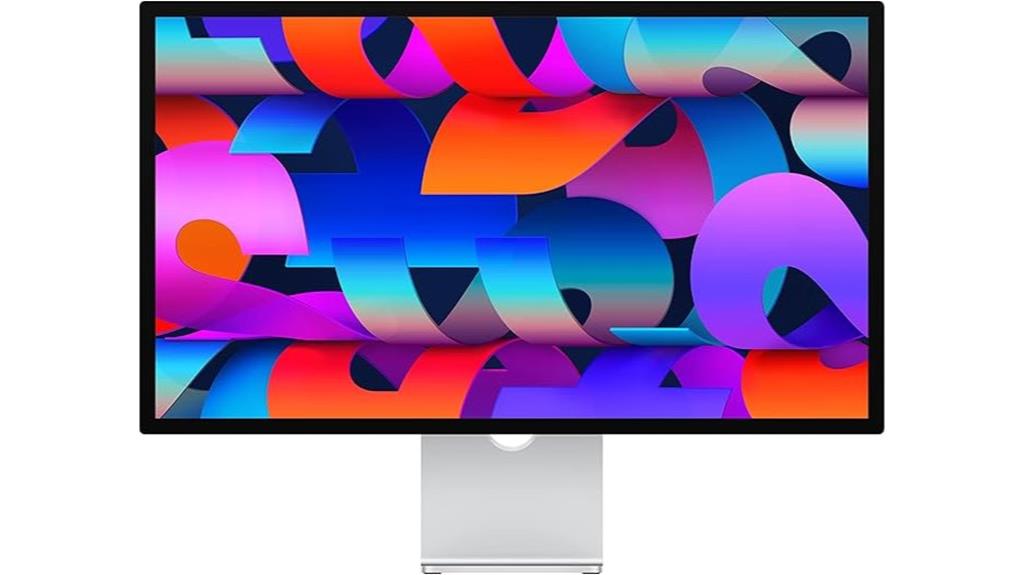
Looking for a monitor that delivers stunning visuals and seamless integration with your MacBook Pro? The Apple Studio Display with Nano-Texture Glass and VESA Mount Adapter is an excellent choice. It features a 27-inch 5K Retina display with 600 nits brightness and support for a billion colors, ensuring vibrant, detailed images. The Nano-texture Glass option reduces glare for a more natural look, while the VESA mount allows flexible setup. With a 12MP Ultra Wide camera, studio-quality microphones, and a six-speaker system with Spatial Audio, it’s perfect for video calls and content creation. Plus, the Thunderbolt 3 port and 96W power delivery make connectivity and charging effortless.
Best For: creative professionals, video conference users, and Mac users seeking a high-resolution, immersive display with seamless connectivity.
Pros:
- Stunning 5K Retina display with support for one billion colors for vibrant visuals
- Integrated studio-quality microphones and spatial audio for exceptional audio experience
- VESA mount compatibility and multiple ports—including Thunderbolt 3—for flexible setup and easy connectivity
Cons:
- Premium price point may be a barrier for some users
- Limited to Mac ecosystem, reducing compatibility with Windows or other platforms
- Nano-texture glass may require careful cleaning and maintenance to prevent smudges
Apple Studio Display with Adjustable Stand
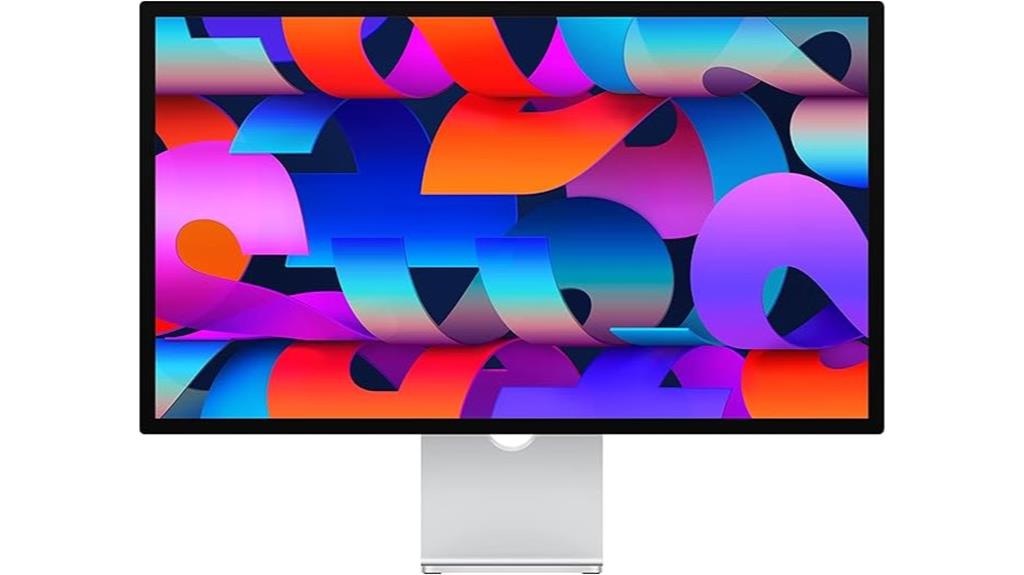
If you’re seeking a monitor that delivers stunning visuals along with versatile adjustability, the Apple Studio Display with Adjustable Stand stands out as an excellent choice for professionals and creatives. Its 27-inch 5K Retina display offers vibrant colors, support for a billion hues, and P3 wide color support, all at 600 nits brightness. The tilt- and height-adjustable stand ensures ergonomic comfort, while the Nano-texture glass option adds flexibility for different lighting conditions. With a 12MP Ultra Wide camera, studio-quality microphones, and a six-speaker system with Spatial Audio, it creates an immersive visual and audio experience. Plus, its connectivity options include Thunderbolt 3 and USB-C ports, and 96W power delivery.
Best For: professionals and creatives seeking a high-resolution, adjustable monitor with immersive visuals and audio.
Pros:
- Stunning 27-inch 5K Retina display with support for a billion colors and P3 wide color gamut
- Ergonomic tilt- and height-adjustable stand for optimal comfort
- Integrated high-quality camera, microphones, and speakers for seamless multimedia experience
Cons:
- Limited connectivity options with only one Thunderbolt 3 and three USB-C ports
- Higher price point compared to standard monitors with similar specifications
- Nano-texture glass option may require additional cleaning and maintenance
Apple Studio Display with Nano-Texture Glass and Adjustable Stand
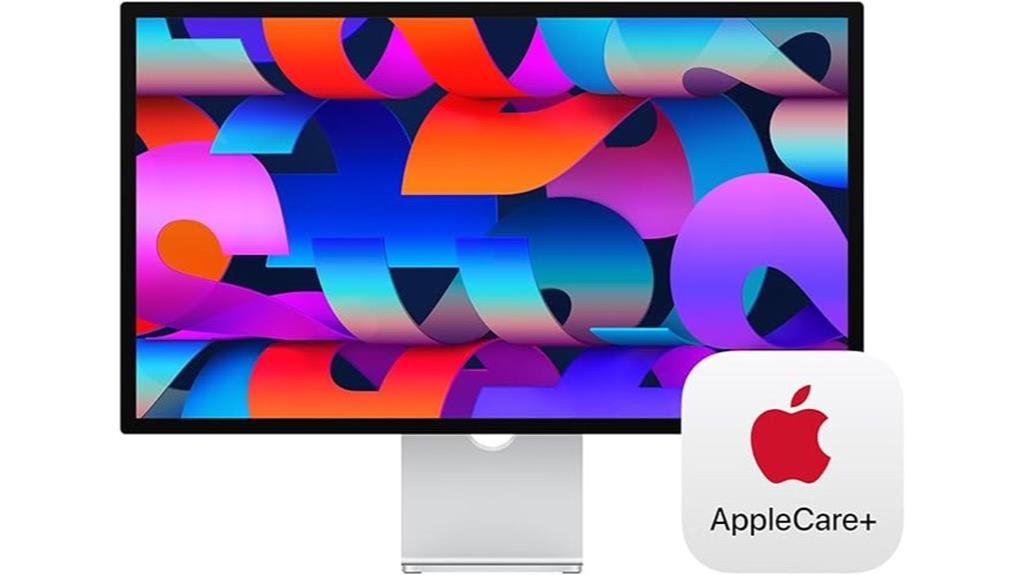
The Apple Studio Display with Nano-Texture Glass and Adjustable Stand stands out as an excellent choice for professionals who demand both stunning visuals and customizable ergonomics. Its 27-inch 5K Retina display offers vibrant support for a billion colors and P3 wide color, ensuring accurate, vivid images. The Nano-texture glass reduces glare and reflections, making it ideal for bright environments. The tilt- and height-adjustable stand lets me customize my viewing angle for comfort. With a 12MP Ultra Wide camera, studio-quality microphones, and a six-speaker system with Spatial Audio, it’s perfect for calls and media. Plus, its versatile connectivity and 96W charging make it a seamless Mac companion.
Best For: creative professionals and workspaces seeking a stunning, customizable display with excellent color accuracy, glare reduction, and seamless Mac integration.
Pros:
- Vibrant 5K Retina display supports one billion colors and P3 wide color for stunning visuals
- Nano-texture glass reduces glare and reflections, ideal for bright environments
- Adjustable stand offers personalized ergonomic comfort with tilt and height customization
Cons:
- Higher price point may be a barrier for some users
- Limited to Mac-compatible connectivity, reducing versatility with other systems
- Fixed size of 27 inches may not suit users preferring larger or smaller displays
Apple Studio Display – Standard Glass – VESA Mount Adapter
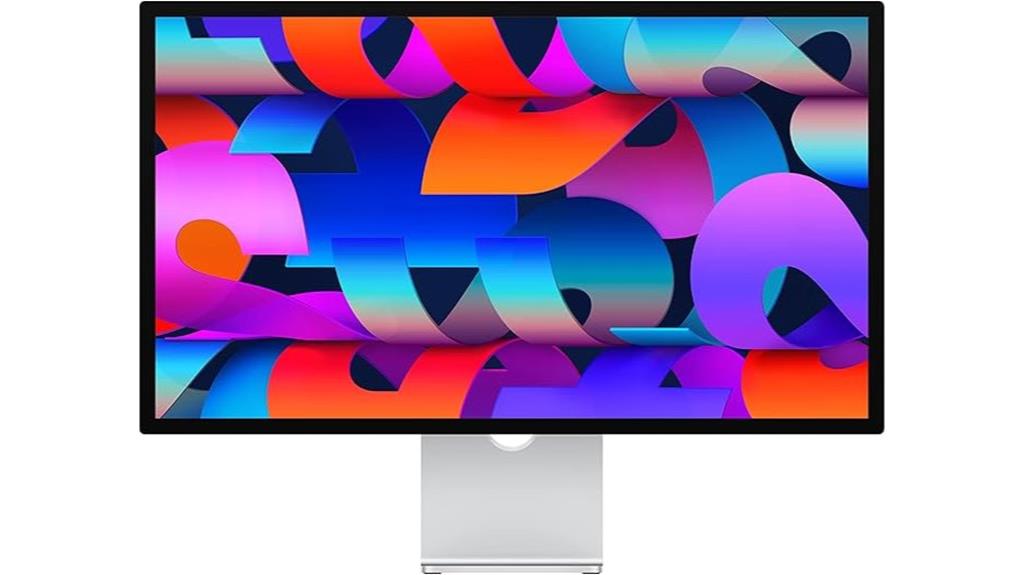
For professionals who demand stunning visuals and seamless integration with their MacBook Pro, the Apple Studio Display with Standard Glass and VESA Mount Adapter is an excellent choice. Its 27-inch 5K Retina display delivers vibrant colors with support for a billion hues and P3 wide color support, all at 600 nits brightness. The display features a 12MP Ultra Wide camera with Center Stage, a studio-quality three-mic array, and a six-speaker system with Spatial Audio, perfect for video calls and media. The VESA Mount Adapter allows flexible mounting options, while Thunderbolt 3 and USB-C ports ensure fast connectivity and 96W power delivery for your MacBook Pro.
Best For: professionals and creatives who need stunning visuals, high-quality video calls, and seamless MacBook Pro integration in their workspace.
Pros:
- Vibrant 5K Retina display with support for a billion colors and P3 wide color coverage
- High-quality camera and audio system ideal for video conferencing
- Flexible mounting options with VESA Mount Adapter and robust connectivity including Thunderbolt 3 and USB-C ports
Cons:
- Premium price point may be costly for some users
- Limited to Mac-compatible devices for full functionality
- Fixed stand options may not suit all ergonomic preferences
Apple Studio Display with Nano-Texture Glass and Adjustable Stand
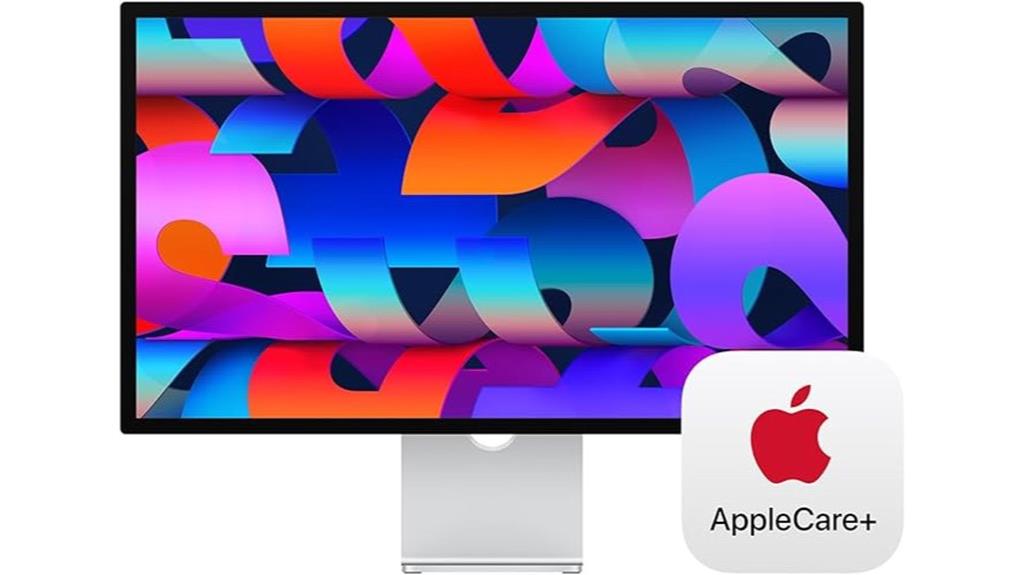
The Apple Studio Display with Nano-Texture Glass and Adjustable Stand stands out as an ideal choice for professionals who demand both stunning visuals and customizable comfort. Its 27-inch 5K Retina display delivers vibrant support for a billion colors, with 600 nits brightness for bright, accurate images. The nano-texture glass option minimizes glare, making it perfect for bright environments. The tilt-adjustable stand allows for ergonomic positioning, enhancing comfort during long work sessions. Equipped with a 12MP Ultra Wide camera, studio-quality microphones, and a six-speaker system with Spatial Audio, it offers a complete multimedia experience. Plus, the versatile ports and AppleCare+ support guarantee functionality and peace of mind.
Best For: creative professionals and power users seeking a stunning, customizable display with advanced multimedia capabilities and ergonomic flexibility.
Pros:
- Vibrant 5K Retina display with support for one billion colors and high brightness for vivid visuals
- Nano-texture glass option reduces glare, ideal for bright work environments
- Adjustable stand provides ergonomic positioning for comfortable long-term use
Cons:
- Premium price point may be prohibitive for some users
- Limited to Apple’s ecosystem, potentially restricting compatibility with non-Apple devices
- Fixed size and form factor may not suit users needing more versatile or space-efficient solutions
Factors to Consider When Choosing 5K Monitors for MacBook Pro

When choosing a 5K monitor for my MacBook Pro, I focus on key factors like resolution, size, and color accuracy to guarantee sharp images and true-to-life visuals. I also consider brightness, contrast, and connectivity options to match my workflow and workspace setup. Finally, stand and mount flexibility are important for comfort and proper ergonomic positioning.
Display Resolution and Size
Choosing the right 5K monitor for your MacBook Pro hinges on matching the display’s resolution and size to take into account your needs. A native resolution of 5120 x 2880 pixels ensures sharp images and crisp text, perfectly aligning with your MacBook’s high pixel density. As for size, most options are around 27 to 32 inches, offering a good balance between workspace and desk space. Larger screens with 5K resolution give you more room for multitasking and professional work, but they also require compatible hardware and ports like Thunderbolt 3 or 4 for seamless connection. It’s essential to consider both resolution and physical size to enhance your workflow without overwhelming your workspace or sacrificing clarity.
Color Accuracy and Gamut
Color accuracy and gamut are essential factors to contemplate because they directly impact how true-to-life your images and videos appear. A wide color gamut like P3 ensures vibrant, rich colors that match professional standards, crucial for creative work. Supporting 10-bit color depth means the monitor displays over a billion colors, reducing banding and providing smoother gradients. To gauge precision, I look at Delta E metrics; lower values mean better color matching. Monitors with reference modes allow for calibration, guaranteeing consistent and reliable color performance across different workflows. High-quality 5K displays designed for MacBook Pro typically support these professional color standards, making them ideal for editing photos, videos, and design projects. Prioritizing color accuracy and gamut guarantees your work looks as intended, every time.
Brightness and Contrast Levels
High sustained brightness levels are indispensable for vibrant visuals, especially in well-lit environments, so I look for monitors with around 1000 nits to guarantee images stay vivid and clear. A high contrast ratio, ideally at least 1,000,000:1, is essential for deep blacks and bright highlights, making images more dynamic. Peak brightness capabilities, like 1600 nits, enhance HDR content and add depth to visuals. Consistent brightness across the entire display prevents uneven lighting and maintains color accuracy from different angles. Supporting high dynamic range (HDR) standards and reference modes further optimize contrast, which is critical for professional color work. Overall, a monitor with excellent brightness and contrast levels ensures stunning visuals, whether for creative tasks or enjoying immersive media.
Connectivity Options
When selecting a 5K monitor for your MacBook Pro, ensuring compatible connectivity options is key to a smooth setup. You’ll want to look for monitors with Thunderbolt 3 or USB-C ports, as these provide seamless, direct connections and support high data transfer speeds necessary for demanding workflows. Check if the monitor supports Power Delivery (PD); this allows you to charge your MacBook Pro while using the display through a single cable, reducing clutter. It’s also important to verify the number of USB-C or Thunderbolt ports available, so you can connect multiple peripherals without hassle. Ultimately, consider whether the monitor’s ports are compatible with your MacBook Pro’s output or if you’ll need adapters or accessories. Proper connectivity ensures a streamlined, efficient workspace.
Stand and Mount Flexibility
Ever considered how your monitor’s stand and mounting options can influence your workspace comfort and flexibility? Adjustable stands are essential, allowing tilt, height, or swivel adjustments so you can find the most ergonomic position. VESA mount compatibility adds even more versatility, letting you customize your setup with different mounting arms or wall mounts. Look for monitors that support a wide range of stand configurations to match your specific preferences and workflow. Stability and build quality matter too— a wobbling or flimsy stand can disrupt your focus. Opt for stands that let you switch seamlessly between viewing angles without sacrificing stability or image quality. Prioritizing stand and mount flexibility helps create a workspace that’s both comfortable and adaptable to your changing needs.
Additional Features and Support
Choosing the right 5K monitor for your MacBook Pro goes beyond display quality; it’s crucial to evaluate the support and warranty options that protect your investment. Look for monitors that offer extensive coverage, such as AppleCare+ or similar plans, to guarantee long-term reliability. Prioritize models with accessible service options through authorized providers, onsite repairs, or dedicated technical support, especially for high-end displays. It’s also wise to select monitors with coverage for accidental damage, hardware failures, and battery issues. Check if the support services include priority access, like 24/7 helplines or dedicated Apple channels, so help is always available when needed. Making sure these support features align with your workflow guarantees smoother repairs, replacements, and ongoing assistance, making your investment more secure and hassle-free.
Frequently Asked Questions
How Do 5K Monitors Affect Macbook Pro Battery Life?
5K monitors can impact my MacBook Pro’s battery life because they demand more power to drive their high-resolution screens. When I connect a 5K display, I notice my battery drains faster, especially during intensive tasks like video editing or graphic design. To optimize battery life, I try to reduce screen brightness, close unnecessary apps, and use energy-saving settings. While 5K monitors offer stunning visuals, they do require more from my MacBook’s battery.
Are 5K Monitors Compatible With All Macbook Pro Models?
Not all MacBook Pro models support 5K monitors, but most recent ones do. I’ve found that Macs from 2016 onward with Thunderbolt 3 or later can typically handle 5K displays smoothly. It’s essential to verify your specific model’s ports and graphics capabilities before buying. Upgrading your MacBook Pro or choosing a compatible monitor ensures seamless performance, so always verify compatibility to avoid issues.
What Are the Best Connectivity Options for 5K Monitors?
The best connectivity options for 5K monitors include Thunderbolt 3 or 4 and USB-C, which support high-resolution data transfer and power delivery. I recommend using Thunderbolt ports whenever possible, as they provide faster speeds and a more stable connection. HDMI can work too, but it may require adapters and might not support full 5K resolution. Make sure your MacBook Pro has compatible ports for seamless performance.
How Does Color Accuracy Vary Among Different 5K Displays?
Color accuracy varies among 5K displays depending on their panel technology and calibration. I’ve seen some monitors deliver near-perfect sRGB and AdobeRGB coverage, ideal for professional photo editing, while others might have a more limited color gamut. Regular calibration helps improve accuracy, but always check specifications like Delta E values and color space coverage before buying. This way, you guarantee your visuals are vibrant and true to life.
Can 5K Monitors Be Used for Gaming or Only Professional Work?
Absolutely, you can use 5K monitors for gaming, but don’t expect them to turn into gaming monsters overnight. While they excel at professional work with stunning detail and color accuracy, gaming on 5K displays can be hit or miss due to higher latency and lower refresh rates compared to dedicated gaming monitors. Still, with some adjustments, they can offer a surprisingly immersive experience—perfect for casual gaming and multimedia delights.
Conclusion
So, there you have it—eight incredible 5K monitors that might just make your MacBook Pro feel like it’s finally got its perfect match. Ironically, with so many options, choosing the right one can feel overwhelming. But hey, who needs simplicity when you can have a display that’s almost too good to be true? Just remember, in the end, it’s about finding that sweet spot—because even the best tech can’t do all the work for you.