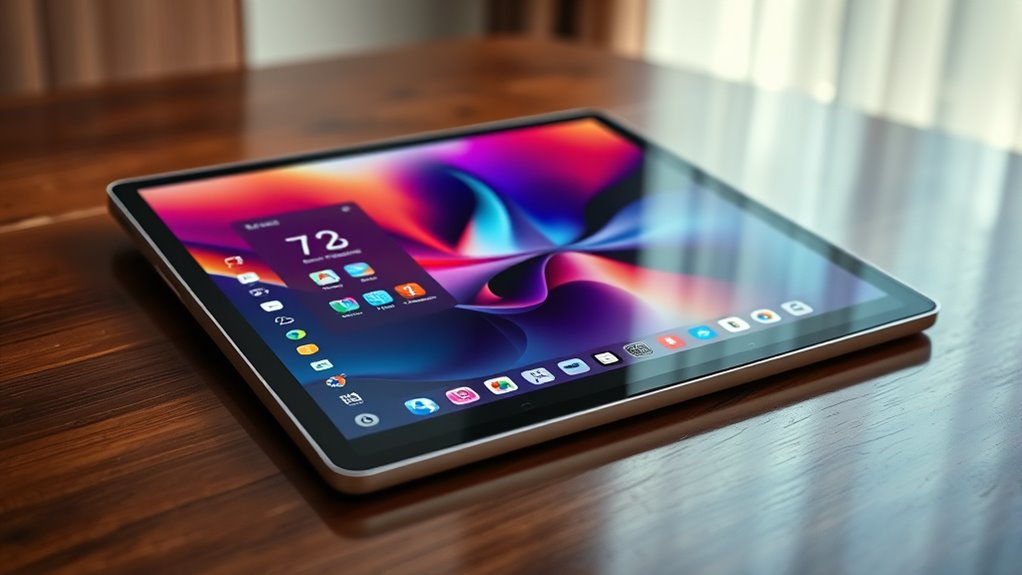

Using Stage Manager or DeX turns your tablet into a desktop-like experience, allowing you to multitask efficiently and stay organized. You can open multiple resizable app windows, switch between tasks smoothly, and arrange your workspace to suit your needs. These features help you save setups for quick access later, making your workflow more productive. With continued exploration, you’ll discover how to maximize these tools for versatile, powerful tablet use.
Key Takeaways
- Activate Stage Manager or DeX to switch your tablet to a desktop-like interface for enhanced multitasking.
- Arrange and resize multiple app windows for a customized, efficient workflow.
- Use a taskbar or dock to quickly access and switch between apps seamlessly.
- Save and restore window layouts to maintain consistent workspaces across sessions.
- Leverage desktop-style features to improve productivity for tasks like browsing, editing, and communication.
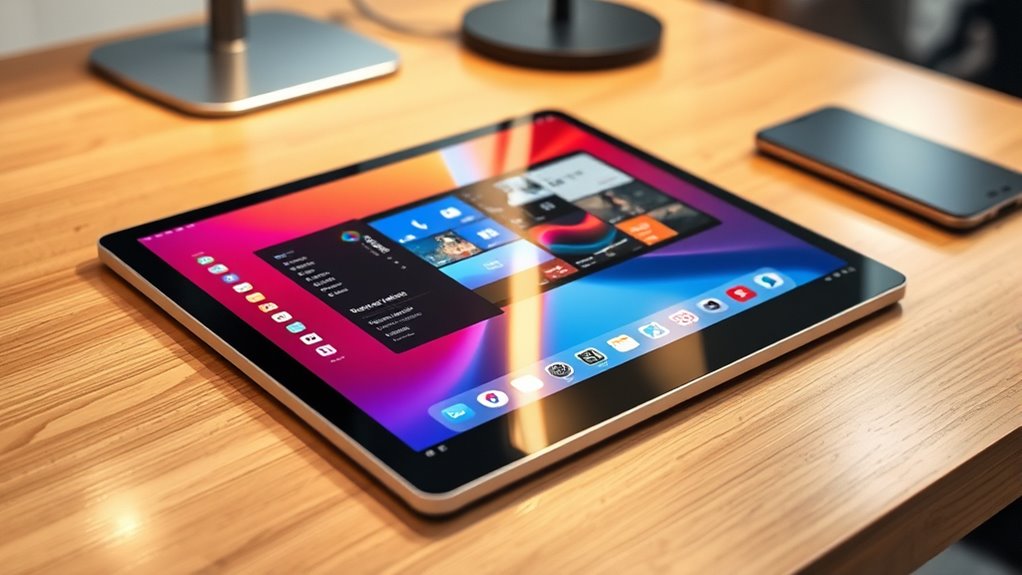
Ever wondered how to seamlessly expand your device’s capabilities? Using Stage Manager or DeX transforms your tablet into a powerful desktop-like experience, making multitasking more efficient and intuitive. These features are designed to optimize your workflow by providing a desktop-style interface, allowing you to run multiple apps simultaneously with ease. With multitasking features at your fingertips, you can switch between tasks smoothly, drag and drop content, and keep essential apps visible while working in others. This setup is perfect for anyone who needs to juggle several tasks at once or prefers a more organized, desktop-like environment on their tablet.
One of the key benefits of using Stage Manager or DeX is how they improve app organization. Instead of cluttered screens or constant app switching, these interfaces let you arrange your apps in resizable windows, similar to a traditional desktop. You can open multiple apps side by side, resize them to fit your workflow, and even group related apps together for quick access. This level of organization helps you stay focused and reduces the time spent searching for the right app or juggling between multiple screens. It creates a cohesive workspace, so you don’t have to leave your productivity zone just because you’re on a tablet.
Getting started with these features is straightforward. When you activate Stage Manager or DeX, your device automatically switches to the desktop-style layout. You’ll see your apps appear in a taskbar or dock, making it easy to launch or switch between them. You can open a spreadsheet, drag a web browser into a new window, and then open a chat app alongside it—all at once. The multitasking capabilities mean you’re not limited to a single app or a linear workflow anymore. Instead, you get a dynamic environment that adapts to your needs, whether you’re working on a presentation, browsing the internet, or managing emails. App organization is a crucial aspect of creating an efficient digital workspace.
Furthermore, these features enhance your overall app organization by allowing you to save different window configurations or workspaces. When you return later, your setup is preserved, so you can pick up right where you left off. This saves valuable time and keeps your tasks flowing smoothly. Whether you’re a student, professional, or casual user, leveraging Stage Manager or DeX turns your tablet into a versatile, desktop-like device, empowering you to work smarter, not harder. By embracing these multitasking features, you create a more organized, efficient digital environment tailored to your needs.
Frequently Asked Questions
Can I Customize Window Layouts in Stage Manager or Dex?
Yes, you can customize window layouts in Stage Manager or DeX. You’re able to arrange windows to suit your workflow, creating specific window arrangements that you can save and quickly access later. This layout customization helps you stay organized and efficient. You just need to drag and position your windows as desired, then save the layout if the option is available, so you can easily restore it whenever needed.
Are There Performance Differences Between Using Stage Manager and Dex?
You might worry about performance differences between Stage Manager and DeX, but both optimize multitasking efficiency well. Generally, the performance comparison shows minimal lag or slowdown, as both systems leverage device hardware effectively. Your choice depends more on your workflow preferences than raw power. For seamless multitasking, either option offers a smooth experience, so focus on features that enhance your productivity rather than performance concerns.
How Secure Is Data When Using Desktop Mode on Tablets?
When using desktop mode on tablets, your data remains fairly secure if you rely on cloud storage with proper data encryption. Always guarantee your cloud provider uses strong encryption protocols both during transmission and at rest. Additionally, enable device security features like screen locks and two-factor authentication. While no system is entirely foolproof, these measures considerably reduce the risk of unauthorized access to your data.
Is External Monitor Support Available for Both Modes?
Imagine you’re working on a project and want a multi-monitor setup for better productivity. Both modes support external monitor compatibility, so you can connect your tablet to an additional screen seamlessly. Whether you’re using Stage Manager or DeX, you can extend your display, making multitasking easier. This flexibility helps you stay efficient, whether for work or entertainment, by leveraging external monitors to enhance your tablet experience.
Can I Use Keyboard Shortcuts Effectively in These Desktop Modes?
Yes, you can use keyboard shortcuts effectively in these desktop modes. You’ll find keyboard navigation smooth and intuitive, making multitasking easier. Plus, most systems allow shortcut customization, so you can tailor key combos to suit your workflow. This boosts efficiency and helps you switch between apps or windows quickly. With these features, your tablet becomes a powerful, desktop-like experience, keeping you productive and in control.
Conclusion
With Stage Manager and DeX working together, you open a seamless desktop experience on your tablet. You can switch effortlessly between apps, multitask with ease, and boost your productivity on the go. Why settle for less when your device can do so much more? Embrace these features and take your tablet to the next level—it’s like having a full desktop in your pocket. Ready to transform the way you work and play?