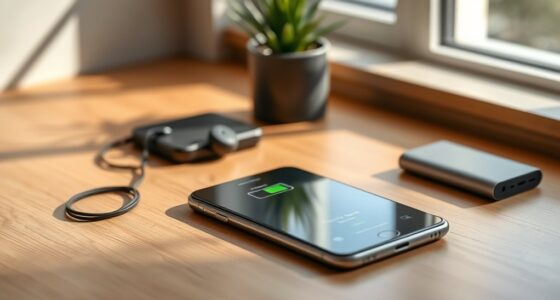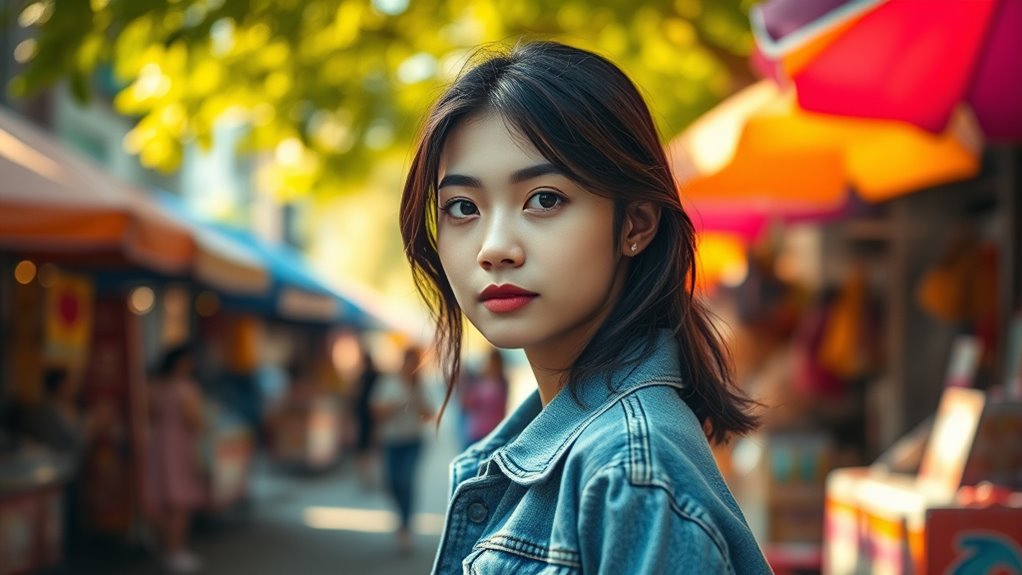

To master mobile photography and portrait mode, focus on lighting—prefer natural light during golden hour and position subjects near windows or with reflectors to soften shadows. Experiment with angles—side, front, or backlighting—to add depth and mood. Use editing tools to enhance your images subtly, adjusting brightness, contrast, and colors. Practice regularly, mixing these techniques to improve your portraits. Keep exploring, and you’ll discover more tips to elevate your mobile photography skills.

Get the latest gadgets delivered free — and shop member deals
- Fast, free delivery on millions of items
- Access to Prime Big Deal Days deals on October 6–7
- Prime Video, Amazon Music and more included
Key Takeaways
- Use natural light, especially during golden hour, and position your subject near windows or reflectors for optimal illumination.
- Experiment with different angles and lighting techniques, like side or backlighting, to add depth and mood to portraits.
- Master smartphone portrait mode by focusing properly and adjusting settings to enhance clarity and background blur.
- Edit photos carefully by adjusting brightness, contrast, and saturation to highlight features while maintaining a natural look.
- Practice regularly and explore various lighting setups to develop your style and improve overall portrait quality.
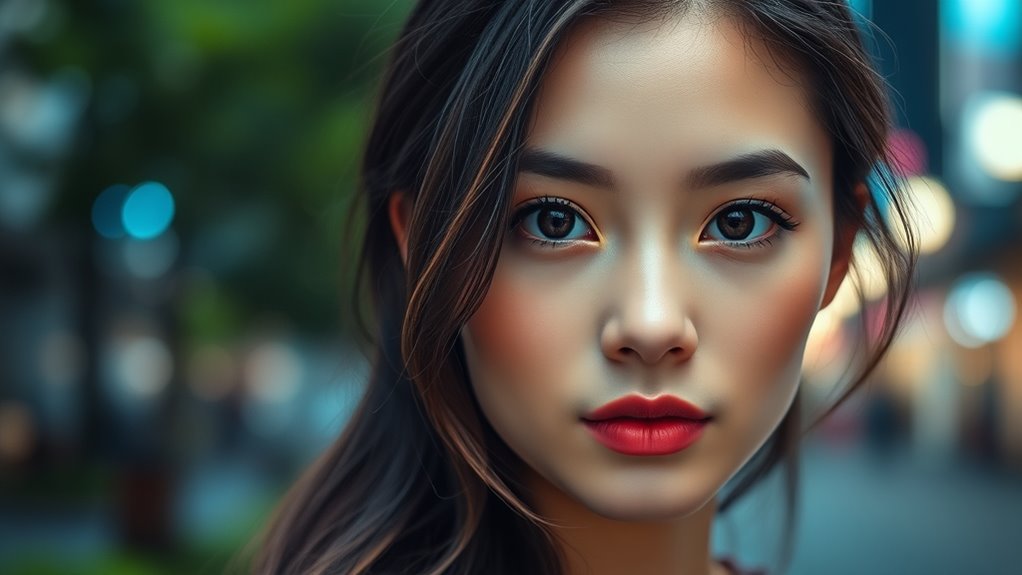
In today’s world, your smartphone is more than just a communication device—it’s a powerful tool for capturing stunning photos. With the right techniques, you can elevate your mobile photography game and produce images that look professional. One of the most important aspects to master is lighting, which can make or break your photos. Good lighting enhances details, adds mood, and creates depth. When shooting portraits, aim for natural light whenever possible, such as during the golden hour—the period shortly after sunrise or before sunset—when the light is soft and warm. If you’re indoors, position your subject near a window to take advantage of diffused daylight. Avoid harsh midday sun, which can create unflattering shadows and overexposed highlights. If natural light isn’t available, consider using your phone’s built-in flash sparingly or employing portable LED lights for softer, more controlled illumination.
Once you’ve captured your shot, editing tips become essential for refining your images. Simple adjustments like increasing contrast, tweaking brightness, and enhancing color saturation can make your portrait pop. Many smartphones come with built-in editing tools, but third-party apps offer more advanced options. When editing, don’t go overboard—aim for natural-looking enhancements that highlight your subject’s best features. Cropping is also a powerful editing tip; framing your portrait to eliminate distractions and focus on the face creates a more compelling image. Additionally, consider using filters sparingly to maintain authenticity and avoid overly stylized results unless it suits your artistic vision. Understanding lighting techniques and their effects can significantly improve your portrait quality.
Another key aspect of mobile photography is understanding lighting techniques during the shoot. Experiment with different angles to see how light interacts with your subject—side lighting can add drama, while front lighting illuminates details evenly. Backlighting can produce a beautiful glow around your subject but requires careful exposure adjustments to prevent silhouettes. When setting up a shot, think about how light falls onto the face and use reflectors or white surfaces to bounce light into shadowed areas. This helps achieve a balanced, well-lit portrait without harsh shadows or blown-out highlights.
Mastering portrait mode involves more than just pressing the shutter button. Pay attention to your lighting setup, use editing tips wisely, and experiment with various lighting techniques to discover what works best for your style. With practice, you’ll learn to harness your smartphone’s capabilities fully—creating portraits that stand out with clarity, depth, and personality.
smartphone portrait lighting kit
As an affiliate, we earn on qualifying purchases.
As an affiliate, we earn on qualifying purchases.
Frequently Asked Questions
How Do I Improve Low-Light Portrait Shots?
To improve low-light portrait shots, focus on lighting techniques like using natural light or adding a soft fill light. Adjust your camera settings by increasing the ISO slightly to boost brightness, but avoid too much noise. Use a slower shutter speed if your phone allows, and stabilize your camera to prevent blurriness. Experiment with these adjustments to capture clearer, more detailed portraits even in dim environments.
Can I Use Portrait Mode With Multiple Subjects?
Did you know that only 30% of smartphones handle multi-subject portraits well? Yes, you can try using portrait mode with multiple subjects, but be aware of its limitations. It often struggles with accurately blurring backgrounds around several people, resulting in less sharp focus and uneven effects. To improve, consider switching to manual or professional modes to better control focus points, or take multiple shots for best results.
What Accessories Enhance Mobile Portrait Photography?
You can greatly enhance your mobile portrait photography with lens attachments and lighting accessories. Lens attachments like wide-angle or macro lenses help you achieve creative effects and sharper details. Lighting accessories, such as portable LED lights or ring lights, improve illumination and reduce shadows. Using these tools, you can create professional-looking portraits with better clarity, depth, and lighting, making your photos stand out even more.
How Do I Edit Portrait Photos for Professional Results?
To edit portrait photos for professional results, start with photo editing apps like Adobe Lightroom or Snapseed. Adjust brightness, contrast, and sharpness to enhance details. Use professional retouching tools to smooth skin, remove blemishes, and refine features without overdoing it. Focus on maintaining a natural look, and consider subtle background blurring to make your subject stand out. Practice these techniques, and your portraits will look polished and professional.
Are There Privacy Concerns With Portrait Mode Features?
You might have privacy concerns with portrait mode features, especially regarding data security and privacy settings. When using these features, your camera app could collect or share images or data without your full awareness. To protect yourself, regularly check and adjust privacy settings, and use trusted apps with strong data security measures. Always be cautious about sharing sensitive images or information captured with portrait mode, especially on social platforms.
As an affiliate, we earn on qualifying purchases.
Conclusion
Now that you’ve mastered mobile photography, you’re ready to capture enchanting, crisp, and colorful creations. With confidence in your camera’s capabilities, you can craft compelling compositions that showcase your style. Practice patience, play with perspectives, and push your boundaries. Remember, with each click, you’re creating a unique visual story. So go ahead, get creative, and let your camera be your canvas — because beautiful, breathtaking photos are just a click away!
reflector for mobile photography
As an affiliate, we earn on qualifying purchases.
As an affiliate, we earn on qualifying purchases.
smartphone editing app for portraits
As an affiliate, we earn on qualifying purchases.
As an affiliate, we earn on qualifying purchases.
Fall Picks
fall essentials
As an affiliate, we earn on qualifying purchases.