If you’re choosing between Find My and Google Find My Device, you’ll notice that Find My encrypts your location data end-to-end, prioritizing privacy and only allowing you access, while Google’s service stores data on its servers, which could be used for analysis or ads. Find My is exclusive to Apple and tightly integrated with its security features, whereas Google offers more control over sharing but collects more data. Keep going to discover more differences that can help you decide.
Key Takeaways
- Find My encrypts location data end-to-end, prioritizing user privacy, while Google Find My Device stores data on Google’s servers for analysis.
- Find My is exclusive to Apple devices with tight ecosystem integration, whereas Google Find My Device supports Android with flexible sharing controls.
- Both services offer remote lock and wipe features, but Find My emphasizes security with encrypted data handling, and Google provides broader device management options.
- Find My does not share location data with third parties without permission, while Google’s platform may analyze data for targeted advertising and improvements.
- Privacy-conscious users often prefer Find My’s encryption and data protection, while others may choose Google Find My Device for its convenience and flexibility.
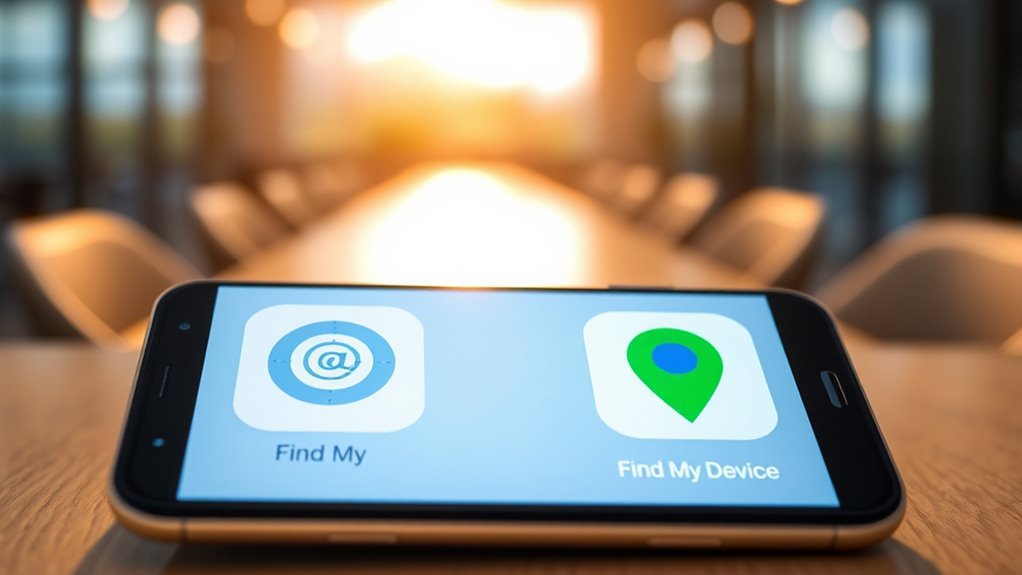
When it comes to locating your devices, two popular options stand out: Find My and Google Find My Device. Both services are designed to help you track down your gadgets if they go missing, but they approach device security and privacy concerns quite differently. Understanding these differences can help you choose the right tool and manage your privacy better.
Find My, developed by Apple, emphasizes privacy and device security. When you use Find My, your location data is encrypted end-to-end, meaning only you can access your device’s whereabouts. Apple’s ecosystem is built around privacy, so your location information isn’t shared with third parties or even Apple itself without your permission. This setup reassures users worried about privacy breaches or unauthorized access. Additionally, Find My integrates seamlessly with Apple’s security features, like two-factor authentication, ensuring that only authorized users can locate or manage your devices. Apple’s strict privacy policies and encrypted data make Find My a trusted choice for those prioritizing device security and privacy concerns.
Google Find My Device, on the other hand, offers a straightforward platform to locate Android devices. It’s tied to your Google account, which means your location data could be stored on Google’s servers. While Google provides security measures such as two-factor authentication, some users remain wary of sharing their location information due to privacy concerns. Google’s model involves collecting and possibly analyzing location data for various purposes, including targeted advertising or improving services. If privacy is a priority for you, this might raise some concerns, especially if you prefer not to have your device’s location tracked or stored in the cloud. However, Google does give you control over your device’s location sharing and allows you to wipe data remotely in case of theft or loss, adding a layer of device security.
Furthermore, the use of location data in different services underscores the importance of understanding how your information is handled and protected, especially when privacy is a major concern. Ultimately, your choice hinges on your comfort level with privacy and security. Find My’s encrypted, privacy-focused approach is ideal if you want to keep your location data as private as possible. Google Find My Device offers convenience and a more open data approach, which some users might find less appealing from a privacy standpoint but appreciate for its ease of use and integration with Android. Both services provide essential device security features, like remote locking and data wiping, but their handling of privacy concerns varies. If privacy and data security are top priorities, Apple’s Find My is likely the better fit. If you prefer a more open platform with flexible controls and don’t mind some data sharing, Google Find My Device can serve you well.
Top picks for "find google device"
Open Amazon search results for this keyword.
As an affiliate, we earn on qualifying purchases.
Frequently Asked Questions
Can Find My and Google Find My Device Track Stolen Phones?
Yes, both Find My and Google Find My Device can help you track stolen phones. You just need to make sure your device is compatible and that location sharing is enabled. Keep in mind, there are privacy concerns, so verify you have proper permissions and security settings in place. With these tools, you can locate your lost or stolen phone quickly, but always respect privacy laws when doing so.
Are Both Services Compatible With All Android and Apple Devices?
Both services offer limited device compatibility and cross-platform functionality. Find My, by Apple, only works with Apple devices like iPhones, iPads, and Macs. Google Find My Device, on the other hand, mainly supports Android devices and some Chrome OS products. If you’re using Apple, Find My is your best option; if you’re on Android, Google Find My Device fits your needs. Cross-platform support is generally minimal for either service.
Do These Services Work Without an Internet Connection?
Both services have limited offline functionality. Find My on Apple devices can locate your device when it’s nearby via Bluetooth, but requires internet for full tracking. Google Find My Device offers offline mode for nearby devices, showing their last known location, but needs internet for real-time updates. Cross-platform compatibility is limited; Find My mainly works within Apple’s ecosystem, while Google Find My Device is tailored for Android. Without internet, tracking is only partially effective.
How Secure Is My Location Data With Each Service?
While both services prioritize security, your location data’s privacy varies. Google Find My Device uses data encryption but has faced privacy concerns over data collection. Apple’s Find My encrypts your location end-to-end, making it less accessible even to Apple. If privacy is your priority, Apple offers stronger protection, but both services require trust in their data handling practices. Stay aware of how your location info is stored and shared.
Can I Use Find My and Google Find My Device Simultaneously?
Yes, you can use Find My and Google Find My Device simultaneously, but consider your privacy concerns and app compatibility. Running both apps may share your location data with two services, which could raise privacy issues. Confirm your devices support both apps and review their settings to manage data sharing. Using both can help locate devices more effectively, but always prioritize your privacy preferences and security.
Conclusion
In the end, choosing between Find My and Google Find My Device depends on your ecosystem. Did you know that over 70% of Android users also use Google services daily? That makes Google Find My Device a seamless choice for many. Both tools help you locate your devices quickly, but understanding their differences guarantees you pick the best for your needs. Stay prepared, and keep your devices safe—because losing your device can happen in a split second.