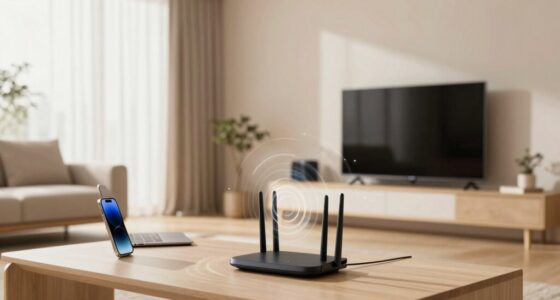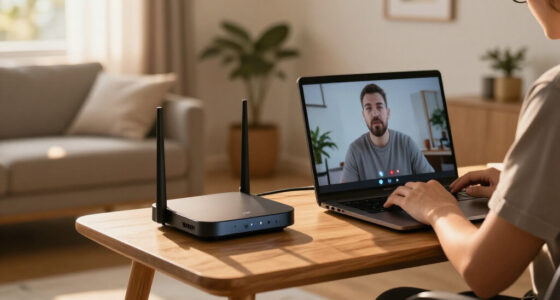

Dead zones happen when interference from devices, obstacles like walls, or poor router placement weaken your Wi-Fi signal. Modern solutions like mesh networks and signal boosters can greatly improve coverage, but only if you address interference and upgrade equipment. Positioning your router centrally and away from electronics also helps. If you keep these tips in mind, you’ll find it easier to eliminate dead zones completely—stay tuned to learn more about making your Wi-Fi unstoppable.

Get the latest gadgets delivered free with Prime
- Fast, free delivery on millions of items
- Prime Video, Amazon Music and more included
- Member-only deals all year
Key Takeaways
- Dead zones are caused by obstacles, interference, and poor router placement, but modern solutions can effectively address them.
- Upgrading to Wi-Fi mesh systems significantly reduces dead zones in large or interference-prone environments.
- Signal boosters and range extenders help, but their effectiveness depends on addressing interference sources first.
- Proper router positioning and equipment upgrades are essential for expanding coverage beyond dead zones.
- Understanding Wi-Fi frequencies and environmental factors is key to optimizing coverage and minimizing dead zones.
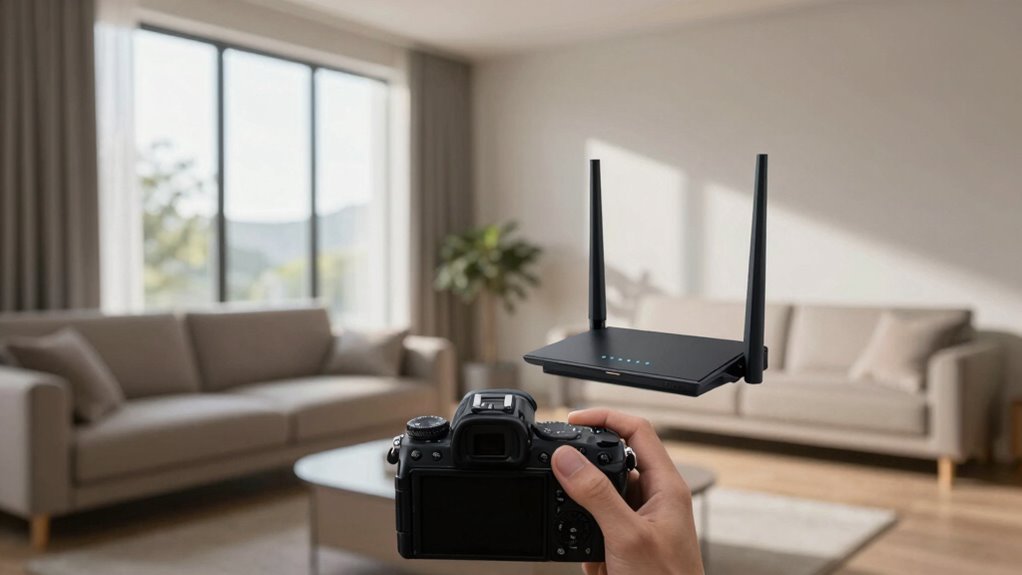
Wi-Fi dead zones can be frustrating, especially when you’re trying to stream, work, or browse without interruption. These areas of weak or no signal can disrupt your daily routines and leave you feeling helpless. One common cause behind dead zones is interference issues. Devices like cordless phones, microwave ovens, and Bluetooth gadgets often operate on the same frequency as your Wi-Fi, creating interference that weakens the signal. Thick walls, metal objects, or furniture can also block or reflect Wi-Fi signals, making it harder for your router’s reach to extend evenly across your space. Recognizing what causes these dead zones is the first step to fixing them.
Wi-Fi dead zones are caused by interference and obstacles blocking signals, disrupting your online experience.
To combat dead zones, many people turn to signal boosting. Signal boosters, or range extenders, amplify your existing Wi-Fi signal, helping it reach areas that previously had poor coverage. These devices are simple to set up and can considerably improve your network’s reach. However, they aren’t a perfect solution for every situation. Sometimes, interference issues aren’t just about distance; they’re about the quality of the signal itself. If your router is outdated or poorly placed, even a booster won’t work well. In these cases, upgrading your equipment or repositioning your router can make a big difference. Position your router in a central, open spot, away from obstacles and electronic devices that might cause interference. Understanding modern Wi-Fi technology and its features can further help you address dead zones effectively.
Modern Wi-Fi technology offers features that help mitigate dead zones. Mesh networks, for example, use multiple nodes that communicate seamlessly to create a broad, stable coverage area. Instead of relying on a single router, you get multiple access points that work together, reducing dead zones throughout your home or office. These systems are designed to combat interference issues by intelligently routing data around obstacles and interference sources. While they tend to cost more upfront, they’re often a worthwhile investment for large spaces or environments with many interference sources. Additionally, understanding Wi-Fi frequencies and how they operate can guide you in choosing the best setup for your environment. Also, being aware of extension cord standards can help you ensure your networking equipment is safely powered and protected from electrical issues that might impact performance. Keeping your network hardware well-maintained and within proper electrical standards can prevent performance issues caused by electrical interference or hazards.
In the end, understanding the root causes of dead zones—whether interference issues or poor placement—empowers you to choose the right solution. Signal boosting can help, but it’s not always the magic fix. Combining proper router placement, upgrading to modern Wi-Fi systems, and reducing interference sources will give you the most reliable, full-coverage network. Additionally, considering interference mitigation techniques can further enhance your network’s stability and coverage. With these adjustments, you can finally eliminate dead zones and enjoy a seamless online experience across your entire space.
As an affiliate, we earn on qualifying purchases.
Frequently Asked Questions
How Do Dead Zones Affect Smart Home Device Performance?
Dead zones can markedly disrupt your smart home device performance. When you experience signal interference or poor device placement, your devices may struggle to connect or function properly. To fix this, move your router to a central location and reduce obstacles like thick walls. Ensuring a strong, consistent Wi-Fi signal helps your smart devices operate smoothly and reliably, avoiding frustrating disconnects and slow responses.
Can Dead Zones Be Completely Eliminated With Current Technology?
Dead zones can’t be completely eliminated with current technology. You’ll still encounter interference sources and signal degradation that create unreachable areas. Despite advances like mesh networks and range extenders, physical barriers, electronic interference, and distance limit perfect coverage. While improvements minimize dead zones, total elimination remains elusive because signals struggle against interference sources and environmental obstacles. So, you can reduce dead zones, but not eradicate them entirely.
What Are the Environmental Factors Influencing Wi-Fi Dead Zones?
Environmental factors like radio interference and physical obstructions considerably influence Wi-Fi dead zones. Radio interference from other electronic devices or nearby networks can disrupt signal strength, creating dead zones. Physical obstructions such as walls, furniture, or metal objects block or weaken Wi-Fi signals, reducing coverage. You can improve your connection by minimizing interference sources and repositioning your router to avoid thick walls or large obstacles, ensuring a more consistent Wi-Fi experience.
Are Certain Wi-Fi Frequencies More Prone to Dead Zones?
Yes, certain Wi-Fi frequencies are more prone to dead zones. Higher frequencies, like 5 GHz, often experience more frequency interference and signal obstruction, especially through walls or obstacles. This reduces their range and makes dead zones more likely, compared to lower frequencies like 2.4 GHz, which penetrate obstacles better but may be more crowded. Your environment and obstructions influence how well each frequency performs, affecting dead zone likelihood.
How Does Wi-Fi Dead Zone Avoidance Impact Data Security?
Like a knight guarding a castle, avoiding Wi-Fi dead zones enhances your data security. When you minimize dead zones, your connection remains stable, reducing chances of signal interference that could be exploited. However, it’s crucial to guarantee strong encryption because vulnerabilities can still exist. Proper placement and consistent updates help shield against threats, preventing attackers from accessing sensitive information through weak spots or interference-related vulnerabilities.
As an affiliate, we earn on qualifying purchases.
Conclusion
Now that you know the truth about dead zones and Wi-Fi, you can tackle connectivity issues head-on. Understanding the causes helps you avoid throwing good money after bad and makes troubleshooting easier. Remember, sometimes you’ve got to look under the hood to find the real problem. Don’t let dead zones be the thorn in your side—stay proactive, keep experimenting, and soon enough, your Wi-Fi will be running like clockwork.
As an affiliate, we earn on qualifying purchases.
As an affiliate, we earn on qualifying purchases.
Halloween Picks
halloween
As an affiliate, we earn on qualifying purchases.