
📊 Full opportunity report: Build vs Buy a Prebuilt AI Workstation on ThorstenMeyerAI.com — validation score, market gap, and execution plan.

Get the latest gadgets delivered free with Prime
- Fast, free delivery on millions of items
- Prime Video, Amazon Music and more included
- Member-only deals all year
TL;DR
In 2026, the traditional cost advantage of building your own AI workstation has diminished due to component shortages and price spikes. Buyers now must consider thermal tuning, warranty, and time, making the decision more complex than before.
In 2026, the long-held belief that building a custom AI workstation is always cheaper than buying prebuilt has been challenged by recent market developments, including component shortages and price spikes. Buyers now face a more nuanced decision that involves cost, thermal management, time investment, and warranty considerations.
Component shortages and increased prices for DDR5 RAM, GPUs, and SSDs have raised the cost of DIY AI workstations, often surpassing prebuilt options. Major vendors like Lambda, Puget Systems, and BIZON now offer prebuilt systems with validated thermals, water-cooling, and extensive testing, sometimes at prices comparable or even lower than assembling parts independently.
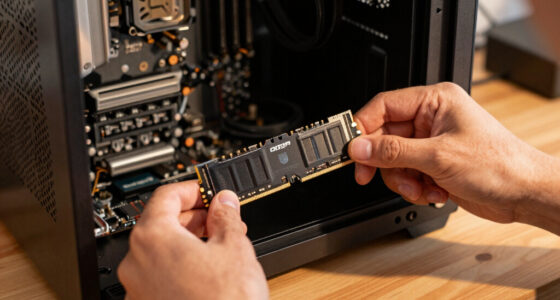
Building your own system allows for precise control over thermal tuning, fan settings, and component choices, which can be advantageous for users with time and expertise. However, it requires effort, knowledge, and ongoing maintenance. Prebuilts, on the other hand, provide plug-and-play convenience, warranty coverage, and pre-validated thermal performance, reducing the risk of throttling or hardware failure during intensive workloads.
With the current market dynamics, the decision hinges less on cost alone and more on factors such as time, thermal control, and risk management. The traditional rule of thumb—building is cheaper—no longer universally applies in 2026, making a detailed comparison essential before purchase.
Build vs buy
an AI workstation.
The real question behind this whole series: do you pull the five heat-and-noise levers yourself, or buy a prebuilt where the vendor pulled them for you? And in 2026, the old “building is cheaper” rule has broken. Match your situation in Part 3.
Why Cost and Thermal Management Are Now Equally Important
This shift impacts professionals, researchers, and hobbyists who rely on high-performance AI workstations. The increased cost of components means DIY builds may no longer be the budget-friendly option they once were, especially when factoring in thermal tuning and warranty costs. For many, the decision now involves balancing financial considerations with time, risk, and the desire for a ready-to-use, reliable system.
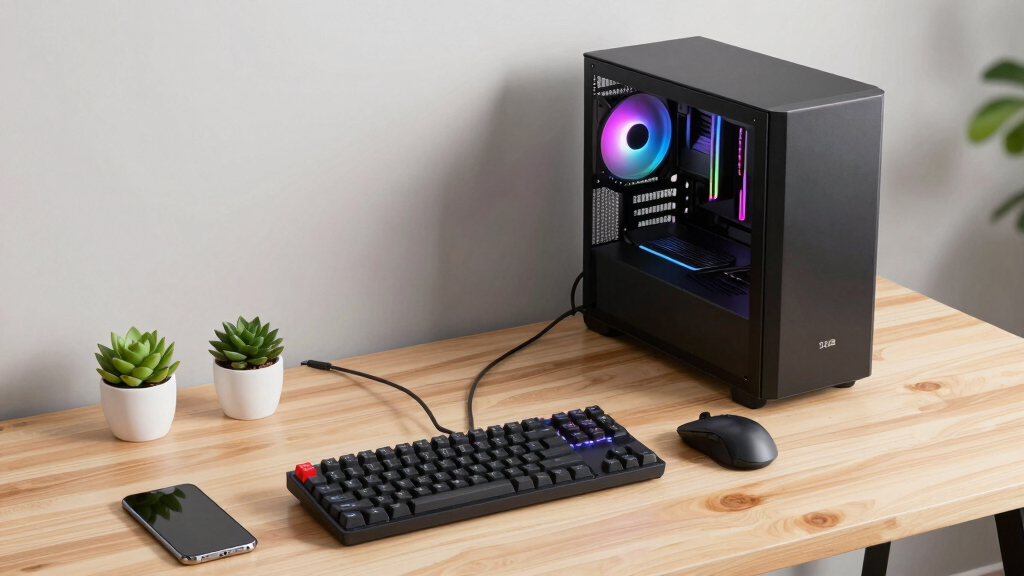
prebuilt AI workstation with water cooling
As an affiliate, we earn on qualifying purchases.
As an affiliate, we earn on qualifying purchases.
Market Changes Driving the Build vs Buy Dilemma
Historically, building a custom AI workstation was cheaper due to lower component costs and the ability to choose specific parts. However, in 2026, component shortages and high demand for GPUs, DDR5 RAM, and SSDs have driven prices upward. Prebuilt vendors, who purchase in bulk and perform extensive testing, can often offer systems at competitive prices, blurring the traditional build vs buy cost advantage. This market shift is compounded by the need for thermal validation and noise management, which many prebuilt systems now optimize through factory tuning and water-cooling solutions.
"The old rule that building is always cheaper no longer holds in 2026. Buyers need to compare actual prices and consider thermal validation and warranty services."
— Thorsten Meyer, AI hardware expert
As an affiliate, we earn on qualifying purchases.
Uncertainties in Market Pricing and Long-Term Support
It remains unclear how ongoing supply chain disruptions and component shortages will evolve throughout 2026. The long-term availability and pricing stability of high-end GPUs and memory modules are still uncertain, which could further influence the build-vs-buy decision. Additionally, the durability and support quality of prebuilt systems under extended workloads are still being evaluated as more users report their experiences.
high performance GPU for AI workstations
As an affiliate, we earn on qualifying purchases.
As an affiliate, we earn on qualifying purchases.
Next Steps for Buyers and Builders in 2026
Consumers should now carefully price both options based on their specific configurations, factoring in component costs, thermal management needs, and warranty services. As the market stabilizes or shifts, ongoing evaluation of vendor offerings and component prices will be essential. For those who prefer convenience and risk mitigation, prebuilt systems with validated thermals and support are increasingly attractive. Hobbyists and experts who value control and customization may continue to build but should anticipate higher costs and more complex thermal tuning.
As an affiliate, we earn on qualifying purchases.
Key Questions
Is building a DIY AI workstation still cheaper in 2026?
Not necessarily. Due to component shortages and price increases, the cost of DIY builds often matches or exceeds prebuilt systems, especially when factoring in thermal tuning and warranty costs.
What are the main advantages of prebuilt AI workstations in 2026?
Prebuilts offer plug-and-play convenience, validated thermals, extensive testing, warranty coverage, and expert support, reducing setup time and risk of hardware issues during intensive workloads.
Should I prioritize thermal management or cost in my decision?
Both are important. Prebuilt systems often come with optimized thermal solutions, while DIY builds allow for customized tuning. Consider your technical skill, budget, and workload demands.
How do ongoing component shortages affect future upgrades?
Component shortages may limit upgrade options or increase costs for high-end parts, making initial purchase decisions more critical for future scalability.
What should hobbyists consider when building their own AI workstation?
They should weigh their time investment, thermal expertise, and desire for customization against potential cost savings, especially given current market volatility.
Source: ThorstenMeyerAI.com
Halloween Picks
halloween
As an affiliate, we earn on qualifying purchases.