
Proper desk ergonomics quietly improves your tech use by helping you maintain better posture and reducing strain. When you keep your monitor at eye level and support your lower back, you decrease discomfort and prevent long-term aches. Using wrist supports and adjusting your workspace minimizes fatigue and avoids issues like carpal tunnel. Small tweaks and regular breaks keep you comfortable and productive. Keep exploring, and you’ll discover simple ways to make your tech sessions even more comfortable.

Get the latest gadgets delivered free with Prime
- Fast, free delivery on millions of items
- Prime Video, Amazon Music and more included
- Member-only deals all year
Key Takeaways
- Proper desk ergonomics ensures devices are positioned to minimize neck and eye strain during tech use.
- Adjustable furniture allows personalized setups, promoting better posture and reducing fatigue.
- Correct keyboard, mouse placement, and wrist support prevent repetitive strain injuries.
- Regular breaks and proper device maintenance support sustained ergonomic comfort.
- Small adjustments and ergonomic accessories enhance overall efficiency and reduce long-term discomfort.

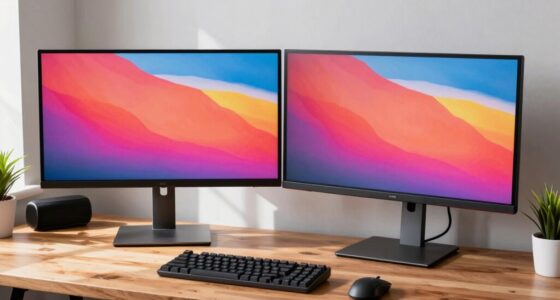
Maintaining good desk ergonomics is essential when using technology, especially as more people spend hours working on computers or mobile devices. When you focus on proper ergonomics, you’re setting yourself up for better posture alignment, which directly impacts comfort and productivity. A proper desk setup ensures your body remains in a neutral position, reducing strain on your neck, shoulders, and back. When your monitor is at eye level and your chair supports your lower back, you naturally maintain a healthier posture. This alignment not only prevents discomfort but also helps you stay focused and efficient for longer periods. Over time, consistent posture alignment minimizes the risk of developing chronic aches and repetitive strain injuries.
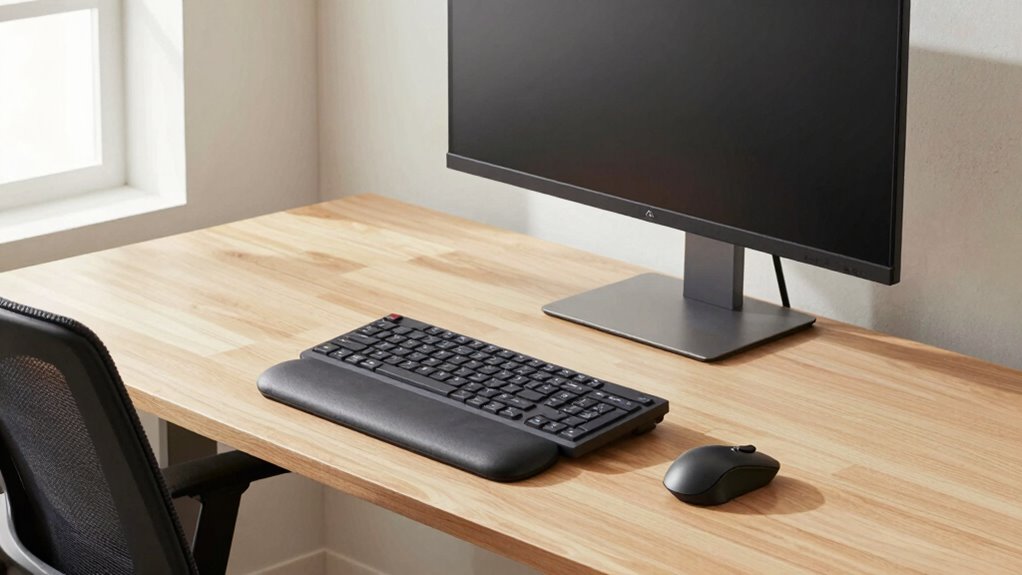
Another key aspect of ergonomic comfort is wrist support. When you’re typing or scrolling on your devices, your wrists should remain in a neutral position, not bent upwards or downwards. Investing in wrist supports or ensuring your keyboard and mouse are positioned correctly helps you avoid unnecessary stress on your tendons and nerves. Proper wrist support allows you to work longer without discomfort and reduces the likelihood of conditions like carpal tunnel syndrome. When your wrists are supported, your overall hand and arm fatigue diminish, making your tech use more comfortable and sustainable. Additionally, selecting body jewelry that fits properly can prevent irritation or discomfort if worn during extended periods of device use.
You might not notice it at first, but small adjustments to your desk setup can make a big difference. For example, aligning your monitor directly in front of you prevents you from twisting or craning your neck, which helps keep your posture aligned. When your wrists are comfortably supported, you naturally adopt a more relaxed typing position, reducing tension in your hands and forearms. Ergonomic accessories like adjustable keyboard trays and ergonomic mice can facilitate these improvements, providing support exactly where you need it. These changes might seem minor, but they create an environment where your body can function at its best, reducing fatigue and preventing injury. Incorporating proper charger settings and ensuring your devices are maintained can also contribute to a more seamless ergonomic experience, especially when managing battery health over time. Additionally, understanding proper workspace setup can further optimize comfort and efficiency. Paying attention to adjustable furniture can help you customize your environment to better suit your needs, enhancing both comfort and productivity. Being mindful of regular breaks is also vital, as it allows your muscles to relax and reduces strain from prolonged static positions.
ergonomic monitor stand adjustable
As an affiliate, we earn on qualifying purchases.
As an affiliate, we earn on qualifying purchases.
Frequently Asked Questions
How Often Should I Adjust My Ergonomic Desk Setup?
You should adjust your ergonomic workspace customization at least once a month or whenever you notice discomfort. Regular ergonomic adjustment frequency helps prevent strain and keeps your setup comfortable. Pay attention to how you feel during the day—if your neck, shoulders, or wrists ache, it’s time to tweak your chair height, monitor position, or keyboard angle. Consistent adjustments guarantee your workspace supports good posture and ideal tech use.
What Are Common Mistakes in Desk Ergonomics?
You might be making mistakes like neglecting posture awareness or poor equipment placement. Imagine slouching forward, neck craned as your monitor sits too low, straining your eyes and back. Keep your posture aware by sitting upright with feet flat, and make sure your keyboard and mouse are positioned so your arms stay relaxed. Avoid these pitfalls, and you’ll create a healthier workspace that supports comfort and productivity.
Can Ergonomic Accessories Improve Focus and Productivity?
Yes, ergonomic accessories can boost your focus and productivity. By supporting posture correction, they help reduce discomfort and fatigue, keeping you alert longer. Ensuring accessory compatibility with your workspace allows for seamless adjustments, creating a comfortable environment. When your setup promotes proper alignment, you’re less distracted by discomfort, enabling you to stay concentrated on tasks. Ultimately, ergonomic accessories are a smart investment in your work efficiency.
How Do Ergonomic Principles Vary for Different Work Tasks?
You adapt ergonomic principles with posture variations and task-specific setups based on your work. For detailed tasks like typing, guarantee your keyboard and mouse are aligned to prevent strain, while for reading or viewing, adjust your monitor height for comfort. Incorporate posture variations, such as changing positions periodically, to reduce fatigue. Tailoring your workspace for each task helps maintain comfort, boost productivity, and prevent injury.
What Signs Indicate My Workspace Is Ergonomically Incorrect?
Think of your workspace as a ship’s deck. If your posture correction isn’t in check, you’ll notice discomfort, like a leaning mast or unstable deck. Signs include neck pain, sore shoulders, or wrist strain. Your chair adjustments matter—if your chair isn’t supporting your back or your feet don’t touch the floor, it’s time to fix it. Stay alert for these signs to keep your workspace shipshape and ergonomic!
wrist support for keyboard and mouse
As an affiliate, we earn on qualifying purchases.
As an affiliate, we earn on qualifying purchases.
Conclusion
By adjusting your desk ergonomics, you not only promote comfort but also prevent strain, boost productivity, and enhance focus. When you prioritize proper posture, you protect your health; when you maintain an organized workspace, you streamline your tasks; and when you stay mindful of ergonomics, you create a sustainable work routine. Embrace these small changes, and you’ll experience greater well-being, increased efficiency, and a more comfortable tech use — all without even noticing the difference.
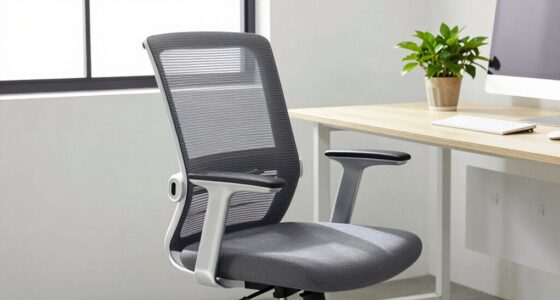
ergonomic office chair with lumbar support
As an affiliate, we earn on qualifying purchases.
As an affiliate, we earn on qualifying purchases.
As an affiliate, we earn on qualifying purchases.
Halloween Picks
halloween
As an affiliate, we earn on qualifying purchases.