
TL;DR

Get the latest gadgets delivered free with Prime
- Fast, free delivery on millions of items
- Prime Video, Amazon Music and more included
- Member-only deals all year
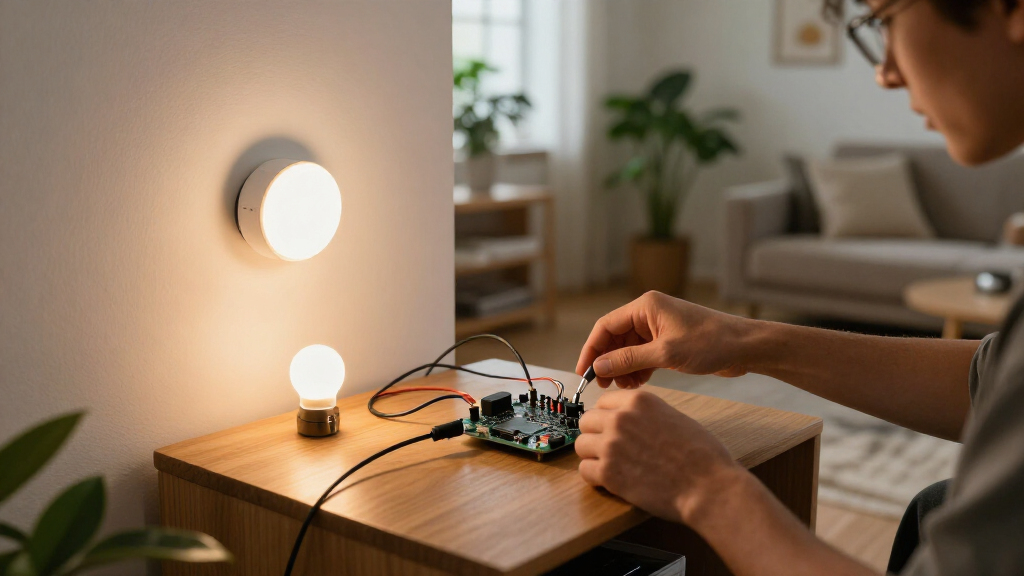
An XDA Developers report published Oct. 26 describes using the ESP32-C6 for smart-home builds that may need Wi-Fi, Zigbee or Thread. The chip includes Wi-Fi, Bluetooth Low Energy and a 2.4GHz radio for Zigbee and Thread, but project compatibility and performance still depend on firmware and the task.
XDA Developers reported Oct. 26 that the ESP32-C6 is a practical option for DIY smart-home projects because it combines Wi-Fi, Bluetooth Low Energy, Zigbee and Thread support on one chip. The board can reduce the need to combine separate development boards or radio hardware, although the article’s claims about cost and compatibility are based on the author’s experience rather than a formal product comparison.
The ESP32-C6 combines a 2.4GHz Wi-Fi radio and Bluetooth Low Energy with an IEEE 802.15.4 radio, which supports Zigbee and Thread. According to XDA’s account, that gives builders a route to connect a project to Wi-Fi or use it with a compatible Zigbee or Thread mesh without adding a separate radio module or wiring one to a GPIO pin. The article frames the chip as useful when a project’s network requirements may change over time.
The author describes using an ESP32-S3 board with ESPHome to map Wi-Fi dead spots and send information to Home Assistant. That setup worked over Wi-Fi, but it did not provide a built-in way to join a Zigbee or Thread network. For a separate DIY Thread project, the author says they used a spare Raspberry Pi 4 as a border router. With the C6, the author says a sensor can run on the board and join a supported mesh directly, avoiding that additional layer for the sensor itself.
The report also says ESPHome and Zigbee2MQTT support the C6, and describes basic development boards as costing around $6. That price is an approximate figure in the source, not a universal retail price; it can vary by board model and seller. The author recommends the C6 for sensors, switches and small automation nodes, while saying the ESP32-S3 may be a better choice for more demanding processing tasks.
Smart Home Hardware · Field Guide
One Board,
Two Protocols
The ESP32-C6 combines Wi-Fi, Bluetooth Low Energy and a 2.4 GHz radio for Zigbee and Thread. It can give makers more network options on one board, while firmware, compatibility and project demands still shape what works.
01 / The radio mix
More network options, one chip
The C6’s combination can reduce extra radio hardware in a prototype. Actual protocol use depends on the board, firmware and configuration.
2.4 GHz Wi-Fi
Useful for connected projects such as ESPHome sensors and small automation nodes that communicate over a home Wi-Fi network.
Bluetooth Low Energy
Bluetooth Low Energy is also included, adding another wireless option for compatible devices and development workflows.
Zigbee + Thread
An IEEE 802.15.4 radio provides the hardware basis for Zigbee and Thread. Suitable software and network infrastructure are still required.
02 / Why it matters
From Wi-Fi boards to mesh
The report contrasts a Wi-Fi-only project path with a board that can join a supported mesh directly as a device.
Earlier setup
The author used an ESP32-S3 with ESPHome to map Wi-Fi dead spots and send information to Home Assistant. A separate Thread project used a Raspberry Pi 4 as a border router.
With an ESP32-C6
A sensor can use the board’s 802.15.4 radio to join a compatible Zigbee or Thread mesh, potentially avoiding a separate radio module for that sensor.
Think of the C6 as a flexible device starting point. It does not automatically replace a Thread border router or every other part of a smart-home network.
03 / A maker’s decision path
Check before you build
Match the exact board and software to the network role, then check the needs of the complete setup.
Choose the role
Sensor, switch or small automation node are the report’s suggested C6 use cases.
Verify support
Confirm the exact development board and firmware support your chosen protocol.
Check the network
See whether the setup needs infrastructure such as a Thread border router.
Test the build
Measure real-world power use for battery projects and test performance for the intended task.
04 / Fit and limits
Useful flexibility, with caveats
The article presents hands-on experience. It does not establish universal compatibility or compare performance under controlled conditions.
Firmware varies
ESPHome, Zigbee2MQTT, Matter and Home Assistant support can depend on board design, software version and configuration.
Price is approximate
The report mentions basic boards around $6. It names no seller or location, and prices vary by model and availability.
Battery life is unquantified
No power or battery-life measurements are provided. Radio use, firmware and usage patterns can affect consumption.
Processing needs differ
The author favors the ESP32-S3 for more demanding processing tasks and the C6 for smaller nodes. No benchmark results are included.
05 / Key questions
What the report says
Use these answers as a starting point, then confirm support for your board and software versions.
Which wireless protocols are described?
2.4 GHz Wi-Fi, Bluetooth Low Energy, Zigbee and Thread. Zigbee and Thread use the 802.15.4 radio, with suitable firmware and configuration.
Does it replace a Thread border router?
Not by itself. The report discusses a device joining a Thread mesh; it does not claim every C6 board can serve as a border router.
Can it work with Home Assistant?
The author describes using the C6 with ESPHome and Zigbee2MQTT in Home Assistant projects. Verify current board and software compatibility.
Is it more powerful than the ESP32-S3?
The source gives no benchmark. The author prefers the S3 for heavier processing and the C6 for smaller smart-home nodes.
The ESP32-C6 can make early hardware choices less restrictive when a project may move between Wi-Fi and a supported mesh. Treat compatibility, network infrastructure and power use as project-specific checks.
One Board, More Network Options
For makers building smart-home devices, supporting multiple wireless standards on one board can make early hardware choices less restrictive. A sensor might start as a Wi-Fi-connected ESPHome project and later be adapted to a Zigbee or Thread setup if its firmware and other requirements allow. That can reduce the need to buy a different board solely because a project’s network role changes.
The approach may also simplify prototypes: fewer separate boards can mean less wiring and fewer components to configure. But it does not mean one C6 automatically replaces every part of a smart-home system. Thread border-router functionality, Home Assistant integration, firmware support and the demands of a particular project still matter. The report’s practical value is in showing the C6 as a flexible starting point, not as a guaranteed substitute for all networking hardware.
Products Worth Considering

Sonos Era 100 Wireless Smart Speaker, Black

Apple iPad Air (4th Generation, 10.9-inch, Wi-Fi, 256GB) – Space Gray

Bose QuietComfort Wireless Noise-Cancelling Over-Ear Headphones, Black
As an affiliate, we earn on qualifying purchases.
From Wi-Fi Boards to Mesh
The article contrasts the C6 with the author’s earlier practice of using standard ESP32 or ESP32-S3 boards for projects that only needed Wi-Fi, then adding separate equipment when a device needed to join a mesh. The author says this meant checking available parts before starting and, in one Thread project, setting up a Raspberry Pi 4 as a border router.
The C6’s 802.15.4 radio is the hardware basis for its Zigbee and Thread capabilities. The source also connects this flexibility to Matter, describing the C6 as a possible starting point for Matter projects. That should not be read as a claim that the chip alone makes a complete Matter device: implementation depends on suitable software, device design and network infrastructure. The author’s account is an experience-based guide, not a benchmark or an independent compatibility audit.
Firmware and Project Limits
The report does not provide controlled tests, a full list of supported board variants, or a detailed account of firmware setup for each protocol. It also does not establish that every C6 development board will work identically with every version of ESPHome, Zigbee2MQTT, Matter or Home Assistant. Compatibility can depend on board design, firmware versions and configuration.
The approximate $6 price is not tied to a named seller, location or purchase date, so current availability and pricing are unclear. The article also does not quantify power consumption or battery life. Those factors are important for small battery-powered sensor nodes, and performance may vary with the radio, firmware and use pattern.
Check Support Before Building
Anyone considering a C6 project should confirm that the exact development board and intended firmware support the required protocol, then check whether their smart-home setup needs additional infrastructure such as a Thread border router. For battery-powered builds, test real-world power use before settling on a design. The article does not announce a new product or a scheduled software release; its practical next step is for builders to match the C6’s capabilities to the demands of their specific project.
Key Questions
What wireless protocols does the ESP32-C6 support?
The source describes support for 2.4GHz Wi-Fi, Bluetooth Low Energy, Zigbee and Thread. Zigbee and Thread use the chip’s 802.15.4 radio; actual use depends on suitable firmware and configuration.
Does an ESP32-C6 replace a Thread border router?
Not automatically. The article says the C6 can let a device join a Thread mesh, but it does not claim that every C6 board can serve as a border router for the wider network. Check the requirements of the chosen firmware and smart-home setup.
Can the C6 work with Home Assistant?
The XDA report says the author uses the C6 with ESPHome and Zigbee2MQTT in Home Assistant projects. Support may depend on the board and software versions, so verify compatibility before building.
Is the ESP32-C6 more powerful than the ESP32-S3?
The source does not provide benchmark results. The author says they would choose an ESP32-S3 for more processing-intensive tasks, while recommending the C6 for smaller smart-home nodes such as sensors and switches.
Source: XDA Developers